Template details
Gesko
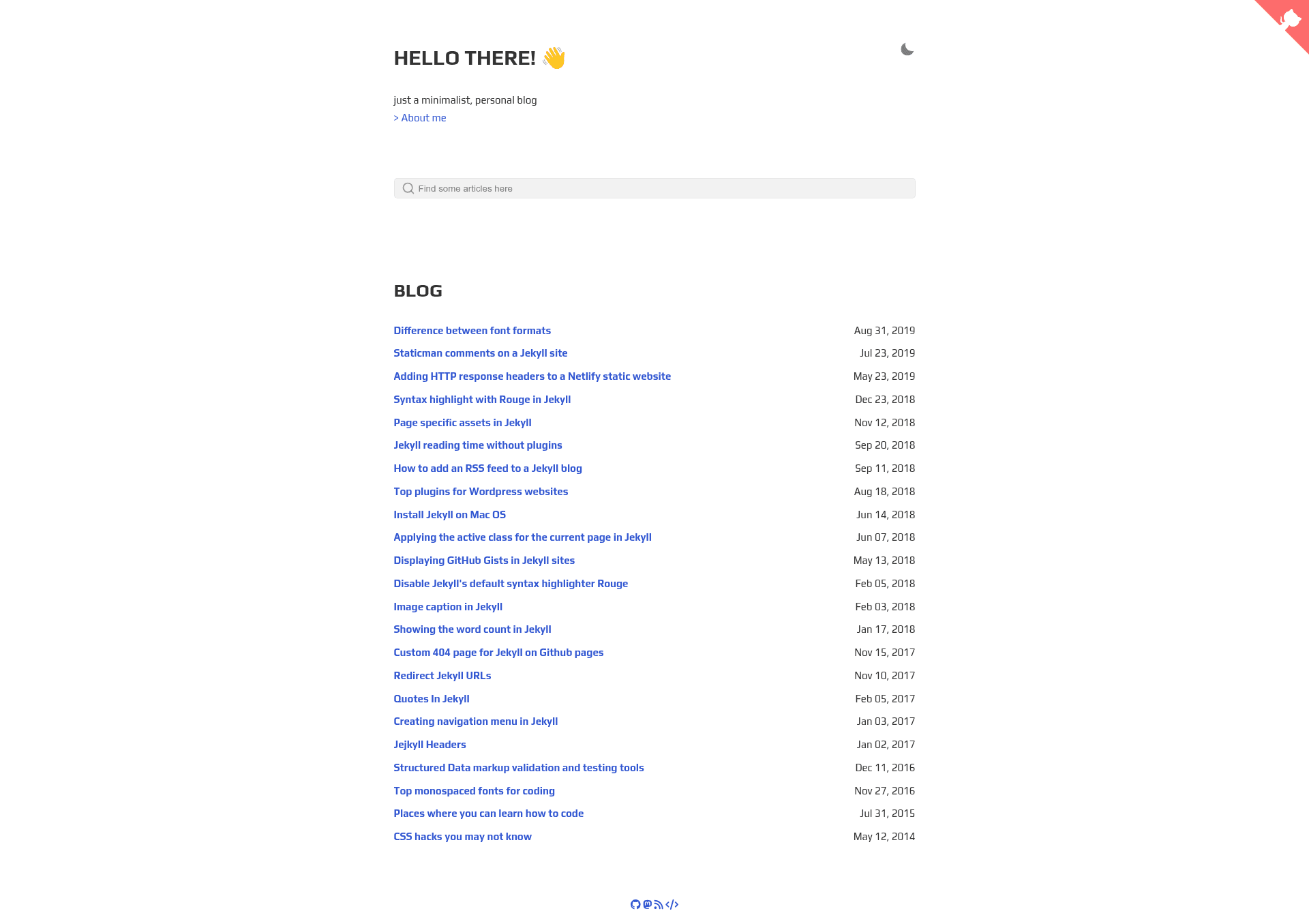
Gesko is a simple and minimalistic jekyll blogging theme.
About this template
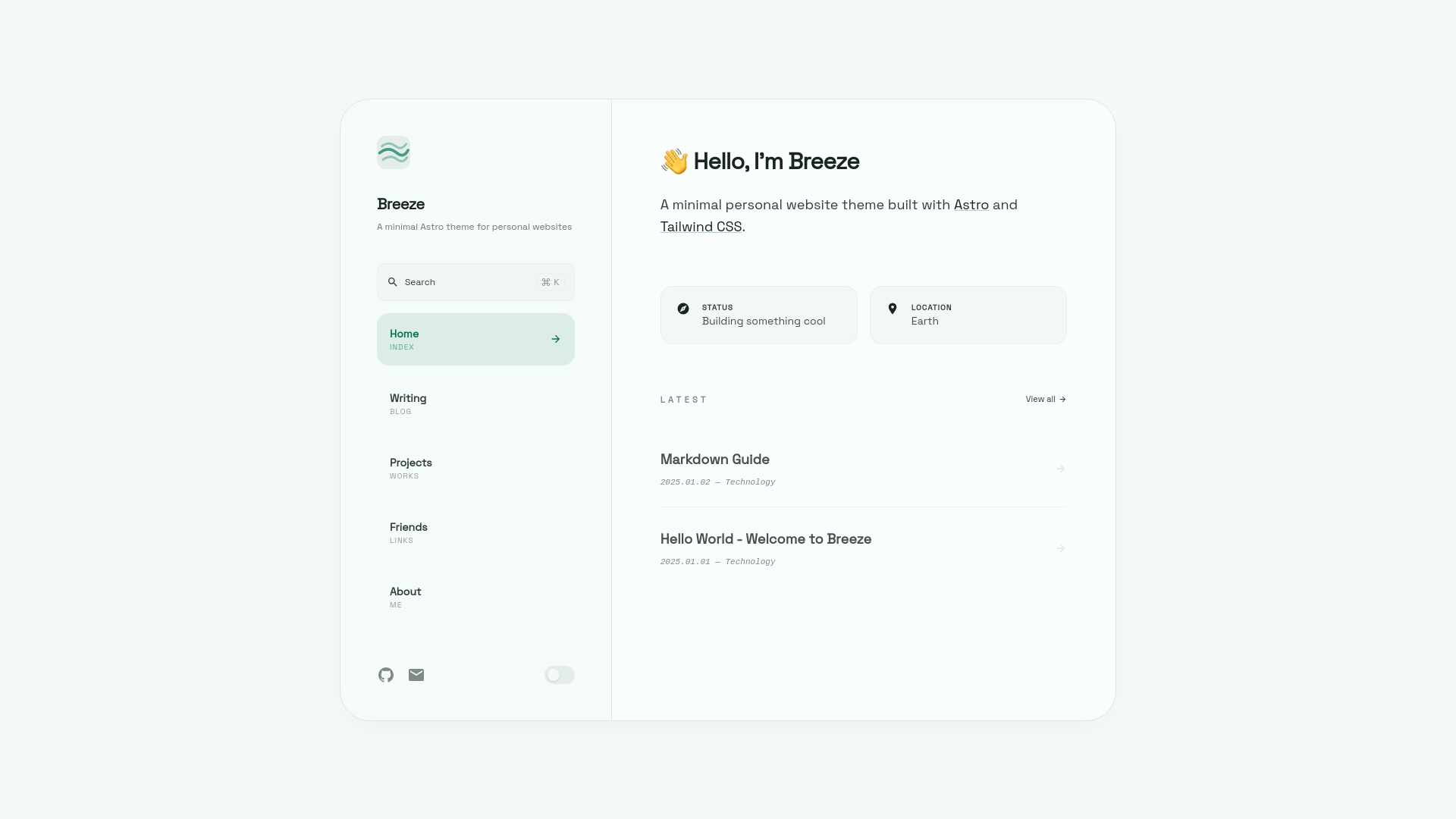
Gesko is a minimal, responsive Jekyll blog theme that ships with dark/light theme switching, inline CSS, tag pages, and Atom/JSON feeds, forked from Asko and originally based on Sidey.
What is Gesko?
Gesko is a simple and minimalistic Jekyll blogging theme designed for static site generation. It takes Markdown posts and Liquid templates as input and outputs a fully styled static website with tag archives, an about page with a timeline, and built-in feeds. The theme runs on Jekyll, has no database, and can be deployed directly to GitHub Pages. It is authored by DavideBri and distributed under the MIT License.
Key Features
- Responsive design — layouts adapt to mobile, tablet, and desktop viewports.
- Dark/light theme — visitors can toggle between light and dark modes via a built-in switcher.
- Inline CSS — the theme inlines critical CSS for faster first paint.
- Tag & tag pages — posts can be categorized, and each tag gets a dedicated archive page generated from a simple folder structure.
- Atom & JSON feeds — subscribers can follow the blog via standard feed formats.
- Search bar — a client-side search box filters posts without requiring a backend.
- Reading time estimation — shows estimated reading time per post, either automatic or manually set in front matter.
- Optional Disqus comments — Disqus integration can be enabled per site configuration.
- Sass styling — stylesheets are written in Sass and compiled by Jekyll.
- PageSpeed & w3Validator tests passed — the theme claims compliance with PageSpeed Insights and W3C validation in its README.
- Next/Previous post navigation — posts are linked in sequence for easy browsing.
- 404 page, robots.txt, and anchor headings — standard blog utilities are included out of the box.
Who is it for?
Gesko is aimed at bloggers and developers who want a clean, fast, no-JavaScript-heavy blog. It suits:
- Personal bloggers — publish posts with a minimal, readable layout and automatic feeds.
- Jekyll developers — extend or customize the Liquid/Sass theme structure with familiar tooling.
- GitHub Pages users — host the blog for free on a user or project site without extra build configuration.
- Web performance enthusiasts — benefit from inline CSS and the claimed PageSpeed test pass.
What can you do with Gesko?
- Writers: create a distraction-free personal blog with tags and estimated reading time to improve reader experience.
- Developers: set up a project changelog or technical blog with code-friendly typography and a built-in search bar.
- Designers: customize the color scheme and layout using Sass variables while keeping the responsive framework.
- Feed subscribers: get Atom and JSON feeds for syndication of new content.
How does Gesko work?
Installation follows the standard Jekyll workflow: clone the repository, run bundle install, then bundle exec jekyll build or bundle exec jekyll serve. To add a new tag, create a folder under tag/ with an index.html file containing a specific front matter header referencing the tag name. The README also instructs users to update _config.yml for GitHub Pages, and to remove a default Google Analytics tag from _layouts/default.html.
Pricing
Gesko is free and open source under the MIT License. There are no paid tiers or premium features listed.
FAQ
Is Gesko free?
Yes, Gesko is released under the MIT License, so it is free to use, modify, and distribute, including for commercial projects.
Can I use Gesko with GitHub Pages?
Yes, Gesko is a Jekyll theme designed to work with GitHub Pages. You need to update the _config.yml file, and if your repository is a user site at yourusername.github.io, you may need to adjust the base URL settings.
How do I add a new tag to Gesko?
Create a folder inside the tag/ directory with the name of the tag. Inside that folder, add an index.html file with the front matter layout tag and the tag name set to your desired tag, then rebuild the site.
Does Gesko include a search bar?
Yes, the theme includes a client-side search bar that lets visitors filter posts without a server-side search engine.
Does Gesko support comments?
Yes, Disqus comments are supported as an optional section. You can enable them by configuring the Disqus settings in your site's _config.yml (the README mentions the Disqus section is optional).