Template details
Calligraphy
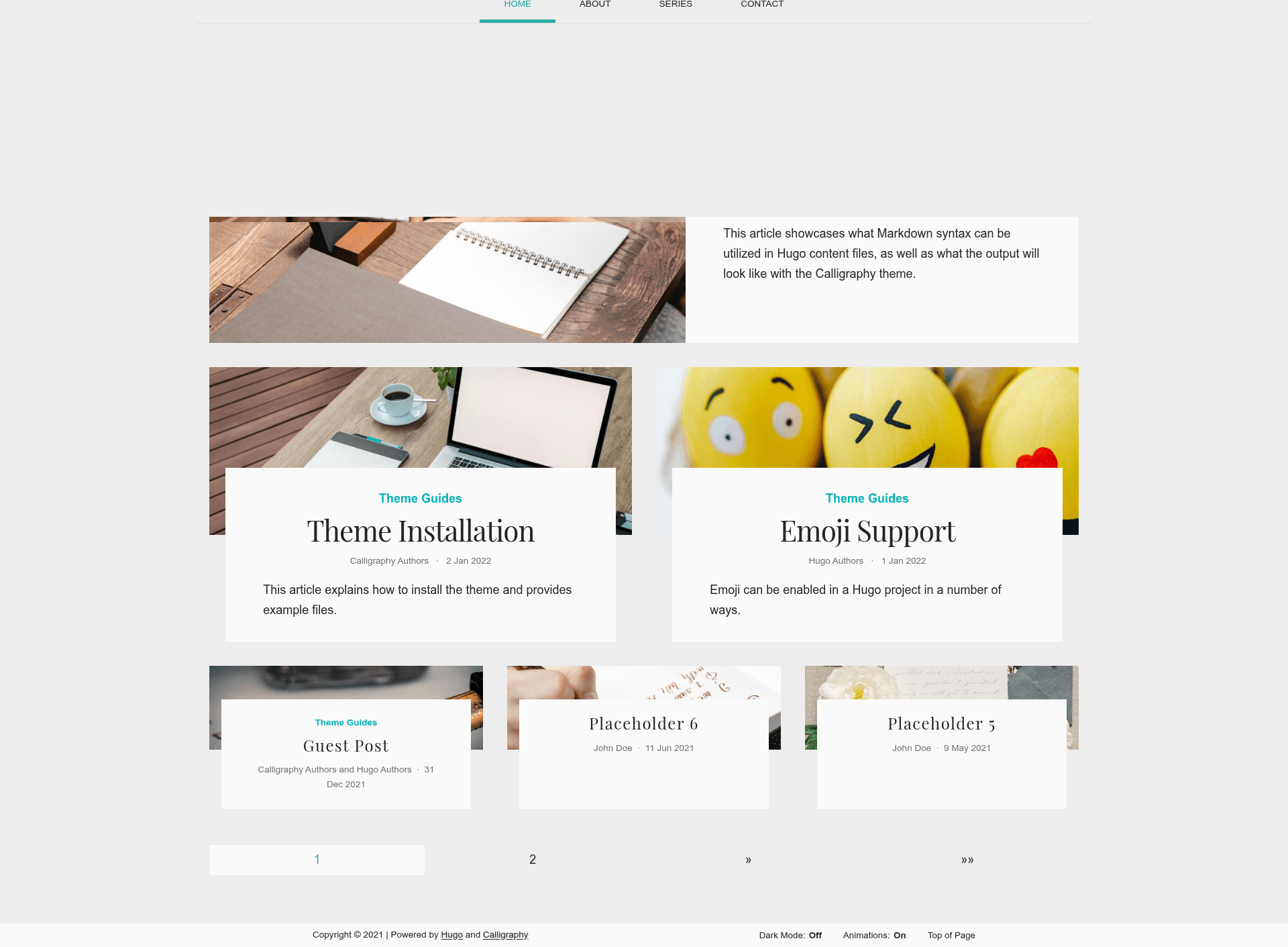
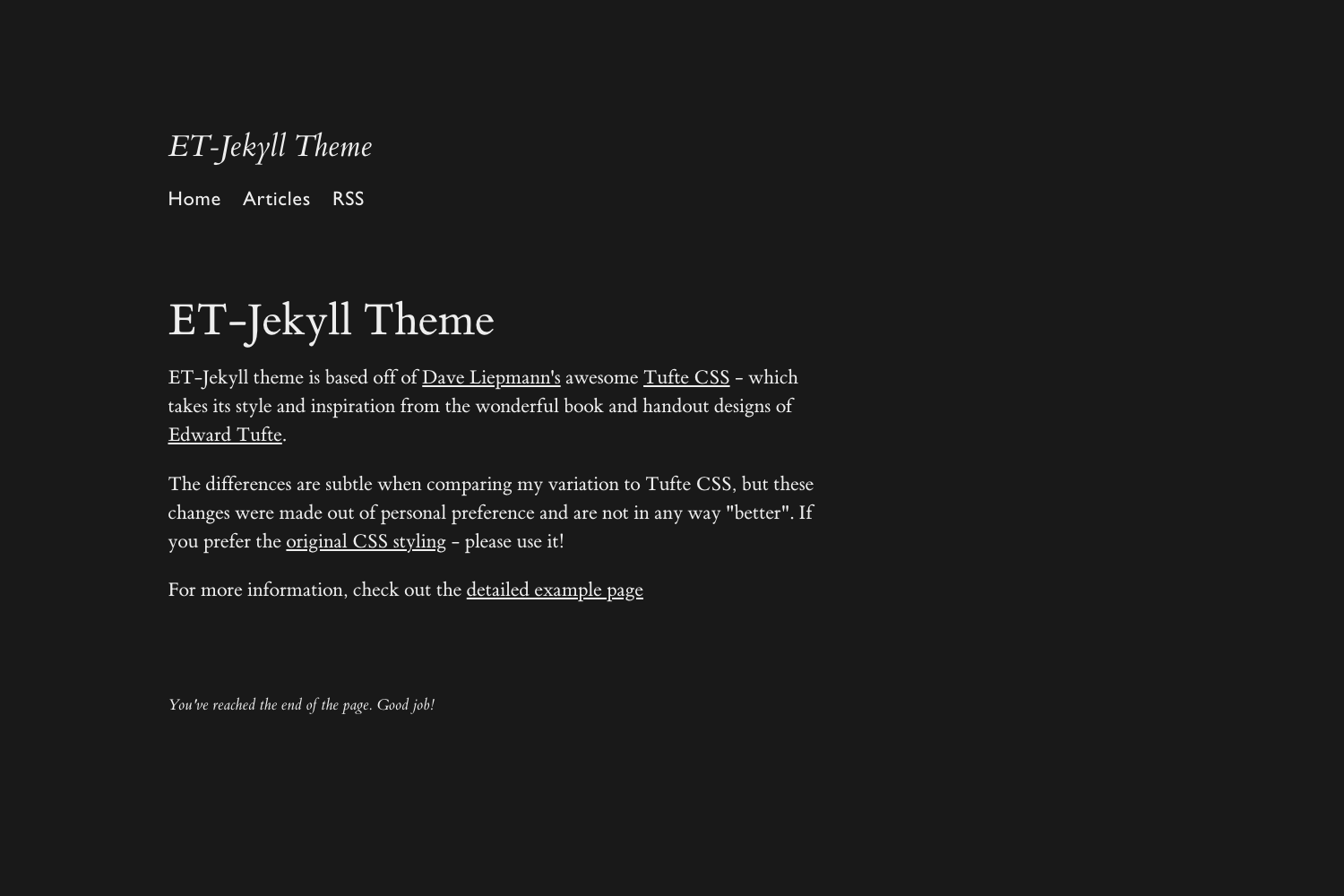
Calligraphy is a Hugo theme focused on the beauty and readability of content.
About this template
Calligraphy is an open-source Hugo theme that turns Markdown content into a typography-first website, focusing on the beauty and readability of its content.
What is Calligraphy?
Calligraphy is an open-source theme for Hugo, the static site generator, created by Patrick A Collins. It takes a Hugo site's content files, written in Markdown, and renders them as a clean, typography-first website that prioritizes elegant presentation and high readability. The theme's demo is hosted at hugo-calligraphy.netlify.app, and the source code lives in the GitHub repository pacollins/calligraphy. Calligraphy is released under the MIT License, so you can download, modify, and redistribute it freely, as long as you retain the license text.
Key Features
- Typography-first design — Uses the Playfair Display serif and Source Sans Pro sans-serif fonts from Google Fonts to create an elegant, legible reading experience.
- Two installation methods — Add the theme by cloning the repository (
git clone https://github.com/pacollins/calligraphy.git themes/calligraphy) or by adding it as a Git submodule, with a documented update command for submodule users. - Hugo lookup-order customization — Override any theme partial or template, such as
layouts/partials/site/header.html, by creating a matching file in your site's root directory, following Hugo's standard override behavior. - Example site included — The
exampleSitefolder mirrors the live demo and illustrates the recommended content and file structure for a new site based on this theme. - Built-in local preview — Run
hugo serverto build the site and view it live at localhost:1313 while you develop. - Netlify deployment badge — The repository includes a Netlify status badge and the demo is deployed on Netlify, confirming the theme works with Netlify's build pipeline.
- Free and open source — The MIT License permits unlimited personal and commercial use, modification, and redistribution.
Who is it for?
- Writers and bloggers — Publish long-form articles and essays on a theme that keeps typography and readability in the spotlight, rather than distracting layouts.
- Hugo developers — Learn Hugo's partials and lookup-order system by examining a minimal, well-organized theme and overriding its templates in your own project.
- Designers — Appreciate the restrained aesthetic built around Google Fonts (Playfair Display and Source Sans Pro) and adapt it as a base for client or personal projects.
What can you do with Calligraphy?
- Launch a personal blog or journal — Use the theme's clean layout and readable type to present your writing without fighting the design.
- Build a content-focused personal site — Share essays, case studies, or project write-ups on a foundation that emphasizes the text itself.
- Learn Hugo theming — Clone the repository, study how the theme structures its partials and templates, and use the example site to practice overriding components.
How does Calligraphy work?
Install the theme by running the clone or submodule command in your Hugo site's root directory, which places the theme files in themes/calligraphy. After installation, you can copy the structure from exampleSite to set up your own content and configuration, then run hugo server to preview the site locally. To customize the theme, duplicate any theme template into your project's layouts directory; Hugo automatically uses your file instead.