Template details
jekyll-latex
A Jekyll theme with LaTeX typography, MathJax support, and academic content blocks for GitHub Pages.
About this template
jekyll-latex is a Jekyll theme that brings LaTeX-style typography and mathematical typesetting to static sites and GitHub Pages blogs. It is a free, open-source theme (MIT license) maintained by Ryan McDermott.
What is jekyll-latex?
jekyll-latex is a Jekyll theme designed for academic and technical content. It takes standard Jekyll content written in Markdown and renders it with LaTeX-inspired typography, including support for abstracts, theorems, proofs, and definitions. The theme includes MathJax for displaying mathematical notation. It runs on Jekyll 3.x and is compatible with GitHub Pages, making it a drop-in solution for academic blogging.
Key Features
- LaTeX typography — Applies the LaTeX CSS library to give documents a classic academic look.
- Academic content blocks — Provides styled abstracts, theorems, proofs, and definitions out of the box.
- MathJax integration — Renders mathematical equations and notation in posts and pages.
- Google Analytics — Includes built-in support for adding a Google Analytics tracking ID.
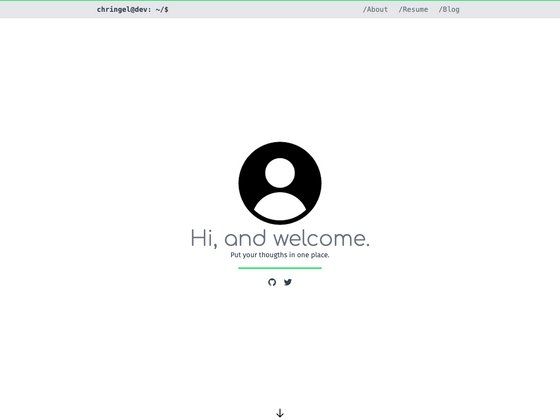
- Profile photo — Features a personal profile photo in the theme's layout.
- GitHub Pages compatibility — Works on Jekyll 3.x and can be deployed directly to GitHub Pages.
- Responsive layout — Adapts to mobile, tablet, and desktop screen sizes.
- SCSS preprocessing — Uses Jekyll's built-in SCSS support for custom styling.
Who is jekyll-latex for?
- Researchers and academics — Publish lecture notes, technical reports, or research blogs with proper theorem and proof formatting.
- Graduate students — Create static course notes or personal knowledge bases with LaTeX-quality typesetting.
- Jekyll enthusiasts — Use a ready-made theme with a focused academic aesthetic instead of building a layout from scratch.
What can you do with jekyll-latex?
- Publish math-heavy posts — Write Markdown with LaTeX-style math and have it rendered through MathJax.
- Structure academic documents — Use abstract and theorem blocks to organize papers and lecture notes.
- Personal branding for scientists — Add a profile photo and Google Analytics to track visits to your technical blog.
How does jekyll-latex work?
To get started, clone the repository from GitHub, run bundle install to install dependencies, edit _config.yml with your site settings, and then run bundle exec jekyll serve --watch to preview the site locally. Content is written as standard Jekyll Markdown posts and pages.
Pricing
jekyll-latex is free and open source under the MIT license. There are no paid tiers or premium features.
Alternatives
- The Plain — A minimalist Jekyll theme that jekyll-latex is based on; it offers a cleaner default look without LaTeX-specific styling.
FAQ
Is jekyll-latex free to use?
Yes, jekyll-latex is released under the MIT license, so you can use, modify, and distribute it freely, even for commercial projects. Attribution is appreciated but not required.
Does jekyll-latex work on GitHub Pages?
Yes, jekyll-latex is compatible with Jekyll 3.x and works with GitHub Pages. You can push the theme like any other Jekyll site, and GitHub Pages will build it automatically.
What is MathJax in jekyll-latex?
MathJax is a JavaScript library that jekyll-latex includes to render mathematical equations written in LaTeX notation directly in the browser. This lets you include inline and display math in your posts without additional plugins.
How do I install jekyll-latex?
Clone the repository, run bundle install, update _config.yml with your site's settings (like title and Google Analytics ID), and start the local server with bundle exec jekyll serve --watch. Then write Markdown posts in the _posts directory.
What content elements does jekyll-latex support?
The theme provides predefined styles for abstracts, theorems, proofs, and definitions. These are added as Markdown blocks or HTML, letting you structure scholarly writing without writing custom CSS.