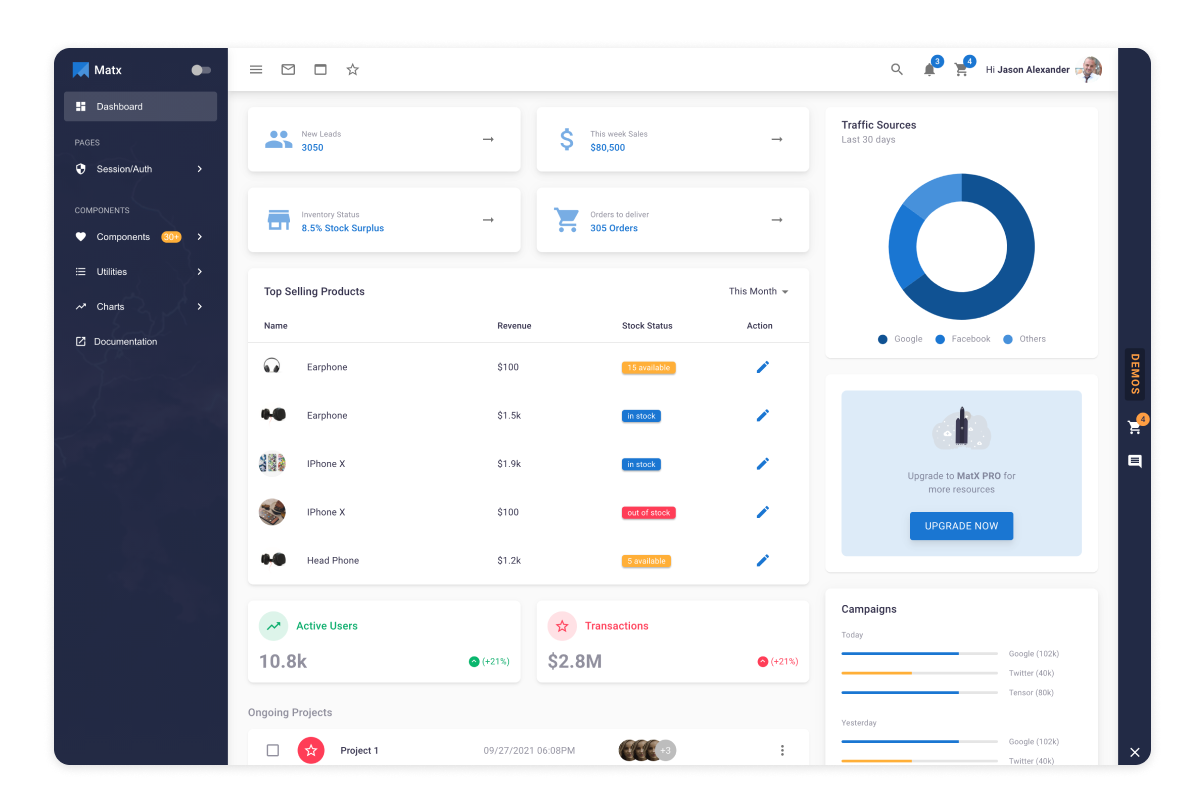
Template details
Celestial
Free Bootstrap 4 admin dashboard template with MIT license, featuring Chart.js, jQuery, Gulp, and Font Awesome.
About this template
Celestial is a free Bootstrap 4 admin dashboard template by BootstrapDash, offering a simple layout for building back-end interfaces quickly.
What is Celestial?
Celestial is a free admin dashboard template built on Bootstrap 4, developed and maintained by BootstrapDash. It provides a set of HTML, SCSS, and JavaScript files that render into a functional dashboard UI with multiple pages. The template uses jQuery for DOM manipulation, Chart.js for data visualization, Font Awesome for icons, and Gulp for build automation. Distributed under the MIT license, Celestial can be freely used in personal and commercial projects.
Key Features
- MIT License — Use Celestial on unlimited personal and commercial projects without licensing fees.
- Simple layout — A straightforward admin design intended to be easy to navigate and customize.
- Built with Bootstrap 4 — Leverages the Bootstrap grid and component system for responsive layouts.
- Chart.js integration — Includes chart components for displaying data visualizations in the dashboard.
- Font Awesome icons — Icons are bundled via Font Awesome for UI elements and status indicators.
- Gulp workflow — SCSS compilation and a local development server are handled through Gulp tasks.
- Cross-browser support — Works on latest Chrome, Firefox, Safari, Opera, and Internet Explorer 10 and newer.
- Free version vs premium — The free version includes core files; the premium edition adds over 300 handcrafted elements, dark mode, and more plugins.
Who is it for?
- Web developers building admin panels or back-office dashboards who need a clean bootstrap-based starting point.
- Startups and small teams looking for a free, MIT-licensed admin template to customize without licensing restrictions.
- Designers who want a simple dashboard skeleton with SCSS source files to style to their own design system.
- Developers familiar with Bootstrap who want to quickly scaffold a responsive admin interface without starting from scratch.
What can you do with Celestial?
- Create a custom admin dashboard: Replace the sample pages with your own content and extend the layout with Bootstrap components.
- Add data visualizations: Use the included Chart.js setup to render real-time charts and graphs in the dashboard.
- Set up a local build: Run
npm installandgulp serveto compile SCSS, start a development server, and open the template in your default browser. - Build a production-ready interface: Customize the HTML templates and SCSS, then output static files that run in any modern browser.
How does Celestial work?
Download the template as a ZIP from GitHub or clone the repository. After extracting, run npm install to install dependencies, then locate index.html and edit it in a text editor. To start a development server, use the Gulp command gulp serve, which opens Celestial in your default browser. For production, you can compile the assets and deploy the static files.
Pricing
Celestial is free to download with an MIT license. BootstrapDash also sells a premium version with over 300+ handcrafted elements, dark mode, and additional plugins, available through their website.
Alternatives
- StarAdmin — Free Bootstrap admin template from BootstrapDash.
- PurpleAdmin — Free admin template from BootstrapDash.
- MajesticAdmin — Free Bootstrap admin template from BootstrapDash.
FAQ
Is Celestial free?
Yes, Celestial is free to download and use. It is released under the MIT license, which allows free use in both personal and commercial projects without paying licensing fees.
What is the difference between the free and premium versions?
The free version includes the core admin dashboard with a simple layout. The premium version adds over 300 handcrafted elements, dark mode, and other features like additional plugins and sample pages.
What technologies does Celestial use?
Celestial is built on Bootstrap 4, with jQuery for JavaScript interactions, Chart.js for charts, Font Awesome for icons, and Gulp for the build process. The styling is written in SCSS.
Which browsers are supported?
Celestial supports the latest versions of Chrome, Firefox, Safari, Opera, and Internet Explorer 10 and above.
How do I install and run Celestial?
Download the ZIP from GitHub, extract it, run npm install to install dependencies, then open index.html in a text editor to start editing. Use gulp serve to launch a local development server that opens the template in your browser.