Template details
Notus React
Notus React: Free Tailwind CSS UI Kit and Admin
About this template
Notus React is a free, open-source UI Kit and admin dashboard template for React and Tailwind CSS, created by Creative Tim, designed for building responsive web interfaces quickly.
What is Notus React?
Notus React is a free and open-source UI Kit and admin dashboard template for React and Tailwind CSS, developed by Creative Tim. It takes a React project as its base and produces pre-built responsive interfaces through more than 120 CSS components and 18 dynamic React components. It is based on the Tailwind Starter Kit by Creative Tim and includes both presentation pages and pages for an admin dashboard.
Key Features
- 120 CSS components — Fully coded Tailwind CSS elements like alerts, buttons, and inputs that can be colored and styled through Tailwind classes.
- 18 dynamic React components — Interactive components including alerts, dropdowns via Popper, menus, modals, navbars, popovers, tabs, and tooltips.
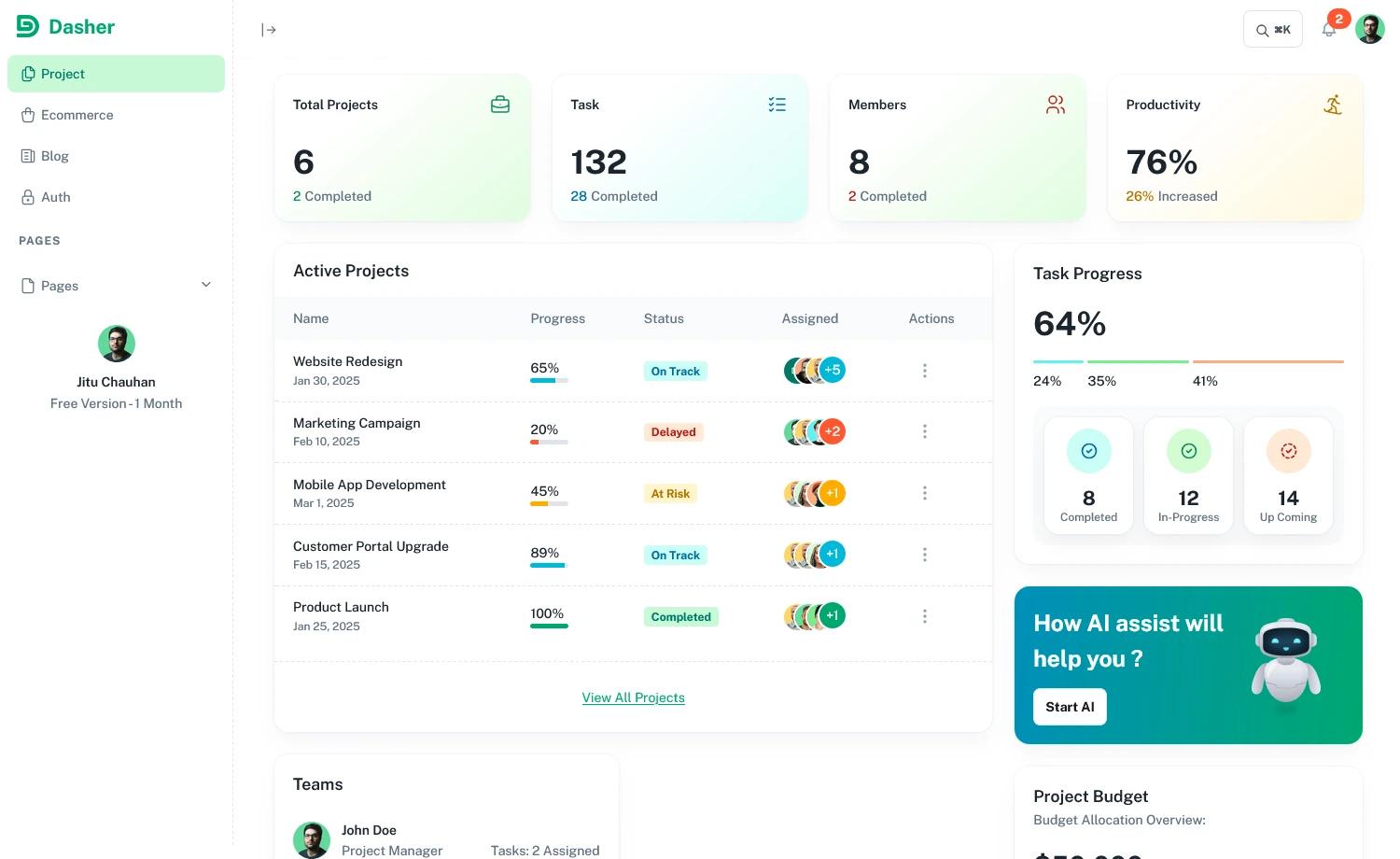
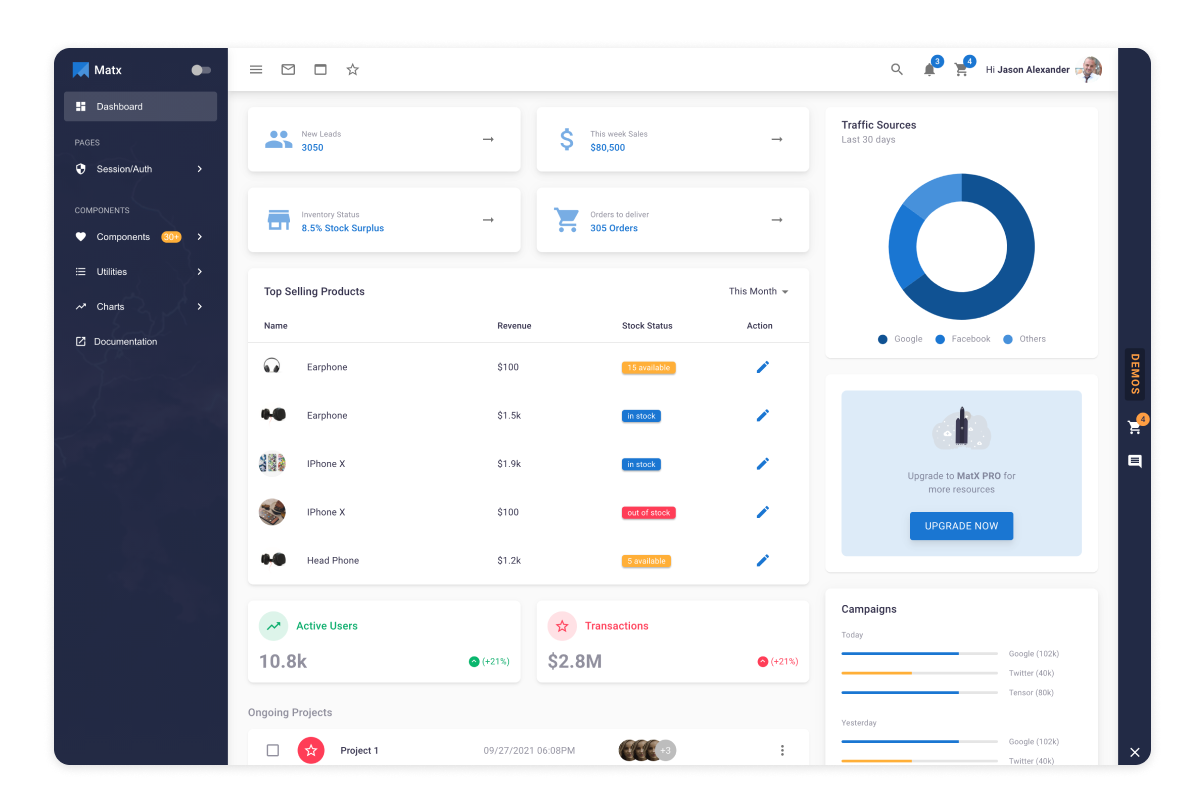
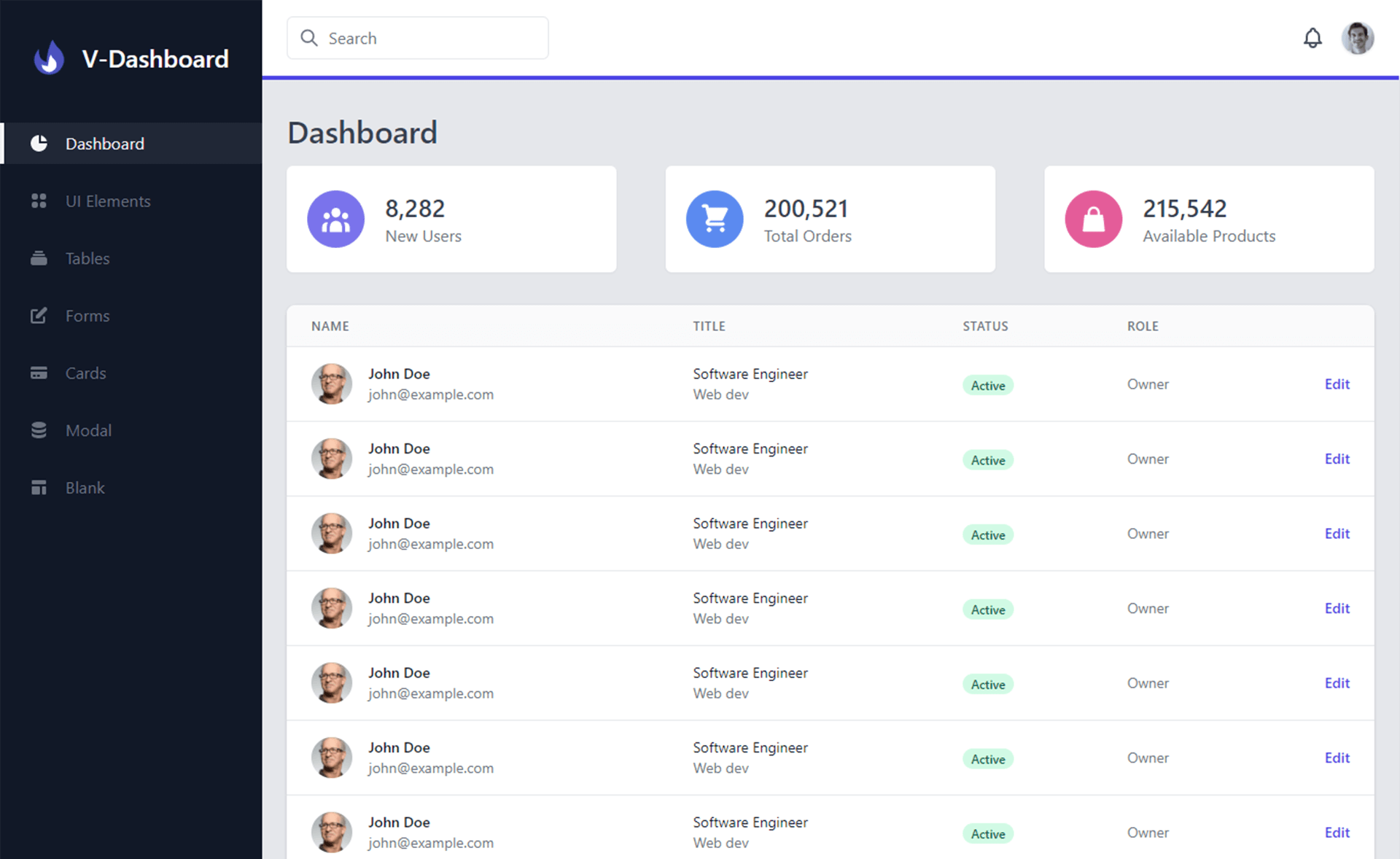
- Pre-built example pages — Includes a presentation page, admin samples (Dashboard, Settings, Tables, Maps), authentication samples (Login, Register), and presentation samples (Landing, Profile).
- Based on Tailwind Starter Kit — Built by Creative Tim, allowing extensive color and style variation through Tailwind utility classes.
- MIT license — Free to use, modify, and distribute, including in commercial projects.
- Browser support — Aims to support the last two versions of Chrome, Firefox, Edge, Safari, and Opera.
- Deploy to Genezio — One-click deployment option for your own version of the template.
- Multiple framework versions — Creative Tim also offers Notus in Angular, JavaScript/HTML, Next.js, Svelte, and Vue.js variants.
Who is it for?
- React developers who need a starting point for responsive UI projects without writing Tailwind CSS from scratch.
- Startup teams that need a quick admin dashboard with tables, charts, maps, and auth screens to prototype or launch a product.
- Designers and frontend learners who want to explore how Tailwind CSS classes map to ready-made components and page layouts.
What can you do with Notus React?
- Build an admin dashboard: Use the pre-designed Dashboard, Tables, Maps, and Settings pages to assemble a functional backend interface.
- Create landing and marketing pages: Start from the Landing and Profile presentation samples to promote a product or personal brand.
- Set up authentication flows: Use the Login and Register pages to add user entry points to your application.
How does Notus React work?
After downloading the project, install Node.js LTS, run npm install, then npm run build:tailwind whenever you add a new Tailwind class that does not exist in src/assets/styles/tailwind.css, and finally npm start to launch the app at https://localhost:3000.
Pros and cons
- Pros: Free and open source under MIT, works with the popular Tailwind CSS framework, includes many ready-made components and pages, and has an active GitHub issue tracker.
- Cons: You must manually run
npm run build:tailwindevery time you introduce a Tailwind class that isn't already defined in the project'stailwind.cssfile.
Pricing
Notus React is free and open source, released under the MIT license.
FAQ
Is Notus React free?
Yes, Notus React is free to download and use. It is open source and distributed under the MIT license, which also allows commercial use.
What do I need to run Notus React?
You need Node.js LTS installed. After unzipping the download, open a terminal in the project folder, run npm install (or npm run install:clean on Linux), then npm run build:tailwind and npm start.
How many components does Notus React include?
Notus React comes with more than 120 fully coded CSS components and 18 dynamic React components that handle interactions such as dropdowns, modals, navbars, and tooltips.
Which browsers are supported?
The template officially supports the last two versions of Chrome, Firefox, Edge, Safari, and Opera.
Is there a Next.js version of Notus React?
Yes, Creative Tim offers Notus NextJS, which is the Next.js version of the same UI Kit, along with versions for Angular, JavaScript/HTML, Svelte, and Vue.js.