Template details
Material Dashboard 2 PRO
Premium Bootstrap 5 admin dashboard with Material Design 2, 300+ components, and prebuilt example pages.
About this template
Material Dashboard 2 PRO is a premium Bootstrap 5 admin dashboard template from Creative Tim that packages 300+ frontend components, prebuilt example pages, and Material Design 2 styling into a codebase for web apps and admin panels.
What is Material Dashboard 2 PRO?
Material Dashboard 2 PRO is a commercial HTML dashboard template built on Bootstrap 5 and Sass, designed by Creative Tim with Google's Material Design 2 visual language. It takes a developer's HTML and SCSS source files and outputs a fully styled admin interface with dashboards, authentication pages, and application views. The template runs entirely in the browser with no backend dependency, and it ships with a Gulp build script and a package.json for local dependencies. Version 3.0.6 is the current release shown in the repository.
Key Features
- 300+ frontend components — Buttons, inputs, navbars, nav tabs, cards, alerts, and more are included as implemented code with color variations configurable through Sass files and classes.
- Light and Dark modes — The general layout ships with two toggleable themes controlled by the template's Sass variables.
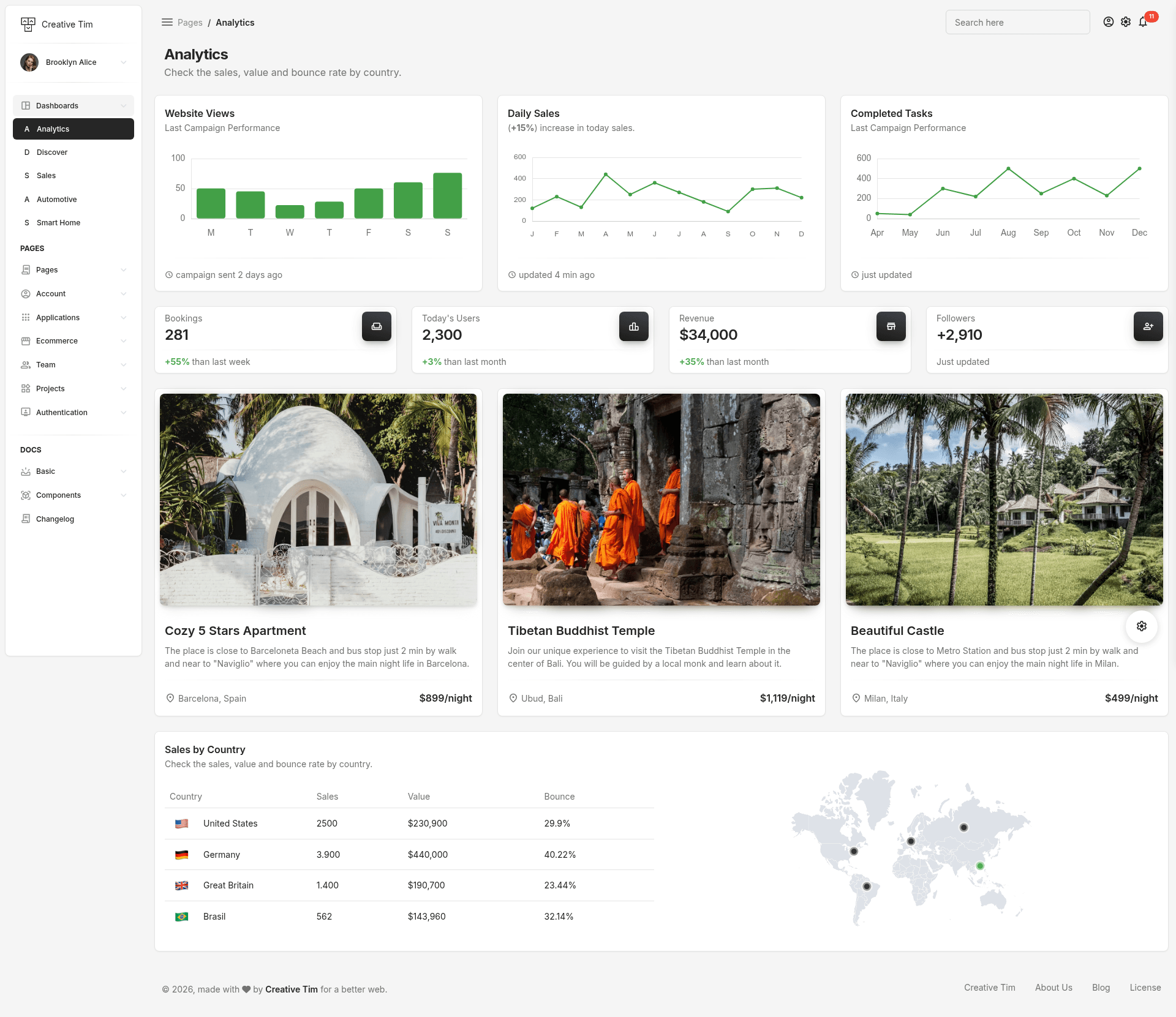
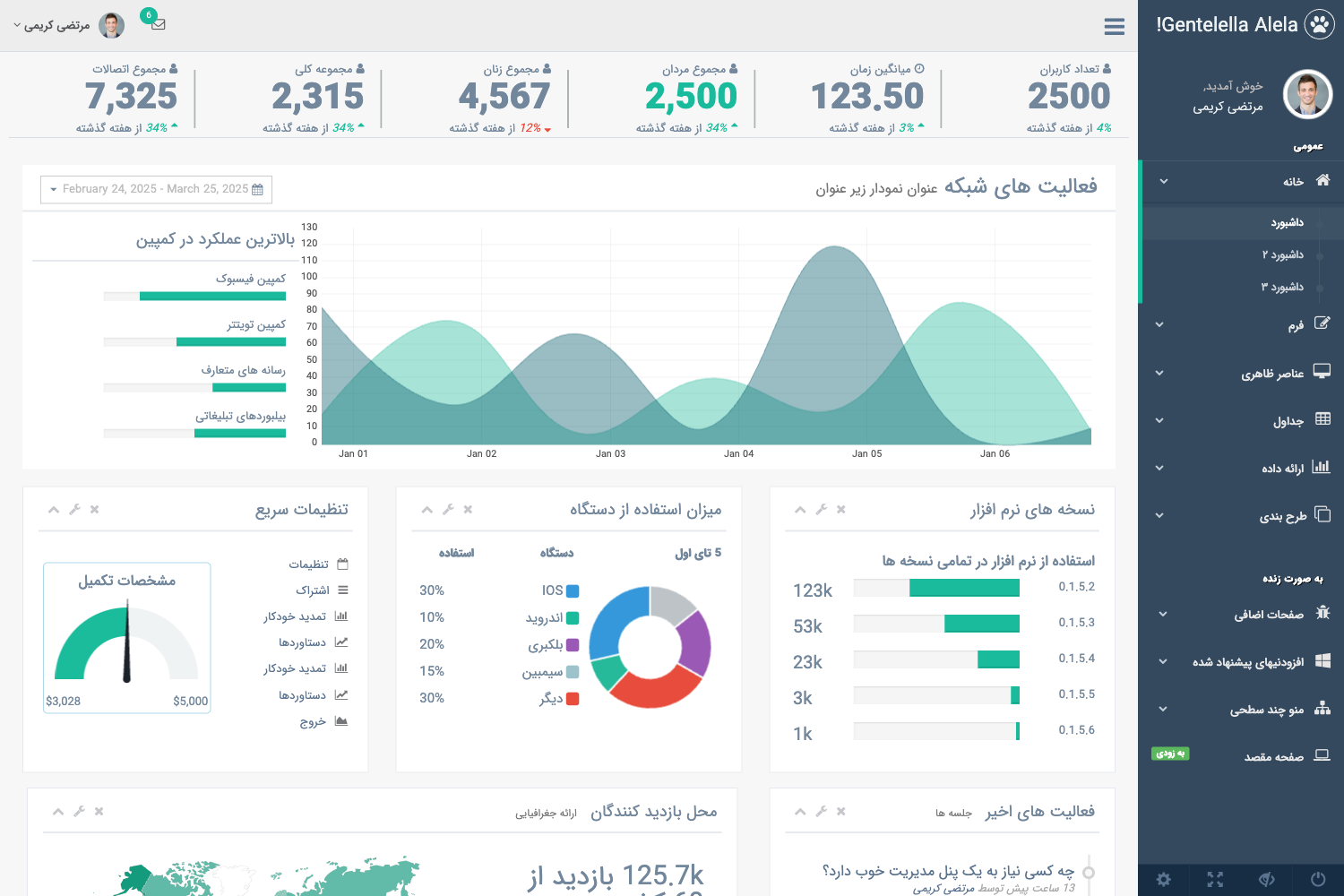
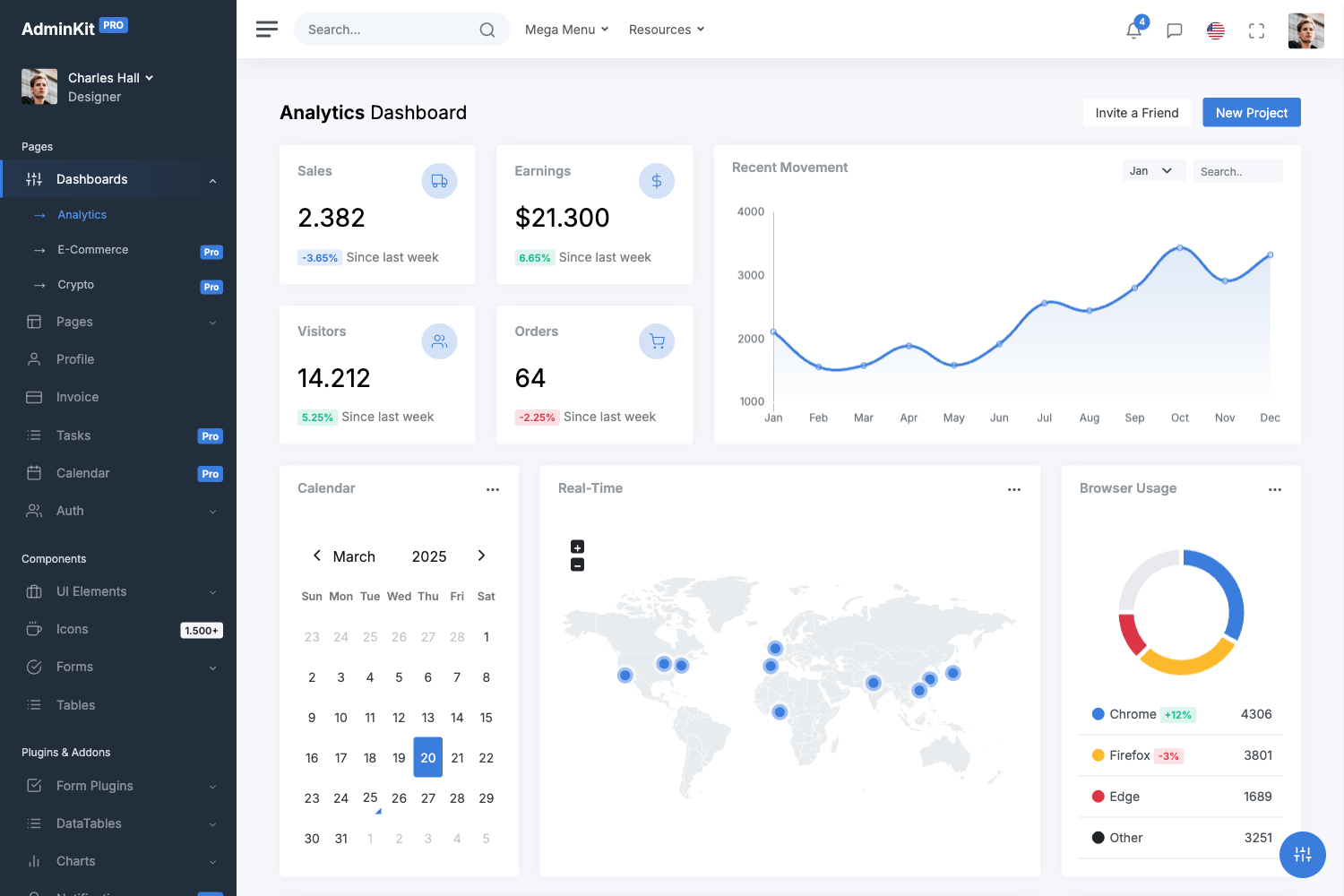
- Prebuilt example pages — Includes analytics, automotive, and virtual reality dashboards, plus profile, account settings, RTL layout, ecommerce, kanban, sign-in, and sign-up pages.
- Integrated libraries — Bundles NoUISlider, Popper.js, Flatpickr, Choices.js, CountUp.js, Chart.js, FullCalendar, Dropzone, Simple-DataTables, jKanban, PhotoSwipe, Quill editor, SweetAlert2, and three.js inside the assets folder.
- Nepcha Analytics integration — Nepcha is pre-integrated so you can track traffic sources without adding extra script code.
- Full documentation — Every component is documented in Creative Tim's Learning Lab, with a separate docs folder and documentation.html included in the download.
- Folder structure — Assets are organized into css, fonts, img, js (core and plugins), and scss directories, so you can compile just the pieces you need.
Who is Material Dashboard 2 PRO for?
- Frontend developers — Use the coded components and example pages to quickly scaffold an admin panel without writing Bootstrap CSS from scratch.
- Agencies building client dashboards — The prebuilt ecommerce, kanban, and analytics pages give clients a ready-made interface to customize with their branding.
- Startups prototyping SaaS products — The authentication and profile pages provide a starting point for user-facing areas before a backend is connected.
- Designers who write HTML — The Sass architecture allows color and component tweaks without touching every markup file.
What can you do with Material Dashboard 2 PRO?
- Launch an admin dashboard fast: pick the analytics dashboard, wire real data into the Chart.js and CountUp.js widgets, and have a working control panel in a day.
- Build an ecommerce backend: use the included ecommerce overview, product, and order pages together with the DataTables integration to display tabular data.
- Add a kanban workflow: the jKanban-based applications page gives you a drag-and-drop board to manage tasks or projects.
- Create a polished sign-in flow: choose between basic, illustration, or cover designs for the authentication pages.
How does Material Dashboard 2 PRO work?
After purchasing, you download the archive, make sure Node.js is installed, and run npm install in the root directory to pull local dependencies. The included gulpfile.js handles build tasks, and you open the HTML files in any modern browser to see the pages running. The file structure separates pages, assets, docs, and the Sass source so changes can be made in the scss folder and compiled with Gulp.
Pricing
Material Dashboard 2 PRO is a paid premium template sold by Creative Tim; the quick-start instructions tell buyers to purchase it from the Creative Tim site.
Alternatives
- AdminLTE — A free open-source Bootstrap admin template with a similar dashboard layout but without the Material Design styling.
- CoreUI — Another free Bootstrap-based admin template that offers Vue, React, and Angular versions in addition to plain HTML.
FAQ
Is Material Dashboard 2 PRO free?
No, Material Dashboard 2 PRO is a premium product that you buy from Creative Tim's website. The repository page links to a purchase flow rather than a download of the full source, so it is not free or open source.
What is Material Dashboard 2 PRO built with?
It is built on Bootstrap 5 with Sass for styling, and it follows Google's Material Design 2 guidelines. It includes a Gulp build script and uses vanilla JavaScript plus assembled plugins for features like charts, calendars, and file uploads.
Does Material Dashboard 2 PRO include documentation?
Yes, it includes a docs folder with documentation.html and a full online guide hosted in Creative Tim's Learning Lab. Each component is documented with examples and usage notes.
What browsers are supported?
The template officially supports the last two versions of Chrome, Firefox, Edge, Safari, and Opera, matching standard Bootstrap 5 browser support.
How do I install Material Dashboard 2 PRO?
Install Node.js, open the template's root directory, and run npm install to install local dependencies. After that you can open the HTML pages directly in a browser or use the included gulpfile.js for build tasks.