Template details
Matx React
Free and open-source React Material UI admin dashboard template with JWT auth, analytics, and pre-built UI components.
About this template
Matx React
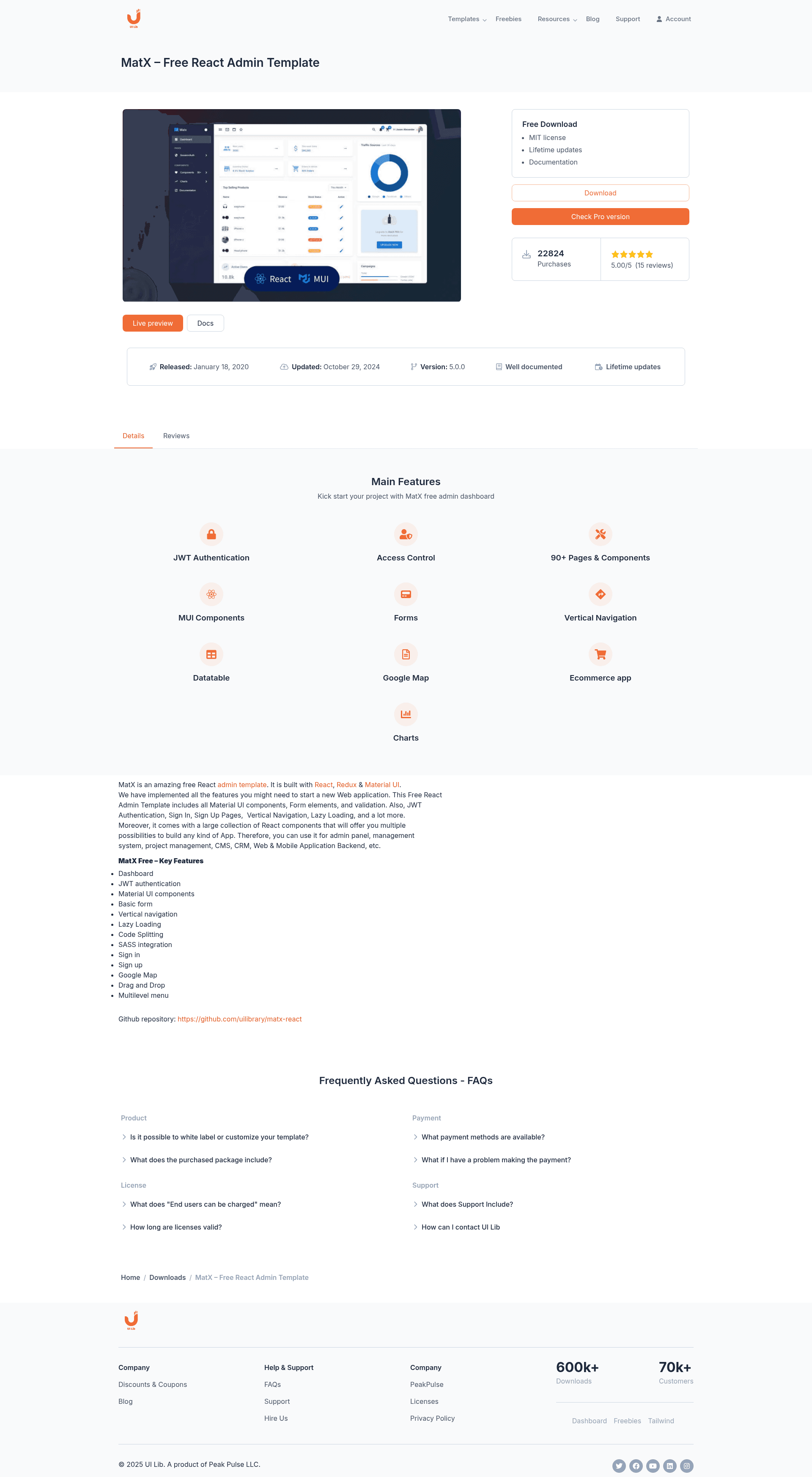
Matx React is a free and open-source admin dashboard template built on React, Redux, and Material UI (MUI v5) that provides a full set of UI components, authentication flows, and analytics pages for quickly launching a web application. It ships with a development workflow based on Vite (instead of Create React App) and is maintained by UI Lib, a marketplace for dashboard templates.
What is Matx React?
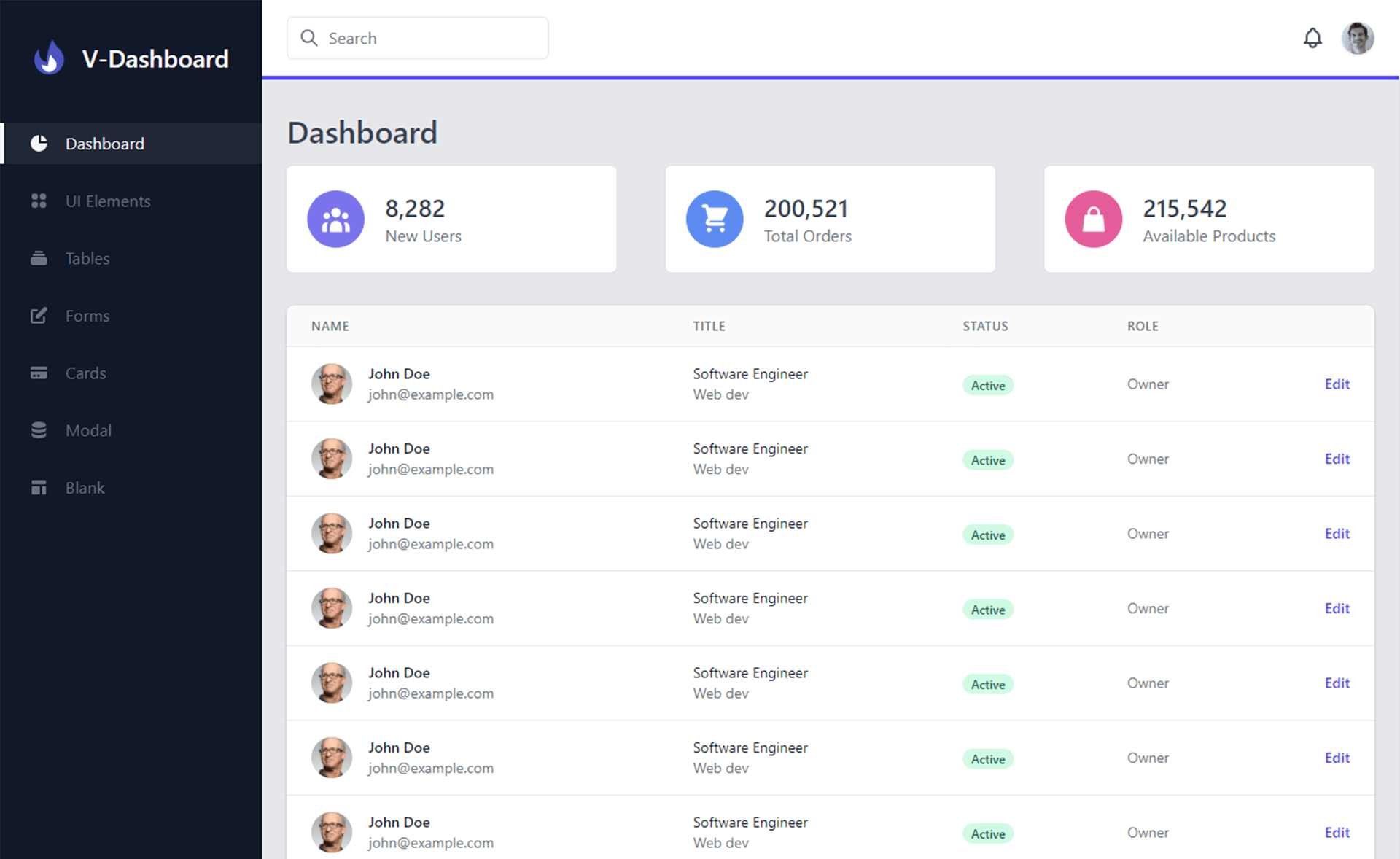
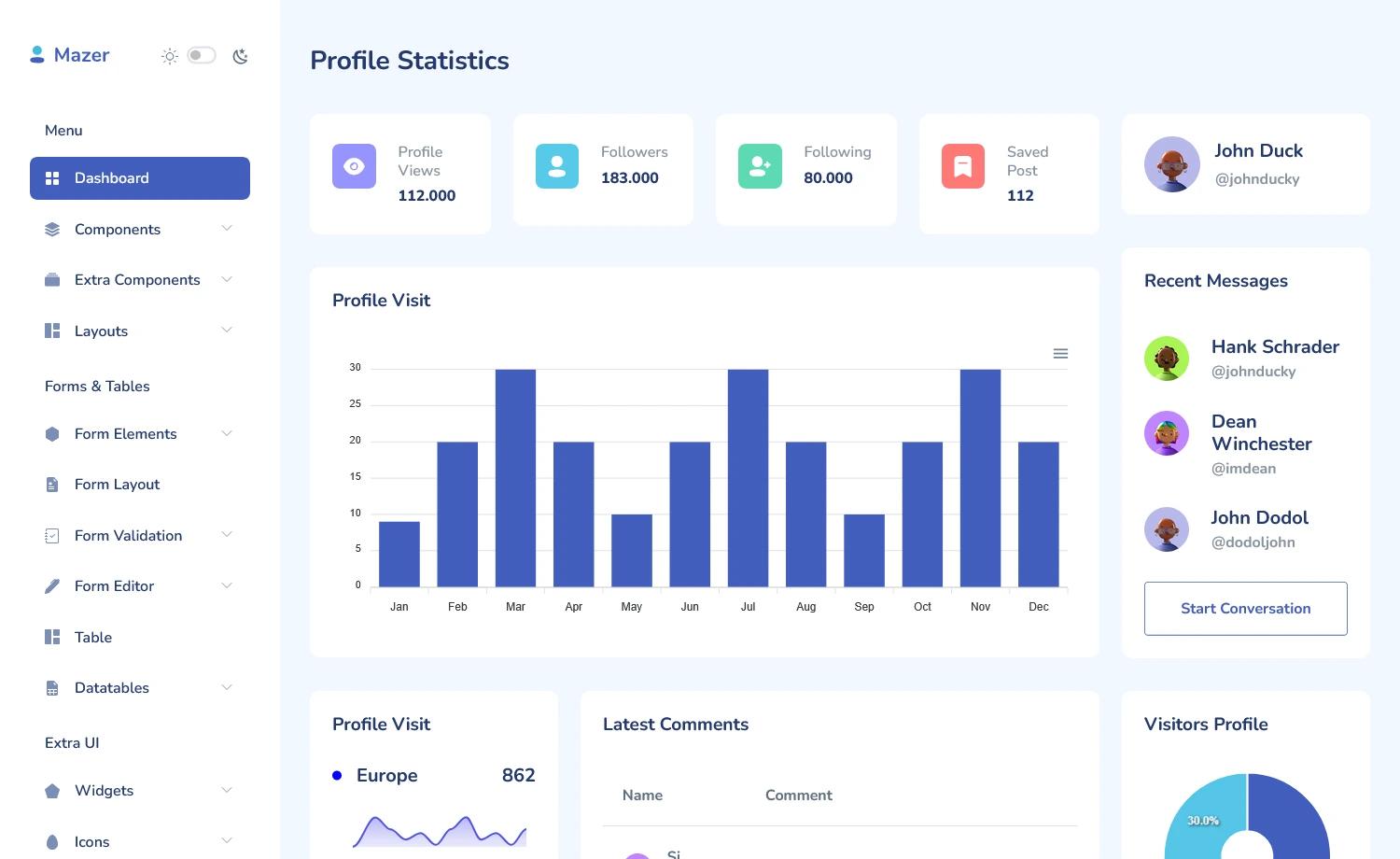
Matx React is a dashboard template that gives developers a ready-made front-end structure for admin panels, back-office tools, and data-driven web apps. It takes a React application skeleton with Redux state management, Material UI components, and pre-built pages, and outputs a deployable front-end that can be connected to any backend via JWT authentication. The template includes both a free edition and a paid Pro edition, with the free version offering JWT authentication, role-based access, lazy loading, code splitting, dashboard analytics, and a large UI kit.
Key Features
- JWT authentication — User sign-in, sign-up, forgot-password, and error pages are included, along with role-based access control for protecting routes.
- Lazy loading and code splitting — Components are loaded on demand to reduce initial bundle size and speed up page load.
- Material UI component library — Every MUI v5 component is available, including autocomplete, buttons, checkboxes, dialogs, menus, progress indicators, date-time pickers, radios, switches, sliders, snackbars, and data tables.
- Forms with validation — Basic forms and a rich text editor are included, plus form elements wired for validation.
- eChart integration — Analytics dashboards use eCharts for interactive data visualization.
- Session pages — Pre-built sign-in, sign-up, forgot-password, and error pages cover common user authentication flows.
- Utilities — Color, spacing, typography, and display utility helpers are provided for consistent styling.
- Extras — Drag-and-drop support, Google Maps integration, and multi-level vertical navigation round out the feature set.
Who is it for?
Matx React serves React developers who need a functional admin interface without building every component from scratch. It's also useful for product teams that want to prototype a back-office application quickly, and for designers who need a Material Design reference implementation in code.
What can you do with Matx React?
- Startups launching a web app: Deploy the free version, wire up JWT authentication, and ship a dashboard with analytics charts in days.
- Agencies building client portals: Use the pre-built form elements, data tables, and session pages to assemble a tailored admin area.
- Developers learning MUI: Study a production-style codebase that shows how to structure a React + Redux + MUI project with lazy loading.
- Teams needing advanced applications: Upgrade to Matx Pro for Firebase and Auth0 authentication, horizontal navigation, and working apps like chat, inbox, todo, and a scrum board.
How does Matx React work?
After downloading the template, install dependencies and run npm run dev to start the development server with hot reloading. Use npm run build to create a minified, production-ready bundle in the build folder. The free version uses Vite as the build tool, which replaced Create React App in version 5, and the codebase follows Material UI v5's styled API rather than SASS or CSS utilities.
Pricing
Matx React offers two editions: Matx Free, which is open-source and free to download, and Matx Pro, a paid upgrade that adds more pages, working applications, Firebase/Auth0 authentication, and six months of support. The Pro edition is available from the UI Lib website.
FAQ
Is Matx React free?
Yes, Matx Free is a free and open-source React admin dashboard template. You can download it from the official UI Lib website, and a live preview is hosted on Netlify. A commercial Pro version with additional features is sold separately.
What tech stack does Matx use?
Matx uses React for the UI, Redux for state management, Material UI v5 for components, and Vite for the development environment. Its charts are powered by eCharts, and the free version includes JWT-based authentication.
Does Matx support authentication?
Yes, the free version supports JWT authentication with role-based access control. The Pro version adds Firebase authentication and Auth0 authentication, giving more options for external identity providers.
Can I customize the template?
Yes, the template is fully customizable through Material UI's theme and styled API. Utilities for color, spacing, typography, and display are provided, and the underlying React/Redux structure makes it straightforward to add new pages and components.
How do I run Matx locally?
Run npm run dev to start the development server, and npm run build to compile a production bundle. The build is minified and includes hashed filenames for caching, ready to deploy to any static host.