Template details
Clock Dashboard
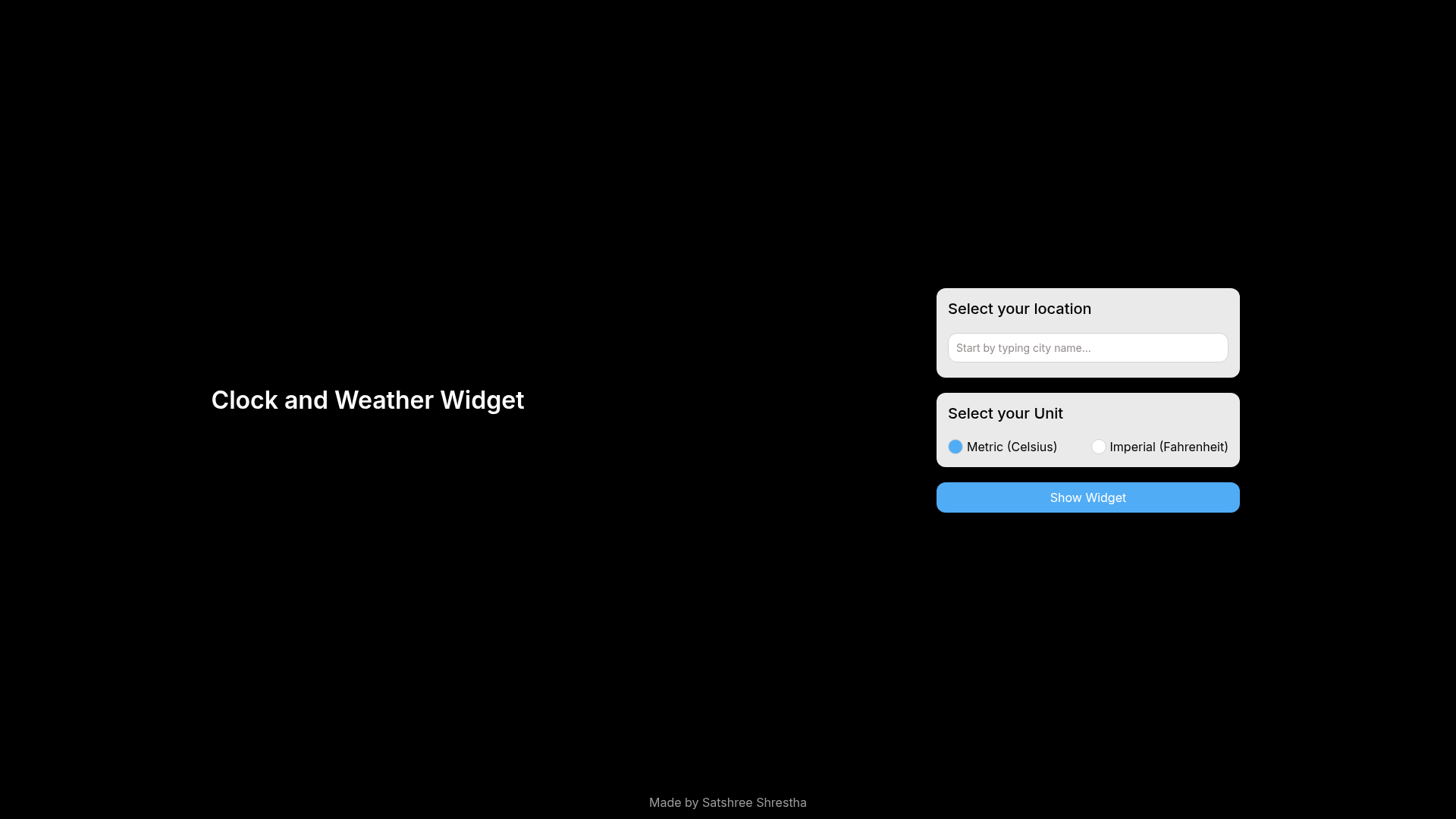
A full-screen clock and weather widget dashboard built with React Native Expo for signage displays.
About this template
Clock Dashboard is a React Native Expo template that turns a spare tablet, 2-in-1, or television into a full-screen signage display showing clock and weather widgets. The project is distributed through a public repository that can be forked or downloaded, and the current web build is already deployed and live on Netlify.
What is Clock Dashboard?
Clock Dashboard is a full-screen dashboard template built with React Native Expo for cross-platform compatibility. It takes a display device — a tablet, a 2-in-1, or a television — and renders an always-on screen with a clock and weather widget, making it a standalone signage board. The template's input is a device with a web browser (or a native build via Expo), and its output is the full-screen dashboard UI. A hosted web version runs at cl-dashboard.netlify.app, and the repository includes a Netlify deploy status badge.
Key Features
- React Native Expo codebase — the entire dashboard is implemented in React Native with Expo, so one project covers web deployment and native tablet/2-in-1 builds.
- Clock and weather widgets — the v2 layout pairs an at-a-glance clock with live weather information on a full-screen display.
- Signage display focus — the design is meant to run unattended as signage on televisions or leftover devices, not as a standard interactive app.
- Figma design source — the v2 design is published as a PDF at assets/screenshots/v2/figma.pdf so you can review the visual spec before modifying it.
- Live demo on Netlify — the web version is continuously deployed to Netlify, with a deploy status badge and public URL, so you can preview it before building.
- Native build documentation — the included expo.md file explains how to fork or download the repository and build the native version.
- Versioned design screenshots — screenshots under assets/screenshots/v2/ show the current clock and weather layout for quick reference.
Who is it for?
- Home users with spare devices — repurpose an old tablet or 2-in-1 as a permanent wall-mounted clock and weather board instead of leaving it unused.
- Office and shop owners — mount a television as a low-cost signage display that shows time and weather without a commercial signage service.
- React Native developers — fork the Expo project to add new widgets (the repository's topic list includes widgets broadly), restyle the layout, or deploy their own version.
What can you do with Clock Dashboard?
- Repurpose leftover hardware: load the template on a spare tablet or 2-in-1 and leave it running as an always-on clock and weather display.
- Create TV wall signage: open the hosted web version on a television for a room-scale time and weather board that needs no installed app.
- Extend the dashboard: fork the repository, follow expo.md, and add or replace widgets in the React Native Expo project for custom signage needs.
How does Clock Dashboard work?
The project ships as a GitHub repository with two consumption paths: a deployed web version hosted on Netlify, and a native build path. To build the native version, you fork or download the repository, then follow the steps in expo.md. The v2 design and screenshots live under assets/screenshots/v2/ as reference material.
FAQ
Is Clock Dashboard free?
The repository is publicly available to fork or download, and the hosted web version is live at cl-dashboard.netlify.app. No pricing, licensing fees, or paid tiers are mentioned anywhere in the source.
Can I run Clock Dashboard on a television?
Yes — the template explicitly targets televisions, tablets, and 2-in-1 devices as signage displays. You can open the deployed web version in a TV's browser or build the native Expo version for a dedicated device.
What technology does Clock Dashboard use?
The dashboard is built with React Native Expo for cross-platform compatibility, and the current web build is deployed to Netlify for hosting. The design source is provided as a Figma PDF.
How do I build the native version?
Fork or download the repository from GitHub, then follow the instructions in the included expo.md document, which the source links as the native build reference. The web version is already deployed for preview.