Template details
Spendify
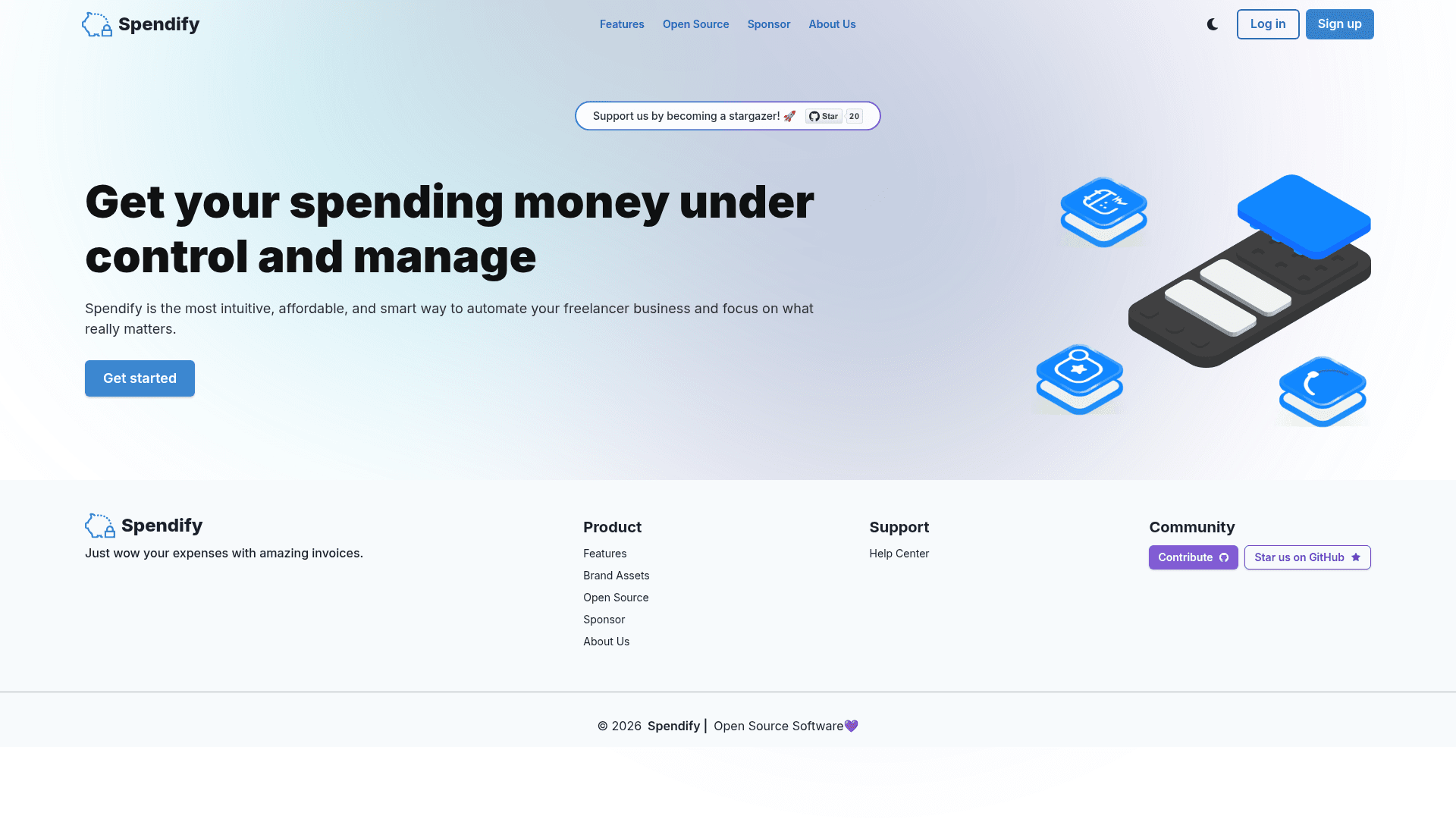
Open-source expense management web template built with Next.js, Firebase, and TypeScript for tracking expenses, currency conversion, and invoice generation.
About this template
Spendify is an open-source expense management web template, built as a Next.js application with Firebase integration, that lets users track expenses, convert currencies, and generate invoices from a single dashboard.
What is Spendify?
Spendify is a full-stack expense management template developed by ayushsoni1010 and published on GitHub under the MIT License. It runs on Next.js with Firebase for backend services, and it accepts user-entered expense and income records as input, producing categorized spending views, currency conversions, and downloadable invoices as output. The project is designed as a starting point for developers who want to deploy a personal or business finance dashboard.
Key Features
- Expense Tracking — Record and categorize expenses through a form-driven interface to build a searchable history of spending.
- Currency Conversion — Convert amounts between currencies on the fly so totals can be reviewed in any supported currency.
- Income Management — Log income sources and view updated balances alongside expenses.
- Invoice Generation — Create professional invoices for expenses and payments directly from the app.
- Responsive Design — Access the dashboard from any device thanks to TailwindCSS and Chakra-UI component styling.
- Full-Stack Tech Stack — Built with Next.js, React, TypeScript, TailwindCSS, Chakra-UI, and Firebase, with deployment instructions for Vercel.
Who is it for?
- Individual budgeters — Track daily spending and income to stay within monthly budgets.
- Freelancers and small business owners — Generate invoices for clients and manage business expenses in one place.
- Developers learning full-stack — Use the codebase as a reference for integrating Next.js with Firebase, TypeScript, TailwindCSS, and Chakra-UI.
- Open-source contributors — Join the project by opening issues or submitting pull requests on GitHub.
What can you do with Spendify?
- Personal finance tracking: Log expenses and income to get an up-to-date view of your balances.
- Multi-currency spending: Convert your recorded amounts to a preferred currency to understand spending abroad.
- Client invoicing: Create and export professional invoices for services or products.
- Self-hosting: Deploy the Next.js app to Vercel or any Node.js-compatible platform using the provided setup instructions.
How does Spendify work?
To set up the project, clone the repository from GitHub, install dependencies with npm or yarn, add your Firebase project credentials, then run the development server with "npm run dev" and open localhost:3000. The README includes step-by-step instructions for local development and deployment to Vercel.
FAQ
Is Spendify free?
Yes, the project is open-source under the MIT License, so you can use and modify it at no cost.
What do I need to run Spendify?
You need Node.js, a Firebase project with credentials, and either npm or yarn to install dependencies.
Does Spendify handle multiple currencies?
Yes, it includes currency conversion to view expenses in different currencies.
Can I deploy Spendify to Vercel?
Yes, the README provides step-by-step instructions for importing the repository to Vercel and configuring environment variables.