Template details
Matdash Free Tailwind React Dashboard
Free open-source React admin dashboard template built with Tailwind CSS, TypeScript, Flowbite UI, and ApexCharts for building admin panels and SaaS dashboards.
About this template
Matdash Free Tailwind React Dashboard is an open-source React admin template that pairs Tailwind CSS with TypeScript, Flowbite UI, and ApexCharts to ship ready-to-use dashboard interfaces.
What is Matdash Free Tailwind React Dashboard?
Matdash Free Tailwind React Dashboard is a free, MIT-licensed admin dashboard template created by AdminMart. It takes a blank React and TypeScript project and outputs a responsive dashboard with pre-built pages and reusable components, running in any Node.js-based React workflow. The template supports both personal and commercial use out of the box.
Key Features
- Tech stack — React with TypeScript and Tailwind CSS for a typed, utility-first codebase that compiles to standard CSS.
- Component library — Built on Flowbite UI, providing pre-styled form controls, buttons, modals, and navigation components.
- Interactive charts — Includes ApexCharts integration for line, bar, and area chart visualizations with no extra setup.
- Icon set — Ships with Tabler Icons, an open-source SVG icon collection.
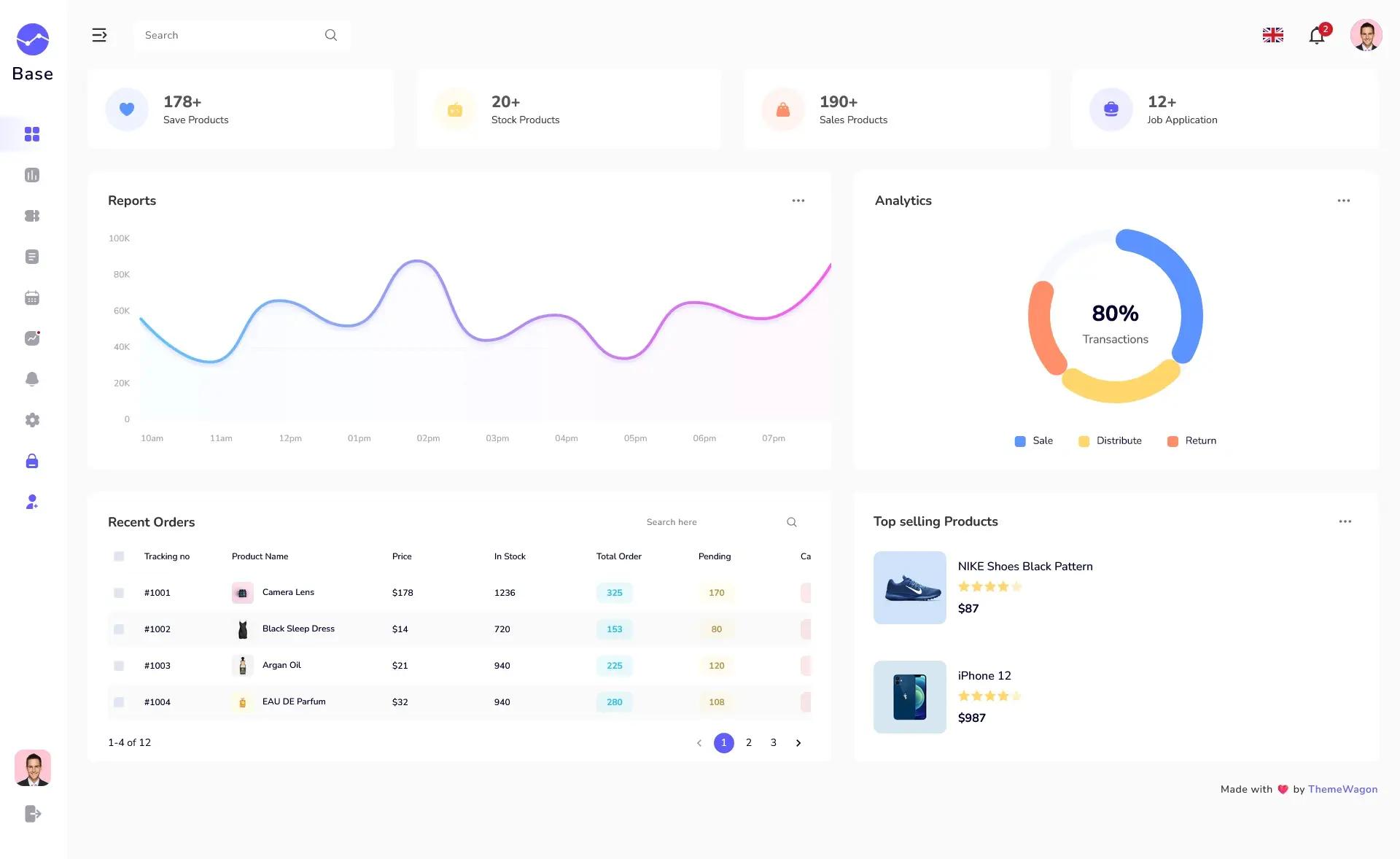
- Pre-designed pages — Includes dashboard, login, user profile, and error pages that can be reused or adapted.
- Responsive design — Uses Tailwind utility classes to keep layouts adaptive across mobile, tablet, and desktop screens.
- Documentation — Offers a free documentation site that explains installation and customization steps.
Who should use Matdash?
- React developers who want to skip setup and start coding features on top of a clean responsive layout.
- SaaS teams that need an admin interface for analytics, user management, or settings panels without designing from scratch.
- Freelancers and agencies that build internal tools or client dashboards and need an open-source base with a permissive license.
What can you do with Matdash?
- SaaS dashboards: Embed ApexCharts to display user metrics, revenue, and performance data on a tailored dashboard page.
- Admin panels: Use the login and profile pages with the Flowbite UI components to assemble account management flows.
- Internal tools: Rearrange the responsive grid and pre-built widgets to create custom back-office views for operations teams.
How does Matdash work?
Installation is a three-step process: clone the GitHub repository (https://github.com/adminmart/matdash-react-tailwind-free.git), run npm install to pull dependencies, and start the development server with npm run dev. A full documentation guide is available at https://adminmart.github.io/free-documentation/react/matdash/index.html.
Pros and cons
- Pros: Free under the MIT License; modern React and TypeScript stack; small initial learning curve since it builds on Tailwind utilities.
- Cons: The free version includes only basic widgets and a single default theme, and it lacks built-in user roles, multi-language support, and real-time notifications that appear only in the Pro version.
Pricing
Matdash Free Tailwind React Dashboard is free and open-source under the MIT License. A paid Pro version adds advanced widgets, multiple themes and dark mode, priority support, multi-language support, user roles and permissions, real-time notifications, and advanced analytics.
Alternatives
- Horizon UI — another React admin template that also uses Tailwind CSS and offers multiple components.
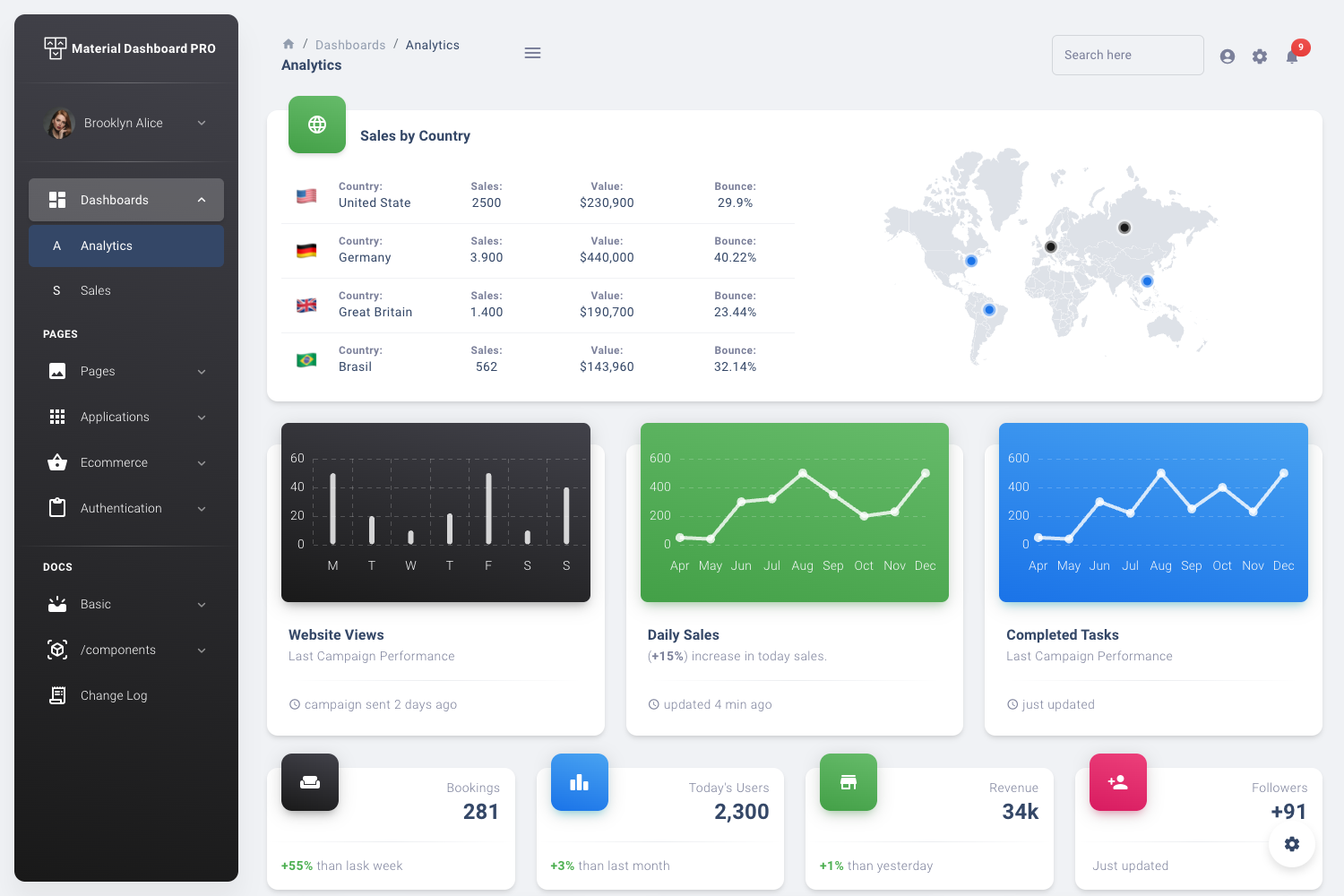
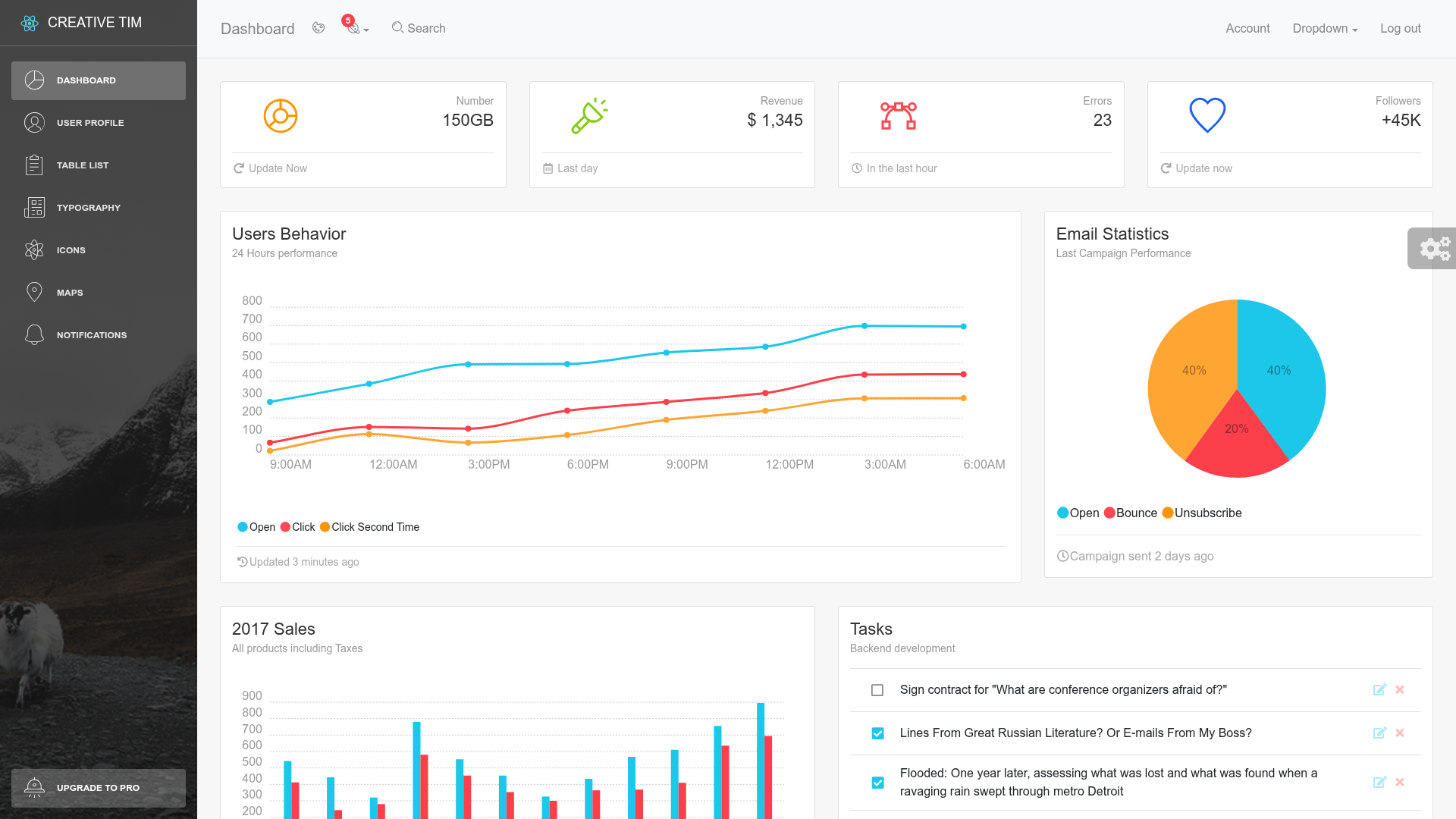
- Material Dashboard React — a Creative Tim template that uses Material UI for its component set instead of Tailwind.
FAQ
Is Matdash Free Tailwind React Dashboard really free?
Yes. The free version is released under the MIT License, so you can use it in personal and commercial projects without paying. No watermarks or attribution links are required.
What tech stack does Matdash use?
Matdash's free version is built with React and TypeScript, styled with Tailwind CSS, and uses Flowbite UI for components, ApexCharts for charts, and Tabler Icons for icons.
How do I install Matdash?
Clone the repository from GitHub, run npm install in the project folder, and start the dev server with npm run dev. The page also links to full documentation for customization.
Does Matdash have a Pro version with more features?
Yes. The Pro version includes multiple themes, advanced widgets, real-time notifications, priority support, multi-language support, and user roles and permissions, as listed in the free-versus-Pro comparison table on the page.