Template details
CODEDOC
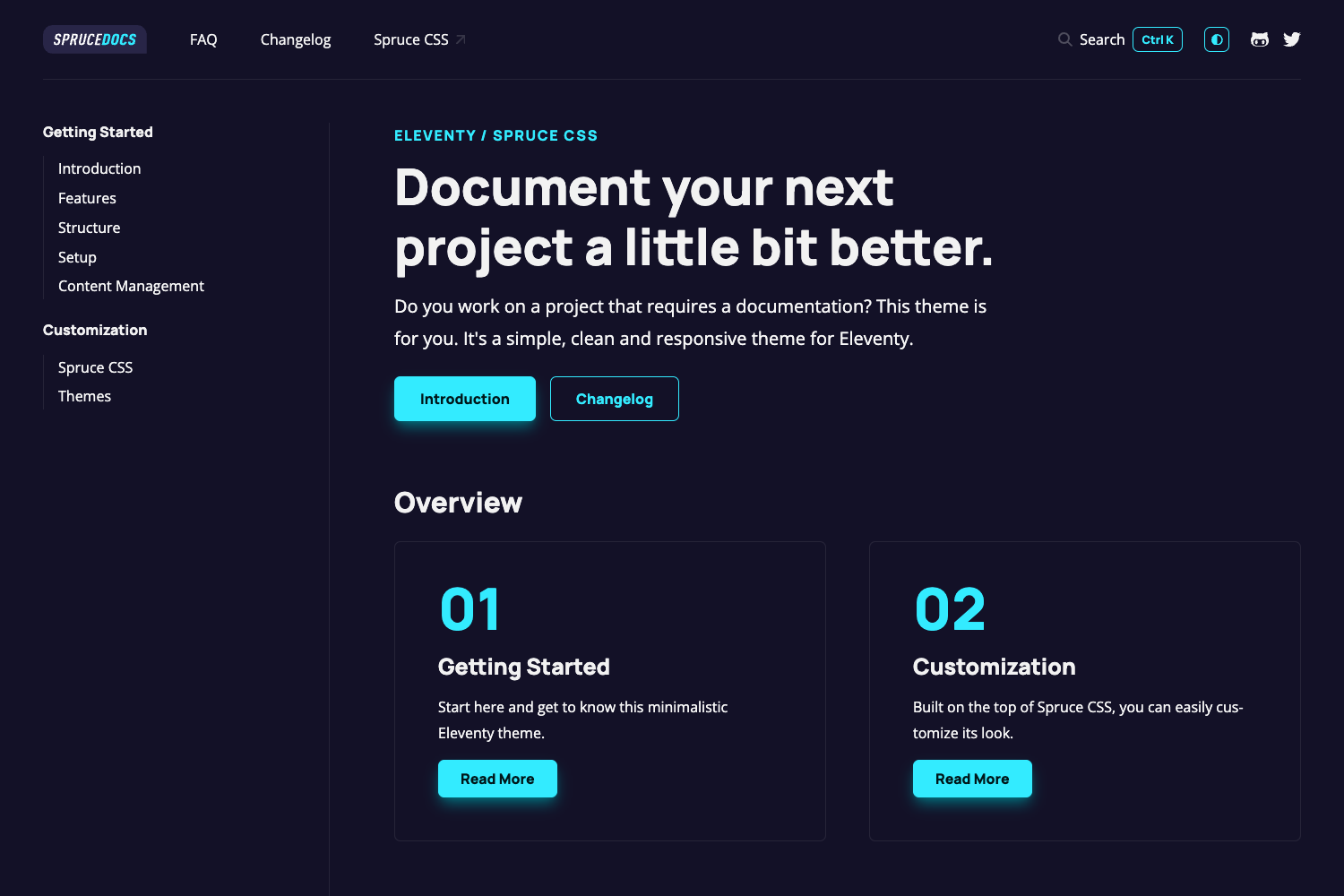
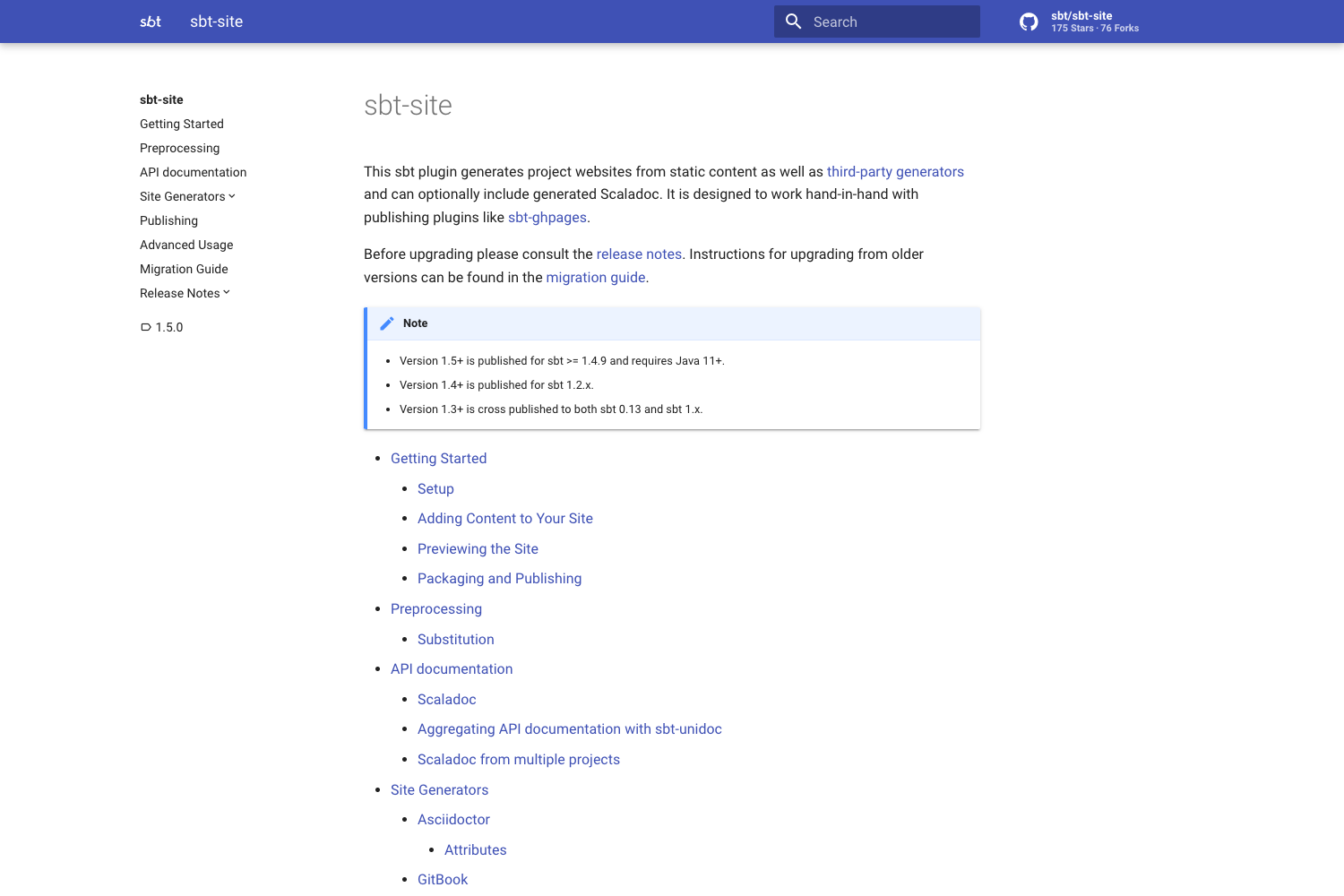
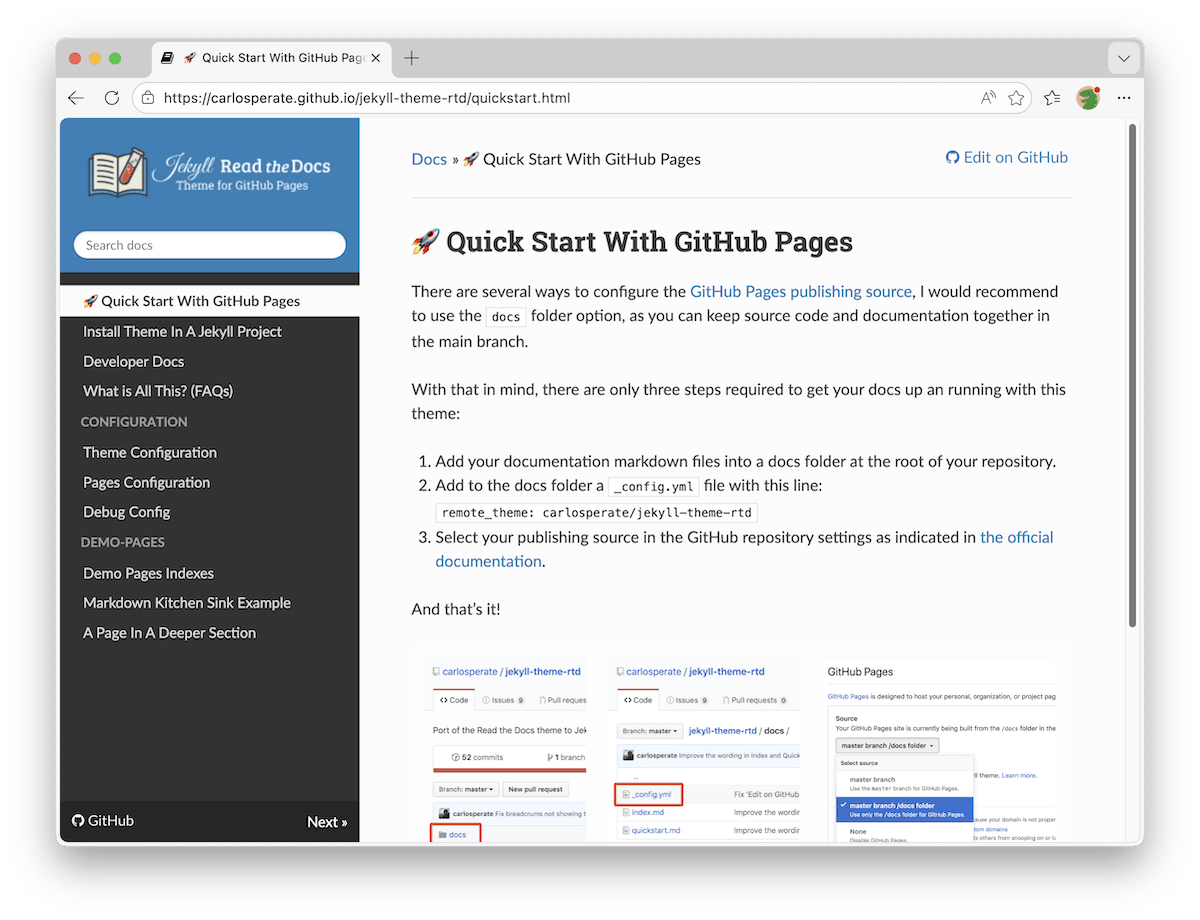
Open-source CLI that transforms Markdown files into modern JAMStack documentation websites deployable to GitHub Pages.
About this template
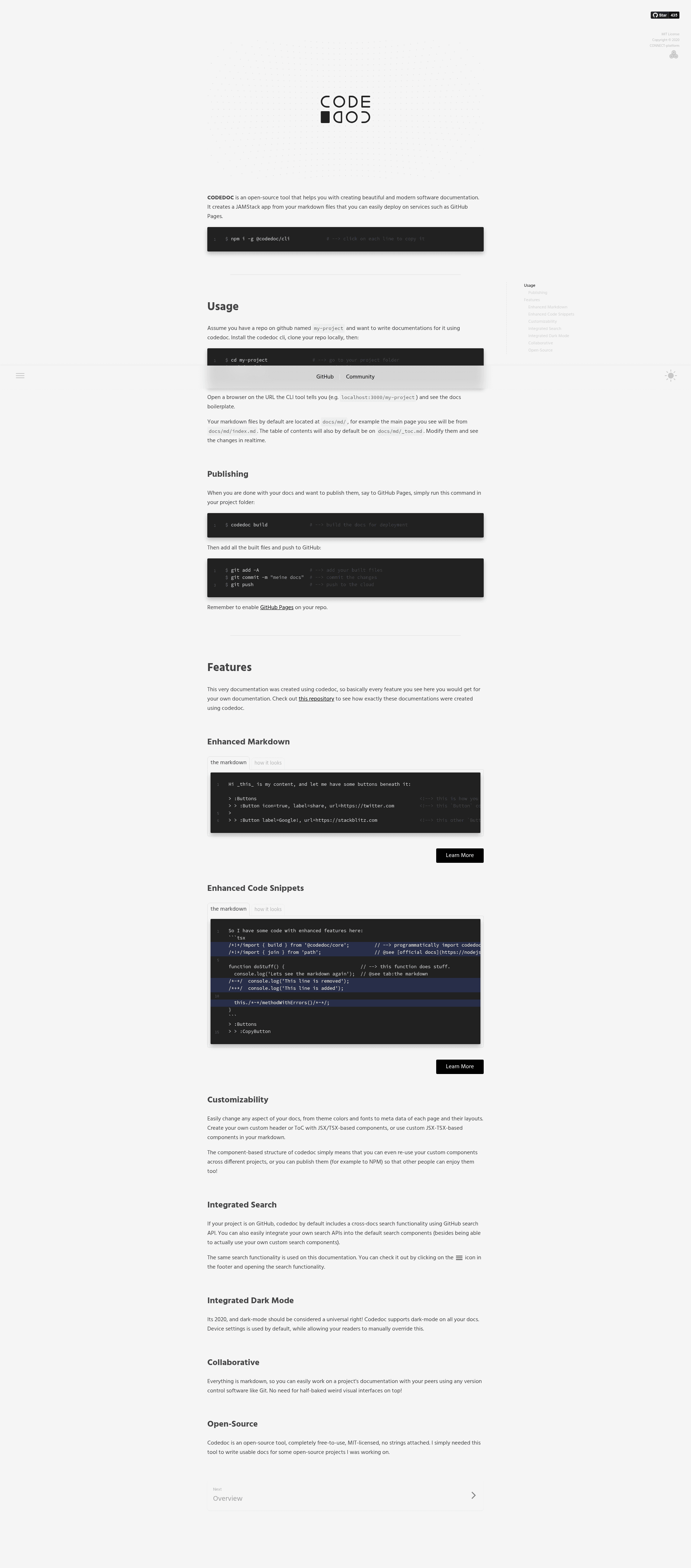
CODEDOC is an open-source documentation generator that compiles Markdown files into a modern JAMStack website you can deploy to GitHub Pages.
What is CODEDOC?
CODEDOC is an open-source command-line tool for building software documentation websites. It takes Markdown files (stored by default in docs/md/) as input and produces a static JAMStack app as output, which can be deployed to services like GitHub Pages. The tool runs on Node.js via npm and is maintained by the CONNECT-platform GitHub organization. It is built on a set of open-source libraries, including webpack, jsdom, Marked.js, Prism, KaTeX, Express, and RxJS.
Key Features
- CLI workflow — Install globally with
npm i -g @codedoc/cli, then runcodedoc initto set up a project,codedoc servefor a local development server with real-time reload, andcodedoc buildto generate the deployable site. - JAMStack output — The generated site is a static app that can be hosted on GitHub Pages or similar static hosting, with no server-side dependencies.
- Markdown-based authoring — Content lives in plain Markdown files under
docs/md/(e.g.,docs/md/index.md), so writers can use familiar Markdown syntax. - Custom components via TSX — CODEDOC uses CONNECTIVE HTML, a TSX-component library, to enable custom components for processing Markdown, going beyond standard Markdown rendering.
- Syntax highlighting — Code snippets are highlighted with Prism.
- LaTeX rendering — Mathematical formulas written in LaTeX are rendered with KaTeX.
- Automatic color handling — The
colorlibrary provides automatic color deduction and manipulation for themes. - Copy-to-clipboard — Code blocks include a convenient copy button powered by the
selectlibrary.
Who is it for?
- Open-source maintainers — Publish project documentation quickly from a
docs/md/folder and deploy it to GitHub Pages with a simplegit push. - Technical writers — Author documentation in Markdown while benefiting from a modern frontend with syntax highlighting, LaTeX formulas, and reusable components.
- Development teams — Set up a documentation site without paying for SaaS documentation platforms, using a CLI-driven workflow that fits into existing Git-based workflows.
What can you do with CODEDOC?
- Set up a docs site in minutes — Run
codedoc initto scaffold a project, then start editing Markdown; the local server withcodedoc servereflects changes in real time. - Deploy to GitHub Pages — After
codedoc build, push the generated output to a GitHub repository, and the documentation is published as a static site. - Customize the look and behavior — Use TSX components to create custom Markdown processing, and leverage the JSS-based theming system (CONNECTIVE JSS Theme) to adjust styling.
How does CODEDOC work?
- Install the CLI globally with
npm i -g @codedoc/cli. - In your project directory, run
codedoc initto create the initial configuration and defaultdocs/md/folder. - Run
codedoc serveto start a local development server that watches markdown and config files, using ts-node-dev for live updates. - Edit Markdown files and preview changes in the browser.
- Run
codedoc buildto compile the final static site. - Deploy by committing and pushing to a hosting service like GitHub Pages.
Alternatives
- Jekyll — A classic static site generator with a heavier, older-school frontend approach and less focus on documentation-specific features.
- GitBook — A SaaS platform built for documentation, but it lacks some features like code-snippet hints and hides features like dark mode behind a paywall.
FAQ
Is CODEDOC free?
Yes, CODEDOC is open-source, released under a license that allows free use. The CLI is installed via npm and the source code is available on GitHub under the CONNECT-platform organization.
What does CODEDOC output?
CODEDOC builds a JAMStack application — a static site that runs without a dedicated backend — from your Markdown files. This output can be hosted on static hosting services like GitHub Pages, making it easy to publish project documentation.
What Markdown features are supported?
Beyond standard Markdown, CODEDOC supports syntax highlighting via Prism, LaTeX formula rendering via KaTeX, and custom TSX components. This gives documentation authors more expressive power than plain Markdown alone.
Does CODEDOC require Node.js?
Yes, CODEDOC is installed and run through npm, so Node.js and npm are required to use the CLI. The generated site is static, but the build tooling runs on Node.js.
Can I deploy CODEDOC sites to GitHub Pages?
Yes, the documentation specifically mentions deploying to GitHub Pages. After running codedoc build, you push the changes to your repository and the static site is served from GitHub Pages.