Template details
Deploy React App to GitHub Pages
Step-by-step tutorial for deploying a create-react-app React app to GitHub Pages using the gh-pages npm package.
About this template
This is a step-by-step tutorial for deploying a React app created with create-react-app to GitHub Pages, using the gh-pages npm package to publish the production build. The guide is maintained by GitHub user gitname, has over 6,900 stars on GitHub, and is translated into Traditional Chinese.
What is this tutorial?
This tutorial walks through nine main steps: creating an empty GitHub repository, scaffolding a React app with npx create-react-app my-app, installing gh-pages as a development dependency, adding a homepage property to package.json, adding predeploy and deploy scripts, adding a Git remote, running npm run deploy, and configuring GitHub Pages to serve from the gh-pages branch. It also includes an optional step to push the React app's source code to the main branch. The result is a live React app accessible at a URL like https://username.github.io/repo-name.
Key Features
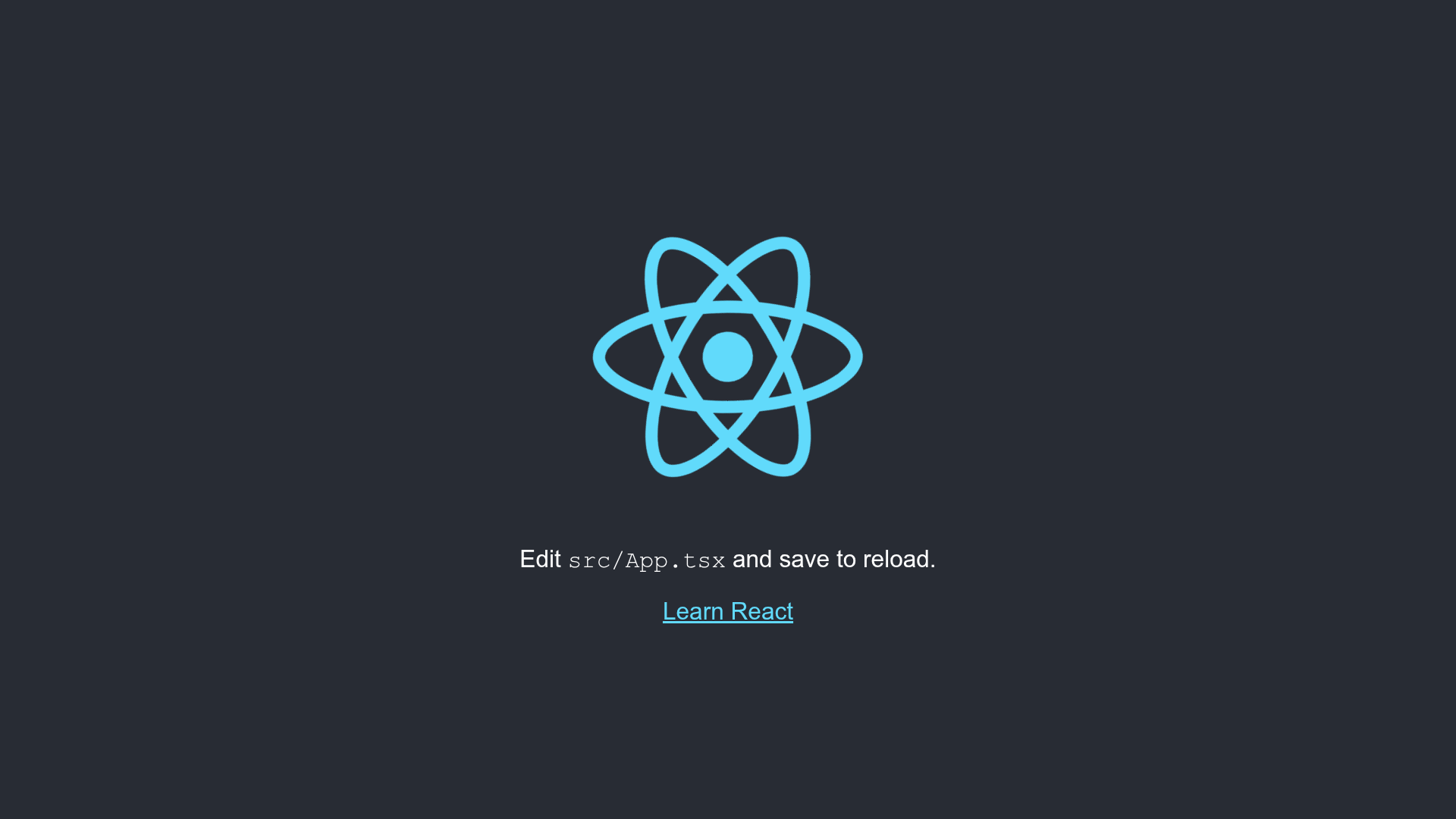
- Uses create-react-app — The tutorial scaffolds a new React app with the official
create-react-apptool, and notes that a TypeScript version can be created withnpx create-react-app my-app --template typescript. - Uses the gh-pages npm package — Deployment is handled by
gh-pages, which pushes the contents of thebuildfolder to a new commit on thegh-pagesbranch, creating the branch if it does not exist. - Free hosting on GitHub Pages — GitHub Pages is a free hosting service from GitHub; the tutorial covers both project sites (any repository name) and user sites (a repository named
username.github.io). - Custom deployment scripts — You add
"predeploy": "npm run build"and"deploy": "gh-pages -d build"to thescriptssection ofpackage.json; a custom commit message can be passed withnpm run deploy -- -m "Your message". - Handles Git branch differences — The tutorial explains that the local repository branch may be
masterormainand tells you to replacemasterwith your actual branch name in the commands. - Supports public and private repositories — It notes that GitHub Free accounts can only use GitHub Pages with public repositories, while GitHub Pro users can also deploy private repositories.
Who is this tutorial for?
- React developers who want to publish a
create-react-appproject as a free static site on GitHub Pages. - Students and beginners who want to host a portfolio, class project, or personal site without paying for a hosting service.
- Open-source maintainers who need a live demo site linked to a GitHub repository's
gh-pagesbranch.
What can you do with this tutorial?
- Portfolio sites: Deploy a personal React portfolio to a
username.github.ioURL as a user site. - Project demos: Host a live demo of a React app directly from a GitHub repository, using a free
gh-pagesbranch. - Static documentation sites: Use the same
gh-pagesworkflow to publish any static build output produced by React scripts.
How does the deployment work?
Running npm run deploy triggers the predeploy script, which executes npm run build and generates a distributable version of the app in a build folder. The deploy script then invokes gh-pages -d build, which pushes the folder's contents to a new commit on the gh-pages branch of the GitHub repository. Finally, in the repository's Settings → Pages area, you select "Deploy from a branch" and choose gh-pages with the root folder.
FAQ
Is deploying to GitHub Pages free?
Yes, GitHub Pages is a free web hosting service provided by GitHub. The tutorial uses it with no cost, and also notes that GitHub Free users must use public repositories for Pages.
What is the gh-pages npm package?
gh-pages is an npm package that publishes files to a gh-pages branch on GitHub. The tutorial installs it with npm install gh-pages --save-dev and uses it in the deploy script.
Can I use a custom domain?
The tutorial does not cover custom domains in its main steps, but it links to a reference about preserving a CNAME file when using one.
What if the Git branch in my repository is named main?
The tutorial says to replace all occurrences of master in the commands with your actual branch name, such as main, when pushing the source code.
Does the tutorial work with TypeScript?
Yes, it explicitly mentions creating a React app with TypeScript by running npx create-react-app my-app --template typescript as a variation of the setup.