Template details
CodeNight Starter
Lightweight Next.js 16 starter kit with Better Auth, Prisma, UploadThing, Tailwind CSS, and shadcn/ui — production-ready foundation.
About this template
CodeNight Starter is a lightweight, production-ready Next.js 16 boilerplate that combines authentication, database access, file uploads, and UI components into one pre-configured foundation for full-stack web applications.
What is CodeNight Starter?
CodeNight Starter is an open-source starter kit created by oyanmuhammad, published on GitHub, and designed to be a minimal dependency-light starting point for Next.js apps. It takes environment variables for a Neon PostgreSQL database, Better Auth, and UploadThing as configuration inputs, and it outputs a working application with a landing page, login page, protected dashboard, and upload demo. The project uses the Next.js App Router with route groups: public routes live in an unauthenticated group, dashboard and upload routes sit behind session checks, and an API folder hosts Better Auth and UploadThing endpoints.
What makes CodeNight Starter stand out?
- Modern stack — Next.js 16, React 19, TypeScript 5, Prisma 7, Better Auth 1, UploadThing 7, Tailwind CSS 4, and shadcn/ui 4, all coordinated through the Bun package manager.
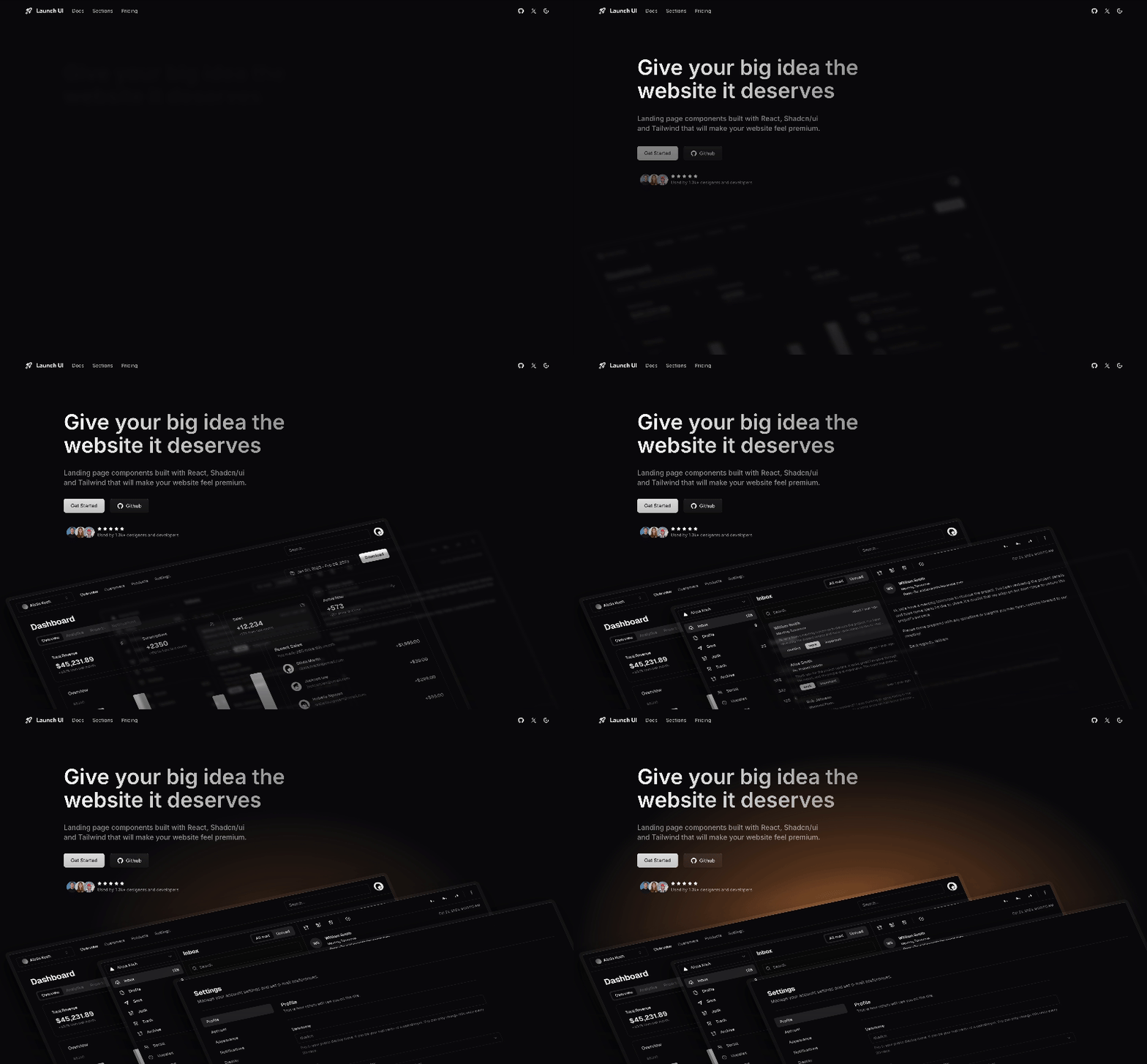
- Ready-to-use pages — a landing page with quick start guide, a login form with validation and error handling, a protected dashboard with sidebar layout, and an upload page with both image and file components.
- Better Auth integration — email and password authentication with native Argon2/scrypt hashing, the multiSession plugin for concurrent sessions, CORS headers, cookie-cache session management, and protected routes enforced through Next.js 16
proxy.ts. - Prisma with Neon PostgreSQL — pre-configured User, Session, Account, and Verification models, a PrismaNeon adapter, and commands for generating, migrating, and seeding your database with an admin user.
- UploadThing uploads — image uploads up to 4MB with preview and file uploads up to 16MB, both exposed as UploadThing route handlers with client-side progress feedback.
- Developer experience — environment variable validation at runtime, a Prisma client singleton, generated type-safe client, ESLint and typecheck scripts, Prisma Studio access, and a documented folder structure.
- Customization — theme colors are edited in
app/globals.css, new database models are added inprisma/schema.prismaand migrated, and new upload routes are added inlib/uploadthing.ts. - License — released under the MIT license, so it is free to use in personal, commercial, and open-source projects.
Who should use CodeNight Starter?
Developers who want a pre-wired full-stack foundation for Next.js rather than spending hours configuring auth, database, and uploads. Hackathon participants and indie hackers can clone the repo, run bun install, and have a working login and dashboard within minutes. Full-stack freelancers can use it as a consistent, type-safe base for client projects and then customize the theme and data models. SaaS teams benefit from the protected routes, persistent sessions, and admin seeding that are already set up for production.
What can you do with CodeNight Starter?
- Rapid prototyping: scaffold a full-stack app with authentication and a protected dashboard in a few commands.
- SaaS foundation: extend the Prisma schema with application models while keeping Better Auth sessions and CORS handling in place.
- Content platforms: reuse the UploadThing image and file upload components to add profile pictures, attachments, or document uploads.
- Learning a modern stack: study a clean, documented implementation that follows the official docs of Next.js, Better Auth, Prisma, UploadThing, Tailwind, and shadcn/ui.
How does CodeNight Starter work?
Setup follows the README: install Bun, clone the repository, copy .env.example to .env, fill in the database URL, admin credentials, Better Auth secret, and UploadThing token, then run bun run db:generate, bun run db:migrate, bun run db:seed, and bun run dev. The app starts on http://localhost:3000, where unauthenticated visitors see the landing and login pages and authenticated users are redirected to the dashboard. Route protection is handled by proxy.ts in Next.js 16, so dashboard routes return a redirect for missing sessions.
Pricing
The project is free and open source under the MIT license, with no paid tiers or pricing information listed in the README.
FAQ
Is CodeNight Starter free?
Yes, CodeNight Starter is released under the MIT license. The README explicitly states it is free to use for any project and welcomes contributions.
What stack does CodeNight Starter use?
It uses Next.js 16, React 19, TypeScript 5, Prisma 7 with Neon PostgreSQL, Better Auth 1, UploadThing 7, Tailwind CSS 4, shadcn/ui 4, and Bun as the package manager.
What upload limits are configured?
The included UploadThing setup allows image uploads up to 4MB with preview and file uploads up to 16MB for various file types. Both components show progress feedback during upload.
How do I create an admin user?
After filling in ADMIN_EMAIL and ADMIN_PASSWORD in your .env file, run bun run db:seed. The seed script in the Prisma folder creates a default admin user that can log in at the login page.
Which pages are included?
CodeNight Starter ships with a landing page at /, a login page at /login, a protected dashboard at /dashboard, and an upload demo page. Public and dashboard routes are separated as route groups, with authentication redirects handled by proxy.ts.