Template details
Nuxt CRUD Example
An example of creating restful interfaces quickly with Nuxt.js
About this template
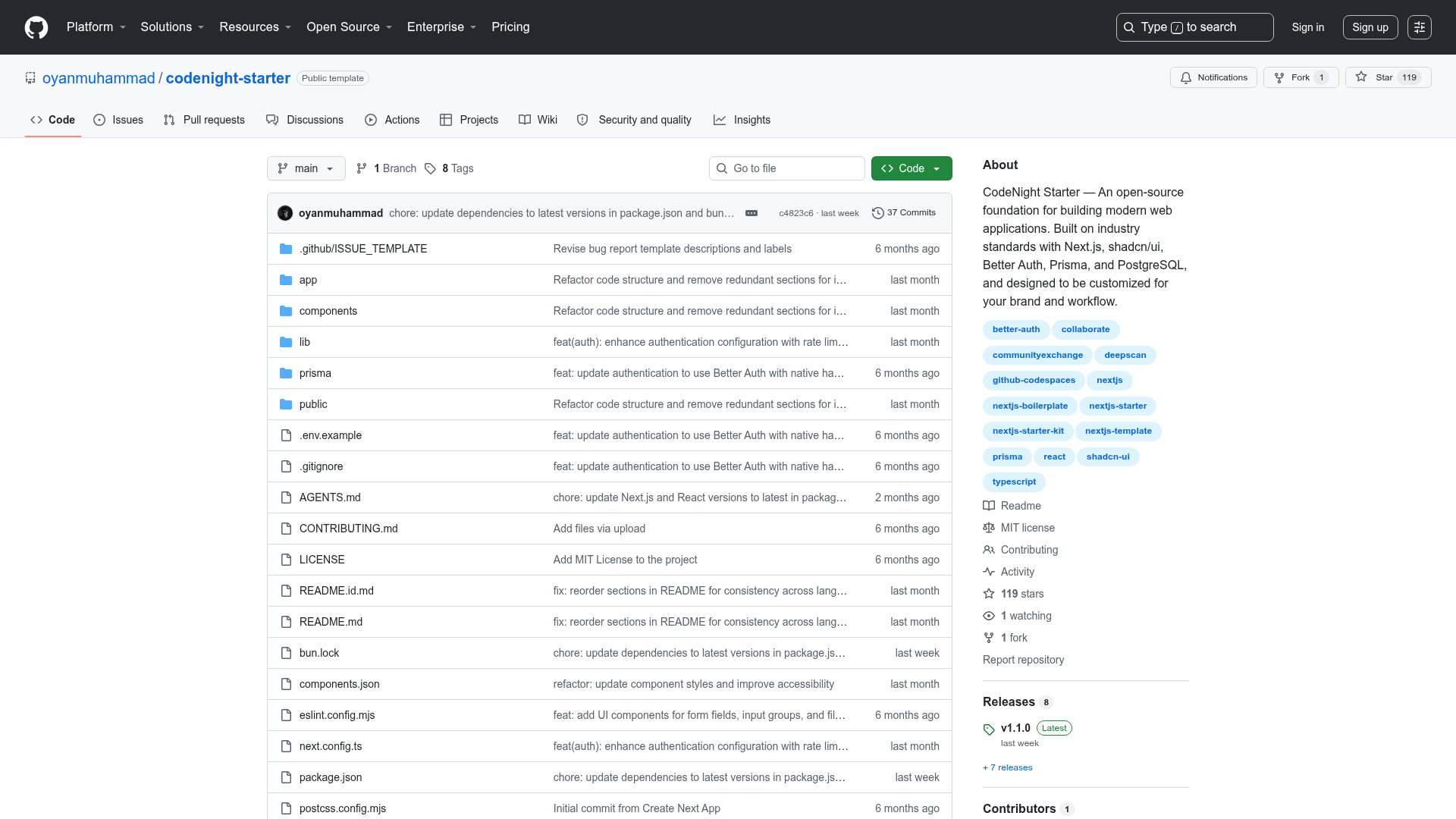
Nuxt CRUD Example is an open-source reference project for building RESTful interfaces in Nuxt.js, shipped as a runnable demo that talks to a mock REST API via json-server. It accompanies the article 'Quickly Building RESTful UI's in NuxtJS' on ITNEXT and currently has 118 GitHub stars, making it a useful starting point for understanding CRUD patterns in a Nuxt.js application.
What is Nuxt CRUD Example?
Nuxt CRUD Example is a minimal example project that demonstrates how to build RESTful interfaces using Nuxt.js, the Vue.js-based framework. The project takes data from a JSON file served by json-server and produces a user interface that can create, read, update, and delete records through standard HTTP methods. It is distributed as a GitHub repository with no named author, and its README focuses on the build commands needed to run and deploy the example.
Key Features
- Nuxt.js framework — Built on Nuxt.js, providing universal rendering, a component-based Vue architecture, and standard commands for development, building, and static generation.
- json-server integration — Includes a fake-server.js script that starts a mock REST API using the json-server package, so the CRUD operations work without a real backend.
- CRUD operation coverage — The example exercises create, read, update, and delete requests against the mock API, covering the core HTTP verbs used in RESTful interfaces.
- Yarn-based development workflow — Dependencies are installed with yarn install, the development server runs with yarn dev, and hot reload is available at localhost:3000.
- Production build and static generation — Yarn build and yarn start handle production deployment, while yarn generate outputs a fully static version that can be hosted on any static file server.
- Educational article companion — The code is written to support the ITNEXT tutorial, giving readers a concrete implementation to follow alongside the written explanations.
Who is it for?
- Nuxt.js developers who are learning how to wire a REST API into a Vue application and want a compact reference example.
- Frontend engineers prototyping CRUD interfaces who need a working model of how requests and responses flow between a Nuxt app and a mock server.
- Tutorial readers working through the ITNEXT article who want runnable code that matches the concepts being explained.
What can you do with Nuxt CRUD Example?
- Study CRUD patterns: Trace how a Nuxt.js page triggers GET, POST, PUT, and DELETE requests and how the retrieved data updates the UI.
- Prototype a frontend: Use the project as a scaffold to experiment with RESTful screens before the production backend is available.
- Deploy a static demo: Generate a static version and host it on any static site service to share a working CRUD example with colleagues.
How does Nuxt CRUD Example work?
The README provides a five-step setup: install dependencies with yarn install, start the development server with yarn dev, install json-server globally via npm, then run node fake-server.js to launch the mock REST API. To deploy, yarn build and yarn start run the production server, while yarn generate produces a static site.
FAQ
What is json-server?
json-server is a Node.js package, linked in the README, that turns a JSON file into a full REST API. In this project, fake-server.js calls it to simulate a backend, letting the CRUD examples work without writing server-side code.
Does this project use any CSS framework?
The README does not list a CSS framework or preprocessor. The only dependency mentioned beyond Nuxt.js is the globally installed json-server package.
Can I generate a static version of the example?
Yes, running yarn generate creates a static build of the Nuxt.js app. The output can be deployed to any static host, such as Netlify, Vercel, or a standard web server.
Is the project free to use?
The repository is publicly available on GitHub with no licensing information in the README. Its purpose as an educational example means it is intended to be studied and reused.