Template details
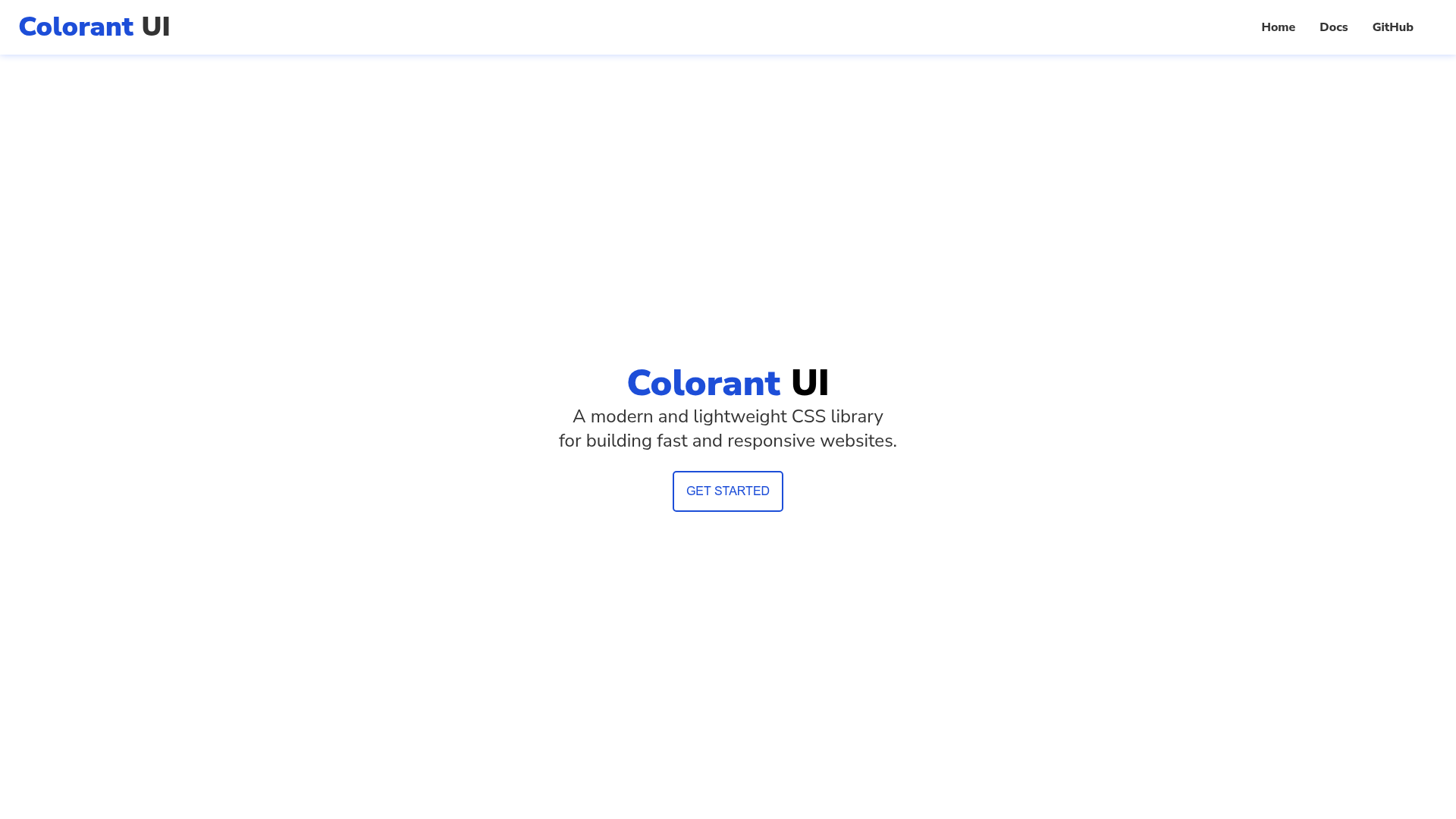
Colorant UI
A modern, lightweight CSS library for building fast and responsive websites with class-based styling.
About this template
Colorant UI is a lightweight, class-based CSS library for building fast and responsive websites; you style components by adding class names to HTML elements. It is distributed as a single CSS file hosted on Netlify, authored by Aman Singh, and built with HTML5, CSS3, VanillaJS, Flexbox, and Grid.
What is Colorant UI?
Colorant UI is a modern CSS library, not a JavaScript framework, that takes an HTML document as input and applies styling based on the class names it finds on elements. The output is a styled, responsive page. The core deliverable is one stylesheet — main.css — which you load with a single link tag in the head of your document. The project's documentation site is separate and lives at /docsite.html, while the live library is deployed to colorant-ui.netlify.app.
Key Features
- Single-file installation — Copy the link to https://colorant-ui.netlify.app/CSS/main.css into the head tag and the library's styles become available across the page.
- Class-driven styling — You style components by adding predefined class names directly to HTML elements, avoiding inline styles and hand-written CSS.
- Lightweight by design — The README positions the library as lightweight, with the goal of helping you ship fast and responsive websites with minimal payload.
- Modern layout methods — The project is built on Flexbox and Grid, the CSS layout techniques that power responsive design without heavy grid frameworks.
- VanillaJS tech stack — The listed technologies are HTML5, CSS3, and VanillaJS, with no mention of a front-end compiler or build step in the setup instructions.
- Documentation included — A dedicated documentation website shows usage examples beyond what the README explains, making it possible to learn the class names and patterns.
Who is it for?
- Front-end developers who need a small CSS library to drop into a static HTML site and want to avoid learning a full component framework.
- Beginner web designers who want to see how modern CSS features like Flexbox and Grid can be packaged into reusable classes, and who can study the source for learning.
- Hobbyists and prototypers who want to spin up a responsive page quickly by linking one stylesheet and adding a few class names.
What can you do with Colorant UI?
- Static site builders: link main.css once and then add class names to headings, sections, and other elements to get a responsive layout without writing custom CSS.
- Rapid prototyping: create a styled, responsive version of a design by marking up HTML with the library's classes, then iterate on the structure.
- Learning CSS patterns: read the single CSS file to understand how Flexbox and Grid utilities are implemented in a small, dependency-free codebase.
How does Colorant UI work?
The README's installation section tells you to copy the stylesheet link into the head tag of your HTML document. Once the stylesheet loads, you add class names to your elements, and the library's CSS rules style them. The documentation website exists to list the classes and show examples, so the workflow is: link the CSS, apply class names, view the styled page.