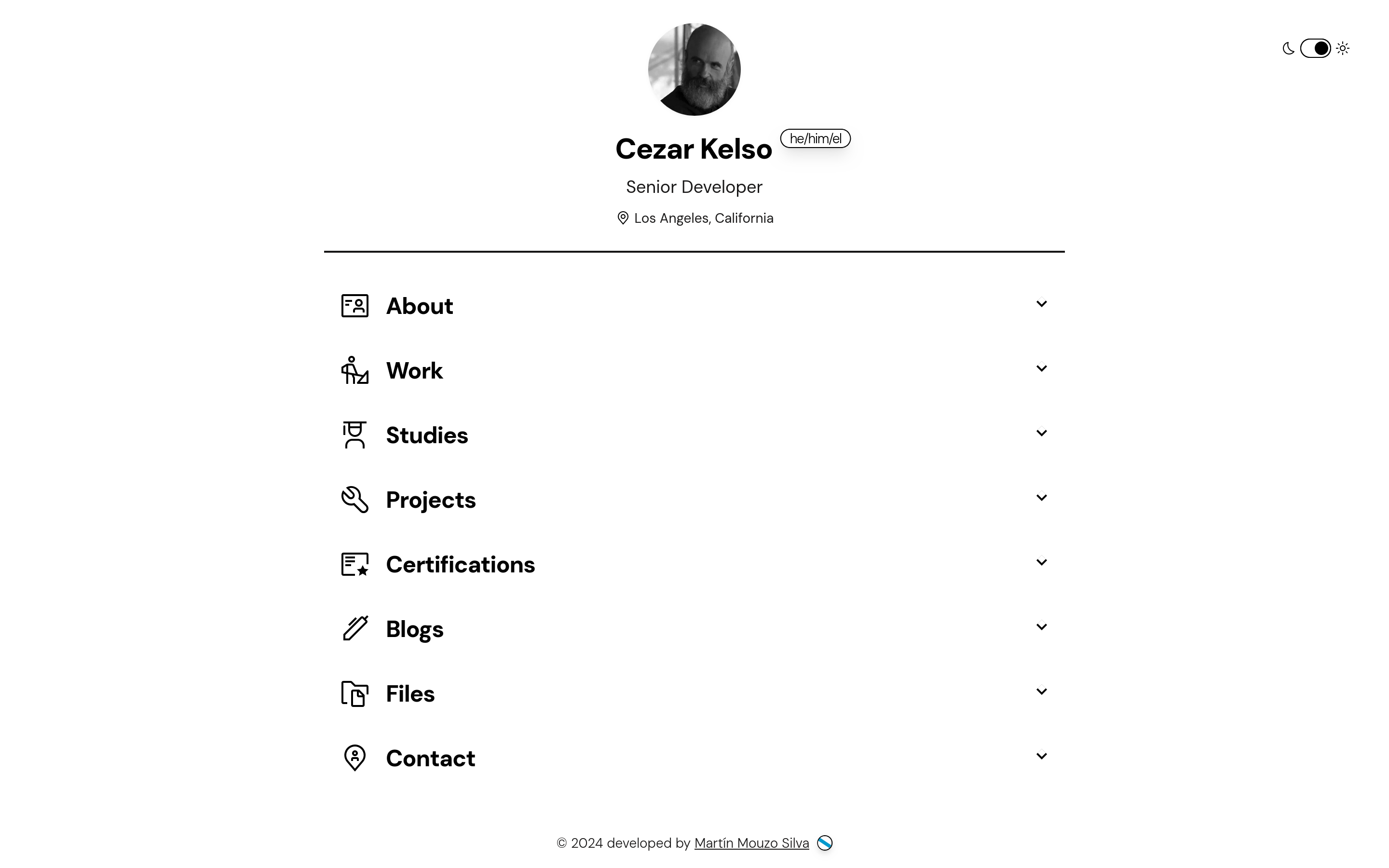
Template details
COMPLETE-PORTFOLIO-WEBSITE
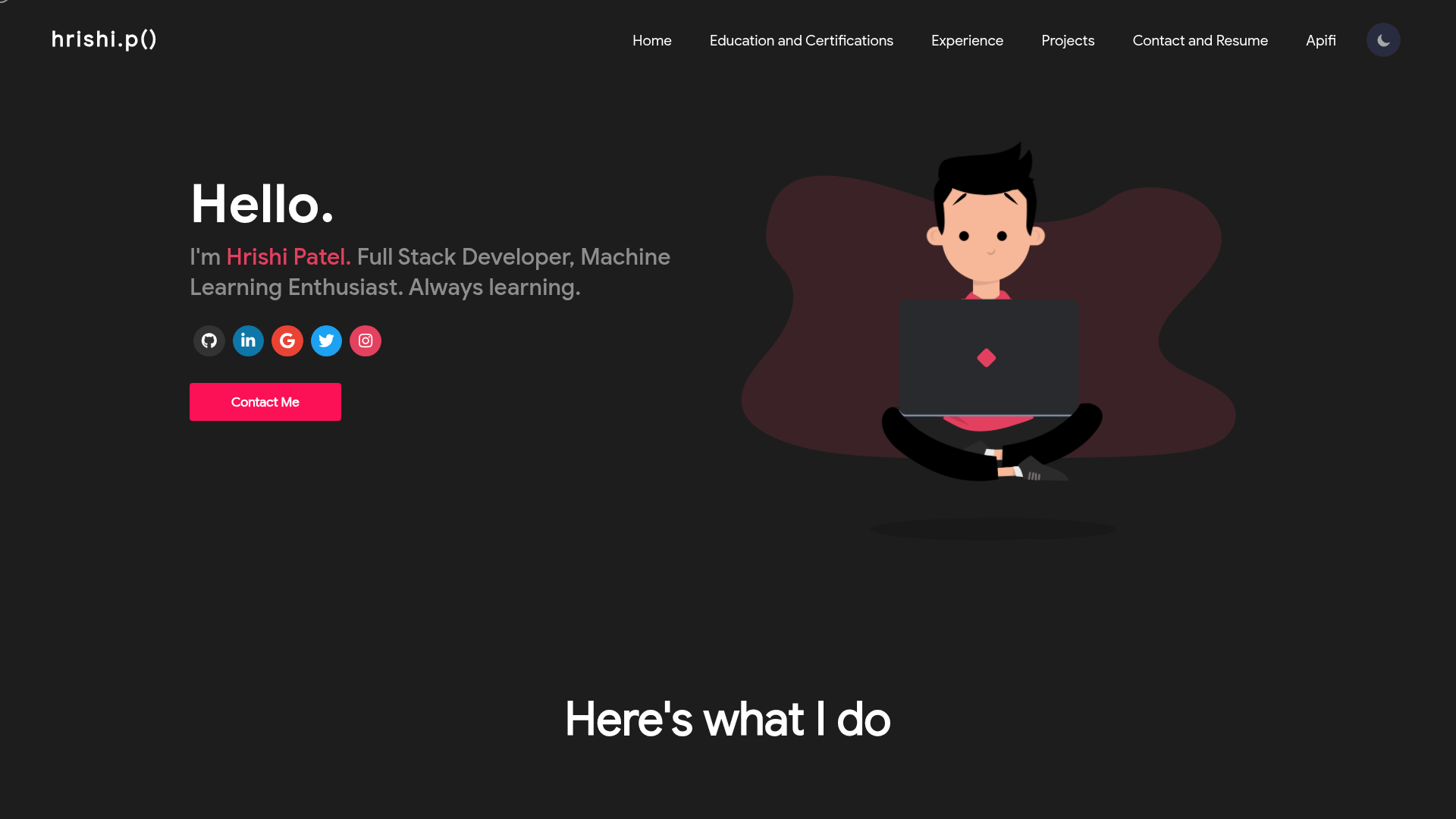
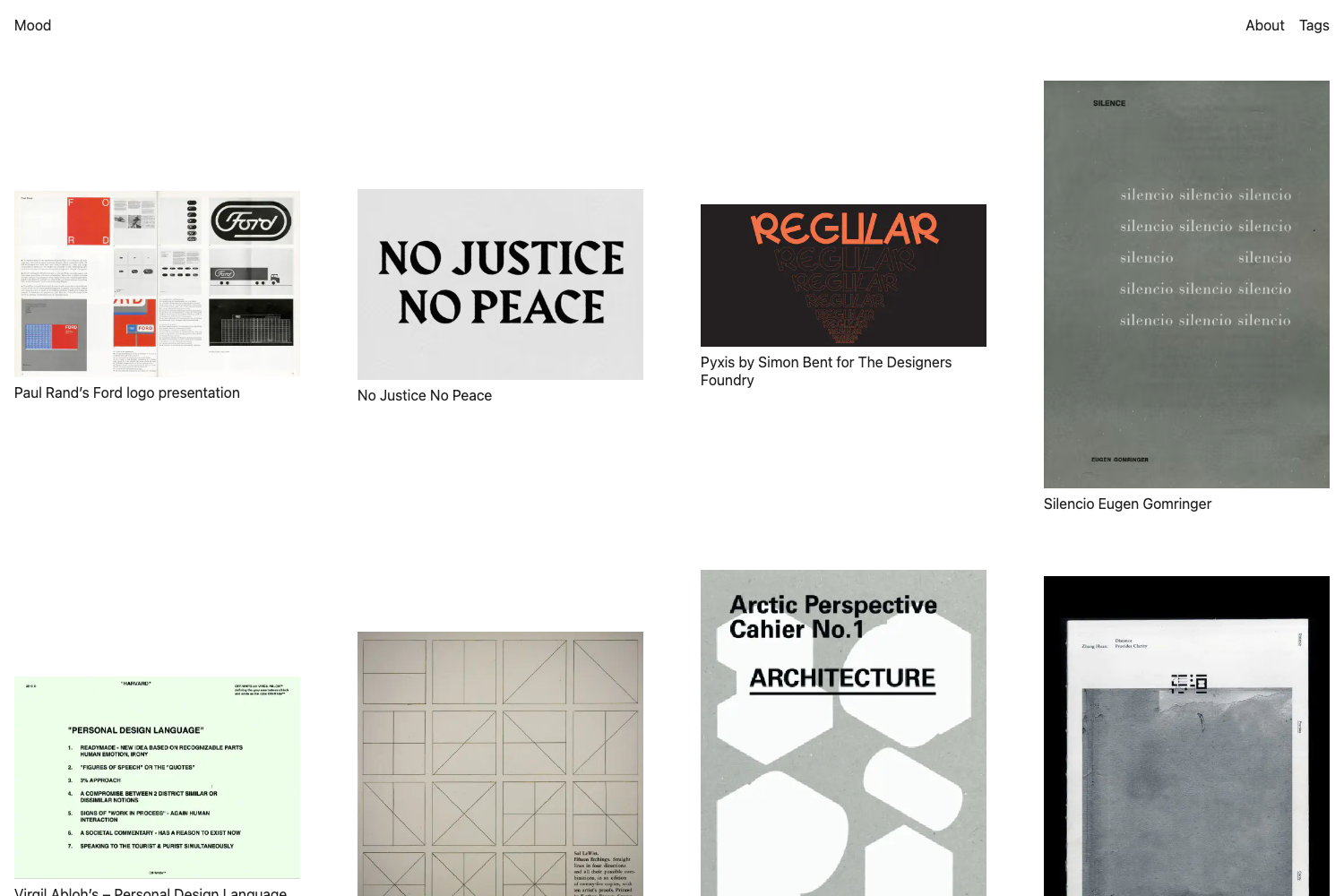
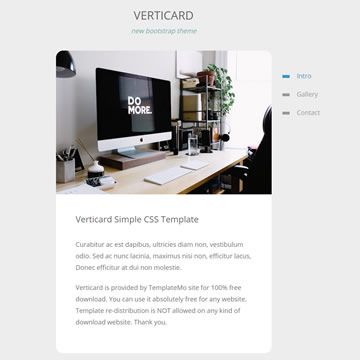
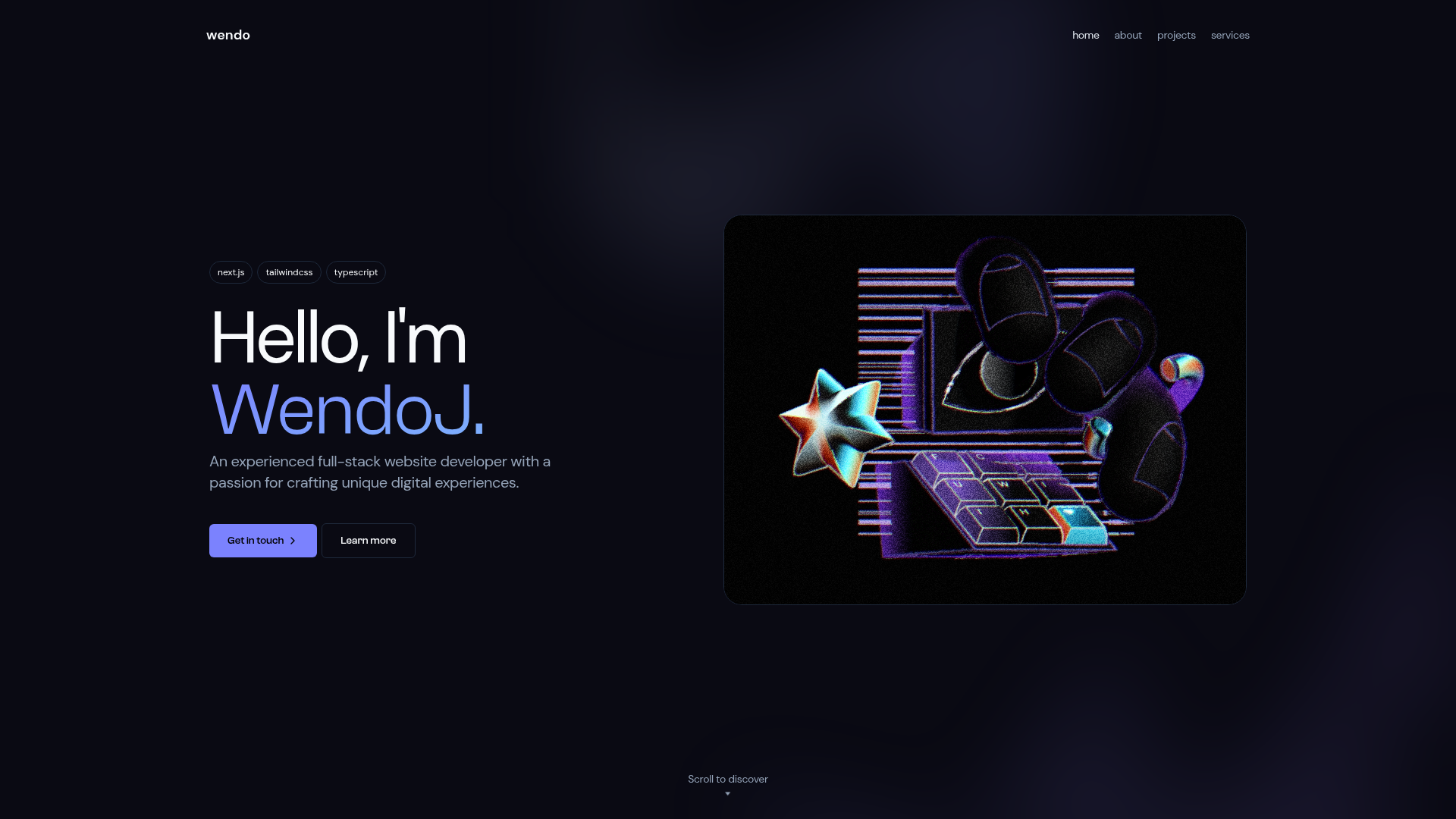
A complete, responsive portfolio website template built with HTML, CSS, and JavaScript, featuring Mapbox integration and GitHub Pages deployment.
About this template
COMPLETE-PORTFOLIO-WEBSITE is an open-source, responsive portfolio website template built with plain HTML, CSS, and JavaScript that produces a standalone personal site with an optional Mapbox map and is designed to be built and deployed through Vite to GitHub Pages.
What is COMPLETE-PORTFOLIO-WEBSITE?
COMPLETE-PORTFOLIO-WEBSITE is a static portfolio website template created by the GitHub user shu-vro. It takes your personal content — text, images, and project links — and outputs a ready-to-publish portfolio page. The template runs on plain HTML, CSS, and JavaScript, so it needs no framework, but the author recommends Vite for local development and production builds. As of the repository metadata, it has 168 stars and is tagged as a complete, dynamic, and responsive portfolio website.
Key Features
- Vanilla HTML, CSS, and JavaScript — No framework required; the entire site is hand-coded in the three core web languages, so it runs anywhere a browser does.
- Responsive layout — The template is tagged as a responsive portfolio website, meaning it adapts to phone, tablet, and desktop screen sizes.
- Mapbox integration — Includes a map component powered by Mapbox that displays a location; you provide your own Mapbox API key through Vite, and if the key or Vite is missing, a default placeholder image is shown instead.
- GitHub Pages deployment — The README explains how to deploy the built site to GitHub Pages using Vite's static deployment guide, making it easy to publish at yourusername.github.io.
- Dynamic website — The repository topics classify it as a dynamic website, indicating JavaScript-driven interactivity beyond static HTML.
- Live demo — A working example is hosted at shu-vro.github.io/COMPLETE-PORTFOLIO-WEBSITE, letting you preview the template before customizing it.
Who is it for?
- Front-end developers — who want a minimal, framework-free portfolio they can edit directly in a text editor and deploy without a build tool.
- Students and recent graduates — who need a clean, responsive page to showcase their projects and contact information during job searches.
- Hobbyists and freelancers — who want a simple online presence and are comfortable adding their own Mapbox API key for a location map.
What can you do with it?
- Customize the content — Edit the HTML and CSS to replace the placeholder text, images, and links with your own projects, bio, and contact details.
- Add a location map — Set up a Mapbox API key inside the Vite environment to display an interactive map on your portfolio.
- Deploy to GitHub Pages — Follow the Vite deployment steps to build and publish the site so it's live under a GitHub Pages URL.
- Learn web fundamentals — Use the readable, plain-JavaScript codebase as a reference for how a complete responsive site is structured.
How does it work?
The template is a static site that you run locally with Vite: install the project dependencies, start the development server, edit the source files, and then run a production build. For the Mapbox map to appear, you must supply your own API key and use Vite for the build; otherwise the map section falls back to a default placeholder image. Once built, you can deploy the output folder to GitHub Pages using the official Vite static-deploy instructions.
Pros and cons
Pros
- Simple, framework-free stack that runs anywhere.
- Responsive design works across devices.
- Official deployment path to GitHub Pages.
- Free to use as a public project.
Cons
- The Mapbox map requires your own API key and a Vite-based build; without these, only a placeholder image displays.
- The README explicitly warns that you should use Vite, so the template is not plug-and-play without some setup.
Pricing
COMPLETE-PORTFOLIO-WEBSITE is a free, public project hosted on GitHub, so there is no cost to download, modify, or deploy it. Any costs you incur are limited to optional services like a Mapbox API key.
FAQ
Does the template work without Vite?
The website itself will still work, but the Mapbox integration won't load without Vite and an API key — instead, a default placeholder image is shown in place of the map. The README strongly recommends using Vite for both development and production.
How do I deploy it to GitHub Pages?
The README points to Vite's official static deployment guide for GitHub Pages. You build the project with Vite, then push the generated files to a GitHub Pages-enabled repository, typically publishing at your username's GitHub Pages URL.
What technologies does it use?
The template is built with plain HTML, CSS, and JavaScript, with no front-end framework. Vite is used as the build tool, and Mapbox provides the map component. The repository topics also list it as a dynamic, responsive portfolio website.
Is it really free?
Yes, the project is a public GitHub repository with no pricing or license restrictions mentioned, and the demo site is openly accessible. You only need to pay if you choose to obtain a paid Mapbox API key.