Template details
Developer Portfolio
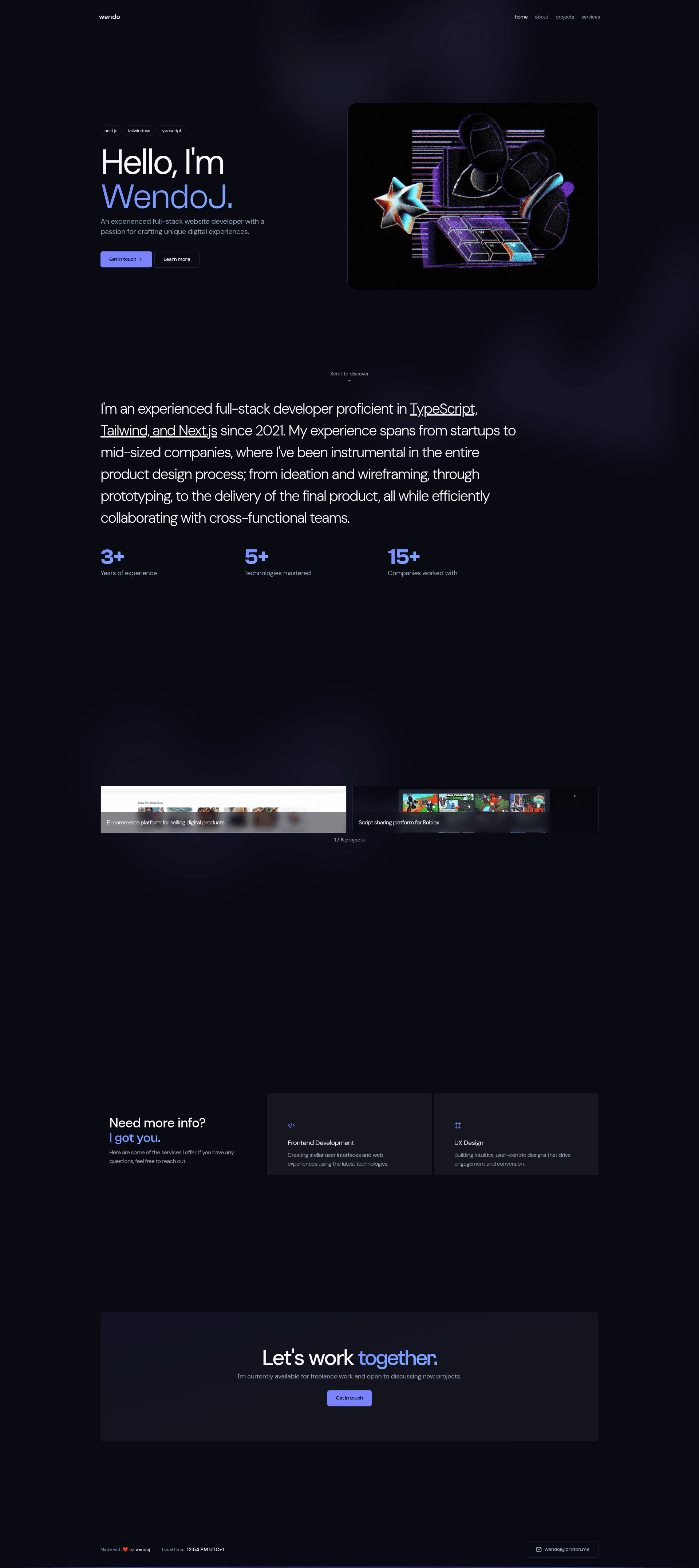
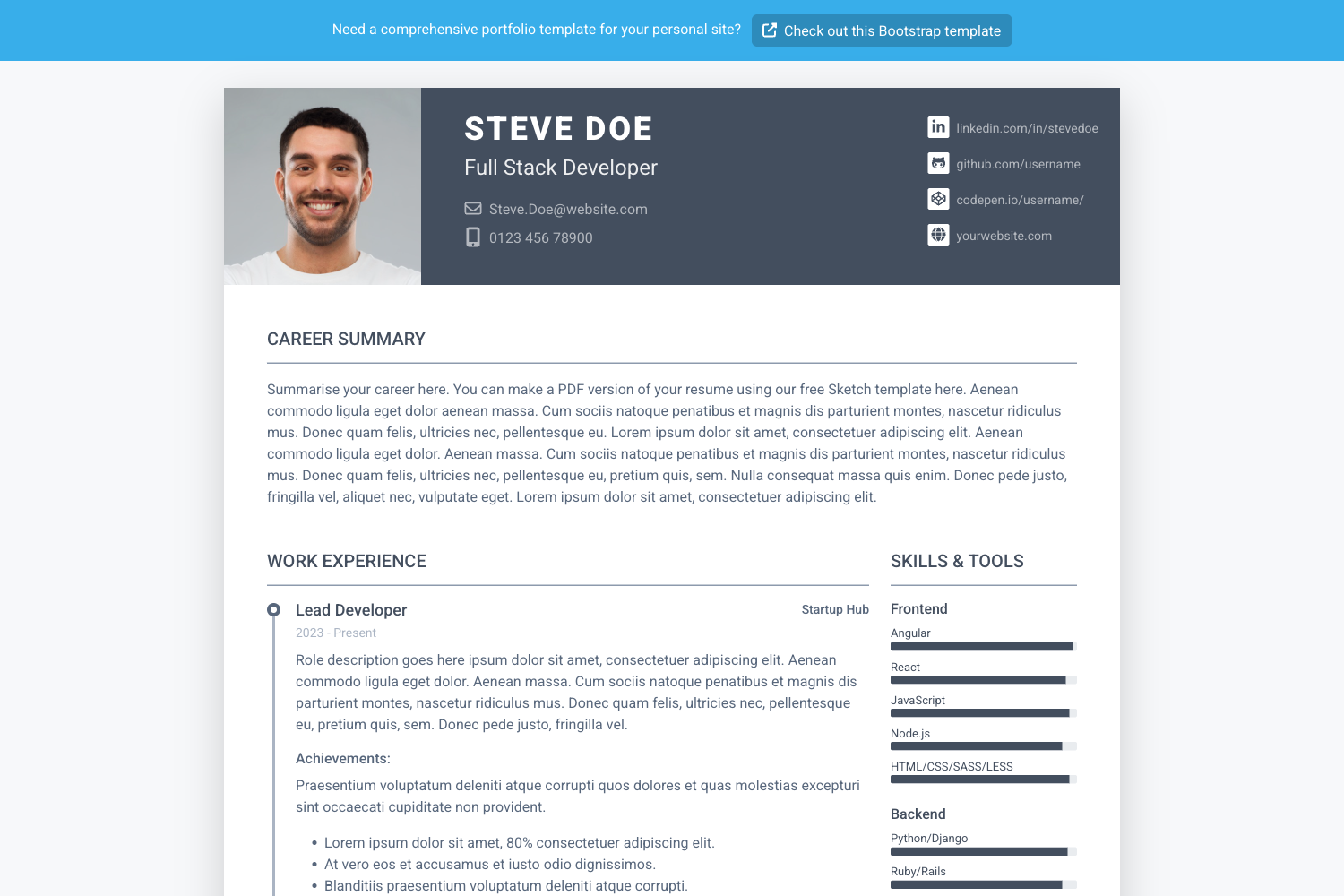
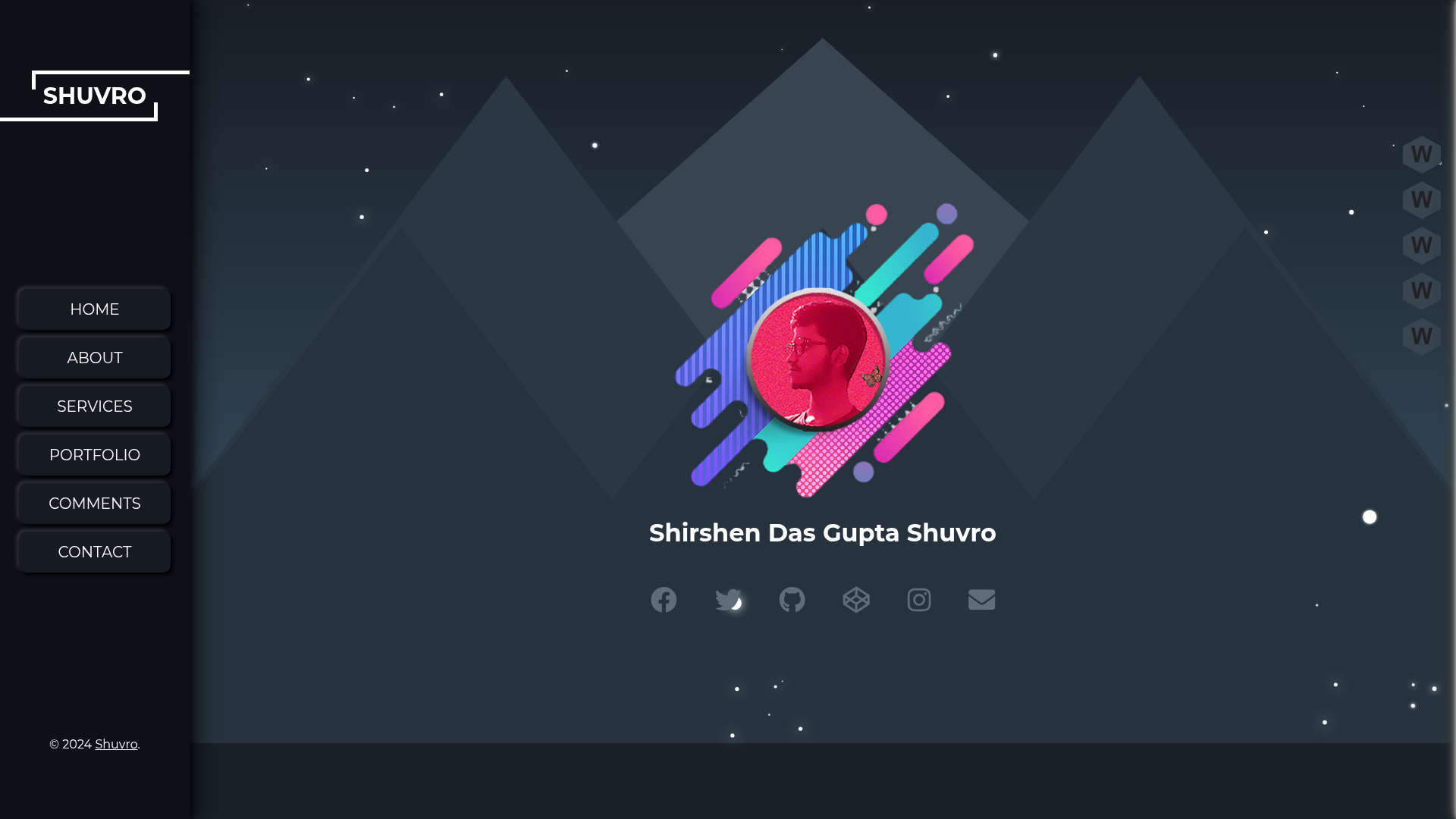
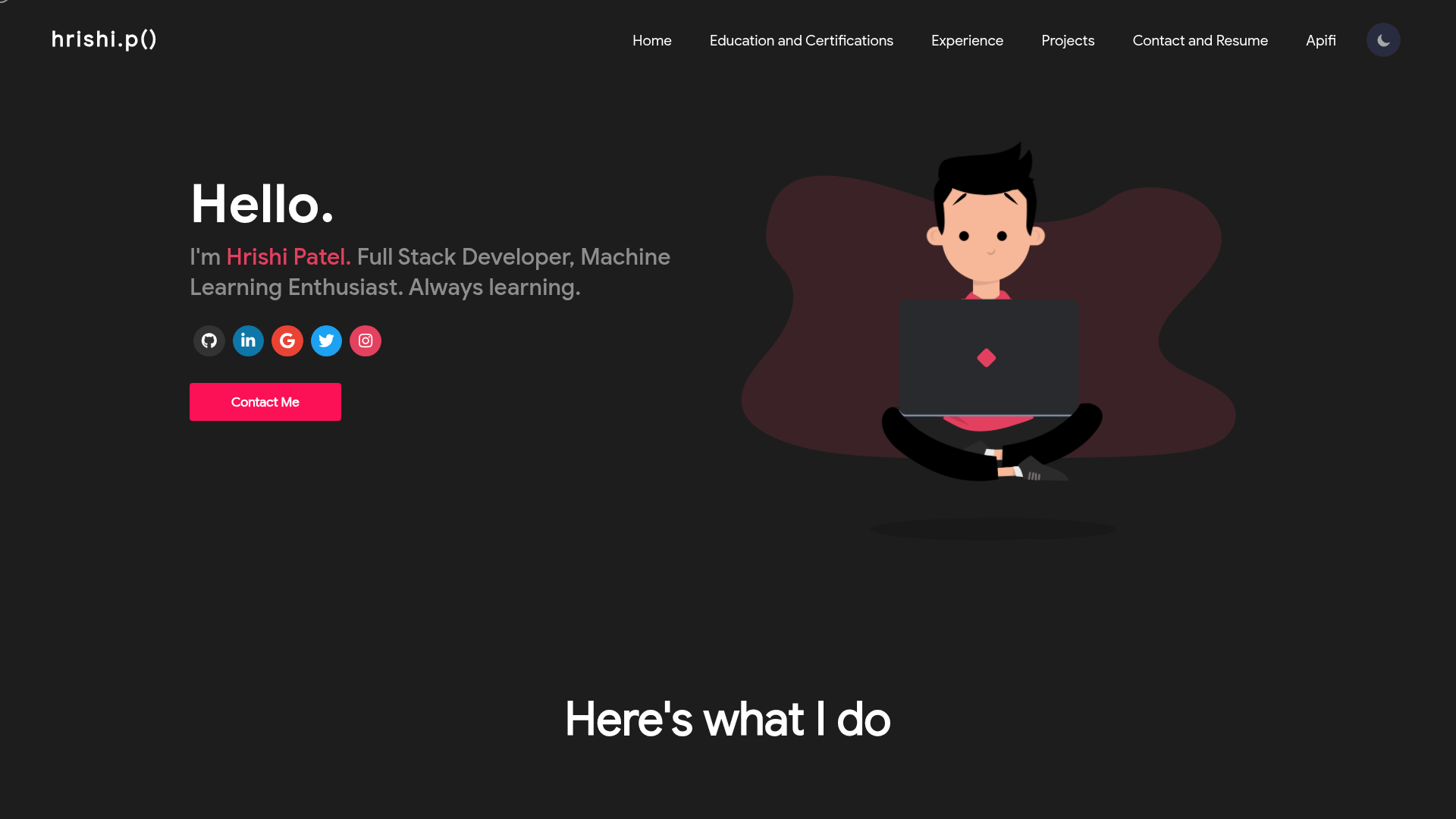
A sleek, modern, and responsive personal portfolio bootstrapped with create-t3-app.
About this template
Developer Portfolio is a responsive single-page portfolio template built with Next.js, React, and Tailwind CSS, bootstrapped with create-t3-app, that lets developers showcase their projects, skills, and contact information on a live website.
What is the Developer Portfolio?
The Developer Portfolio is an open-source personal portfolio site template generated with create-t3-app, producing a complete Next.js application with a polished UI. It takes your personal content — your name, projects, and skills — through direct edits to src/pages/index.tsx, and outputs a live portfolio site that runs locally or on a hosting platform. The project is maintained on GitHub under the wendoj account and has 188 stars.
Key Features
- Responsive Design — The layout adjusts from desktop to mobile, using a fluid grid that works across devices.
- Easy Customization — All personal content lives in
src/pages/index.tsxand styling insrc/styles/globals.css, so you can edit two files to make it yours. - Interactive Animations — Integrates
locomotive-scrollfor smooth scrolling andframer-motionfor animated UI elements. - Modern Tech Stack — Built on Next.js and React with TypeScript, styled with Tailwind CSS and shadcn-ui components, all configured by create-t3-app.
- Deployment Guides — The repository links to official instructions for deploying to Vercel, Netlify, or Docker.
- Open Source — Code is publicly available on GitHub, and contributions are welcomed via pull requests.
Who should use the Developer Portfolio?
- Software developers — Present projects and hard skills to potential employers in a clean, modern layout.
- Freelancers — Quickly launch a professional portfolio without designing a site from scratch.
- Students and recent graduates — Build a resume-style webpage for internship or job applications.
- Open-source contributors — Document project roles and contributions with a polished front-end.
What can you do with the Developer Portfolio?
- Job seekers: Stand up a portfolio that lists projects and skills, then deploy it to Vercel with the provided guides.
- Freelance developers: Customize the source files to reflect their brand colors and project thumbnails.
- Designers and creatives: Use the responsive layout and animations to display visual work in a portfolio structure.
How does the Developer Portfolio work?
- Clone the repository from GitHub.
- Install dependencies with
npm install. - Run
npm run devto start the development server athttp://localhost:3000. - Edit
src/pages/index.tsxandsrc/styles/globals.cssto personalize. - Deploy using the linked Vercel, Netlify, or Docker guides.
FAQ
Is the Developer Portfolio free?
Yes, the template is publicly available on GitHub, and you can clone, modify, and deploy it for free.
How do I change the content?
Open src/pages/index.tsx and replace the default text with your own name, project descriptions, and skill lists. The visual style is controlled by src/styles/globals.css.
Can I deploy it to Vercel?
The repository references official deployment guides for Vercel, Netlify, and Docker, so you can deploy to any of these platforms.
Does it support animations?
Yes, it uses locomotive-scroll for smooth scrolling and framer-motion for interactive transitions.
What is create-t3-app?
create-t3-app is a starter toolkit that scaffolds a Next.js application with TypeScript, Tailwind CSS, and other optional integrations, which this template uses as its base.