Template details
web-portfolio
React-based personal portfolio template with React-Spring animations and SCSS styling, featuring page transitions and a modular codebase.
About this template
web-portfolio is an open-source personal portfolio template built with React (Create React App) and React-Spring that outputs a single-page developer portfolio with animated page transitions, loader effects, and responsive SCSS styling. It is distributed as a GitHub repository and can be cloned, customized, and deployed to any static host.
What is web-portfolio?
web-portfolio is a React-based portfolio website template that takes a developer's projects, skills, and timeline content and renders it as an animated single-page site. It uses React-Spring for the majority of its animations, including page transitions and loader animations, and relies on SCSS with Flexbox and media queries for styling and responsiveness. The project is built with Create React App, so it runs locally with a standard install-and-start workflow and compiles to static assets for production.
Key Features
- React-Spring animations — Use React-Spring for page transitions, loader animation, and other motion effects, including a loader animation inspired by an AVST Loader and Blog Animation Dribbble shot.
- SCSS styling without a framework — Styling is done in SCSS using Flexbox for layout and media queries for responsiveness; no CSS framework is included, giving full control over the design.
- Modular folder structure — The source is organized into
src/app/common(styles and components),constants(project constants),examples(separate animation examples), andmodules(pages and components), making it easy to navigate and edit. - Webpack resolve.alias — Common paths are aliased in webpack configuration to reduce relative imports, simplifying the import statements throughout the codebase.
- Page transition example — A standalone page transition example is included under
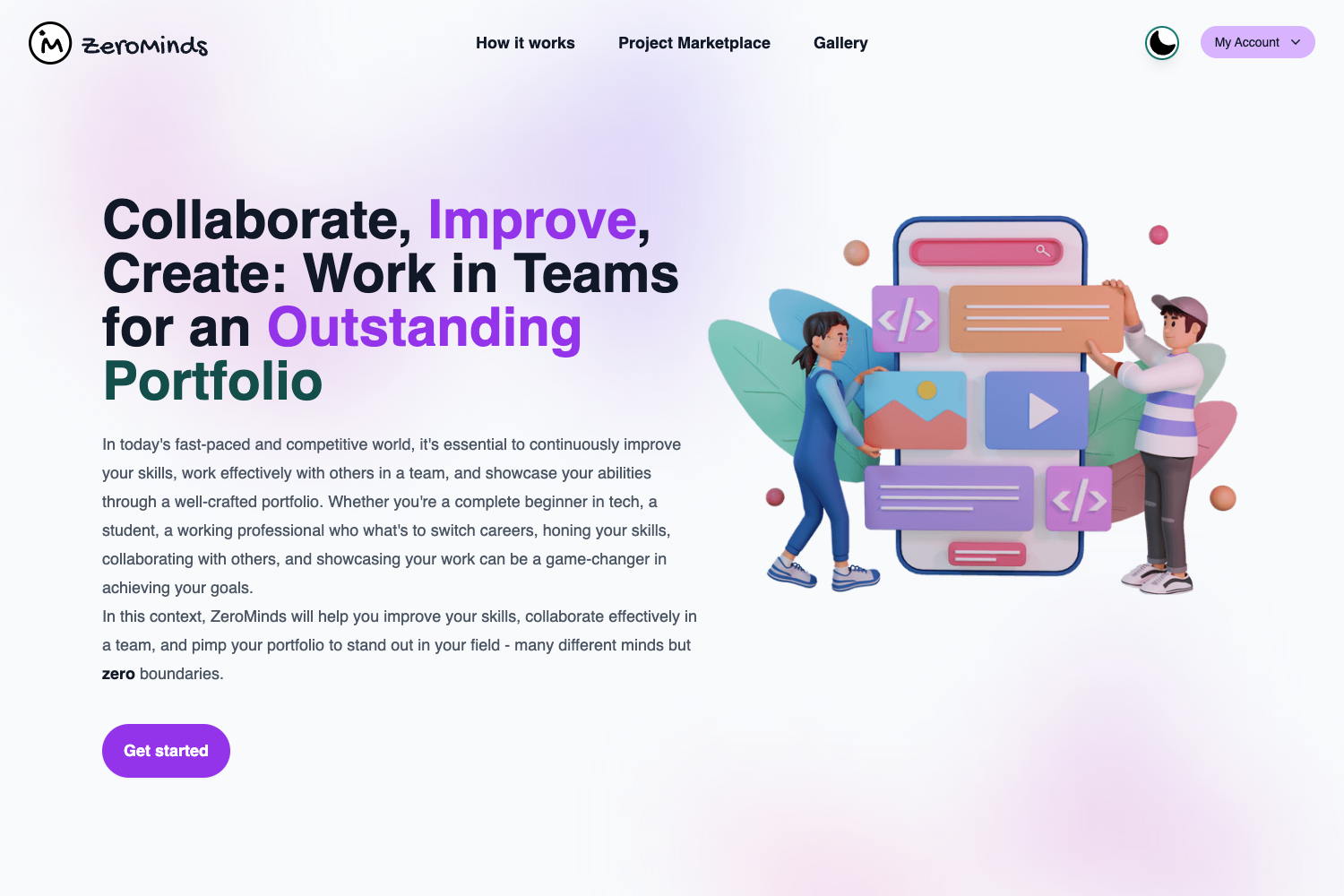
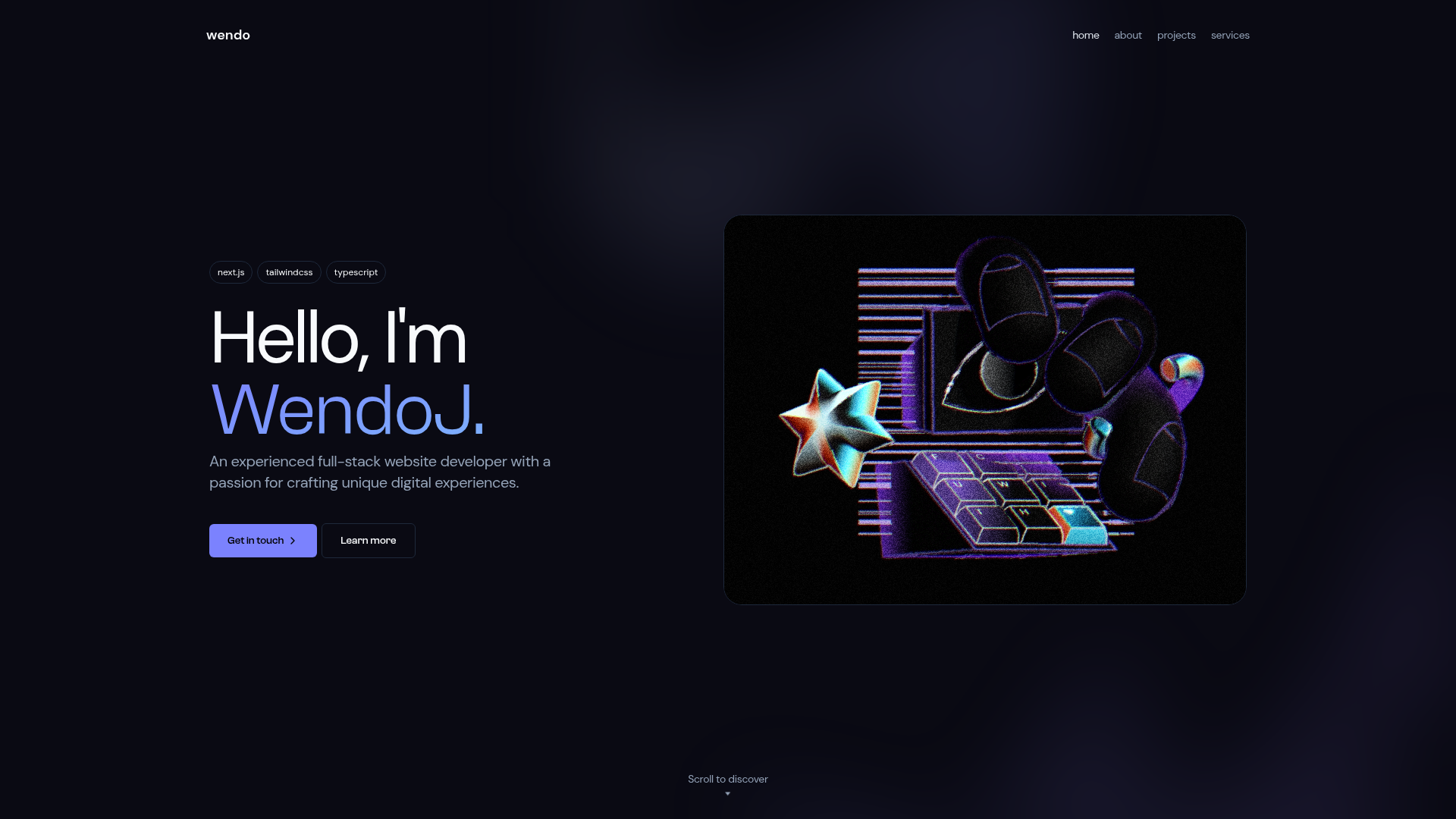
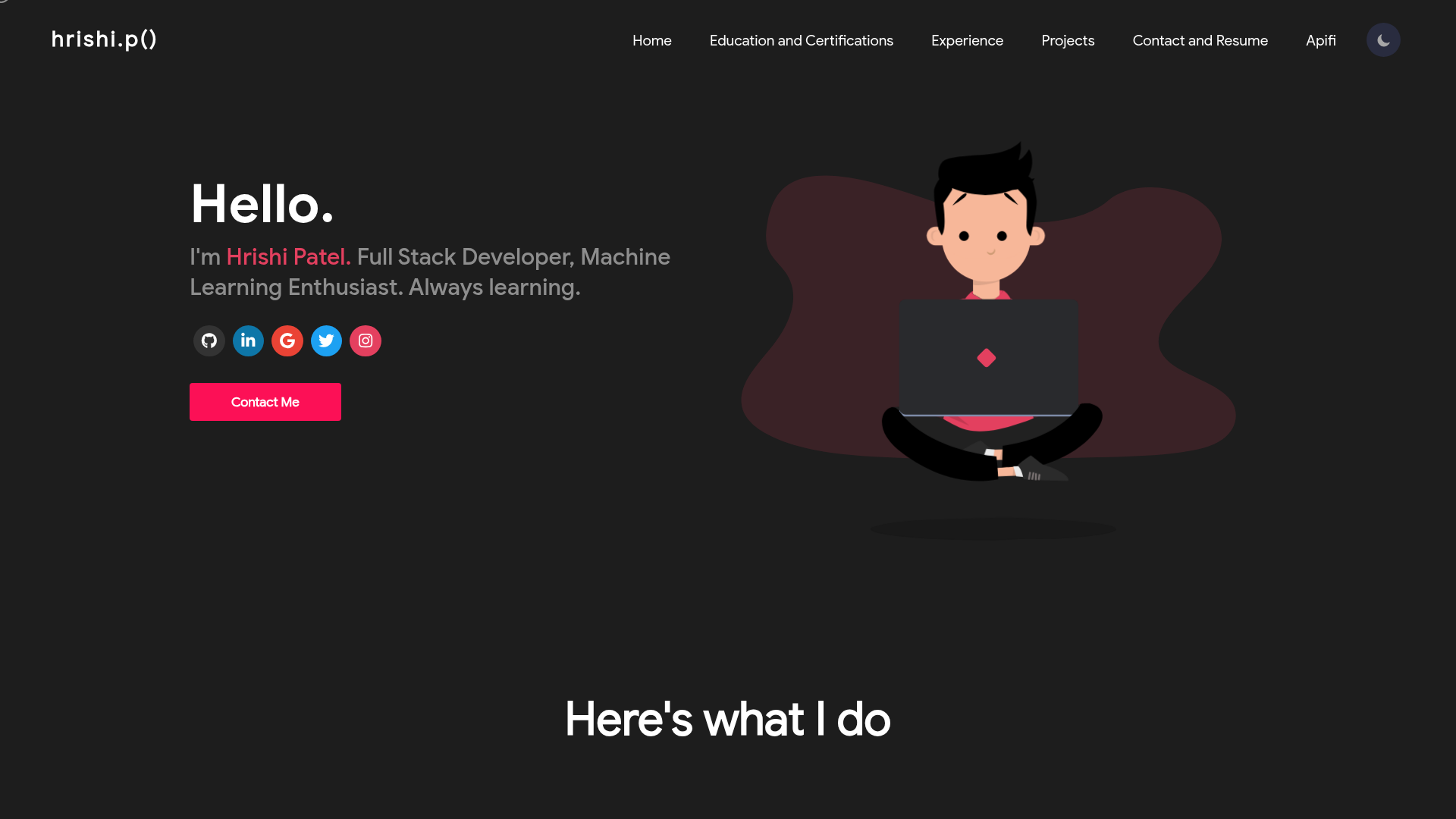
src/app/examplesfor reference, isolating the animation logic from the rest of the portfolio. - Responsive previews — The repository includes animated GIF previews for desktop and mobile layouts so you can see the intended look before cloning.
Who is web-portfolio for?
web-portfolio is designed for developers who want a polished, animation-heavy portfolio without starting from scratch. Front-end developers can clone and customize the content to showcase their projects. Designers interested in React-Spring can use the codebase as a learning reference for motion design. Job seekers who need a distinctive personal site can deploy it on any static hosting service.
What can you do with web-portfolio?
- Developers: Clone the repo, replace the constant strings with your own project details, and run
npm startto preview your portfolio locally before building and deploying. - Students: Study the separate examples folder to see how page transitions are implemented in isolation from the main portfolio logic.
- Freelancers: Customize the SCSS and React components to match a personal brand, then export the static build for hosting.
How does web-portfolio work?
The README gives a straightforward setup: clone the repository, install dependencies with npm or yarn, and start the development server with npm start or yarn start. The project structure separates reusable components and constants so content updates happen in dedicated files, and the build step produces a static site ready for deployment.
Pricing
web-portfolio is free and open source; the repository is publicly available on GitHub and can be used without a paid license.
FAQ
Is web-portfolio free?
Yes, web-portfolio is an open-source project hosted on GitHub, so you can clone it and use it at no cost.
What do I need to run it?
You need Node.js and a package manager such as npm or yarn. After cloning, run npm install (or yarn) and then npm start to launch the development server.
Does it use a CSS framework?
No. The template relies on SCSS with Flexbox and media queries, and it does not include a CSS framework. This makes it easier to customize without fighting framework defaults.
How are animations implemented?
React-Spring is used for the majority of the animations, including page transitions and loader effects. The repository includes separate example files to see how the transition animation works in isolation.
Can I deploy the built site anywhere?
Yes, because it's a Create React App project, running npm run build generates static files that you can host on any static web server, including Netlify, Vercel, or GitHub Pages.