Template details
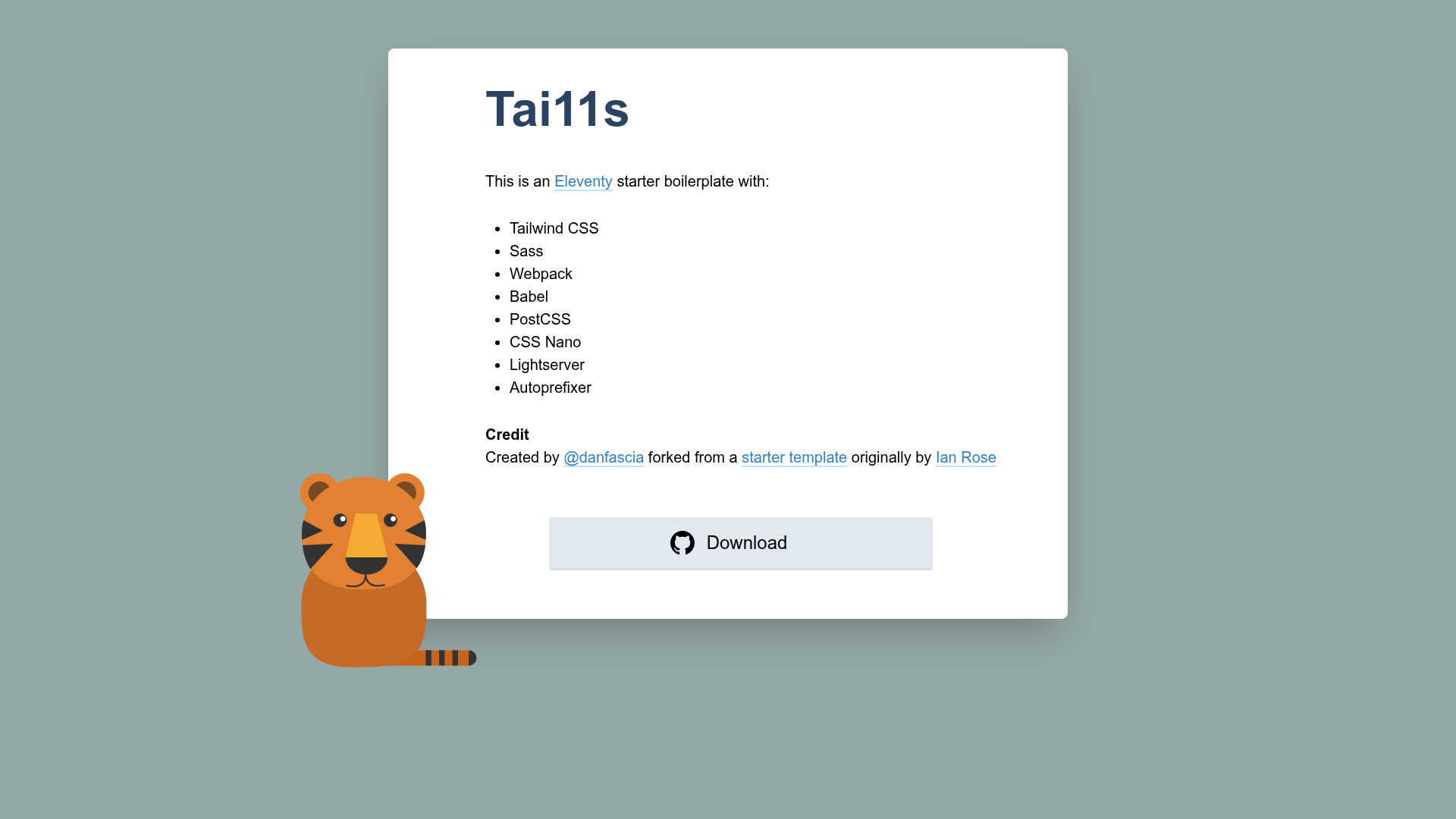
Tai11s
An Eleventy starter with Tailwind CSS, PurgeCSS, Sass, Webpack, and Babel for optimized static site builds.
About this template
Tai11s is a minimal Eleventy starter that combines the 11ty static site generator with Tailwind CSS, Sass, Webpack, Babel, and PurgeCSS for production-optimized static sites.
What is Tai11s?
Tai11s is a boilerplate repository for building static websites with the Eleventy (11ty) static site generator. It takes your site's source files — templates, Sass/SCSS, and JavaScript — and outputs a dist folder of optimized HTML, CSS, and JS ready for deployment. The project runs on Node.js via npm scripts and is a fork of Ian Rose's deventy starter, with a Tailwind CSS build chain and conditional PurgeCSS added. The author is Dan Fascia.
Key Features
- Eleventy (11ty) — Static site generator that compiles templates into plain HTML.
- Tailwind CSS — Utility-first CSS framework built from a
tailwind.config.jsfile during each production build. - Sass/SCSS — Compiles your own Sass styles alongside Tailwind.
- PurgeCSS — Runs only at build time to remove unused CSS classes based on the output in the
distfolder, keeping stylesheets small. - Webpack + Babel — Packs and optimizes JavaScript, transpiling modern syntax for older browsers.
- light-server — Development server with live reload, listening on http://localhost:4000 by default.
- PostCSS, CSSnano, and Autoprefixer — Process, minify, and vendor-prefix the generated CSS.
- Travis CI deployment script — The included
.travis.ymlbuilds from a named branch and deploys to GitHub Pages via your Travis CI account.
Who is it for?
- Eleventy newcomers — A minimal, preconfigured setup to start a static site with Tailwind without wiring the build chain yourself.
- Front-end developers — Developers who want to write Sass, use modern JavaScript with Babel, and get production-optimized output from one
npm run build. - Static site maintainers — Teams or individuals who want a small, understandable repo they can extend for blogs, portfolios, or documentation.
What can you do with Tai11s?
- Developers: Build a static site with Eleventy and Tailwind CSS while using the included Webpack and Babel pipeline for your own JavaScript.
- Designers: Write Sass alongside Tailwind and rely on Autoprefixer, CSSnano, and PurgeCSS to produce minified, vendor-prefixed CSS.
- Deployers: Use the included Travis CI configuration to automate a GitHub Pages deployment from a chosen branch.
How does Tai11s work?
After cloning the repo, run npm install to get dependencies. Use npm run dev to start the development server at http://localhost:4000, or npm run dev:debug for debug mode. When ready, run npm run build to generate a production-ready dist folder. A known limitation: changes to tailwind.config.js during local development require quitting and re-running npm run dev because the config is only compiled at each script start.
FAQ
Does Tai11s include a deployment workflow?
Yes. The repository ships with a .travis.yml file that you can modify to build from a named branch and deploy to GitHub Pages via a Travis CI account, using a securely stored GitHub token.
Is Tai11s free to use?
Yes, the starter is open source and free. You will need to install dependencies via npm, and optionally a Travis CI account for the deployment script.
How do I change the local server port?
The local URL and port are configured in the .lightserverrc file, so you can edit it to match your preferred port.
Why is my CSS not shrinking during development?
PurgeCSS runs only during npm run build, not during local development, so unoptimized CSS is expected in dev. Production builds will strip unused Tailwind classes.
What does the author recommend instead?
The repository README notes that the author has released a newer and better starter called 111ty, and suggests considering that for new projects.