Template details
WP Gatsby Starter
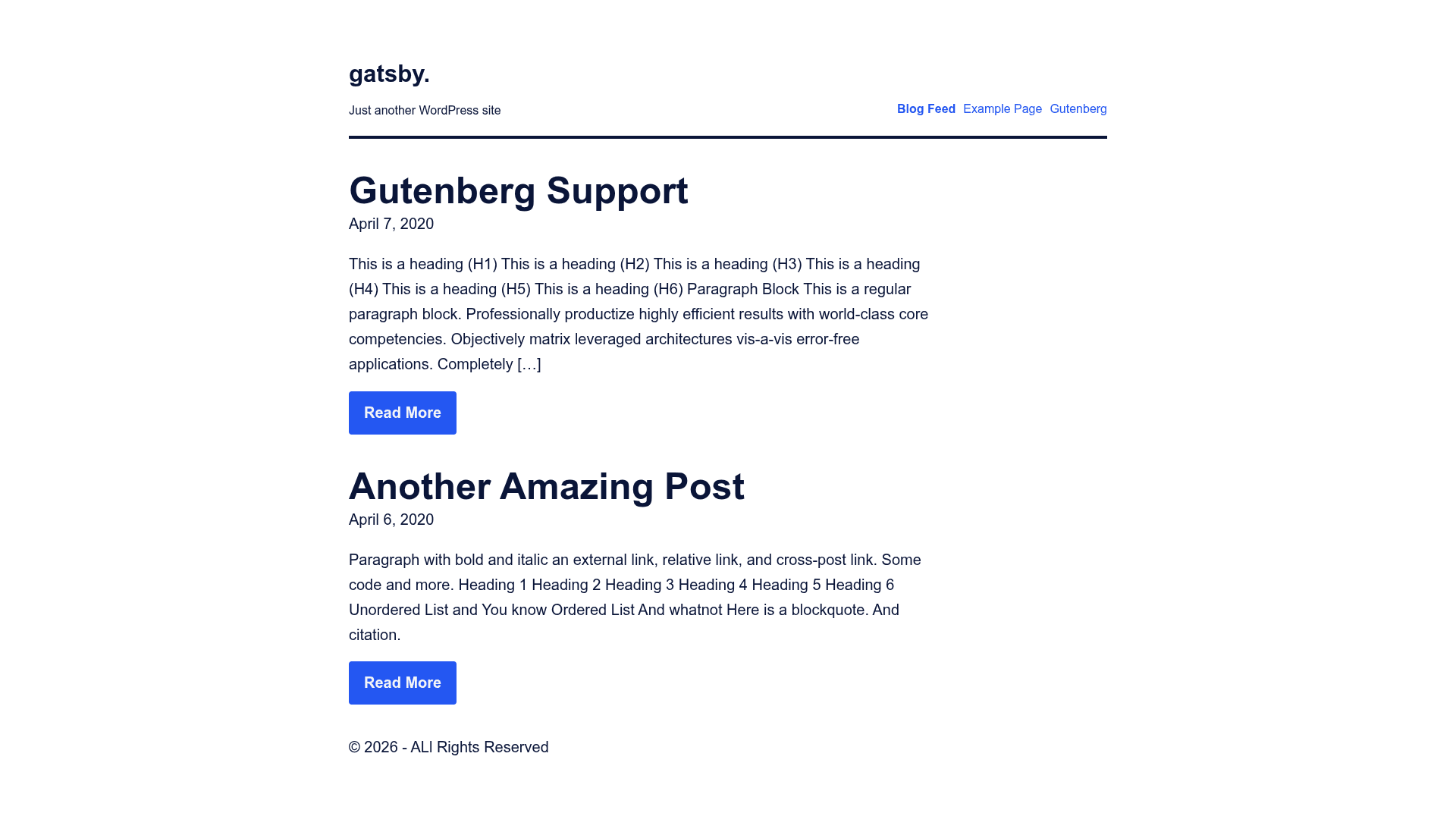
A full theme + Gatsby project that supports Gutenberg and local images.
About this template
WP Gatsby Starter is a retired Gatsby starter that pairs a WordPress theme with a Gatsby static site to generate pages and posts from WordPress via WP GraphQL, with support for Gutenberg blocks and local images. Built by Calvin Koepke, this boilerplate aimed to remove the laborious setup of connecting Gatsby to WordPress by bundling a complete WordPress theme and a Gatsby project into one repository.
What is WP Gatsby Starter?
WP Gatsby Starter is a full starter theme and Gatsby project that lets developers pull WordPress content into a static Gatsby site. It takes a WordPress installation with the included theme and two plugins — WP GraphQL and WP GraphQL Gutenberg — as input, and produces a static Gatsby site with generated pages and posts. The project runs on Gatsby, a React-based static site generator, and includes a paired WordPress theme to control which Gutenberg blocks are available. The repository is no longer actively maintained; the author recommends the successor Gatsby Starter Theme (gatsby-theme-wp-scaffold) instead.
Key Features
- Local Image Support — Images from WordPress are downloaded and served locally in the Gatsby build, avoiding external image requests.
- Gutenberg Support — Gutenberg blocks are queried through the WP GraphQL Gutenberg plugin and rendered in the static site, with the paired theme controlling which blocks appear.
- Post and Page Generation —
gatsby-node.jsgenerates static pages for both posts and pages from the WordPress content model. - Simple CSS Support — A base CSS file lives in the
/assetsdirectory, providing a straightforward styling setup without a CSS framework. - Fast Build Time — The starter avoids the slower REST API path by using WP GraphQL, which the README cites as a key reason for the project's existence.
- Paired WordPress Theme — The
/themedirectory contains a custom WordPress theme built to work with the Gatsby starter, helping prevent unsupported block issues during static generation. - Well-Organized Source Structure — The Gatsby
srcdirectory is split intoassets,components,data,helpers,pages, andtemplates, with data modules containing GraphQL fragments and custom hooks for site metadata. - Home Page and 404 Templates — The
pagesdirectory ships with a home page template and a 404 template ready to customize.
Who is it for?
- WordPress developers who want to build a static Gatsby front-end for a WordPress site without writing all the GraphQL queries and theme integration from scratch.
- Gatsby newcomers who need a complete reference project showing how WordPress data flows into Gatsby pages, including example templates and helper functions.
- Agencies or freelancers who build WordPress-backed marketing sites or blogs and want a pre-assembled architecture that pairs a custom WordPress theme with a Gatsby static site.
What can you do with it?
- Create a static blog from WordPress — import existing posts and pages, render Gutenberg blocks, and serve the output as a fast static site.
- Build a headless WordPress site — decouple the WordPress backend from the Gatsby front-end, using the included theme to keep the block editor experience under control.
- Learn Gatsby + WordPress integration — study the
helpers,data, andtemplatesdirectories to see how relative links, GraphQL fragments, and page templates are handled in a real starter.
How does it work?
- Clone the repository from GitHub to your local machine.
- Install the included WordPress theme from the
/themedirectory, then install the WP GraphQL and WP GraphQL Gutenberg plugins on your WordPress site. - Edit
gatsby-config.jsin the/staticdirectory to set your WordPress site's GraphQL endpoint URL. - Run
npm installand thennpm run developfrom the/staticdirectory to start the Gatsby development server athttp://localhost:8000.
FAQ
Is WP Gatsby Starter still maintained?
No. The project is retired. The repository README states that it is no longer maintained and recommends using the newer Gatsby Starter Theme (gatsby-theme-wp-scaffold) for a better experience.
Does it support Gutenberg blocks?
Yes. Gutenberg support is a core feature, implemented through the WP GraphQL Gutenberg plugin. The paired WordPress theme helps control which blocks are available so unsupported blocks are not skipped during static generation.
What plugins are required?
Two plugins are required: WP GraphQL (the core GraphQL layer for WordPress) and WP GraphQL Gutenberg (which exposes Gutenberg block data through GraphQL). The starter's README provides links to both plugin repositories.
What is the project structure?
The repository is split into two parts: the WordPress theme in /theme and the Gatsby static project in /static. The Gatsby source is further organized into directories for assets, components, data, helpers, pages, and templates.
Can I use the REST API instead of GraphQL?
The starter is built around WP GraphQL, not the REST API. The README notes that older Gatsby WordPress plugins often rely on the REST API and have slower builds, which is a key reason this project uses GraphQL for faster builds.