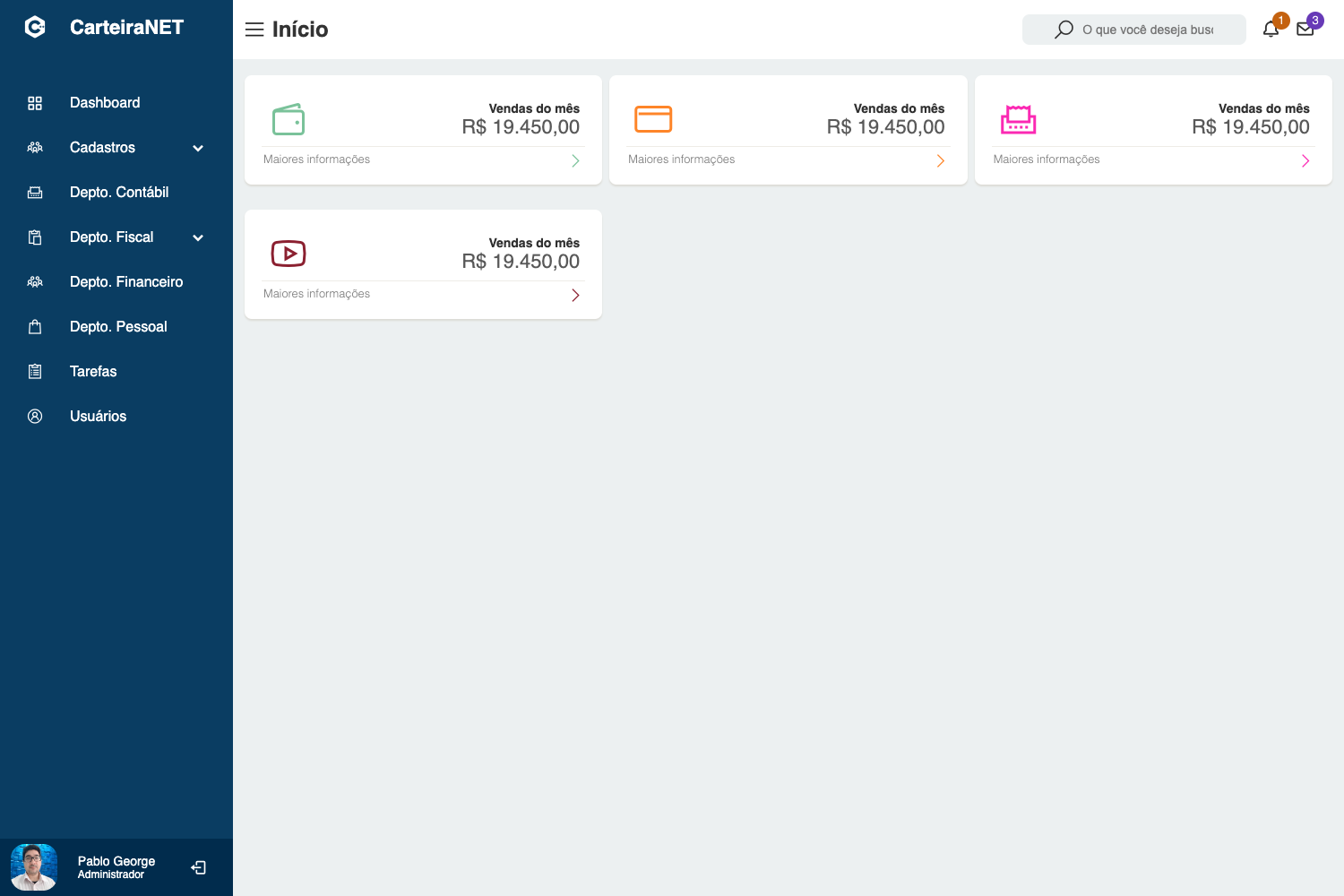
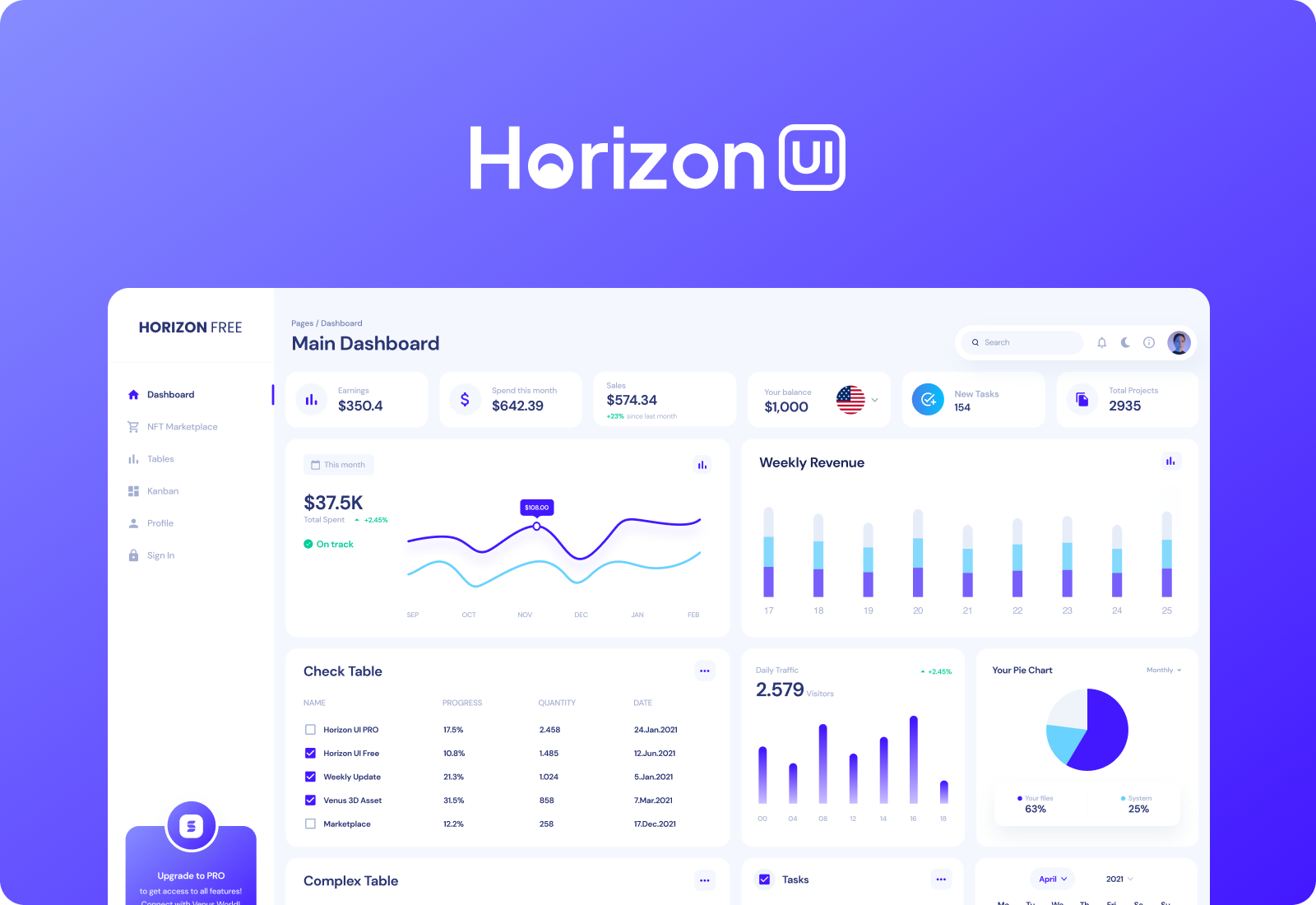
Template details
Connect Plus Free Admin Template
Free responsive Bootstrap 5 admin template with a colorful design for building dashboards, e-commerce systems, project management tools, CMS, and CRM.
About this template
Connect Plus Free Admin Template is a free, MIT-licensed Bootstrap 5 admin dashboard template from BootstrapDash for building admin panels, e-commerce backends, project management tools, CMS, and CRM interfaces.
What is Connect Plus Free Admin Template?
Connect Plus Admin is a free responsive admin template built with Bootstrap 5 and developed by BootstrapDash. It provides a pre-built admin panel interface with charts, circular progress indicators, Material Design Icons, and a clean layout that developers can customize and extend. The template runs in any modern browser and is distributed as HTML, CSS, Sass, and jQuery files, with a Gulp-based build workflow.
Key Features
- Bootstrap 5 foundation — Built on Bootstrap 5, the template is fully responsive and supports Chrome, Firefox, Safari, Opera (latest versions), and IE10+.
- jQuery integration — Uses jQuery for interactive UI components such as modals, dropdowns, and navigation, reducing manual JavaScript work.
- Chart.js charts — Ships with Chart.js to render interactive line, bar, and pie charts for dashboard data visualization.
- jquery-circle-progress — Includes the jquery-circle-progress plugin for animated circular progress bars, suitable for displaying completion or performance metrics.
- Material Design Icons — Comes with a built-in set of Material Design Icons for buttons, menus, and status indicators.
- Gulp build system — Provides a Gulp workflow with commands like
gulp serveto launch the template locally and streamline development. - Sass styling — Source Sass files are included so you can customize variables and compile styles with Gulp rather than editing compiled CSS directly.
- Well-commented code — The HTML and CSS are structured and commented, making it easy to locate and modify sections.
Who is it for?
- Web developers who need a time-saving starting point for admin panel projects and want a clean, customizable codebase.
- Startups building e-commerce backends that need order management, inventory, and analytics views out of the box.
- Agencies prototyping CMS or CRM systems for clients, where the template's responsive layout and pre-built components accelerate mockups.
- Freelancers looking for a free, MIT-licensed base to adapt into custom dashboards without licensing restrictions.
Use cases
- Dashboard developers: Drop in Chart.js widgets and jquery-circle-progress graphics to build an analytics dashboard with key performance indicators.
- E-commerce product managers: Use the template's layout to create product listings, order tables, and customer management screens.
- Project management teams: Assemble task lists, project overviews, and progress reports using the included components and icons.
- CRM implementers: Adapt the clean grid and form styles to build customer records, lead pipelines, and reporting pages.
How does the template work?
Download the repository as a ZIP or run git clone https://github.com/BootstrapDash/ConnectPlusAdmin-Free-Bootstrap-Admin-Template. Then run npm install to fetch dependencies. Open index.html in a text editor to review available components, edit them, and add your own code. For development with live reload, run gulp serve to preview the template in your default browser.
Pricing
Connect Plus Admin is free and released under the MIT license, so you can use, modify, and share it commercially without cost.
FAQ
Is Connect Plus Admin free?
Yes, Connect Plus Admin is free and released under the MIT license by BootstrapDash. You can download it from GitHub, use it in personal or commercial projects, and modify it freely.
What technologies does Connect Plus Admin use?
The template is built with Bootstrap 5, jQuery, Chart.js, jquery-circle-progress, Material Design Icons, Gulp, and Sass. The repository also includes HTML5 and modern JavaScript for interactivity.
Which browsers are supported?
Connect Plus Admin is designed for the latest versions of Chrome, Firefox, Safari, Opera, and Internet Explorer 10 and above.
How do I get started with the template?
First, download the ZIP or clone the repository. Then run npm install in the project folder. Open index.html in a text editor, modify the components you need, and start building your application.
How can I contribute to the project?
Fork and clone the repository, install dependencies with npm install, and run gulp serve to open the template locally. After making your changes, submit a pull request.