Template details
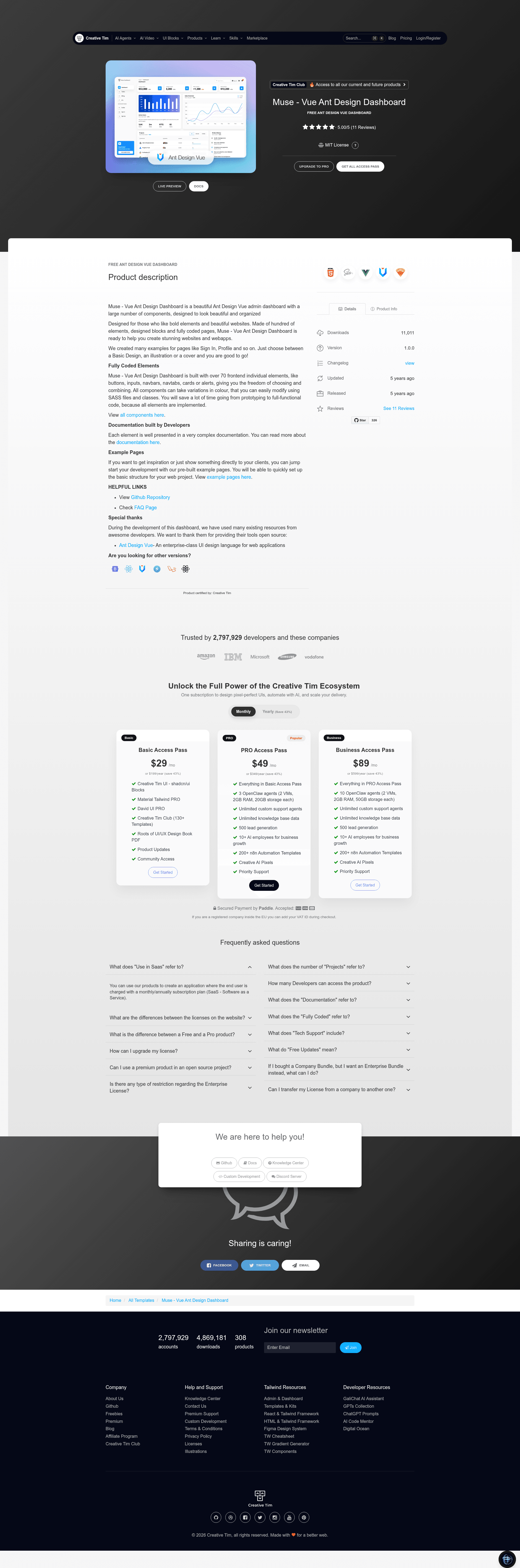
Muse Vue Ant Design Dashboard
Free and open-source Vue.js admin dashboard template by Creative Tim, built with Ant Design Vue and 70+ UI components.
About this template
Muse Vue Ant Design Dashboard is a free and open-source admin dashboard template from Creative Tim, built with Vue.js and Ant Design Vue.
What is Muse Vue Ant Design Dashboard?
Muse Vue Ant Design Dashboard is a frontend dashboard template that gives developers a complete set of pre-built UI components, pages, and layouts for building admin panels. It runs on Vue.js and uses the Ant Design Vue component library. The template is published by Creative Tim and is available for download from their website and on GitHub. Its core output is a ready-to-customize Vue project with over 70 individual elements such as buttons, inputs, navbars, navtabs, cards, and alerts.
Key Features
- 70+ ready-to-use components — buttons, inputs, navbars, navtabs, cards, alerts, and more, all adjustable in color through SASS files and CSS classes.
- Pre-built example pages — includes Dashboard, Profile, Sign In, Sign Up, Billing, Tables, and an RTL layout, allowing quick prototyping of common admin screens.
- Ant Design Vue foundation — leverages the enterprise-class UI components from Ant Design Vue to ensure consistent design language.
- Charts and cards — ships with bar and line chart components (ChartBar.vue, ChartLine.vue) plus 17 card components such as CardAuthorTable, CardBarChart, CardBillingInfo, and CardTransactions.
- SCSS architecture — the template organizes styling into base, components, form, layouts, and pages folders, including variables, typography, utilities, and overrides.
- RTL support — a dedicated DashboardRTL layout makes it easy to create right-to-left dashboards.
- Browser compatibility — officially supports the last two versions of Chrome, Firefox, Edge, Safari, and Opera.
- One-click deploy to Genezio — the repository includes a deploy button for hosting on Genezio.
Who is it for?
- Frontend developers — who want a functional starting point for client dashboards without building styling and layout from scratch.
- Web designers — who need to quickly show clients realistic page examples like Profile, Sign In, and Dashboard.
- Startups and product teams — that need an admin interface for managing users, tables, billing, and analytics in a short time.
- Vue.js learners — who can study how Ant Design Vue components and SCSS are organized in a real project structure.
What can you do with it?
- Administration panels: assemble a complete dashboard with charts, tables, activity cards, and profile sections for internal tools.
- Customer-facing accounts: use the Sign In, Sign Up, and Profile pages to build user authentication and account management flows.
- Billing and payments UI: combine CardBillingInfo, CardPaymentMethods, and CardInvoices to build a subscription or invoice management page.
- RTL localized dashboards: use the included RTL layout to instantly provide a right-to-left interface for Arabic or Hebrew users.
FAQ
Is Muse Vue Ant Design Dashboard free?
Yes, the template is free and open-source. You can download it from Creative Tim's website or clone the GitHub repository.
What technologies does it use?
It uses Vue.js as the frontend framework, Ant Design Vue as the component library, and SASS/SCSS for styling. The project structure includes a router, multiple layouts, and a set of Vue single-file components.
How do I run the project locally?
Install Node.js, then run the npm install command in the root directory of the downloaded project. This installs all local dependencies, and you can then start the development server (based on the standard Vue CLI setup).
Does it include documentation?
Yes, full documentation for every component is hosted on Creative Tim's website, accessible from the dashboard's documentation link. The README also explains the file structure and terminal commands.