Template details
Nextjs Sc Dashboard
An admin dashboard template compiled from community components, built with Next.js, TypeScript, and Styled-Components.
About this template
Nextjs Sc Dashboard is an admin dashboard template built on Next.js with TypeScript and Styled-Components, providing a configurable sidebar and theme for building internal tools and management panels.
What is Nextjs Sc Dashboard?
Nextjs Sc Dashboard is an open-source admin dashboard that combines community-built components into a single interface. It runs on the Next.js React framework and is written in TypeScript, with all styling handled by Styled-Components. The template takes two configuration inputs — a theme object defined in src/pages/_app_.tsx and a navigation structure in config/sidebar.json — and produces a responsive dashboard layout with a login page and multiple dashboard views. The repository is maintained by pablogeokar on GitHub and is distributed under a standard open-source license badge.
Key Features
- Theme configuration — Set the primary color, sidebar background, sidebar hover, and active link colors in one file (
src/pages/_app_.tsx), plus adjust the sidebar width (default 260px). - JSON-driven sidebar — Define menu items in
config/sidebar.jsonwith fields for label, icon class (e.g., Boxicons or Line Awesome), path, and an optional subMenu array for nested navigation. - Next.js and TypeScript — The project uses Next.js for server-side rendering and routing, and TypeScript for type safety across components.
- Styled-Components styling — All styles are written with Styled-Components, allowing scoped, dynamic styling without global CSS conflicts.
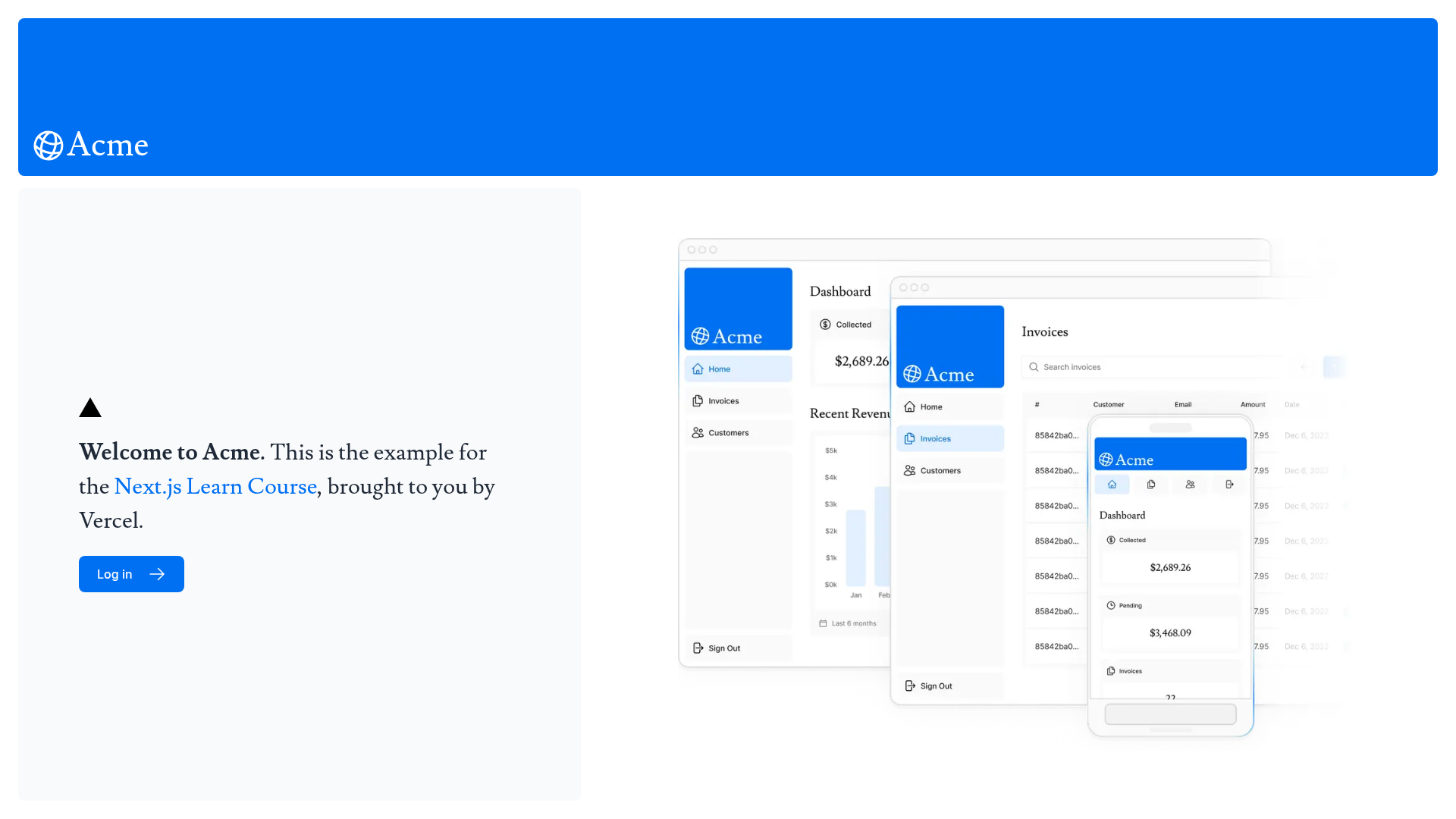
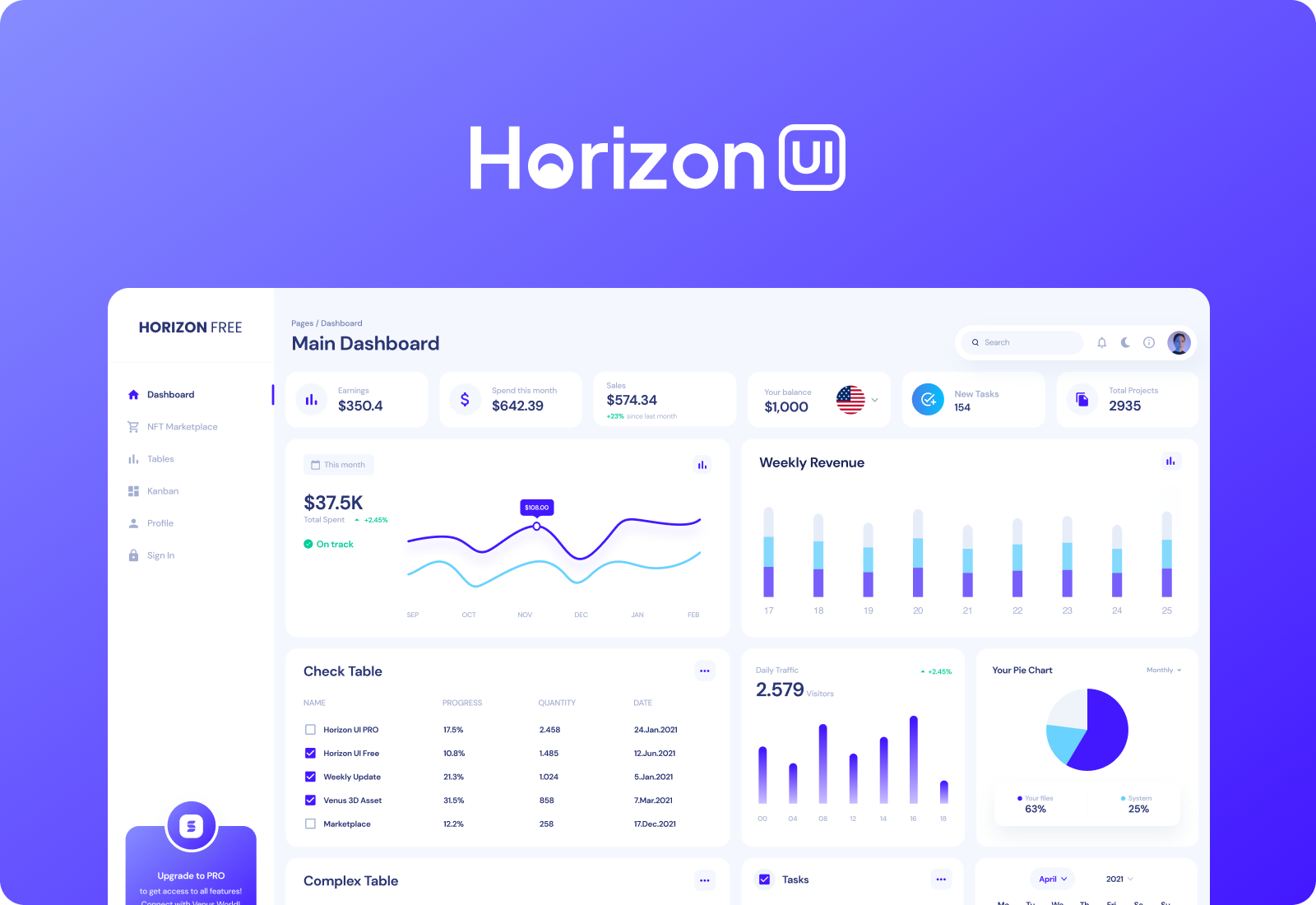
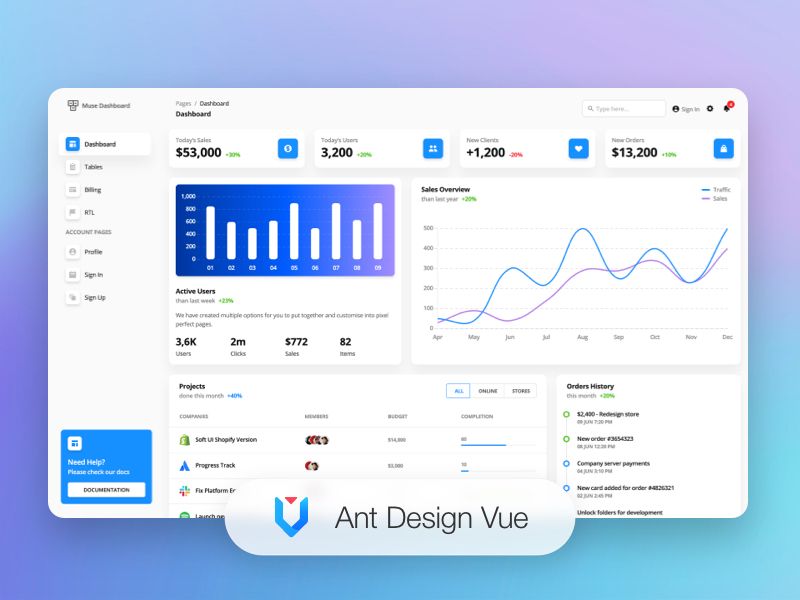
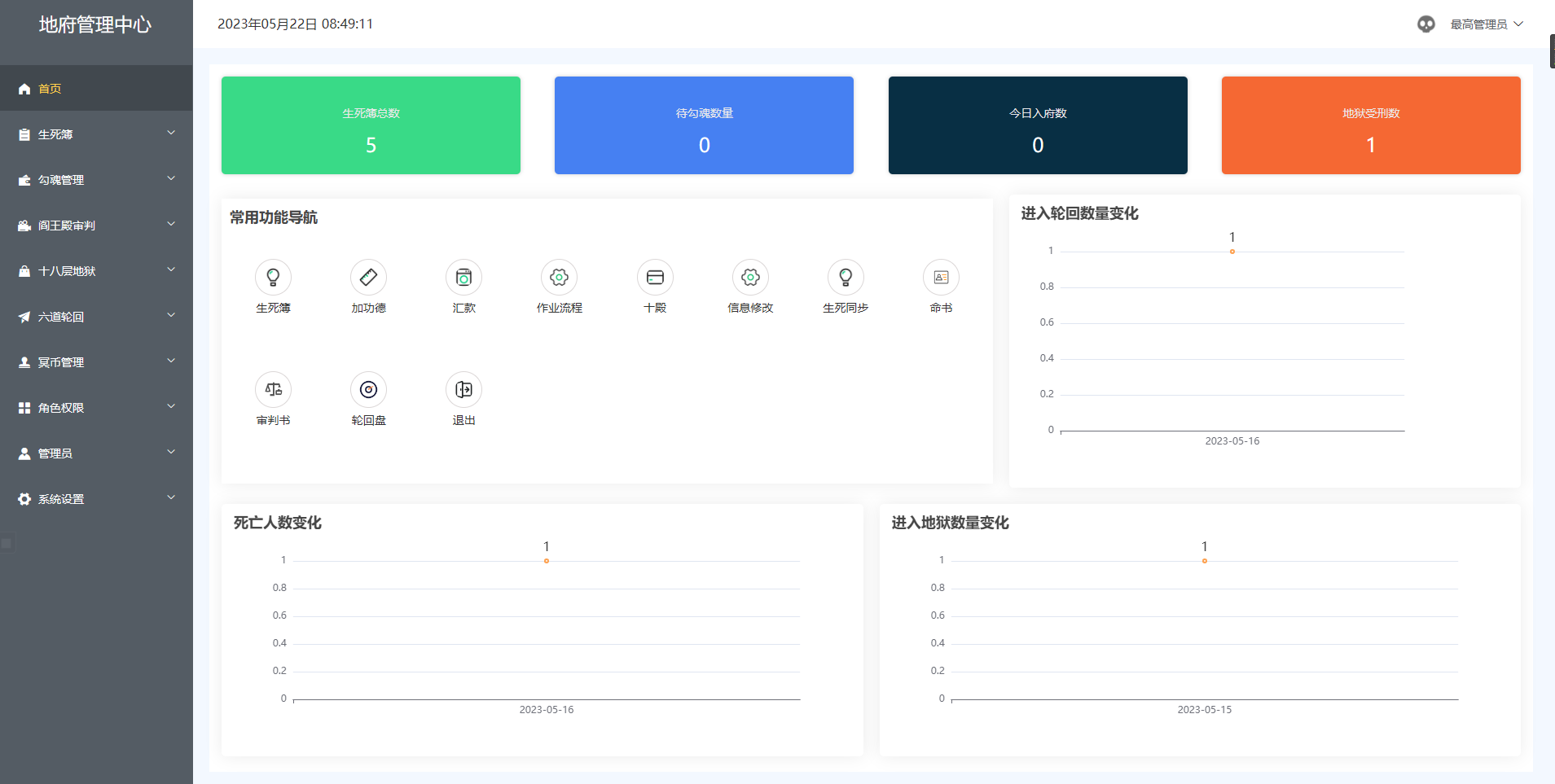
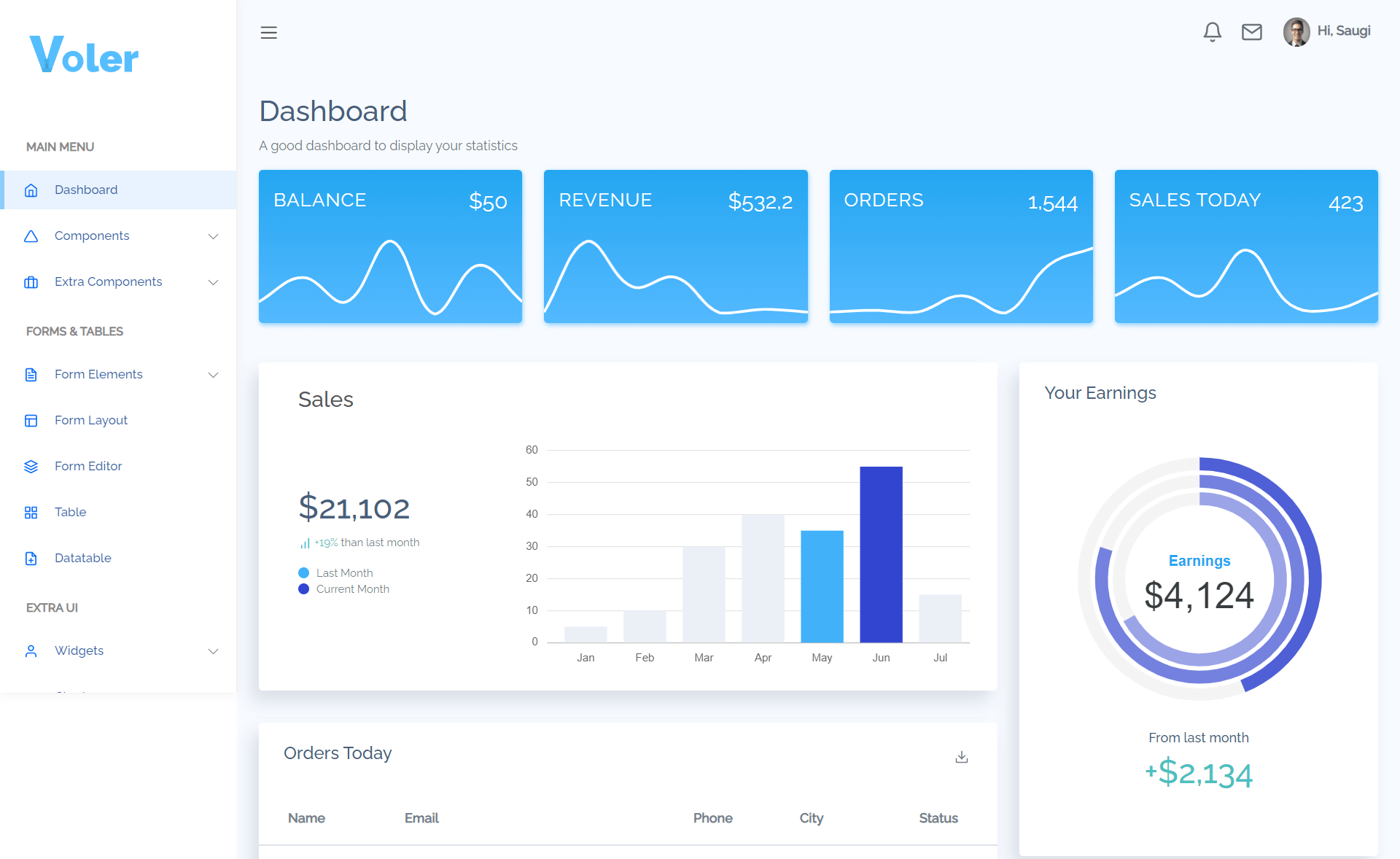
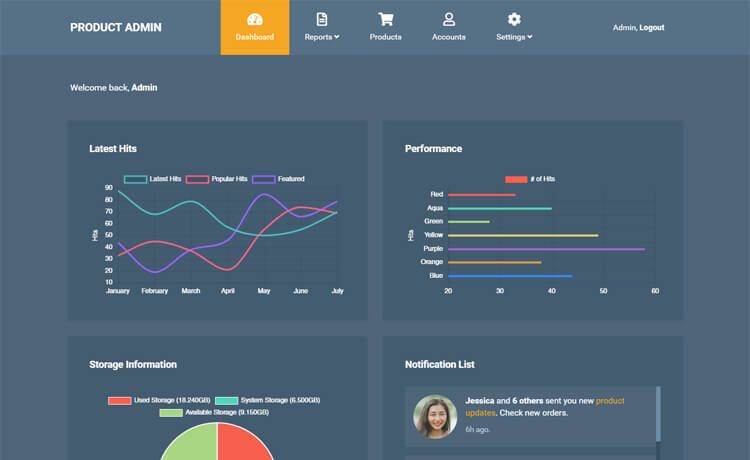
- Included screens — The repository screenshots show a login page, a main dashboard with cards, and additional dashboard views, providing a starting point for admin interfaces.
- Community component compilation — The dashboard is explicitly described as a compilation of components available from the developer community, giving a variety of UI patterns.
Who is it for?
- Developers who need a pre-built admin shell for a Next.js project and want to avoid starting from zero.
- Freelancers delivering dashboard projects who can quickly rebrand colors via the theme file and restructure menus through JSON.
- Small teams building internal tools who need a simple, configurable layout for data tables, user management, and analytics views.
What can you do with Nextjs Sc Dashboard?
- Customize branding: Change the color palette and sidebar width in the theme file to match a company or product identity.
- Structure navigation: Add, remove, or nest menu entries in
sidebar.jsonwithout touching React components. - Build new pages: Extend the existing dashboard and login screens with your own components, pulling in the same Styled-Components patterns.
- Use as a foundation: Since it's a Next.js project, you can add API routes, authentication, or data fetching on top of the dashboard shell.
How does Nextjs Sc Dashboard work?
- Set the initial theme colors and sidebar width in
src/pages/_app_.tsx. - Edit
config/sidebar.jsonto define the menu labels, icon classes, and paths, including submenus. - Run the Next.js development server to view the dashboard and iterate on components.
The template follows the standard Next.js project structure, so pages are added under the pages directory and components under components (implied by the framework conventions).