Template details
Console
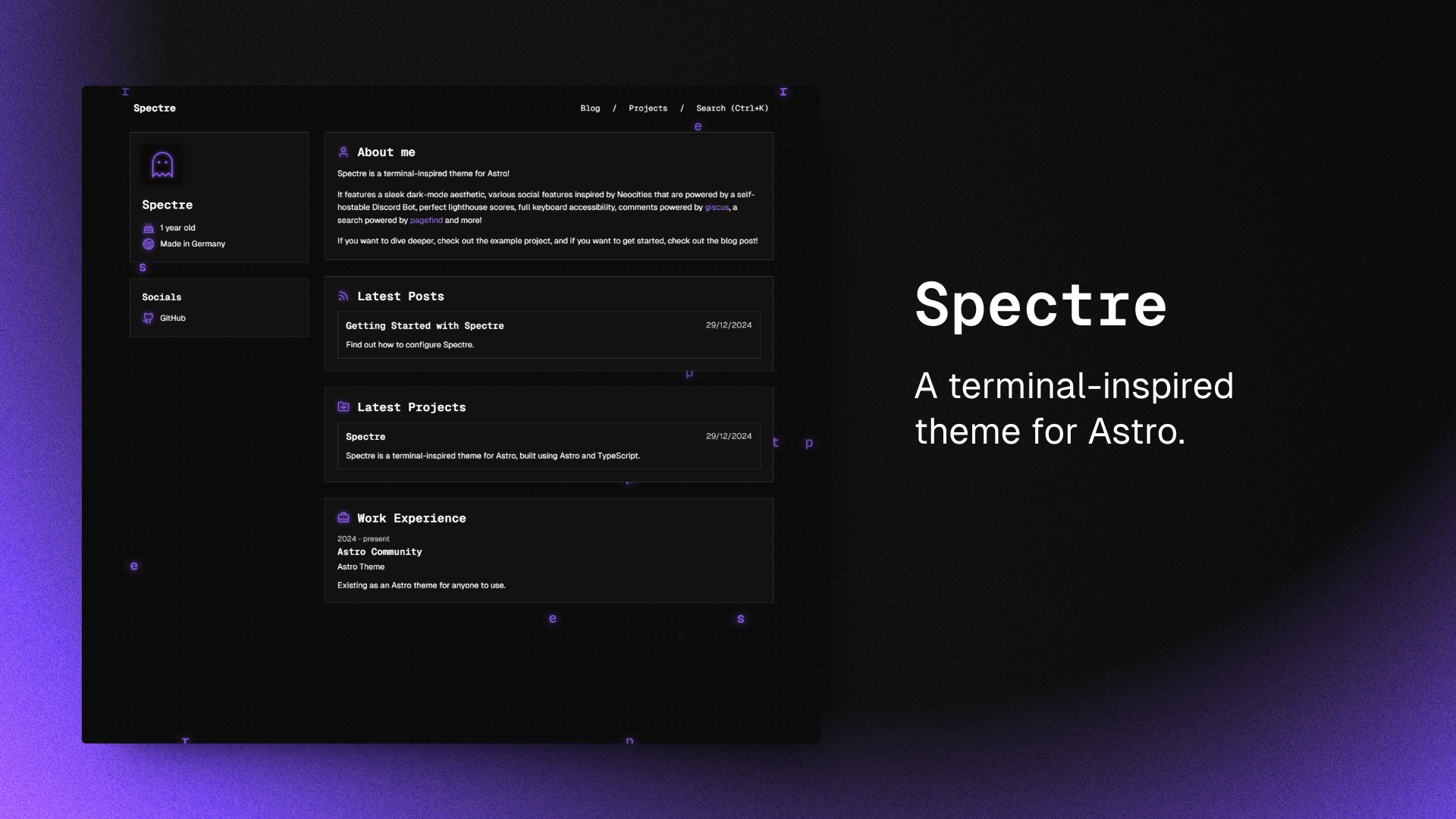
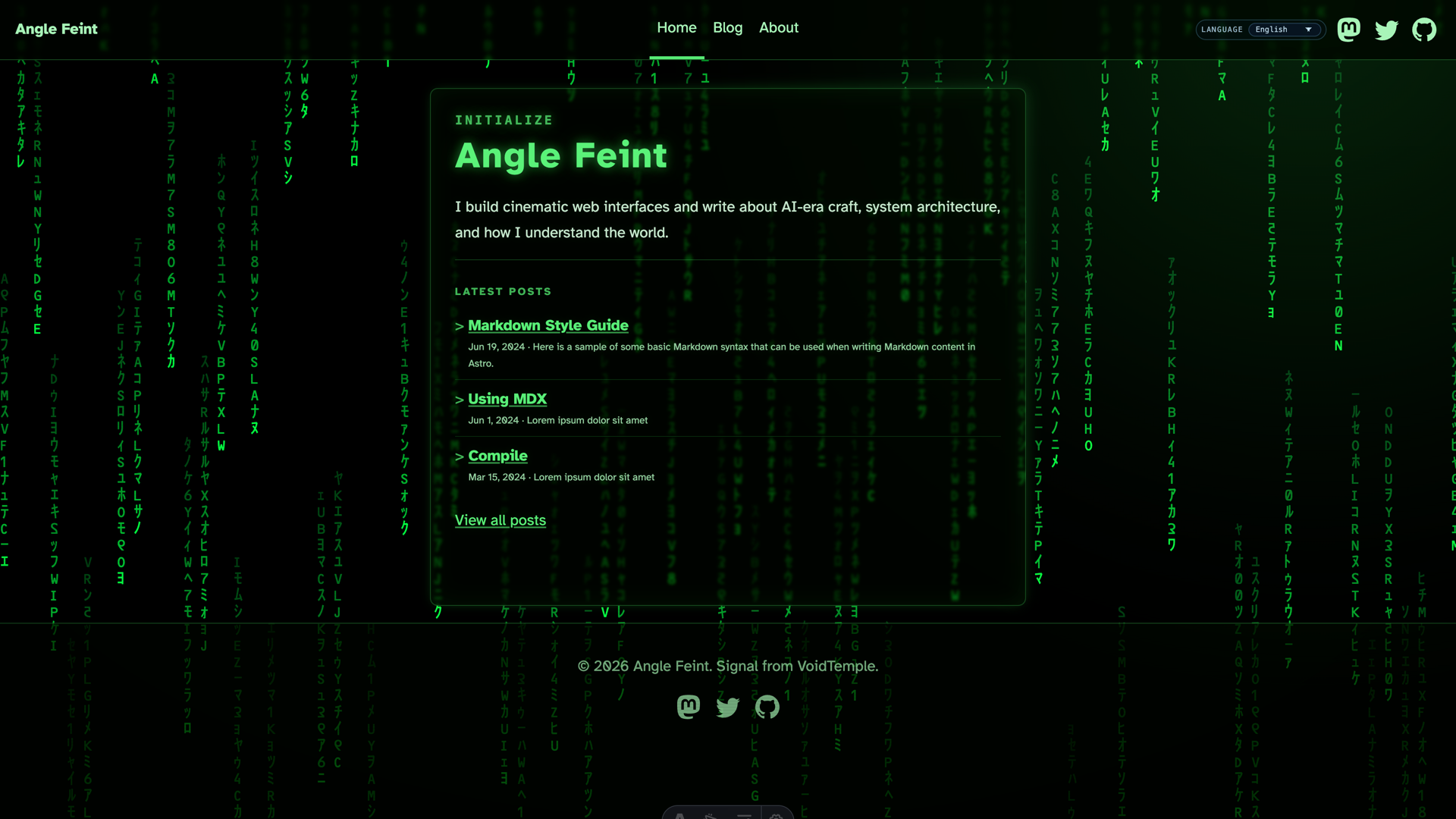
Minimal and responsive Hugo theme inspired by the system console, crafted for optimal performance with an average page load time of under one second.
About this template
Console is a minimal, terminal-inspired Hugo theme for building fast, responsive blogs and portfolios, built on the Terminal CSS framework.
What is the Console Hugo theme?
Console is an open-source Hugo theme that renders Markdown content into a static website styled like a system console, based on the Terminal CSS framework. It was created by Marcin Mierzejewski and is engineered for performance, with an average page load time of under one second. The theme works with Hugo v0.146.0 and above, incorporating the updated Hugo template system. It outputs a fully static site that can be deployed anywhere, with built-in support for blog posts, photo galleries, and custom navigation links.
What makes Console stand out?
Console distinguishes itself with a terminal-inspired look built on Terminal CSS and a focus on sub-second load times.
- Fast performance — The theme is optimized to deliver an average page load time of under one second, making it suitable for performance-conscious sites.
- Responsive design — The layout adapts to desktop, tablet, and mobile, with a CSS breakpoint at 850px that adjusts font size and page width.
- Terminal aesthetic — Built on Terminal CSS, the theme uses monospace font stacks such as Roboto Mono, Menlo, and Monaco to recreate a system console look.
- Photo gallery support — A built-in gallery for photo collections is included; the example site demonstrates it with an Arizona travel gallery.
- Blog ready — Full support for Markdown blog posts with metadata, and the example content includes an introduction post.
- Easy customization — Colors, fonts, and layout are controlled by CSS variables defined in assets/css/custom.css, with separate light and dark palettes that follow the operating system's prefers-color-scheme setting.
- Hugo v0.146.0+ compatible — Updated to work with the latest Hugo template system; installation is supported via Git submodule or as a Hugo module.
Who is Console for?
Console is aimed at Hugo users who want a clean, command-line-inspired design without JavaScript frameworks. Bloggers can publish Markdown articles in a straightforward reading layout, photographers can display photo collections through the integrated gallery, and developers or freelancers can create a portfolio with a distinctive terminal look. The theme is also a good fit for anyone who wants a lightweight site with sub-second loading times.
What can you do with Console?
Console provides a straightforward way to build several types of static sites.
- Set up a personal blog — Add Markdown posts under the content directory and let the theme render them with metadata and a monospace reading experience.
- Showcase a photo gallery — Use the built-in gallery support to present collections; the example site includes a dedicated photos section for a trip to Arizona.
- Build a terminal-themed portfolio — Customize navigation links and CSS variables to match your personal brand, and deploy the generated static site anywhere.
How does Console work?
Install the theme by adding it as a Git submodule or as a Hugo module, then set the theme name in your site's hugo.toml. Copy the example configuration from the exampleSite folder, run hugo serve for local development, and build the production site with hugo --minify.
FAQ
Here are answers to common questions about the Console theme.
Is the Console Hugo theme free?
Yes, Console is released under the MIT License, so you can use it for personal or commercial projects free of charge. The theme license is the same as the Hugo Terminal theme, which is also MIT-licensed.
What Hugo version is required?
Console is compatible with Hugo v0.146.0 and newer. The theme has been updated for the new Hugo template system, so older Hugo versions may not render it correctly.
How do I customize the colors?
Create a file at assets/css/custom.css and override the CSS variables listed in the theme, such as the font stack, text color, and page width. The theme ships with separate light and dark palettes that respond to the operating system's prefers-color-scheme media query.
How do I add navigation links?
In your hugo.toml file, add entries under the params section, each with a name and a URL. The example configuration shows links for About, Posts, and Photos, and the theme renders them in the site header.
Does Console support dark mode?
Yes, dark mode is built in. The theme reads the system's prefers-color-scheme setting and automatically applies the dark palette when the OS is in dark mode, with CSS variables you can override.