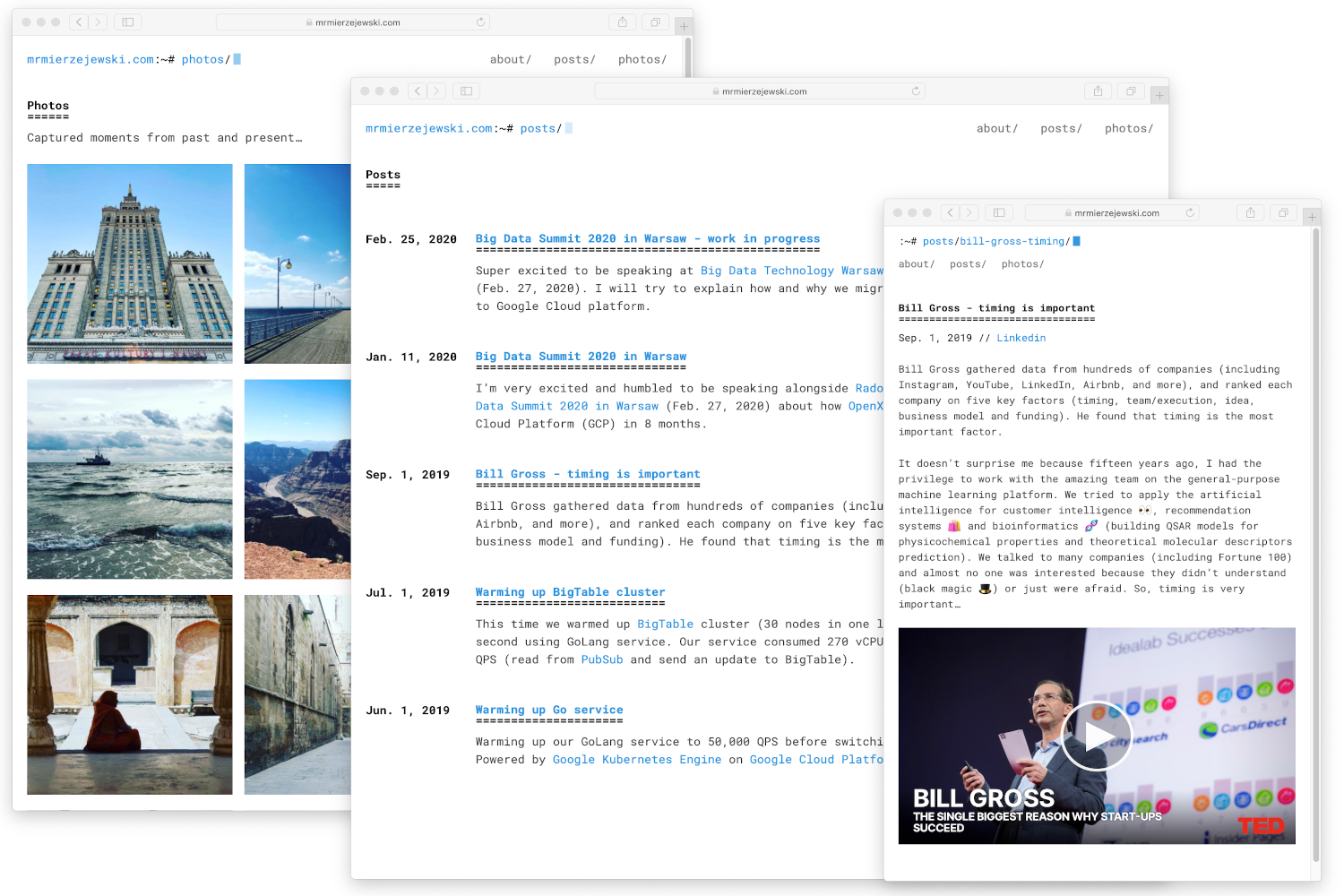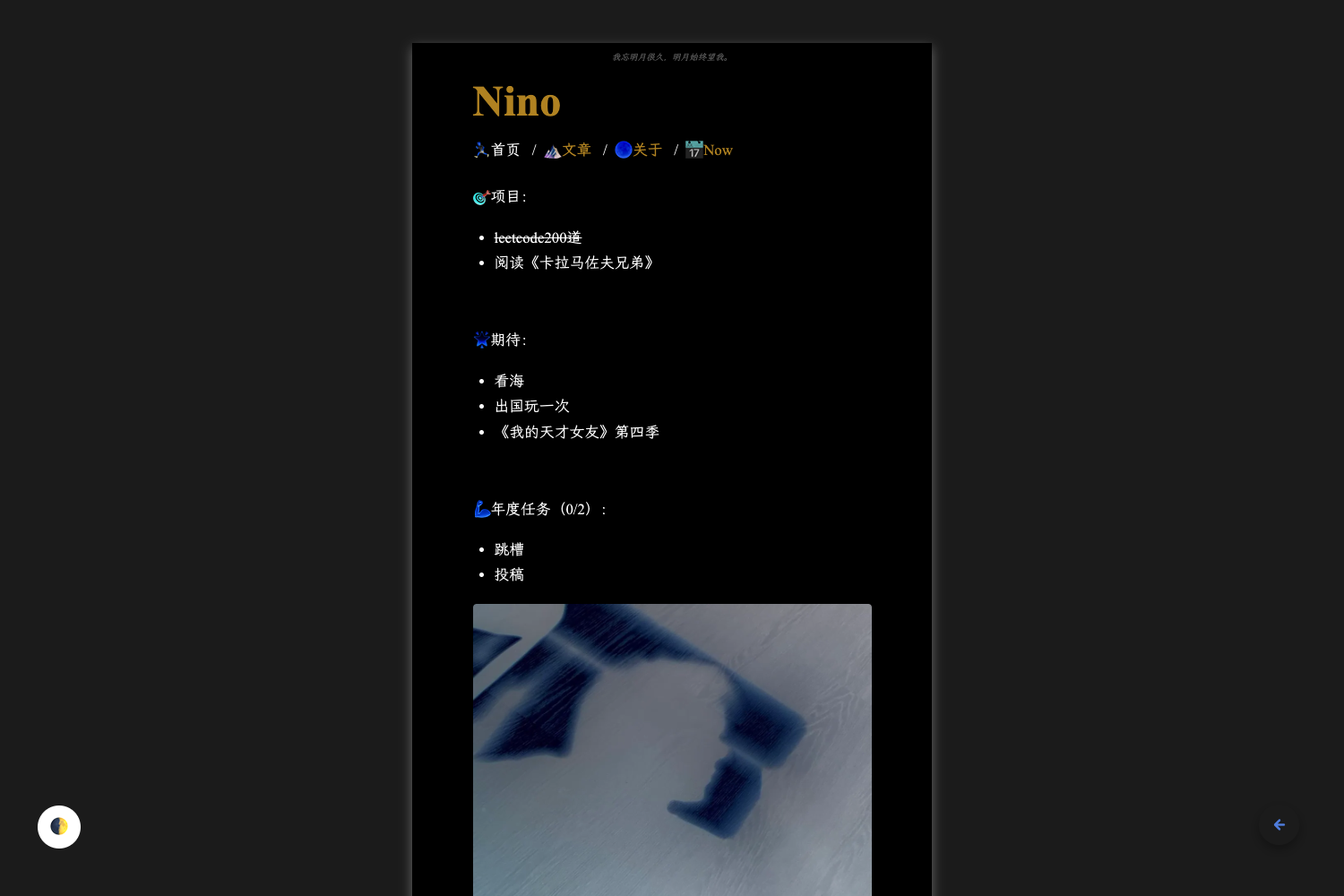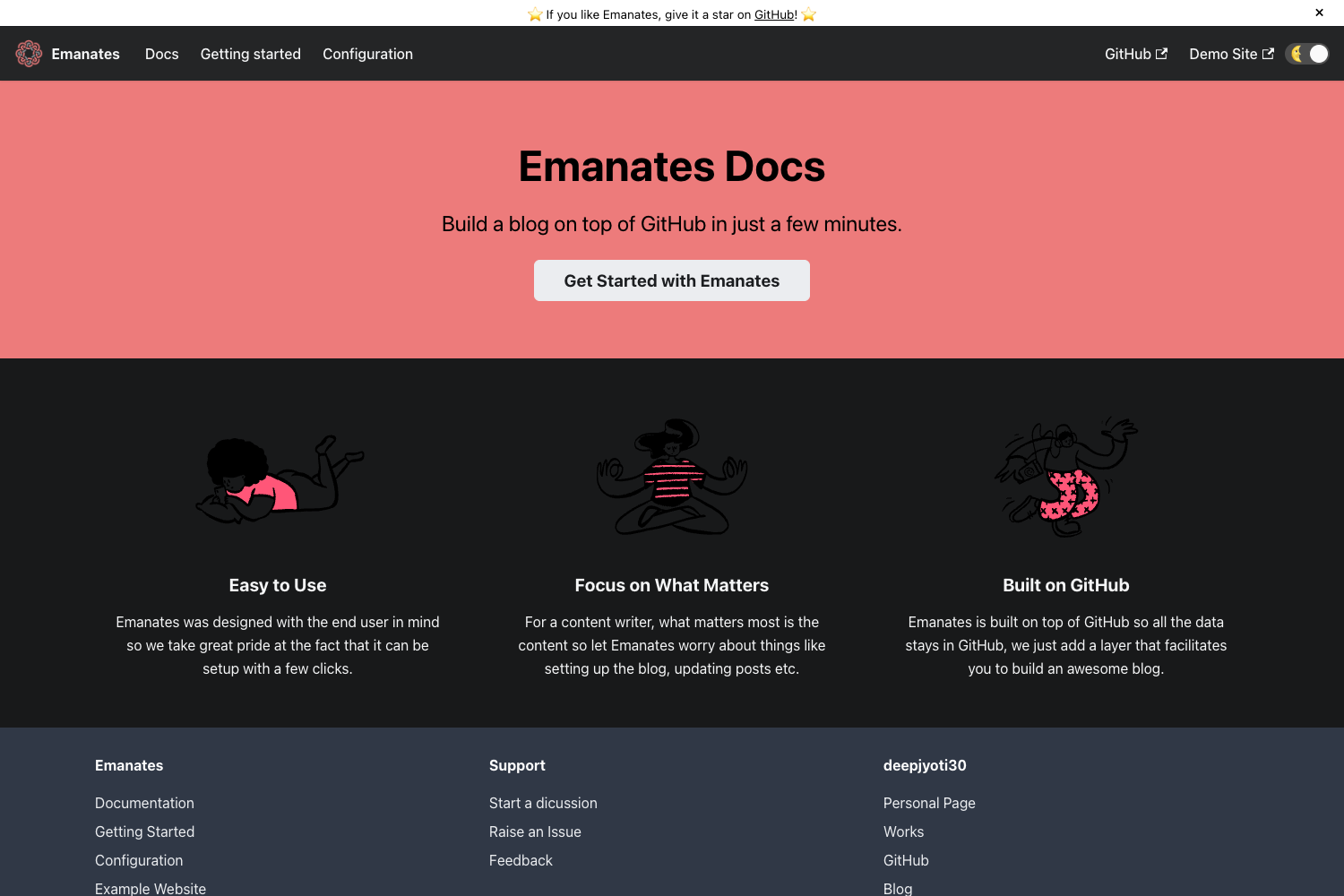
Template details
Hexo Theme Aircv
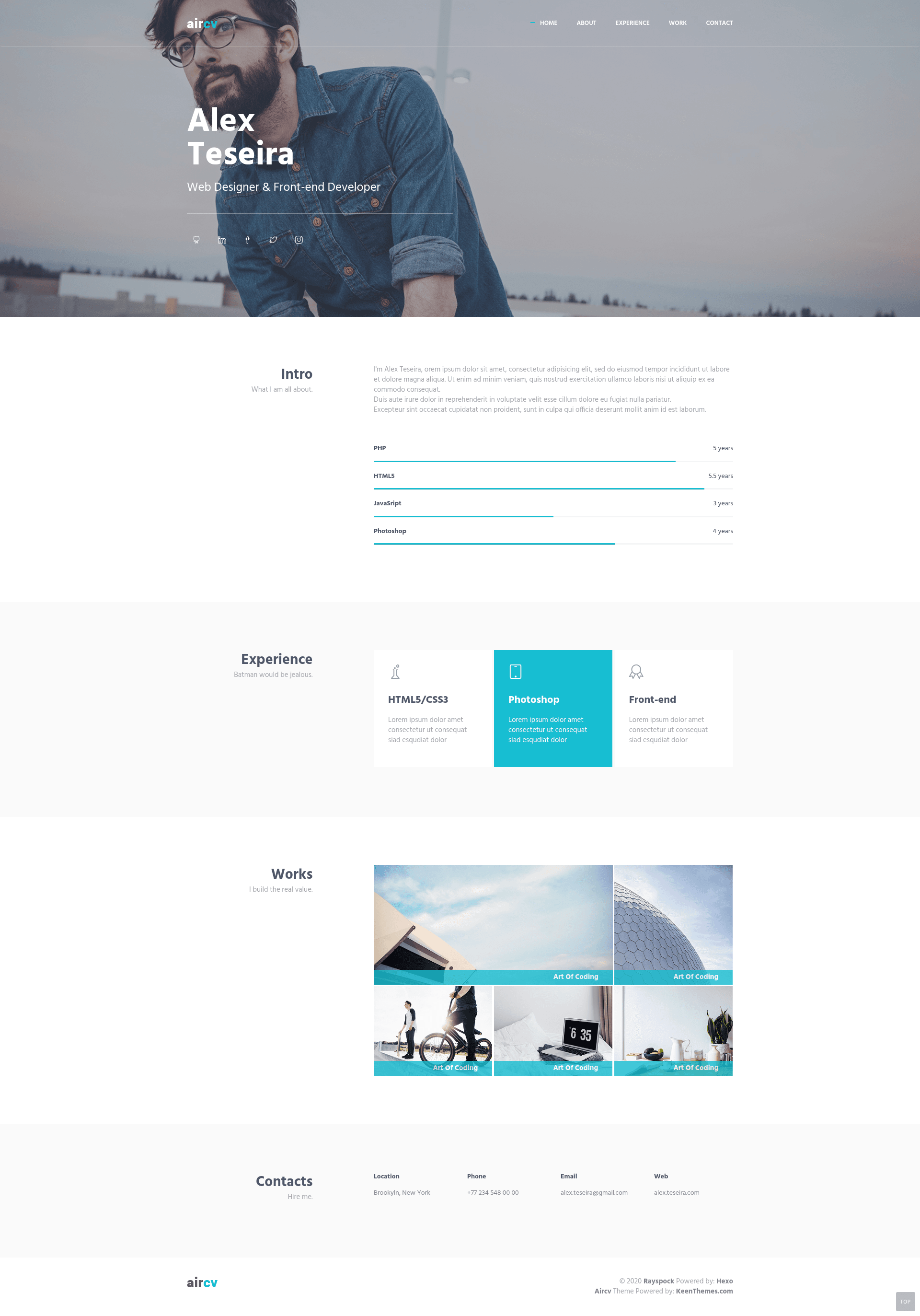
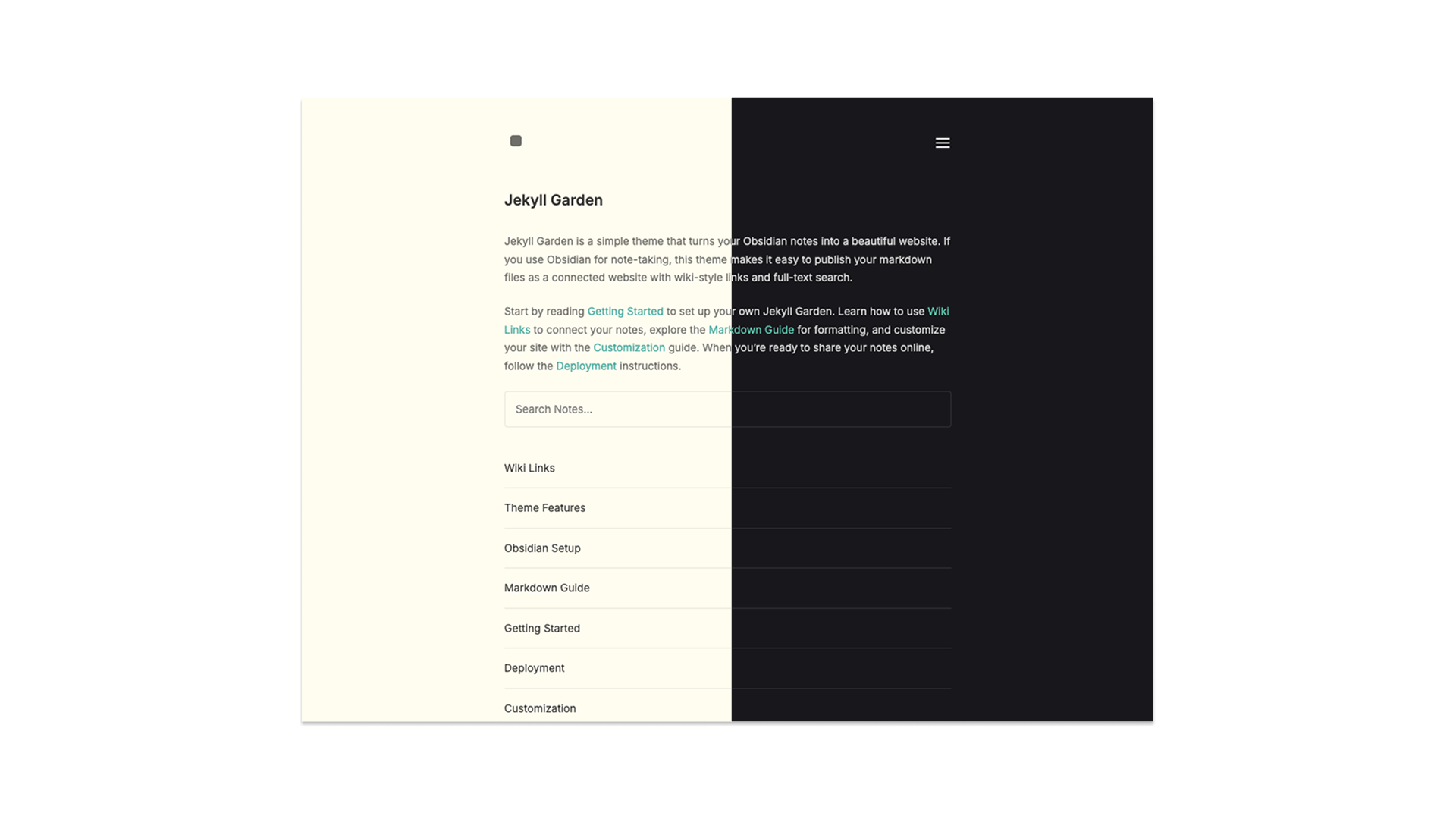
Light version of aircv theme on Hexo with style design by KeenThemes.
About this template
Hexo Theme Aircv is a lightweight Hexo blog theme that adapts the design of the aircv theme from KeenThemes for use on the Hexo static site generator.
What is hexo-theme-aircv?
Hexo Theme Aircv is a light version of the aircv theme, whose style design was created by KeenThemes, and it is packaged as a Hexo theme. It takes Markdown posts written for Hexo and renders them into a static blog with a lighter visual style than the original. The theme is open source on GitHub and maintained by rayspock. It runs on Hexo, a Node.js static site generator often used by developers and technical bloggers.
Key Features
- Lightweight adaptation — a lighter version of the aircv theme, trimmed for faster loading and simpler maintenance.
- KeenThemes design — the visual design originates from KeenThemes, a design themes provider.
- Easy installation — clone via
git clone https://github.com/rayspock/hexo-theme-aircv themes/aircv, copy_config.yml.exampleto_config.yml, and settheme: aircvin the site config. - Stylus preprocessing — the theme styles are written in Stylus, which compiles to plain CSS.
- Markdown content — content is written in standard Markdown and processed by Hexo into HTML pages.
- Live preview — an online demo is available at Live Preview.
- Simple updates — update by running
git pullinside the theme directory. - Contributions open — the repository welcomes issues and pull requests.
Who should use hexo-theme-aircv?
Bloggers who already use Hexo and want a clean, lightweight theme will find this a quick drop-in option. Developers who want a minimal base theme can inspect and customize the Stylus and template files. Writers who prefer a design inspired by KeenThemes can get that look without the heavier original aircv theme.
What can you do with hexo-theme-aircv?
- Personal bloggers: set up a blog on Hexo in a few commands and publish posts written in Markdown.
- Hexo developers: customize the theme's Stylus files and Hexo templates to build a unique site.
- Design-focused users: use the KeenThemes-derived design as a starting point for a professional blog layout.
How does hexo-theme-aircv work?
First, clone the theme into the themes/aircv directory of your Hexo site. Then copy the theme's _config.yml.example to _config.yml, and change the theme field in your site's _config.yml to aircv. Finally, run your normal Hexo build command to generate the static site.
Pricing
The theme is open source and free to use. No paid tier is mentioned in the repository.
Alternatives
- NexT — another popular Hexo theme.
FAQ
Is hexo-theme-aircv free?
Yes, it is an open-source Hexo theme. You can clone, use, and modify it by following the installation steps in the repository.
How do I install hexo-theme-aircv?
Clone the repository into themes/aircv in your Hexo directory, copy _config.yml.example to _config.yml, and set theme: aircv in the site's _config.yml. After that, regenerate your site with Hexo.
How do I update hexo-theme-aircv?
Since the theme is installed via git clone, you can update it by running git pull inside the themes/aircv directory. This pulls the latest changes from the master branch.