Template details
Anglefeint
A cinematic, multi-atmosphere Astro theme for personal publishing.
About this template
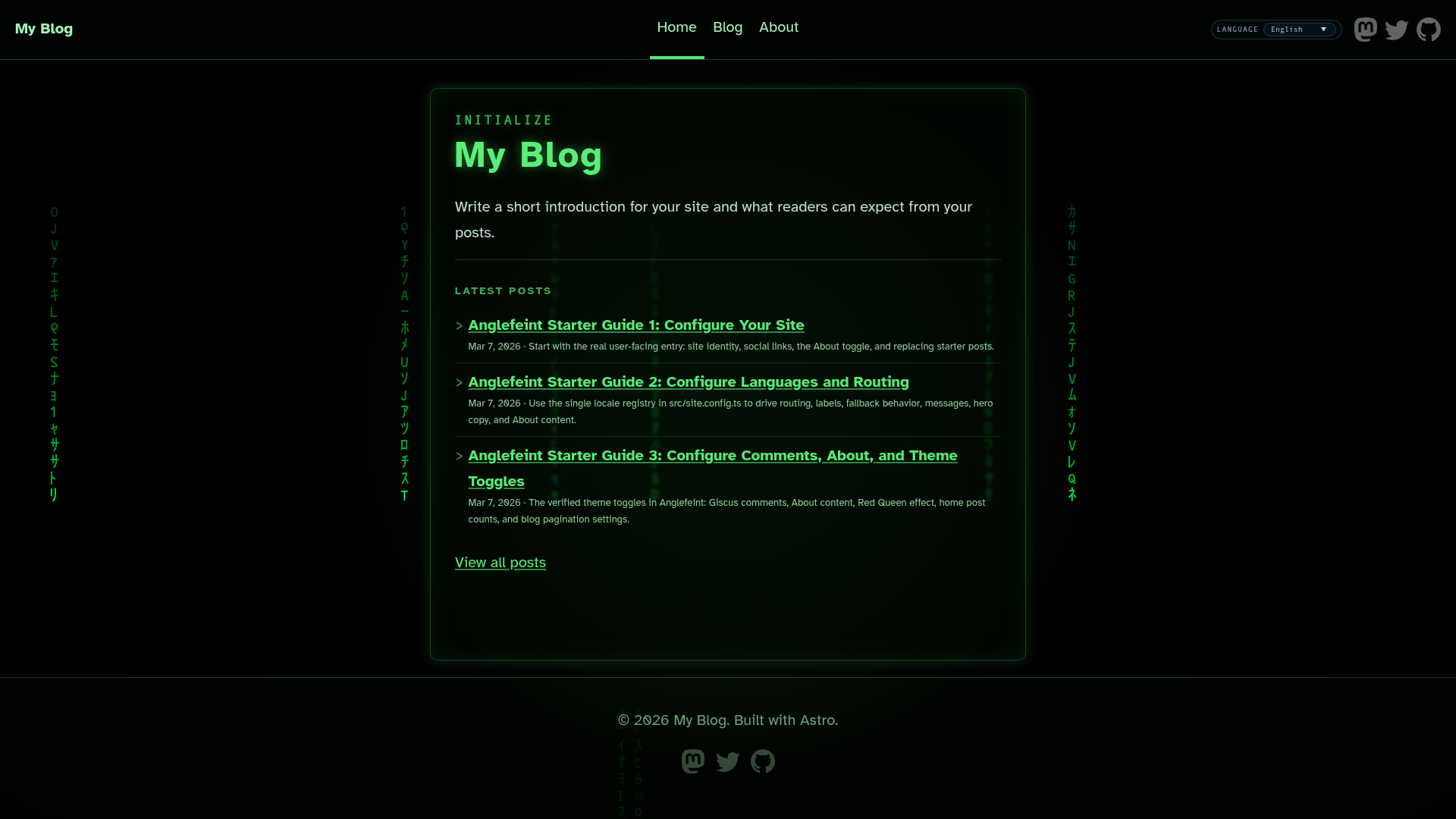
Anglefeint is an open-source, multi-atmosphere Astro 6 theme for personal publishing that creates a cinematic blog, terminal-style landing page, and themed custom pages from Markdown and MDX content.
What is Anglefeint?
Anglefeint is an open-source Astro 6 static-site theme for personal publishing, maintained by the Anglefeint project on GitHub. It takes blog posts written in Markdown or MDX, organized into locale-based content collections under src/content/blog/<locale>/, and produces a static site with per-locale RSS feeds, sitemap, robots.txt, and five interchangeable visual themes called “atmospheres.” The theme is installed via the Astro CLI with npm create astro@latest -- --template anglefeint/astro-theme-anglefeint#starter and requires Node.js 22.12.0 or higher.
Key Features
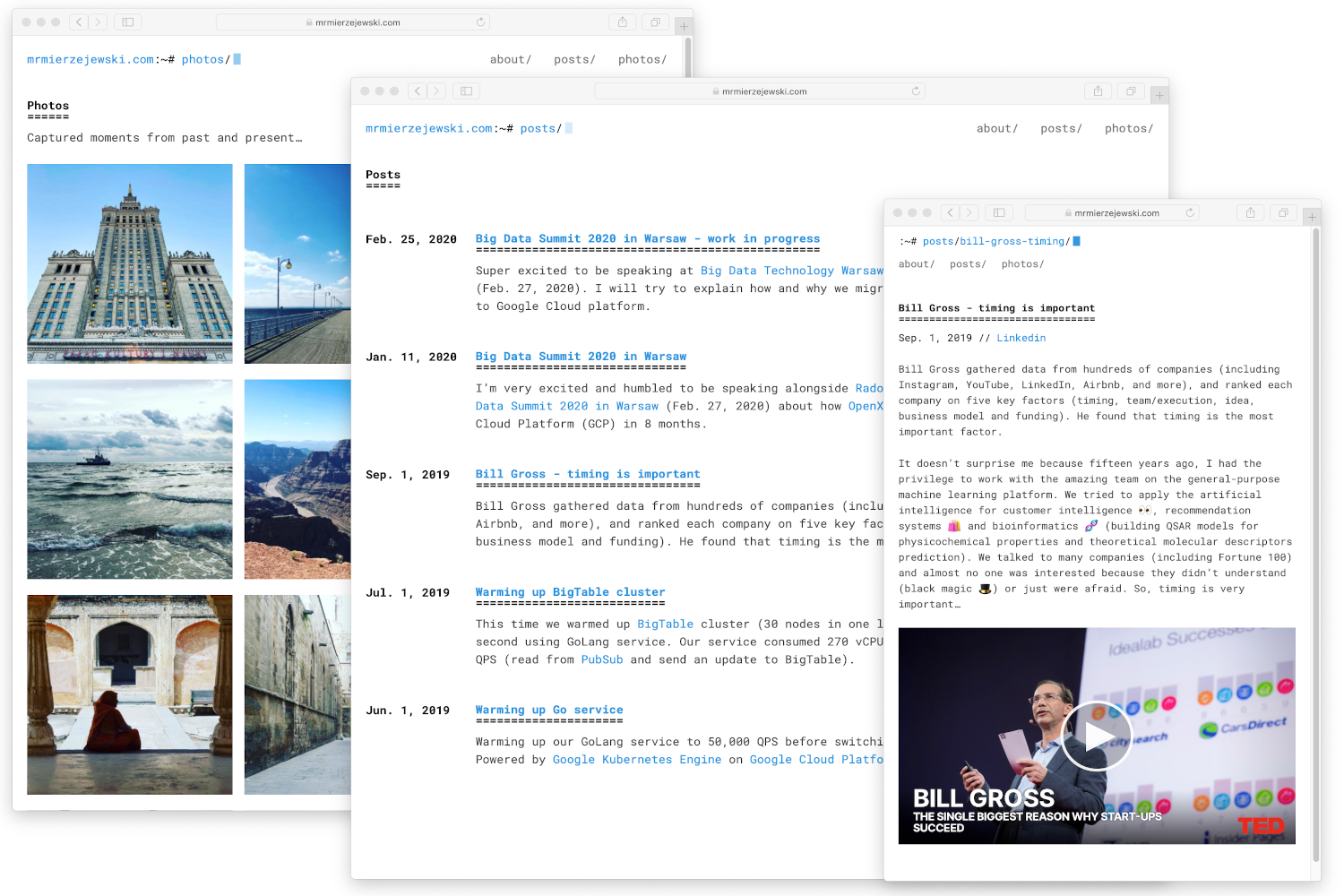
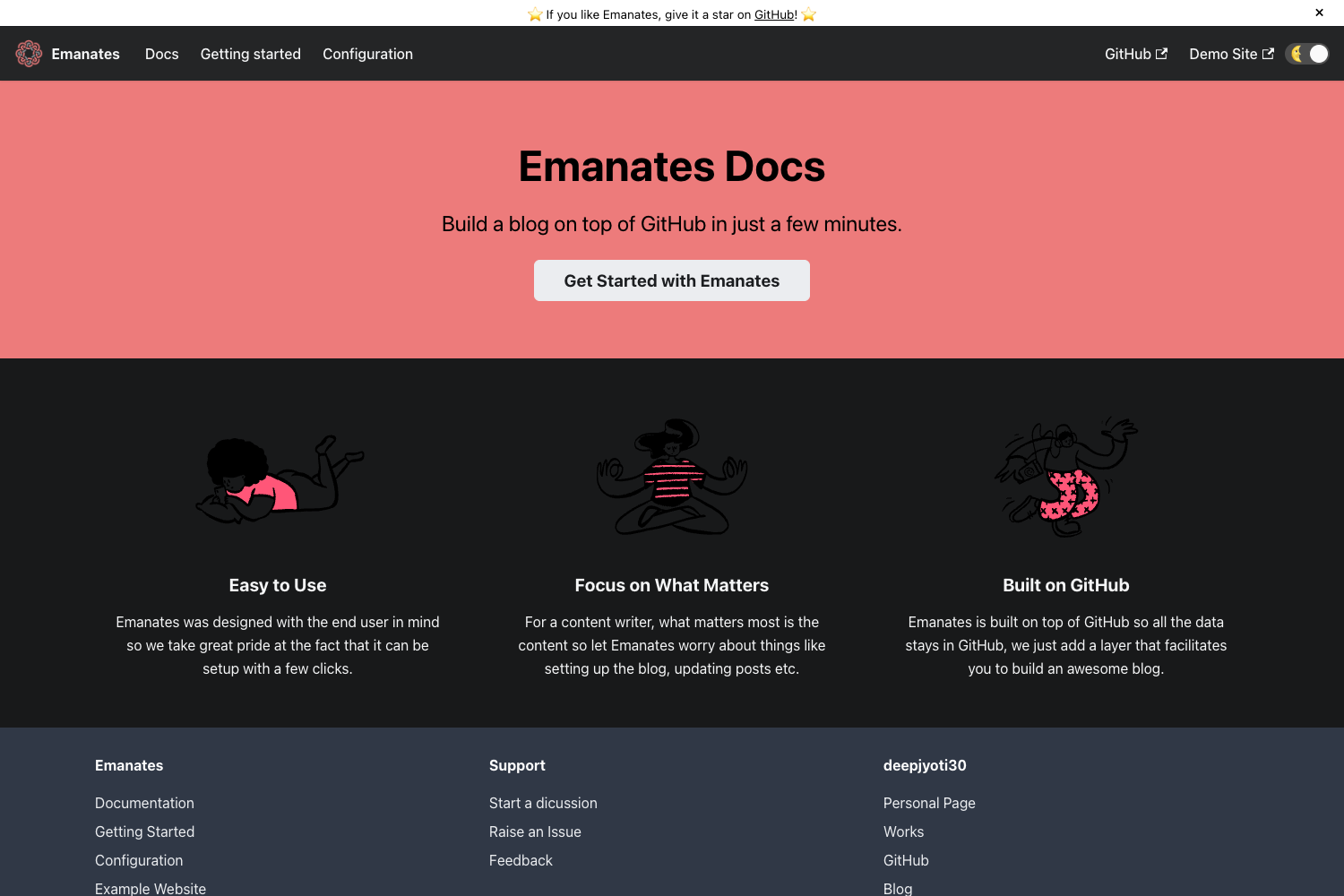
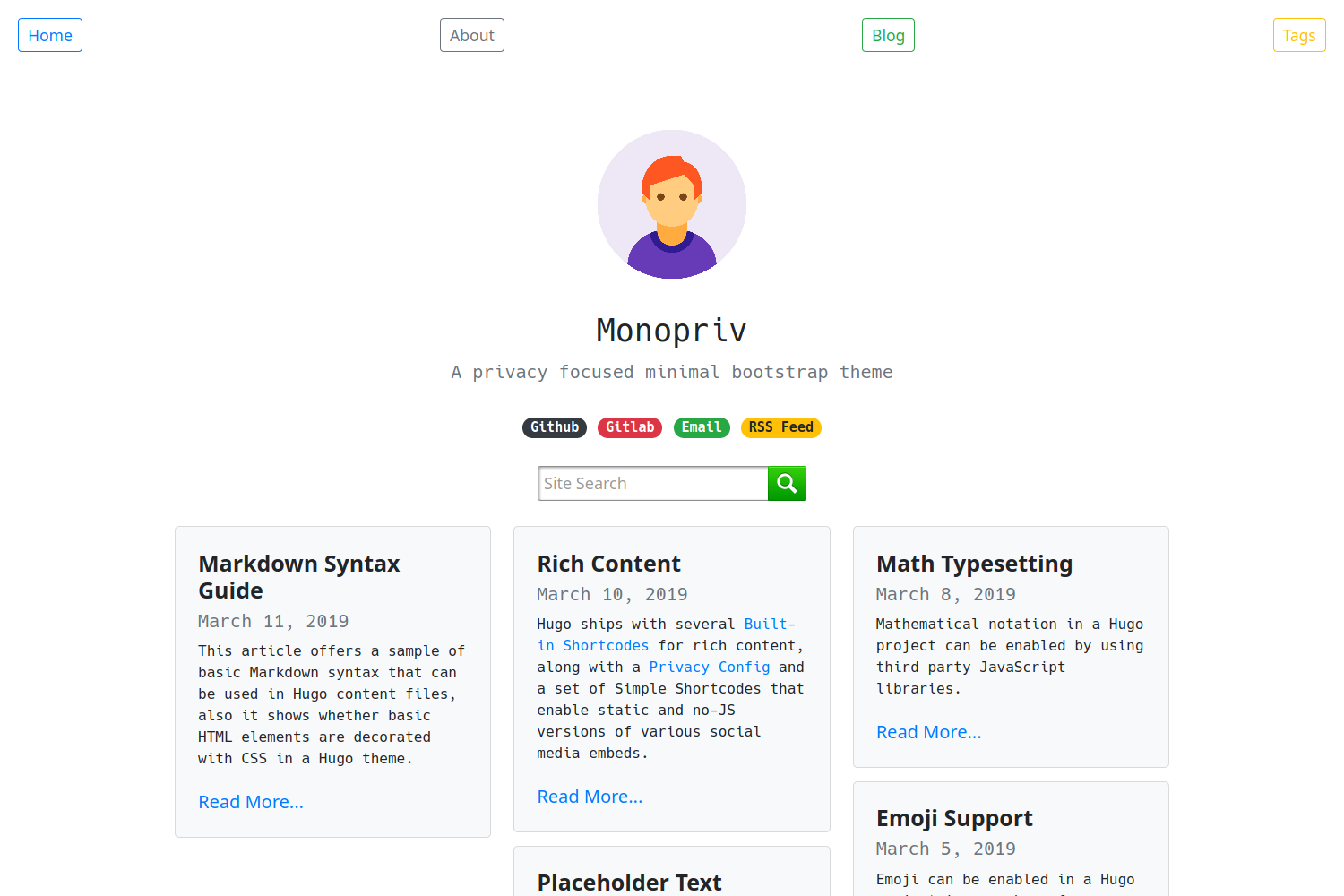
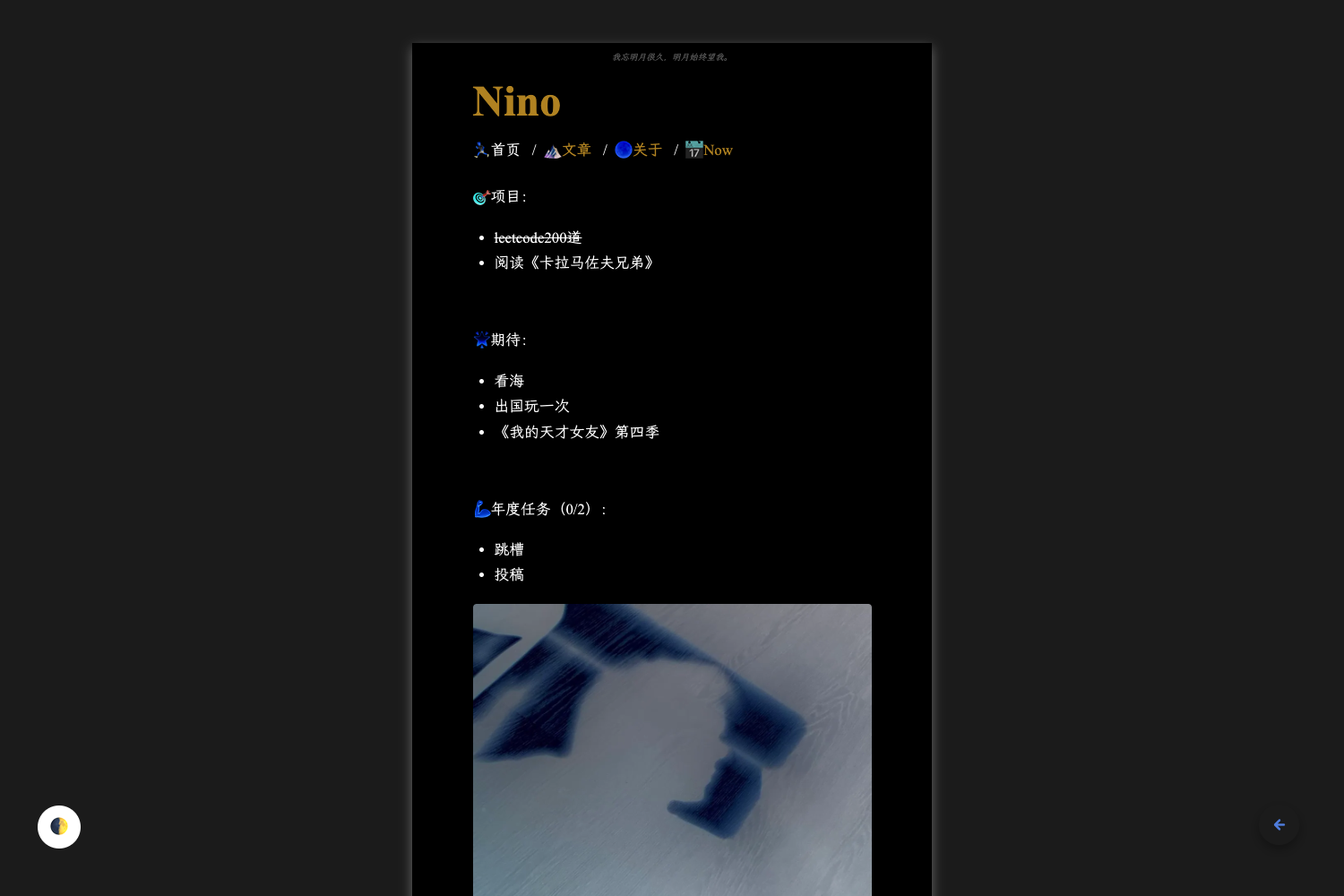
- Five distinct atmospheres —
base,ai,cyber,hacker, andmatrixvariants change the look of every route, from the Matrix-inspired terminal landing page to the AI-interface blog post layout. - Multilingual by default — the starter ships sample content in English, Japanese, Korean, Spanish, and Chinese, with locale routing and UI copy controlled from
src/site.config.ts. - Content collections — Markdown and MDX files live in
src/content/blog/<locale>/; Astro builds blog routes and list pages automatically at build time, so no manual route registration is needed. - SEO built in — per-locale RSS feeds, a sitemap, and robots.txt are generated automatically.
- Config-driven customization — site identity, social links, i18n messages, about-page content, and theme effects are all edited in
src/site.config.ts, with environment variable overrides viaPUBLIC_*vars. - Optional Giscus comments — enable discussions by setting
theme.comments.enabledtotrueand filling in the repo, repoId, category, and categoryId in the config. - CLI scaffolding —
npm run new-post -- my-slugcreates a post in every configured locale, andnpm run new-page -- name --theme basegenerates custom pages with any of the five theme variants.
Who is it for?
- Personal bloggers who want a cinematic, non-default look and need to publish in multiple languages without maintaining separate sites.
- Developers who prefer a single configuration file, a clean separation between content and config, and quality gates like
npm run lint,npm run format:check, and end-to-end tests. - Tech and cyberpunk writers who want a terminal landing page, a cyberpunk archive mood, or an AI-interface reading layout without building those effects themselves.
What can you do with Anglefeint?
- Publish multilingual posts faster: run
npm run new-post -- my-first-postto scaffold the same slug across all configured locales, then replace the Markdown content; the theme auto-assigns a default cover image when you haven’t setheroImage. - Add themed custom pages: use
npm run new-page -- projects --theme cyberto create a page like/projectswith locale routes generated bygetStaticPaths(). - Control site copy and metadata from one file: set
site.title,site.description,site.url,site.author, andsite.tagline, and override per-locale hero text and UI messages insrc/site.config.ts. - Enable comments with Giscus: provide the required repository and category IDs, then customize mapping, reactions, input position, theme, and language directly in the config.
How does Anglefeint work?
After installing the starter, copy .env.example to .env, edit src/site.config.ts to set site identity and locales, and replace the included sample posts with your own content. Content files are placed in src/content/blog/<locale>/ and Astro generates the routes at build time; the default locale can live at /<default-locale>/ or at /, depending on the i18n.routing.defaultLocalePrefix setting. When the theme package updates, run npm run doctor and follow the upgrading guide if release notes mention starter-side contract changes.
Pros and cons
- Pros: free under the MIT license; includes five visual themes, i18n, RSS, sitemap, and quality tooling out of the box.
- Cons: requires Node.js 22.12.0 or higher, which may be newer than the version on some hosting or local environments; the theme is Astro-specific, so switching frameworks means creating a new project.
Pricing
Anglefeint is free and open source under the MIT license. The repository lists no paid tiers, premium features, or license keys.
FAQ
Is Anglefeint free?
Yes. Anglefeint is released under the MIT license, and the repository shows no paid plans or premium features. You can use it for personal or commercial projects without a license fee.
What Node.js version do I need?
Node.js 22.12.0 or higher. The README recommends the LTS version and notes that npm, pnpm, yarn, or bun can be used as the package manager.
Does Anglefeint support multiple languages?
Yes. The starter ships sample content in English, Japanese, Korean, Spanish, and Chinese. Locales are added or removed in src/site.config.ts, and each locale gets its own RSS feed.
How do I enable comments?
Set theme.comments.enabled = true in src/site.config.ts and fill in theme.comments.repo, repoId, category, and categoryId. If any required field is missing, the comments block is not rendered at all.
Can I use Anglefeint with an existing Astro project?
The recommended install path is npm create astro@latest -- --template anglefeint/astro-theme-anglefeint#starter, which creates a new starter project. The README documents an upgrade path for projects created from #starter via npm update @anglefeint/astro-theme and npm run doctor.