Template details
Prismic + Nuxt Blog Starter
A Nuxt blog starter pre-configured with Prismic CMS, quick start via degit and Slice Machine init.
About this template
The Prismic + Nuxt Blog Starter is a boilerplate blog project that combines the Nuxt framework with the Prismic headless CMS, providing a runnable sample blog and a documented starting point for building content-driven Nuxt sites.
What is the Prismic + Nuxt Blog Starter?
The Prismic + Nuxt Blog Starter is a sample blog created to help developers explore Nuxt and Prismic. It is a Nuxt project that uses Prismic as its content management system, and it can be set up in minutes using the provided commands. The starter is maintained by Prismic (contact@prismic.io) and is distributed under the Apache License 2.0.
Key Features
- Nuxt framework — The project is built on Nuxt, the Vue-based meta-framework, enabling server-side rendering and static site generation out of the box.
- Prismic CMS integration — Content is managed through Prismic, a headless CMS; the setup process creates a new Prismic repository with sample content.
- Slice Machine initialization — Running
npx @slicemachine/init@latestwires the starter to a Prismic repository and loads sample content. - Quick start with degit — The command
npx degit prismicio-community/nuxt-starter-prismic-blog your-project-namescaffolds the project into any folder name. - Live demo — A working deployment is available at nuxt-starter-prismic-blog.vercel.app.
- Starter documentation — A dedicated guide in the docs/README.md explains how to work with the new project.
- Apache 2.0 license — The source code is freely reusable under the Apache License, Version 2.0.
Who is it for?
The starter suits developers who want a concrete example of a Nuxt + Prismic blog to learn from or to use as a base for their own projects. It is useful for frontend developers new to Prismic who want to see how content models, slices, and API calls fit together. Teams starting a new blog can also clone the repo, run the init command, and begin customizing instead of configuring from scratch.
What can you do with the Prismic + Nuxt Blog Starter?
- Nuxt developers: bootstrap a new blog project and study how Prismic content is fetched and rendered in Nuxt pages.
- Content teams: manage blog posts through Prismic's editing environment while the Nuxt front end composes them into a website.
- Agency developers: reuse the starter as a foundation for client blogs, then extend it with custom slices and page layouts.
How does the starter work?
The Quick Start section in the README lists three steps: first, use npx degit to copy the template into a new directory; second, run npx @slicemachine/init@latest to log in to Prismic or create an account, which creates a content repository with sample content; third, run npm run dev to start a local development server.
FAQ
Is the Prismic + Nuxt Blog Starter free?
The starter's source code is released under the Apache License 2.0, so it is free to use and modify. Prismic itself offers a free tier, but the starter does not state pricing details.
How do I create a new project from this starter?
Run npx degit prismicio-community/nuxt-starter-prismic-blog your-project-name, then cd your-project-name, then npx @slicemachine/init@latest. These commands scaffold the project and connect it to a new Prismic repository.
Where can I see a live demo?
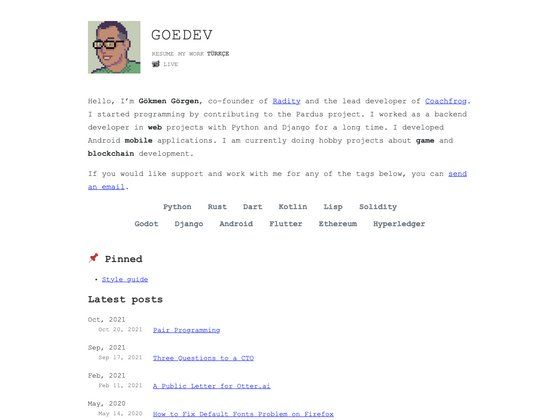
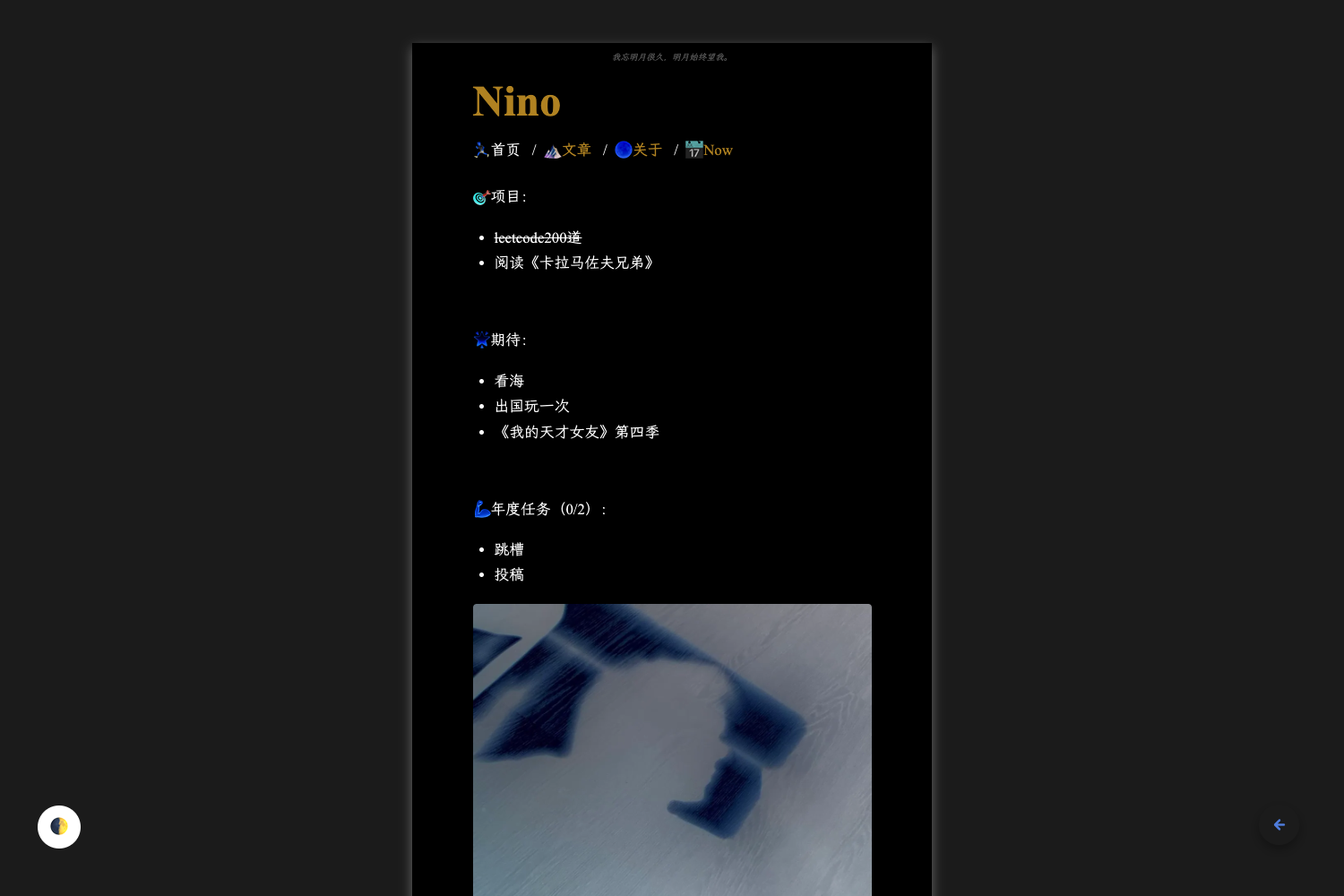
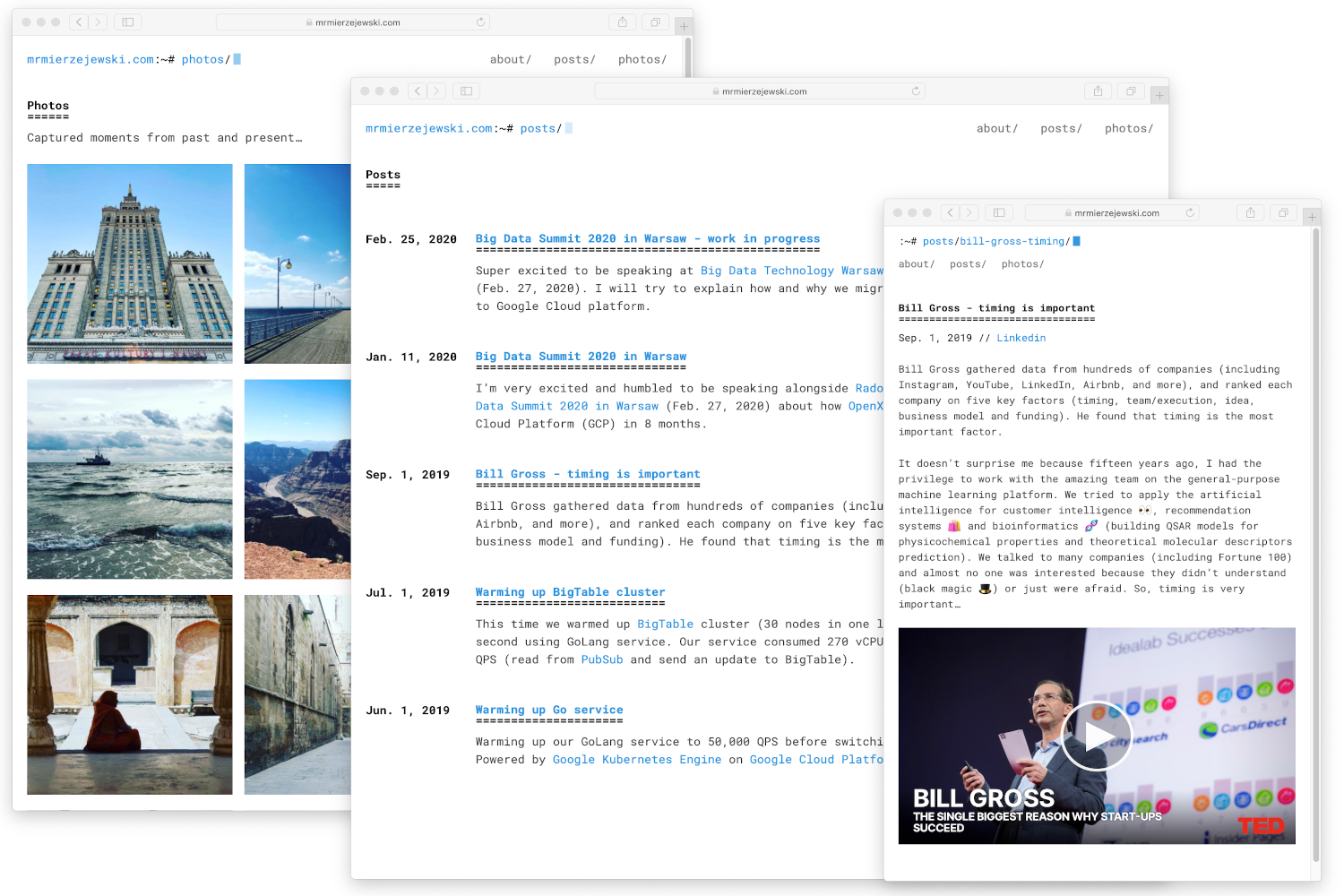
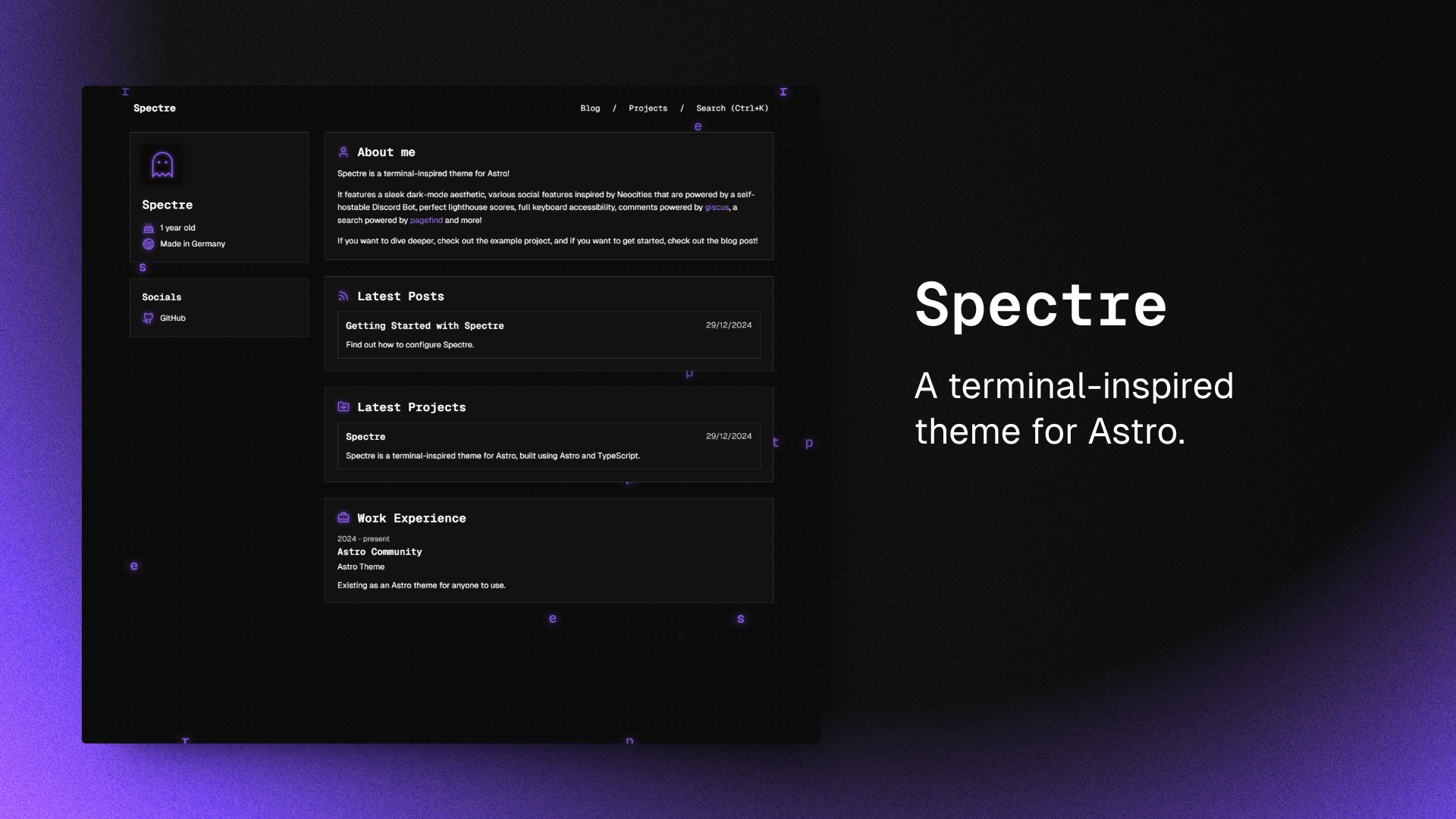
The live demo is hosted at nuxt-starter-prismic-blog.vercel.app. It shows the blog running with sample content.
What does the init command do?
npx @slicemachine/init@latest asks you to log in to Prismic (or sign up) and creates a new content repository with sample content for the blog.
What license is the starter under?
It is licensed under the Apache License, Version 2.0, with copyright held by Prismic.