Template details
Spectre
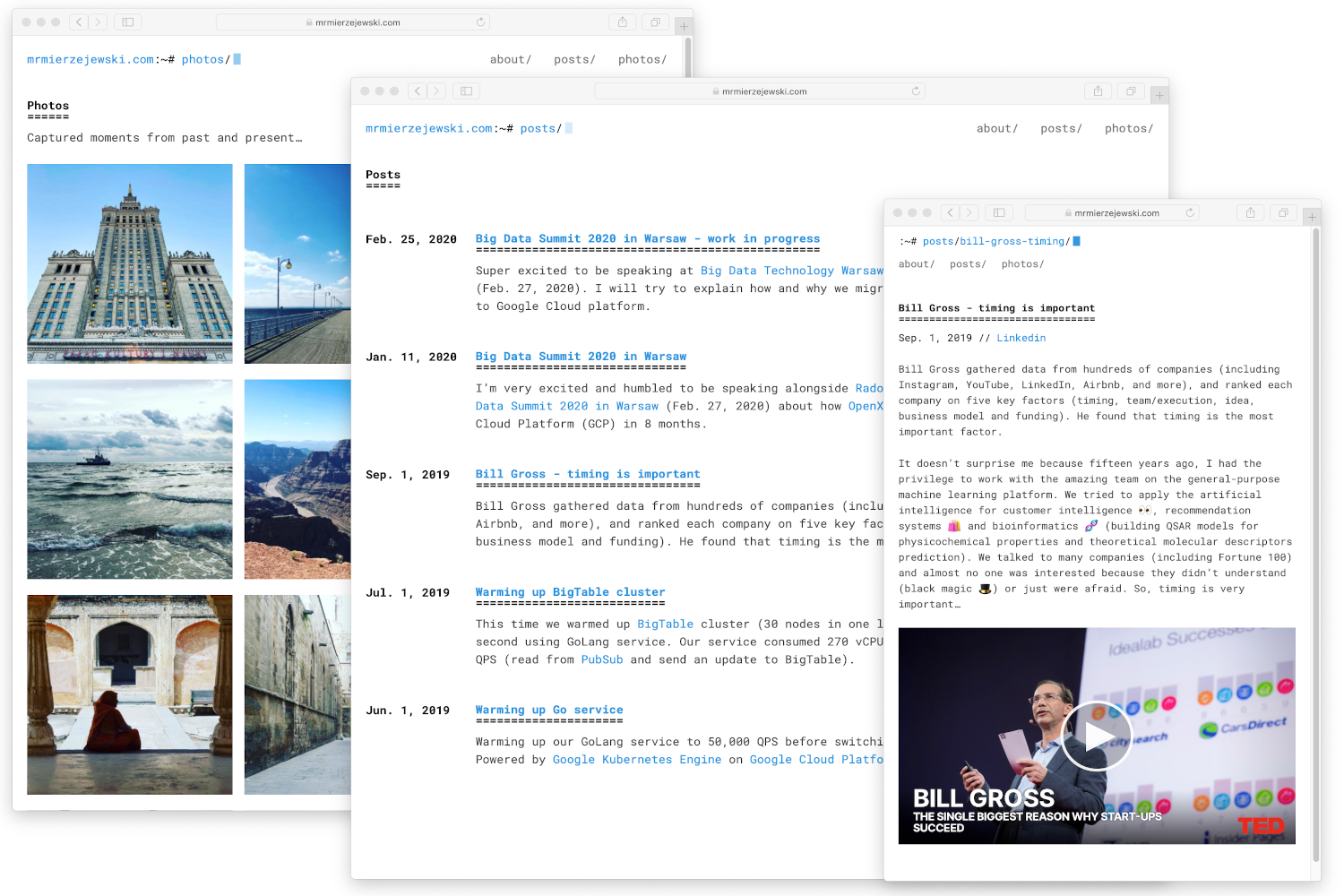
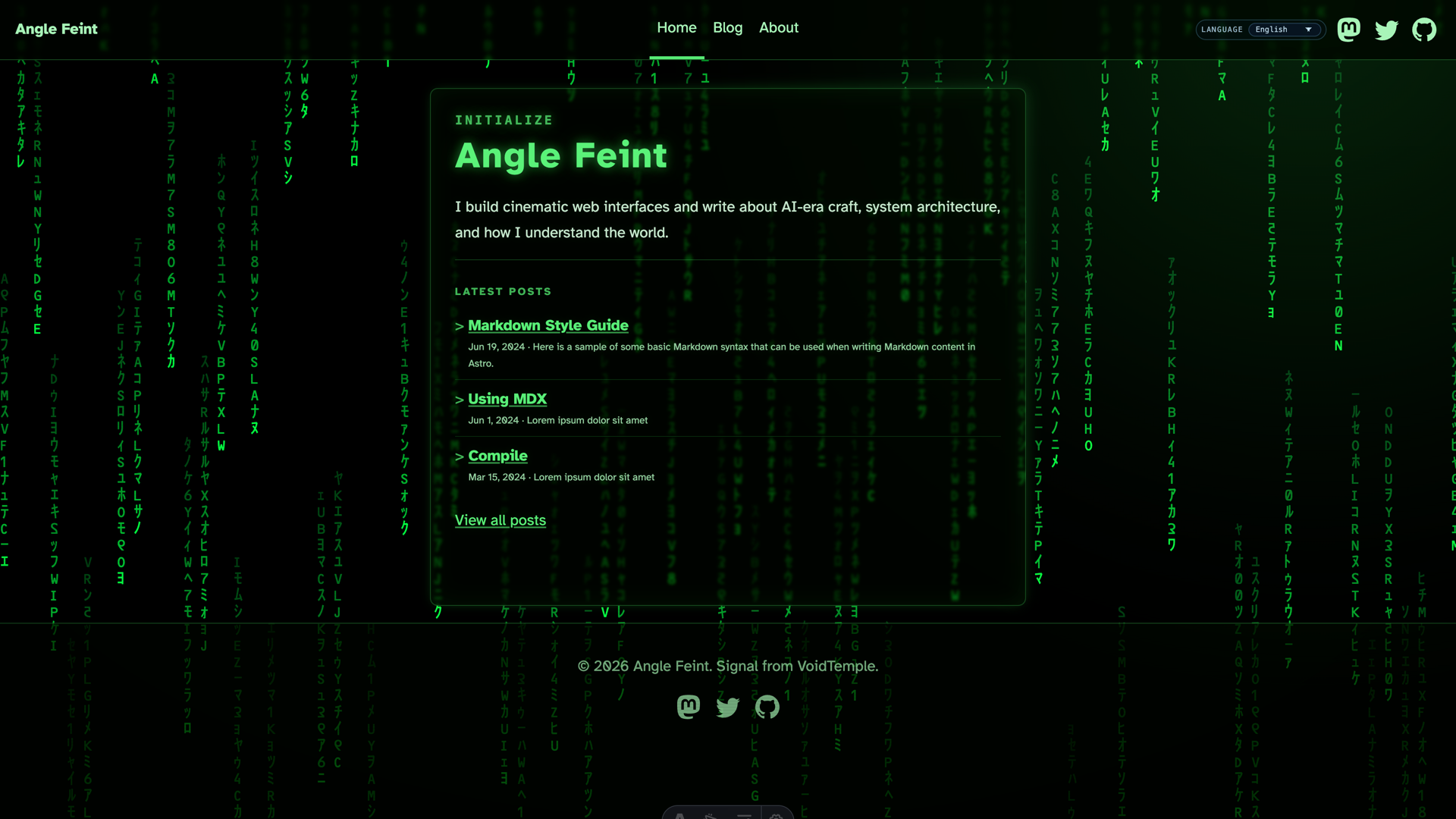
Spectre is a terminal-inspired theme for Astro, built using Astro and TypeScript.
About this template
Spectre is a terminal-inspired blog theme for the Astro static site generator, built with TypeScript, that ships with Pagefind search and giscus comments.
What is Spectre?
Spectre is an open-source, terminal-inspired theme for the Astro static site generator, written in TypeScript and available from the louisescher/spectre repository on GitHub. It takes Markdown or MDX files managed through Astro content collections as input and outputs a static website with a built-in sitemap, Pagefind search, and optional giscus comments, scoring 100/100 on Lighthouse performance.
Key Features
- 100/100 Lighthouse performance — The theme passes all Lighthouse performance audits with a perfect score, per the README.
- Responsive for all screen sizes — Layout adapts from mobile to desktop without extra styling work.
- Fully accessible — Accessibility is included in the design, so keyboard navigation and screen readers are supported.
- Type-safe — The entire theme is written in TypeScript, providing compile-time type checking.
- Auto-generated sitemap — A sitemap is generated automatically to help search engines index every page.
- Markdown / MDX support — Content is authored as Markdown or MDX files and built on Astro's content collections.
- Search powered by Pagefind — A static search index is integrated so visitors can search the whole site instantly.
- Comments powered by giscus — GitHub Discussions-backed comments are optional; you can disable them by removing lines 47–57 in astro.config.ts.
Who is it for?
- Bloggers who want a distinctive terminal-styled blog with zero-cost search and comments, publishing through Markdown or MDX.
- Developers building a personal portfolio or docs site who value TypeScript safety, accessibility, and a perfect Lighthouse score.
- Front-end teams needing a fast, static template that can be deployed anywhere Astro runs, with setup via npm, pnpm, or yarn.
What can you do with Spectre?
- Technical blog — Write posts in MDX, add images and code blocks, and get automatic sitemaps, search, and comment threads without a server.
- Portfolio site — Showcase projects and writing with a retro terminal aesthetic, all fully responsive and accessible.
- Personal documentation — Organize guides and notes in content collections and let Pagefind handle on-site search.
How does Spectre work?
You start by creating a new project with npm create astro@latest -- --template louisescher/spectre — or the pnpm or yarn equivalents — or open the template instantly in StackBlitz or CodeSandbox. After installation, you author content in Markdown or MDX files, configure the custom Spectre integration in astro.config.ts, and disable giscus comments by deleting lines 47–57 of that file if you don't need them.
FAQ
How do I install Spectre?
Run npm create astro@latest -- --template louisescher/spectre in your terminal, or use the StackBlitz and CodeSandbox links in the README to try it in the browser. The pnpm and yarn commands are also provided.
Can I disable the giscus comments?
Yes. Open astro.config.ts, locate the integrations array, and delete lines 47 through 57 — that removes the giscus options while keeping the rest of the theme intact.
What content formats does Spectre support?
Spectre supports both Markdown and MDX, managed through Astro content collections. This lets you write normal posts or embed React components in MDX files.
Where can I see a live preview?
The README links to a preview page at spectre.lou.gg, and you can also launch the template in StackBlitz or CodeSandbox for an interactive demo.