Template details
Light Bootstrap Dashboard PRO React
Premium React admin dashboard template built on React Bootstrap with pre-built pages, plugins, and six sidebar color filters.
About this template
Light Bootstrap Dashboard PRO React is a premium admin dashboard template from Creative Tim, built on React Bootstrap and designed for creating responsive backends, admin panels, CMS, and CRM interfaces. It is part of the Light Bootstrap Dashboard PRO family, with sibling versions in HTML, Vue, and Angular, and is currently at version 2.0.1.
What is Light Bootstrap Dashboard PRO React?
Light Bootstrap Dashboard PRO React is a paid React admin template that provides a pre-built set of pages, components, and plugins for web application backends. It takes as input your customization work on top of its React components, SCSS styles, and routing structure, and produces a fully responsive dashboard interface. The product is built with React Bootstrap and is distributed by Creative Tim, who also host a live demo and online documentation.
Key Features
The template bundles these concrete features and customization options:
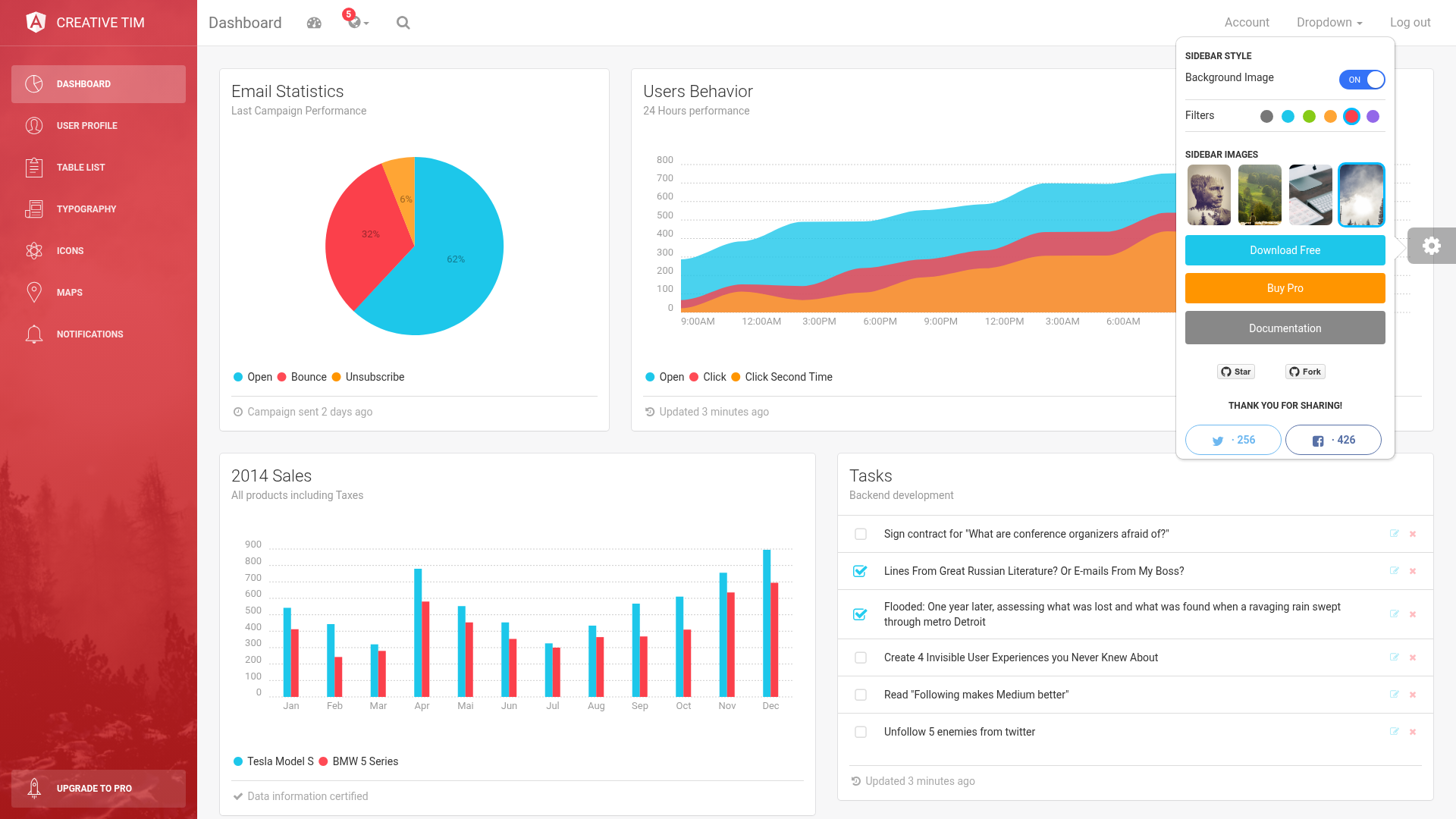
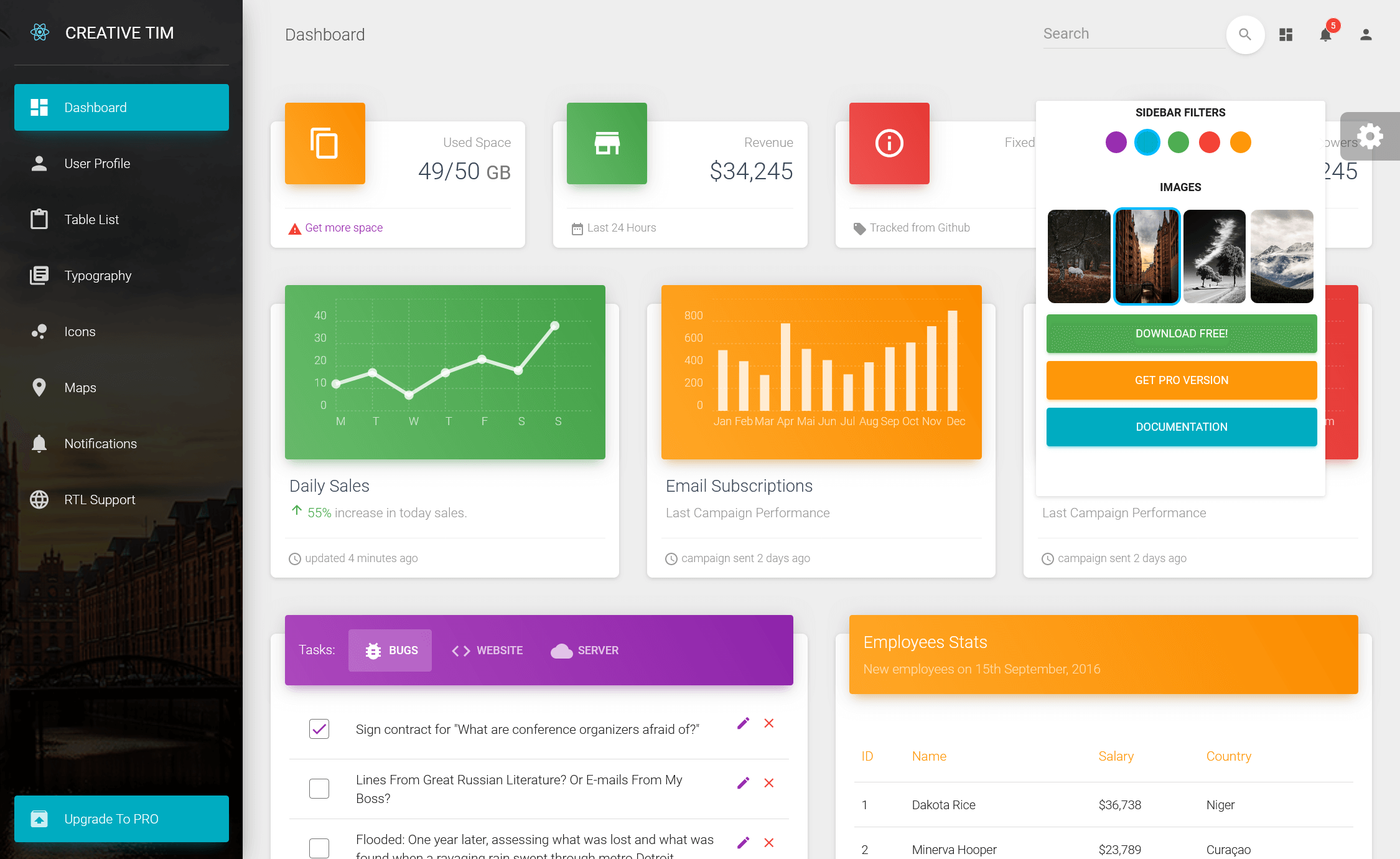
- Six sidebar color filters — the sidebar can be styled in black, azure, green, orange, red, or purple, plus an optional background image.
- React Bootstrap foundation — the UI is assembled from React Bootstrap components, making it compatible with existing Bootstrap knowledge.
- Pre-built page collection — includes Dashboard, Calendar, Charts, Extended Tables, Forms (regular, extended, validation, wizard), Google Maps, Vector Map, User profile, and Login/Lock/Register pages.
- Plugin integrations — ships with ReactTable, TagsInput, Sweet Alert, vector maps, and full-screen map components.
- SCSS customization — the file structure includes SCSS sources under
src/assets/scss/lbdandsrc/assets/scss/lbdpr, plus compiled CSS and minified CSS. - Multi-version availability — the same design is also offered as Light Bootstrap Dashboard PRO in HTML, Vue, and Angular, so teams can keep a consistent look across stacks.
- Official browser support — the last two versions of Chrome, Firefox, Edge, Safari, and Opera are supported.
Who is it for?
The template fits these three roles:
- React developers — who need a ready-made admin panel skeleton and want to avoid writing common dashboard components from scratch.
- Agencies and freelancers — delivering CMS or CRM backends to clients can use the included layouts and auth pages as a starting point.
- Product teams — building internal tools or project management systems get a consistent visual language with the sidebar filters and pre-built UI elements.
What can you do with it?
- Admin panel developers: scaffold a complete backend interface with dashboard overview, tables, forms, maps, and calendar in one template.
- SaaS startups: use the login, lock screen, and register pages as the authentication shell for a web application.
- Frontend designers: rebrand the template by editing SCSS variables and choosing one of the six sidebar filters instead of writing custom CSS from scratch.
Pricing
Light Bootstrap Dashboard PRO React is a premium product sold by Creative Tim; the quick-start instructions point to a Creative Tim purchase page. A free version, Light Bootstrap Dashboard React, is available separately.
Alternatives
Creative Tim's free Light Bootstrap Dashboard React offers a similar design without the PRO pages and plugins. The PRO variant is also available in HTML, Vue, and Angular for teams working in those frameworks.
FAQ
Is Light Bootstrap Dashboard PRO React free?
No, it is a paid premium template from Creative Tim. You can buy it through the Creative Tim product page linked in the quick-start section.
What frameworks does it support?
The PRO design is released in four versions: HTML, Vue, Angular, and React. This specific template is the React version built with React Bootstrap.
Is the template responsive?
Yes, the page explicitly states it is fully responsive, and the components are based on React Bootstrap's responsive grid and utilities.
What plugins are included?
The template bundles ReactTable for data tables, TagsInput for tag management, Sweet Alert for dialogs, and Google Maps and Vector Maps for map visualizations.
How do I get support?
For questions or integration help, you are instructed to contact Creative Tim through their contact page, while bugs are tracked on the GitHub Issues page for ct-light-bootstrap-dashboard-pro-react.