Template details
Cottrell Theme
Hugo portfolio theme with Bootstrap 5, custom list layouts for posts/podcasts, and a minimal homepage.
About this template
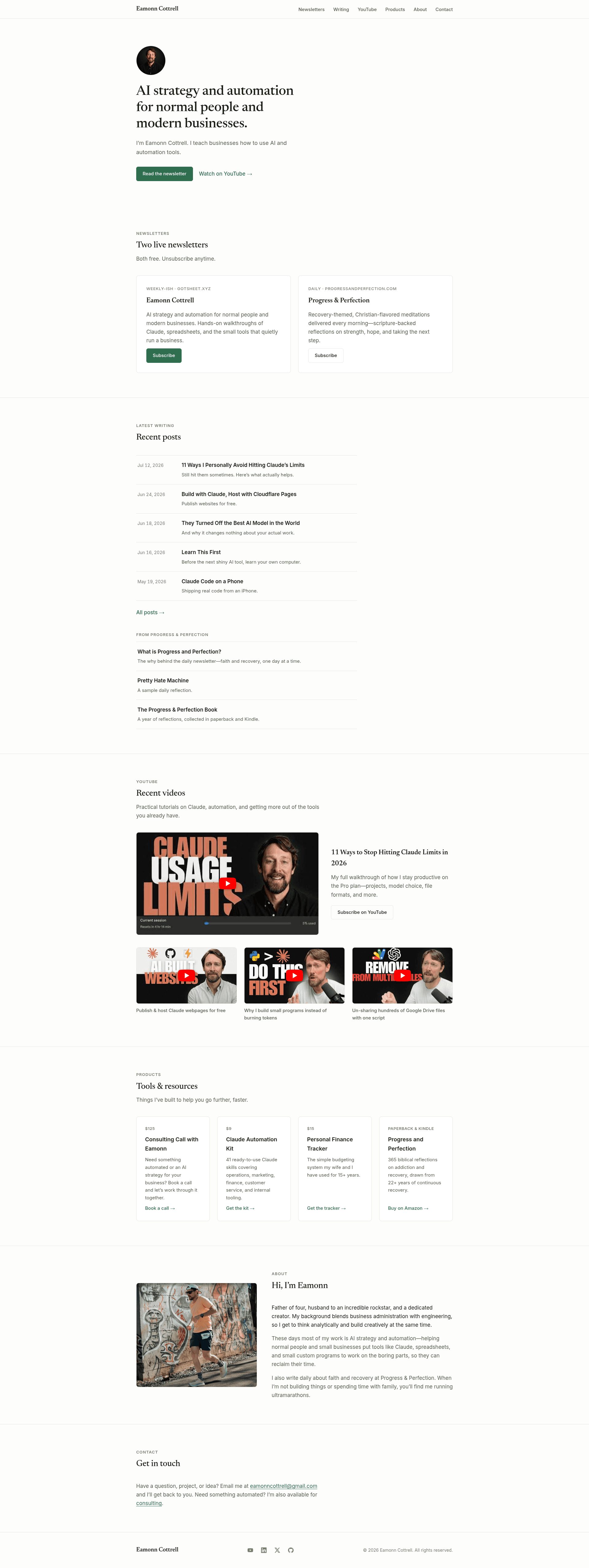
Cottrell Theme is a Hugo portfolio theme built with Bootstrap 5 that functions as a boilerplate for launching a fresh Hugo site with custom list layouts, embedded podcast players, and a minimal homepage.
What is Cottrell Theme?
Cottrell Theme is a Hugo theme created by Eamonn Cottrell for his personal site at eamonncottrell.com. It takes Hugo content for posts, podcasts, and projects and renders a static site with Bootstrap 5 responsive components, custom list and single-page templates, and config-driven SEO metadata. The theme was built primarily to provide a ready-made starting point for new Hugo sites so developers can skip creating basic layouts from scratch.
Key Features
- Bootstrap 5 styling — Uses Bootstrap 5, which dropped jQuery and requires almost no JavaScript for most components; the navbar and cards are built directly from Bootstrap classes.
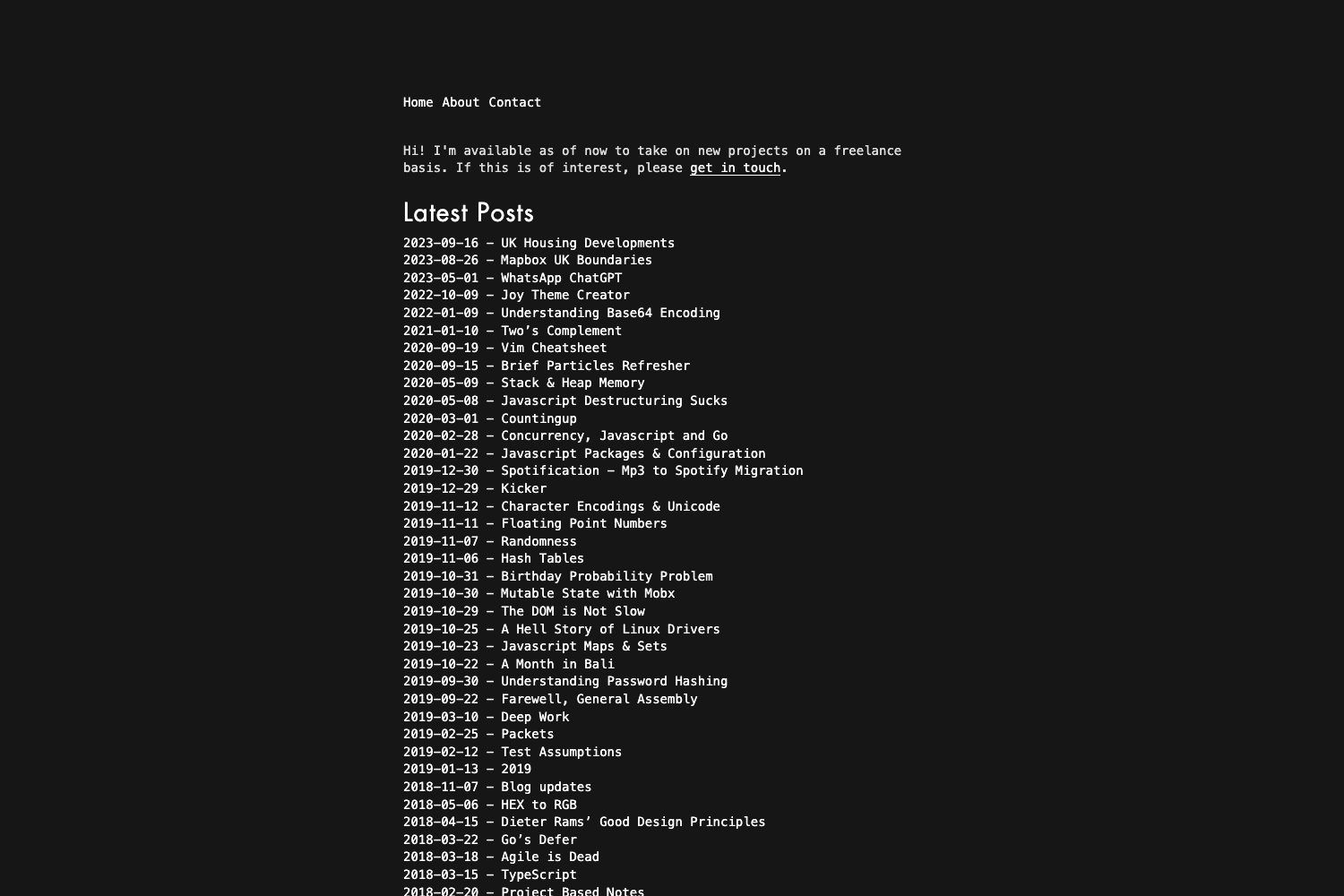
- Minimal homepage — Displays the first three posts, podcasts, and projects as Bootstrap cards; the index template is under 80 lines of code using Hugo's Go template conditionals.
- Custom list layouts — Includes posts.html and podcasts.html in the _default layouts folder so each content type's list page renders differently; a projects.html layout is planned.
- Podcast player embedding — Overrides the single layout for podcasts to embed an iframe player pulled from the player parameter in each episode's front matter.
- Centralized config.toml — Stores the theme declaration, navbar menu items, meta description, subtitle, Google Analytics ID, and images in one place for easy editing.
- SEO fallbacks — Meta descriptions fall back from page description to subtitle to site-level params; canonical tags fall back to the permalink unless a front-matter canonical is specified.
- Social sharing tags — Uses Hugo's built-in opengraph and twitter_cards templates to generate OG and Twitter Card meta tags from front matter or site params.
- Extensible head partial — Includes animate.css via CDN, Google Analytics using a gtag ID pulled from config.toml, favicons from realfavicongenerator, and a dynamic title pattern that shows the site title on the homepage and appends the page title elsewhere.
Who is it for?
- Hugo developers who want a working boilerplate with sensible defaults for a new site, saving the effort of creating layouts from scratch.
- Personal portfolio owners who need a clean, minimal homepage with separate sections for written posts, podcast episodes, and projects.
- Podcasters who publish on Hugo and want a simple way to embed players per episode without hand-coding iframes on every page.
- Developers who prefer Bootstrap who want the speed of a utility-first CSS framework and a quick path to a polished responsive site.
Use cases
- Launching a personal site: Clone the theme, edit config.toml with your site details, and start adding content in the content folder.
- Publishing podcast episodes: Add a player URL in each episode's front matter, and the podcast single layout embeds the player automatically.
- Building custom list pages: Use the posts.html and podcasts.html patterns to style different content sections differently, such as a future projects list.
- Controlling per-page SEO: Set description and canonical in front matter to override the site-wide defaults for better search snippets.
How does Cottrell Theme work?
The theme relies on Hugo's lookup order: it adds custom list templates for posts and podcasts, provides a single.html override for podcasts, and uses partials (header, head, footer) that read global parameters from config.toml. To start, you can run hugo new theme theme-name to generate the folder structure, then copy in or build on the included layouts. For podcast pages, the single.html template checks for a player parameter and inserts an iframe with that source.
FAQ
Does Cottrell Theme support podcast players?
Yes, the podcast single layout expects a player URL in the front matter and embeds it in an iframe with a fixed width and height of 390 pixels. You add the src for the player (e.g., a Spotify or SoundCloud embed) to each episode's front matter.
Can I customize the meta description per page?
Yes, set a description field in the page's front matter. If it is missing, the theme falls back to the page's subtitle, and if that is also absent, it uses the global description parameter from config.toml.
What CSS framework does it use?
Bootstrap 5. The author chose it for quick-to-market clean CSS and notes that Bootstrap 5 dropped jQuery, so the site requires little to no JavaScript. The author also mentions Bulma as an alternative framework he likes.
Does it include Google Analytics?
Yes, the head partial builds a Google Analytics tag using a gtag ID stored in config.toml as a custom parameter, so you only need to set that one value.
Is Bootstrap 5 overkill for this theme?
The author admits Bootstrap is "waaay overkill" for the simplicity of the site, but uses it because it delivers clean CSS quickly. The theme is still lightweight in terms of layout code, with the homepage under 80 lines.