Template details
Tokyo Portfolio
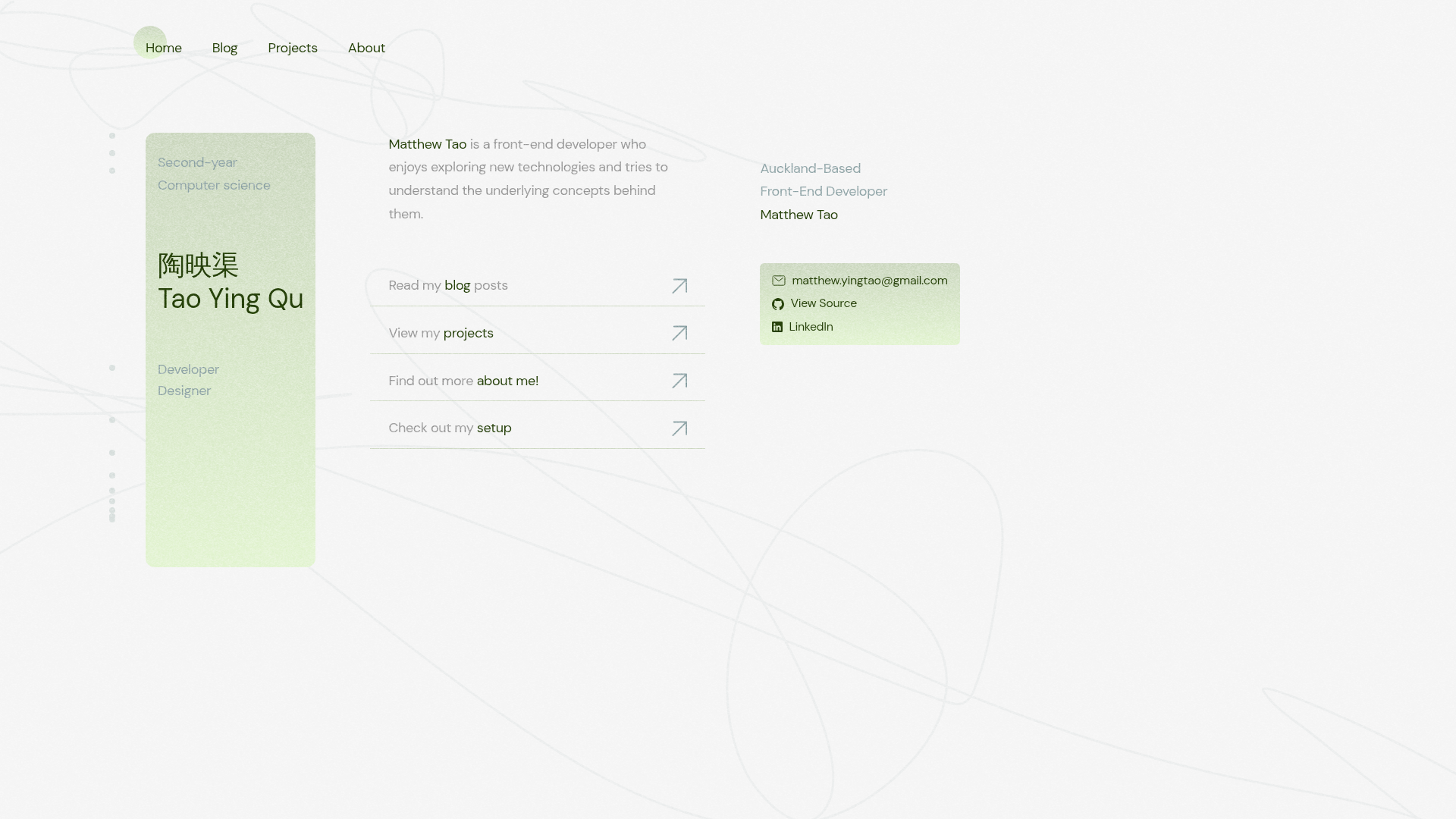
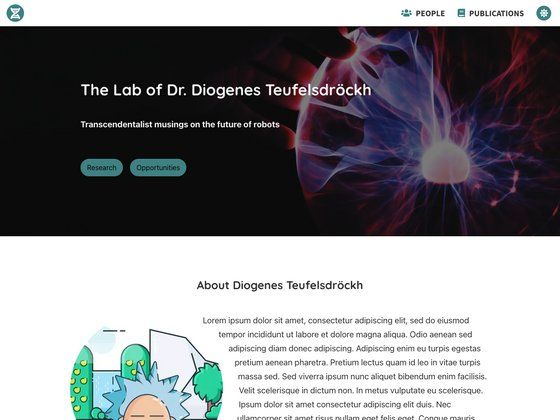
Home to Matthew Tao's portfolio website. Built with Astro, Tailwind and Tina CMS!
About this template
Tokyo Portfolio is an open-source portfolio website template built with Astro, Tailwind CSS, and Tina CMS, originally created for Matthew Tao's personal portfolio. It combines a static site generator with a Git-based content management system and is configured for deployment on Netlify.
What is Tokyo Portfolio?
Tokyo Portfolio is an open-source portfolio website template built on the Astro framework, styled with Tailwind CSS, and managed through the Tina CMS content management system. It was created for Matthew Tao's personal portfolio and is available on GitHub under the topics astro, blog, portfolio, and tina. The template generates a static site that can be deployed to Netlify directly from the repository.
Key Features
- Astro framework — Uses Astro's static-site generation to output fast, SEO-friendly HTML, with minimal JavaScript by default.
- Tailwind CSS styling — Employs the utility-first Tailwind CSS framework for responsive, customizable design directly in markup.
- Tina CMS integration — Integrates Tina CMS for content editing, enabling a visual editor that commits content changes back to the Git repository.
- Blog capability — The repository's topics include
blog, indicating a built-in or scaffolded blog section for publishing articles. - Netlify deployment — Listed in the tech stack, the project is set up for continuous deployment to Netlify.
- Open source — The full source code is public on GitHub, currently with 17 stars, allowing anyone to fork and reuse it.
Who is it for?
- Developers — Build a personal portfolio site with a blog using a JAMstack architecture powered by Astro, Tailwind, and Tina CMS.
- Designers and creatives — Showcase project work, writing, and experience with a clean, performance-optimized static site.
- Open-source learners — Explore a working example of Astro + TinaCMS integration and adapt it for other static site projects.
What can you do with Tokyo Portfolio?
- Publish a personal portfolio — Present your bio, projects, and professional links in a static site that loads fast and ranks well.
- Start a blog — Write Markdown posts and manage them through the Tina CMS visual editor for a straightforward publishing flow.
- Customize the design — Adjust the Tailwind theme and Astro components to create a unique personal brand.