Template details
Create Nextjs Dapp
Starter to create Dapps with Nextjs, React and ethers. As simple as `npx create-nextjs-dapp`
About this template
Create Nextjs Dapp is a zero-configuration boilerplate for building decentralized applications (Dapps) on the Ethereum ecosystem using Next.js, React, and ethers, launched from a single npx create-nextjs-dapp terminal command.
What is Create Nextjs Dapp?
Create Nextjs Dapp is a command-line starter that scaffolds a ready-to-run Next.js project for Dapp development. Running npx create-nextjs-dapp prompts you to select a project name and one of five styling templates, then generates a TypeScript-based Next.js app with ethers wired in. It is published as an npm package by the GitHub user swiiny and is tested against a Node 16.16.0 and npm 8.11.0 working configuration.
Key Features
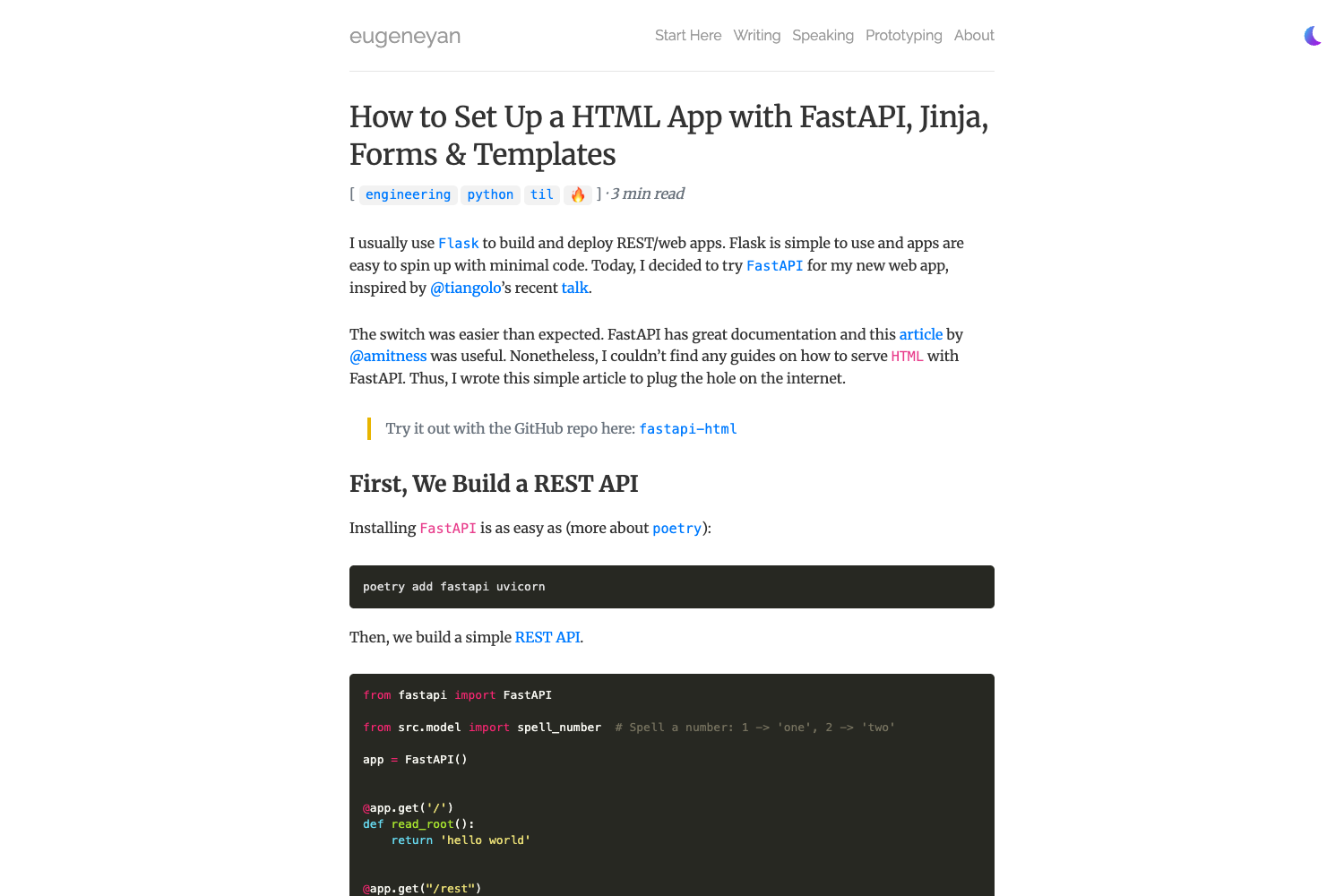
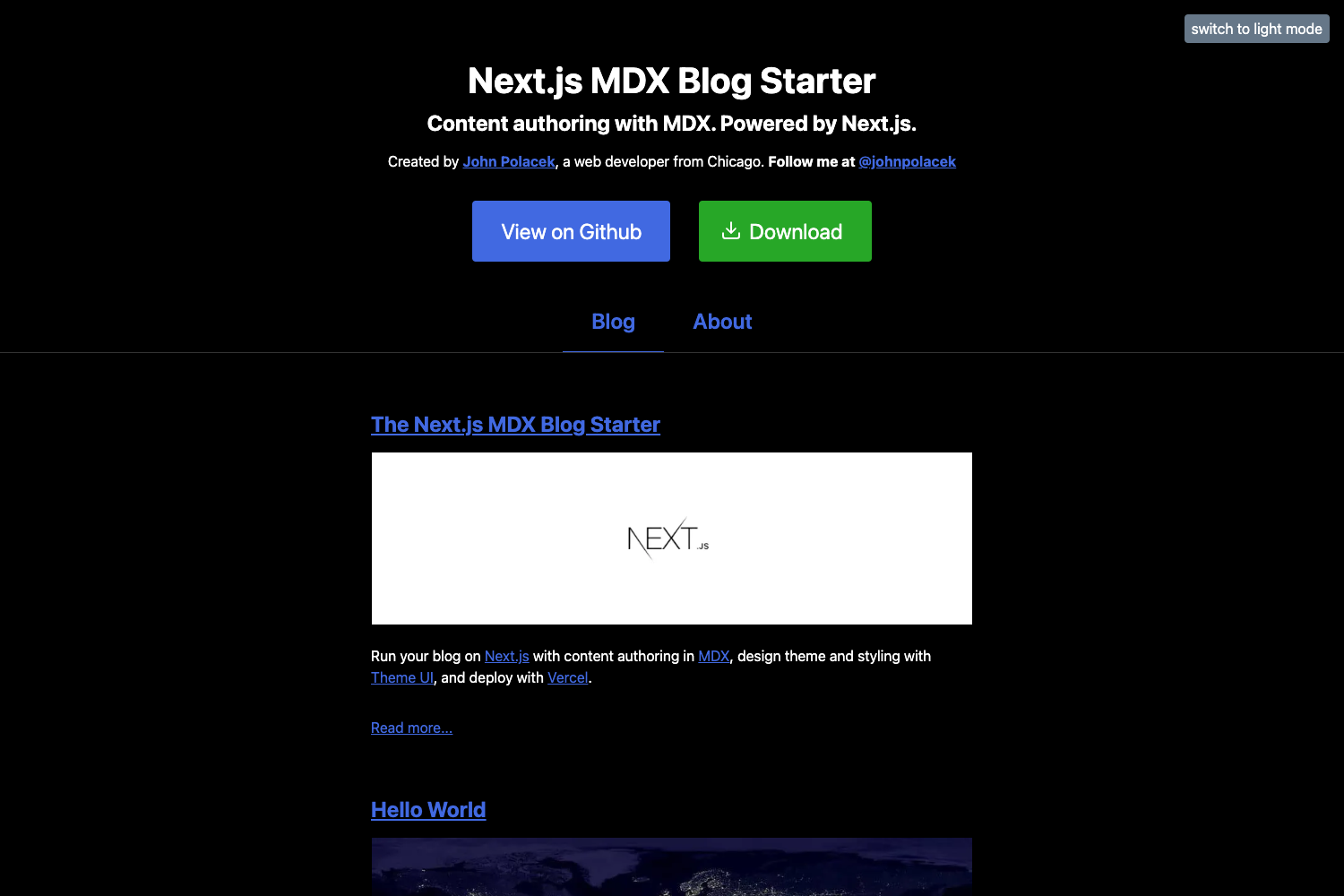
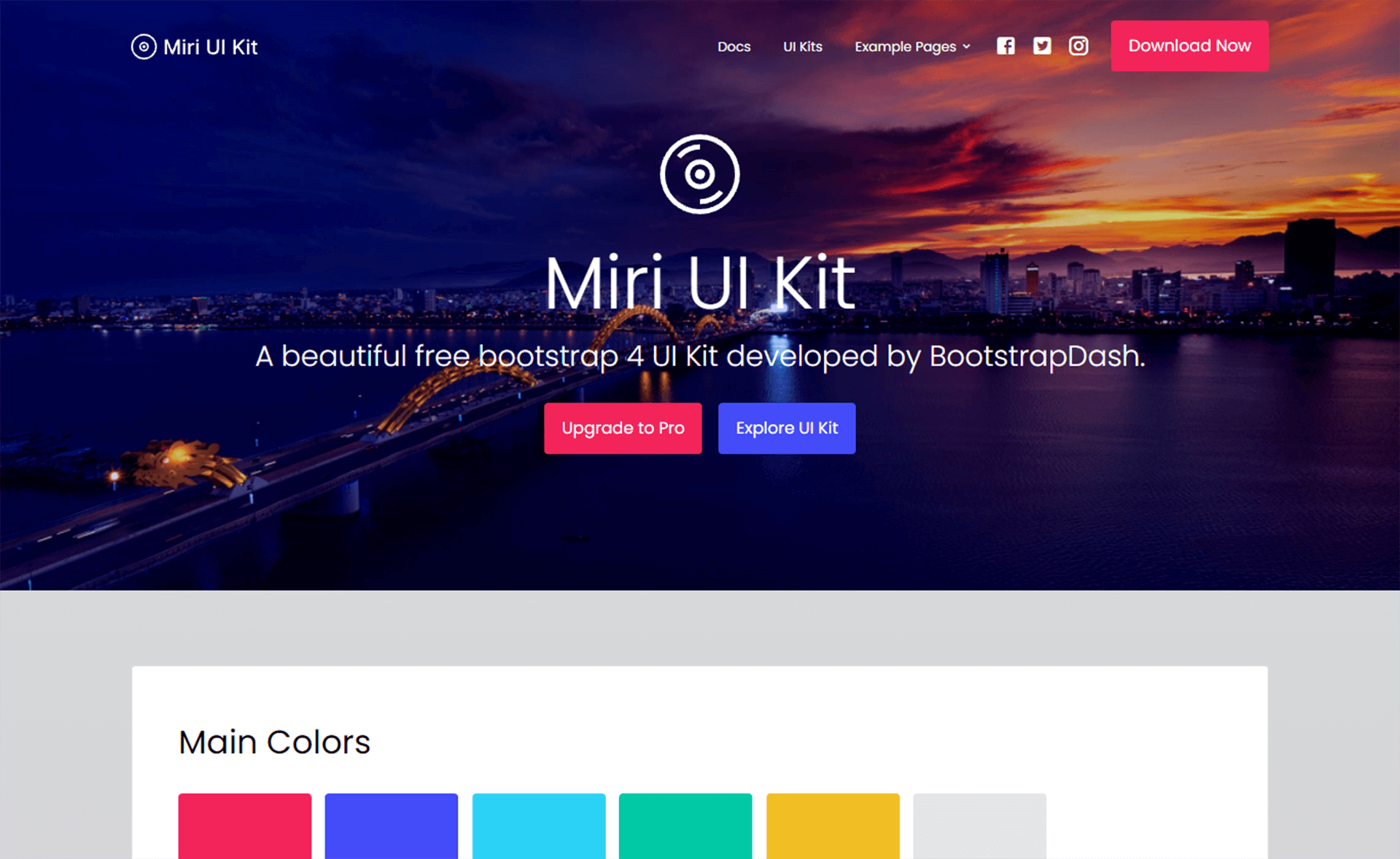
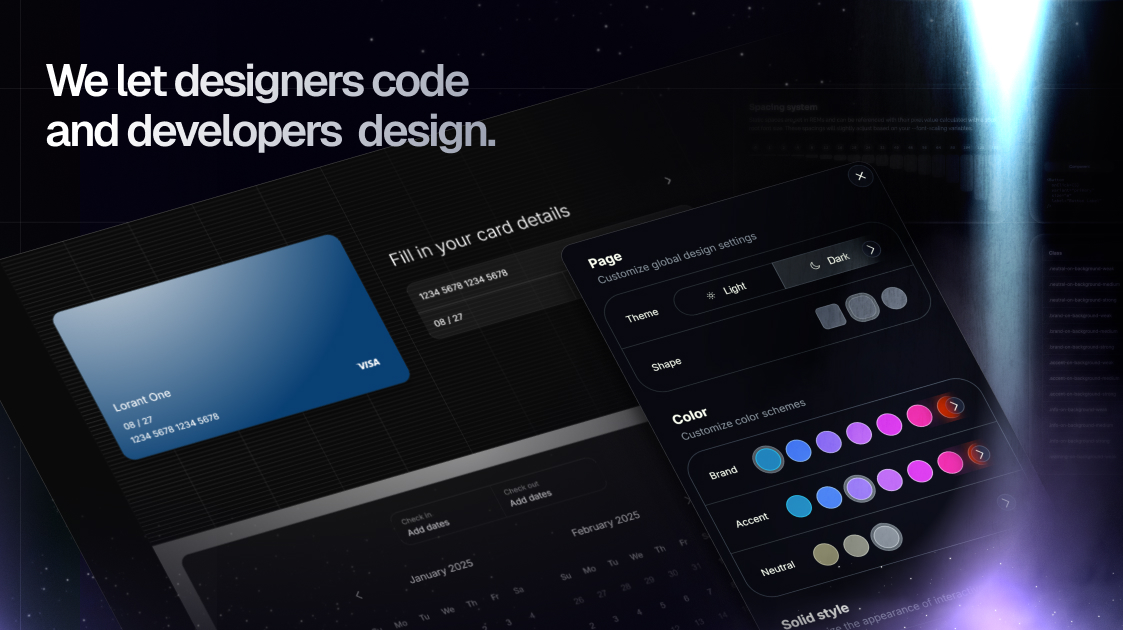
- Five styling templates — Choose Base (no UI kit, SCSS styling), MUI (Material UI with MUI System and MUI Base), Styled Components (CSS-in-JS with reusable
IPadding,IMargin, andIFramesinterfaces), Stylex (atomic CSS compiler), or Tailwind CSS (with a basetailwind.config.js). - ethers integration — The starter includes ethers as a dependency, so contract interaction and wallet connectivity are pre-configured.
- TypeScript by default — The project uses TypeScript throughout, matching the declared React, Next, TypeScript, and ethers versions shown on the page.
- Playwright test setup — End-to-end tests validate all templates on
chromium_desktopandsafari_mobile(iPhone 13 emulation) projects, with snapshot comparison to catch unintended UI changes. - GitHub Actions simulation with Act — Scripts like
npm run test:gh:test:desktop:templatesrun the CI workflows locally using Act on anubuntu-24.04/linux/amd64environment. - HTML test reports — Desktop and mobile runs generate separate reports at
playwright-report-desktopandplaywright-report-mobile. - Zero configuration — No additional setup beyond
npx create-nextjs-dapp; the interactive CLI handles project creation.
Who is it for?
- Web3 developers — Start a Dapp quickly without configuring Next.js and ethers from scratch; focus on contract logic and UI.
- Frontend teams with a styling preference — Pick the template that matches your stack, whether that is MUI, Tailwind CSS, Styled Components, Stylex, or plain SCSS.
- Open-source contributors and maintainers — Use the built-in Playwright and Act workflows to validate changes across desktop and mobile environments consistently.
- Educators and workshop leaders — Scaffold a consistent, minimal Dapp example for teaching Ethereum frontend development.
What can you do with Create Nextjs Dapp?
- Launch a new Dapp project: Run
npx create-nextjs-dapp, choose a name and template, and get a Next.js + TypeScript + ethers codebase ready for development. - Compare styling approaches: Scaffold the same Dapp with different UI libraries to evaluate which fits your team's workflow.
- Run automated compatibility checks: Execute desktop and mobile template tests locally or simulate GitHub Actions jobs with Act to verify your changes across environments.
How does Create Nextjs Dapp work?
- Run
npx create-nextjs-dappin your terminal. - Enter a project name when prompted.
- Select one of the five templates (Base, MUI, Styled Components, Stylex, or Tailwind).
- The CLI generates the corresponding Next.js project, and you can start building immediately.
Pricing
Create Nextjs Dapp is free and open source, distributed as an npm package with no purchase or subscription required.
FAQ
Is Create Nextjs Dapp free?
Yes. The package can be installed from npm without any cost, and the source is publicly available on GitHub.
What Node.js version is required?
The working configuration listed on the page is Node 16.16.0 with npm 8.11.0. Using those versions is recommended for the tested setup.
What templates are available?
There are five: Base (no UI kit, uses SCSS), MUI (Material UI System and Base), Styled Components, Stylex (atomic CSS), and Tailwind CSS. Each includes specific styling integration.
How do I run the tests?
Use npm run test:desktop:templates or npm run test:mobile:templates for local runs. For CI simulation, use npm run test:gh:test:desktop:templates or npm run test:gh:test:mobile:templates, which leverage Act.