Template details
Next.js MDX Blog Starter
Next.js MDX Blog Starter for building blogs with Next.js and MDX, including Theme UI Component Design System, Vercel Deployment and more.
About this template
Next.js MDX Blog Starter
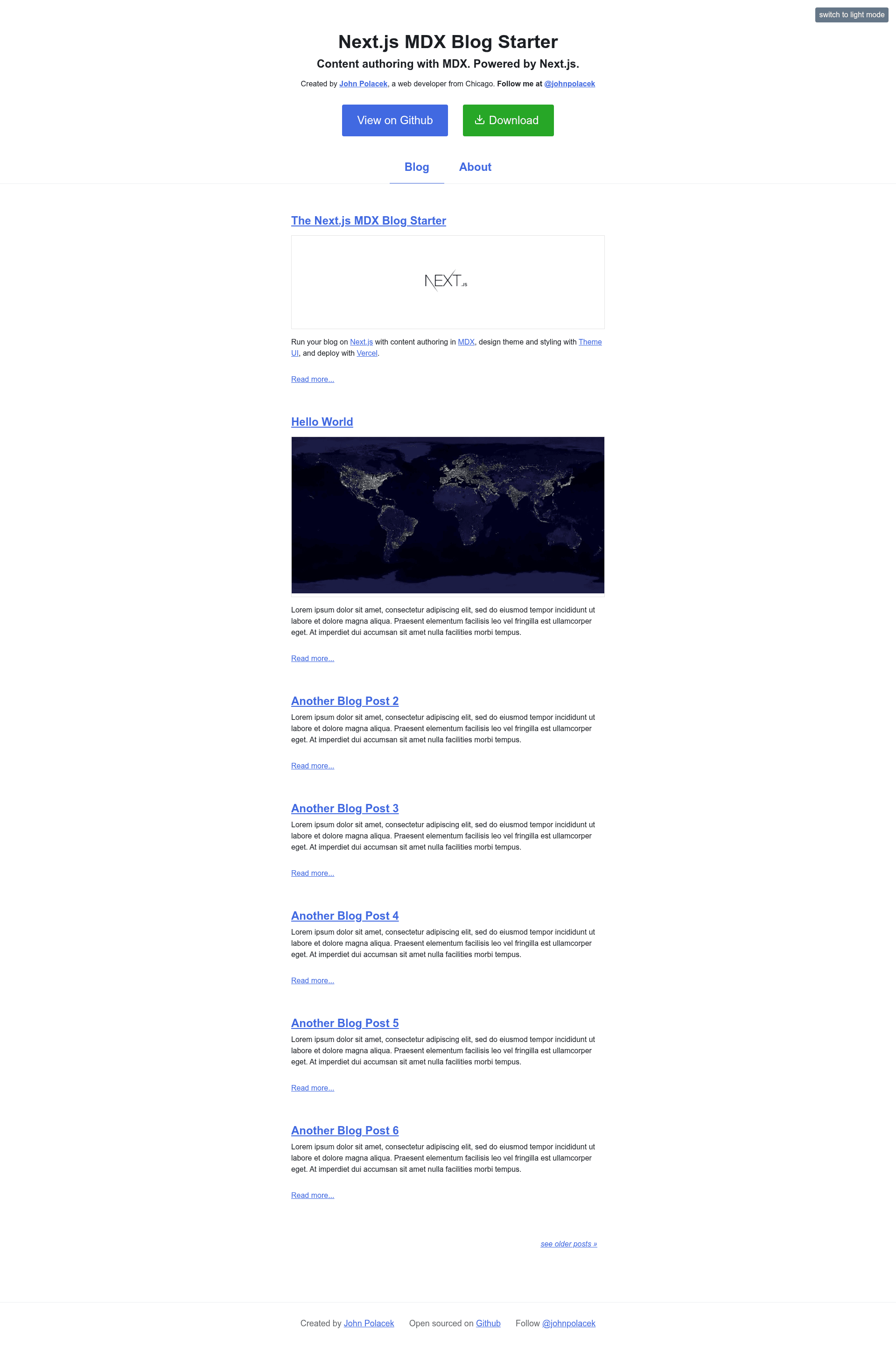
Next.js MDX Blog Starter is a boilerplate for building blogs with Next.js and MDX, bundling the Theme UI design system and configured for one-command deployment to Vercel.
What is the Next.js MDX Blog Starter?
The Next.js MDX Blog Starter is a boilerplate that takes a blog configured through blog.config.js and MDX post files in src/markdown/posts and generates a Next.js site with per-post meta tags, excerpt listings, and social sharing images. It builds on the official Next.js Blog Starter from Vercel and adds MDX support, Theme UI styling, draft posts, and a customizable theme file. The template is built on Next.js and is documented for Vercel deployment.
Key Features
- Next.js and MDX — Uses Next.js for static generation and MDX to allow JSX components inside Markdown content; posts are authored as
.mdxfiles insrc/markdown/posts. - Theme UI design system — Styling is defined with Theme UI, including a theme file at
src/layout/Theme.jswhere colors, typography, spacing, and dark mode styles can be edited. - One-command Vercel deployment — After installing the Vercel CLI, running
npm install && vercel deploybuilds and deploys the site. - Central blog configuration —
blog.config.jsholds blog title, description, Google Analytics code, social media sharing image, and other site-wide properties. - Front matter metadata — Each MDX post supports title, excerpt, cover image, cover image alt, and a
draft: trueflag; drafts appear only in the local development environment. - Automatic meta tags — Post titles become page meta tags and excerpts become meta descriptions, improving sharing and search visibility.
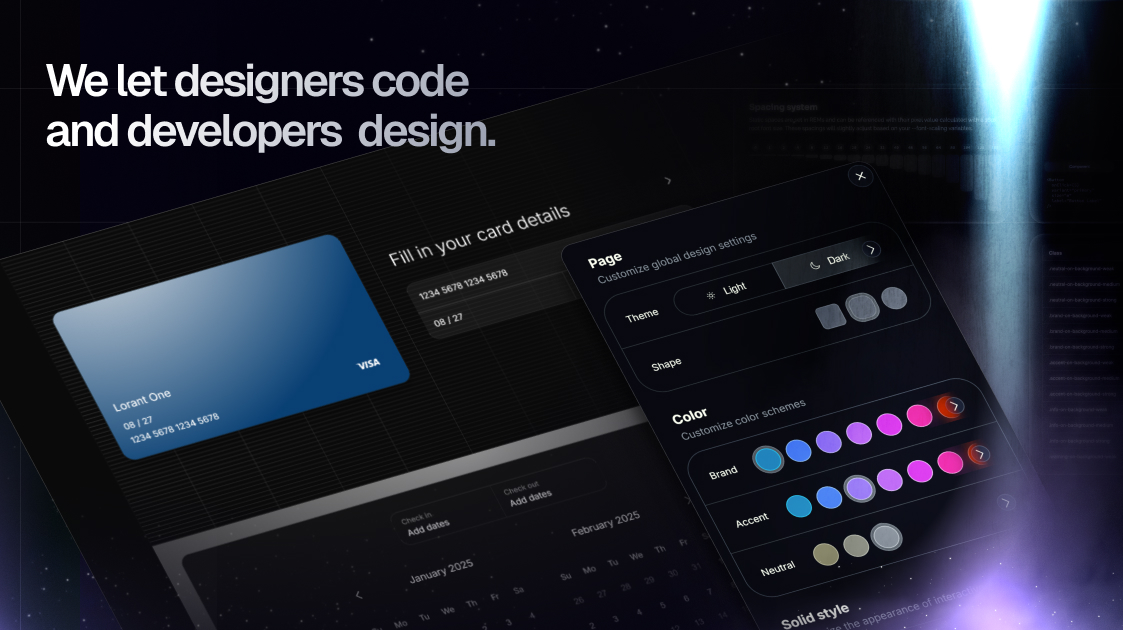
- Dark mode support — Theme.js includes dark mode styling that can be customized or removed entirely.
- Reusable components — The repo separates UI components in
src/components/ui, views insrc/components/views, and pages insrc/pages, making it easy to extend layouts.
Who is it for?
The template is aimed at developers who want a file-based blogging workflow without a CMS, and who are comfortable editing JavaScript configuration and MDX files. It suits Next.js developers who want a themeable starter with dark mode and static generation, and bloggers who want to deploy fast to Vercel while controlling metadata and drafts. The project is also useful for developers looking to learn how to combine Next.js static generation with MDX content and front matter.
What can you do with the Next.js MDX Blog Starter?
- Developers launching a personal blog: create MDX posts in
src/markdown/posts, add front matter for title and excerpt, and deploy the finished site to Vercel with a single command. - Teams publishing technical content: use front matter fields and the
getStaticPropsfunction to extend posts with author information or custom metadata, as explained in the README. - Designers who want to control presentation: edit
src/layout/Theme.jsto change colors, typography, and spacing, and define or remove dark mode styling without touching individual components. - Marketers tracking content: set Google Analytics code in
blog.config.jsand provide social sharing images per post to control how shared posts appear.
How does the template work?
After cloning the repository, install dependencies and run npm install && vercel deploy to deploy to Vercel. To write a new post, create a new .mdx file in the src/markdown/posts directory and update the front matter with the title, excerpt, cover image, and publication date; posts with draft: true are only shown in local development. To change site-wide settings, edit the properties in blog.config.js, and to change the overall look, modify the theme file at src/layout/Theme.js.
FAQ
How do I write a new blog post?
Create a new .mdx file in the src/markdown/posts directory and set its front matter with a title, excerpt, optional cover image, and publication date. Adding draft: true to the front matter hides the post from production builds and shows it only in the local dev environment.
How do I deploy this starter to Vercel?
Install the Vercel CLI if you haven't already, then run npm install && vercel deploy from the project root. The template is designed to build and deploy with Vercel using this one-command workflow.
Can I customize the blog title, description, and Google Analytics?
Yes, open blog.config.js and set properties such as the blog title, description, Google Analytics code, and social media sharing image. Content for the about page, footer, and header blurb lives in markdown/MDX files under src/markdown.
Does the starter support dark mode?
Yes, dark mode styling is defined in src/layout/Theme.js. You can edit the theme colors and dark mode styles there, or remove the dark mode definitions entirely.
How do I add extra metadata like author information to posts?
Add more fields to the front matter of your MDX files, then include the new field names in the getStaticProps function for the pages that display posts. The README points to the official Next.js Blog Starter as a reference for this pattern.