Template details
Create React App
A zero-configuration React boilerplate that deploys to Vercel with a single click.
About this template
Create React App is a zero-configuration boilerplate for deploying a client-side React application to Vercel, built on the official create-react-app toolchain.
What is Create React App?
Create React App is an official boilerplate example from the Vercel examples repository. It takes a standard create-react-app project and lets you deploy it to Vercel without writing any deployment configuration. The template runs on Vercel's hosting platform and produces a static production build in a build folder, ready for global deployment.
Key Features
- Zero-config deployment — Click the Deploy with Vercel button to clone and deploy the project without writing any deployment configuration.
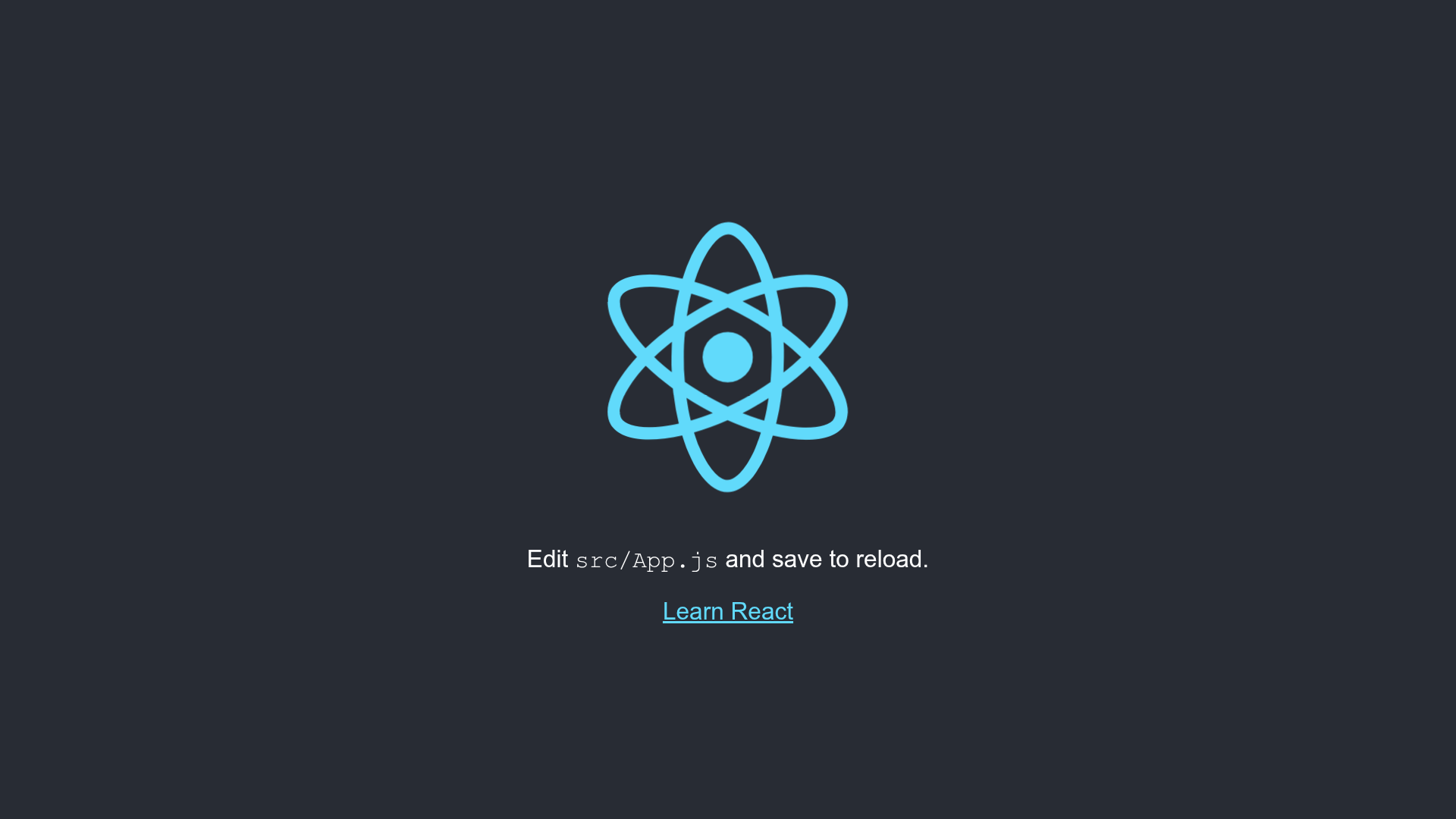
- Local development scripts — Run npm start to start a dev server at http://localhost:3000 with hot reloading and lint error display.
- Production build — npm run build creates an optimized, minified bundle in the build folder with hashed filenames for caching.
- Test runner — npm test launches the interactive watch-mode test runner as configured by create-react-app.
- Official toolchain — Based on create-react-app, the standard build setup for single-page React applications.
Who is it for?
- React developers — Quickly scaffold a new client-side app and deploy it to Vercel without configuring a CI/CD pipeline.
- Frontend learners — Use the minimal setup to experiment with React components and see them live on a public URL.
- Hackathon participants — Spin up a deployable React starter in minutes for prototyping and demos.
What can you do with it?
- Deploy a personal project — Get a React app running on Vercel's global edge network with a single click.
- Prototype a single-page application — Use the dev server with hot reloading to iterate rapidly on UI changes.
- Set up a standard React testing workflow — Run the built-in test runner to verify components before shipping.
How does it work?
You click the Deploy with Vercel button, which clones the create-react-app example into a new Vercel project. After the initial deployment, run the standard npm scripts locally: npm start for development, npm test for tests, and npm run build to generate the production bundle in the build folder.
Alternatives
- Next.js — A React framework with server-side rendering, static site generation, and file-based routing, also deployable to Vercel.
FAQ
Do I need to install anything to deploy?
No. The Deploy with Vercel button handles the project setup on Vercel's servers. For local development, you need Node.js and npm to run the scripts.
What does npm run build do?
It builds the app for production into the build folder. The command optimizes the React bundle for best performance, minifies the output, and includes content hashes in filenames for cache busting.
Is Create React App free?
Yes. Both create-react-app and Vercel's example template are open source. Deploying to Vercel has a free tier for hobby projects.
How do I start the development server?
Run npm start in the project directory. The app will be available at http://localhost:3000, and the page reloads when you make edits, with lint errors surfaced in the console.