Template details
NextJS Alex Template
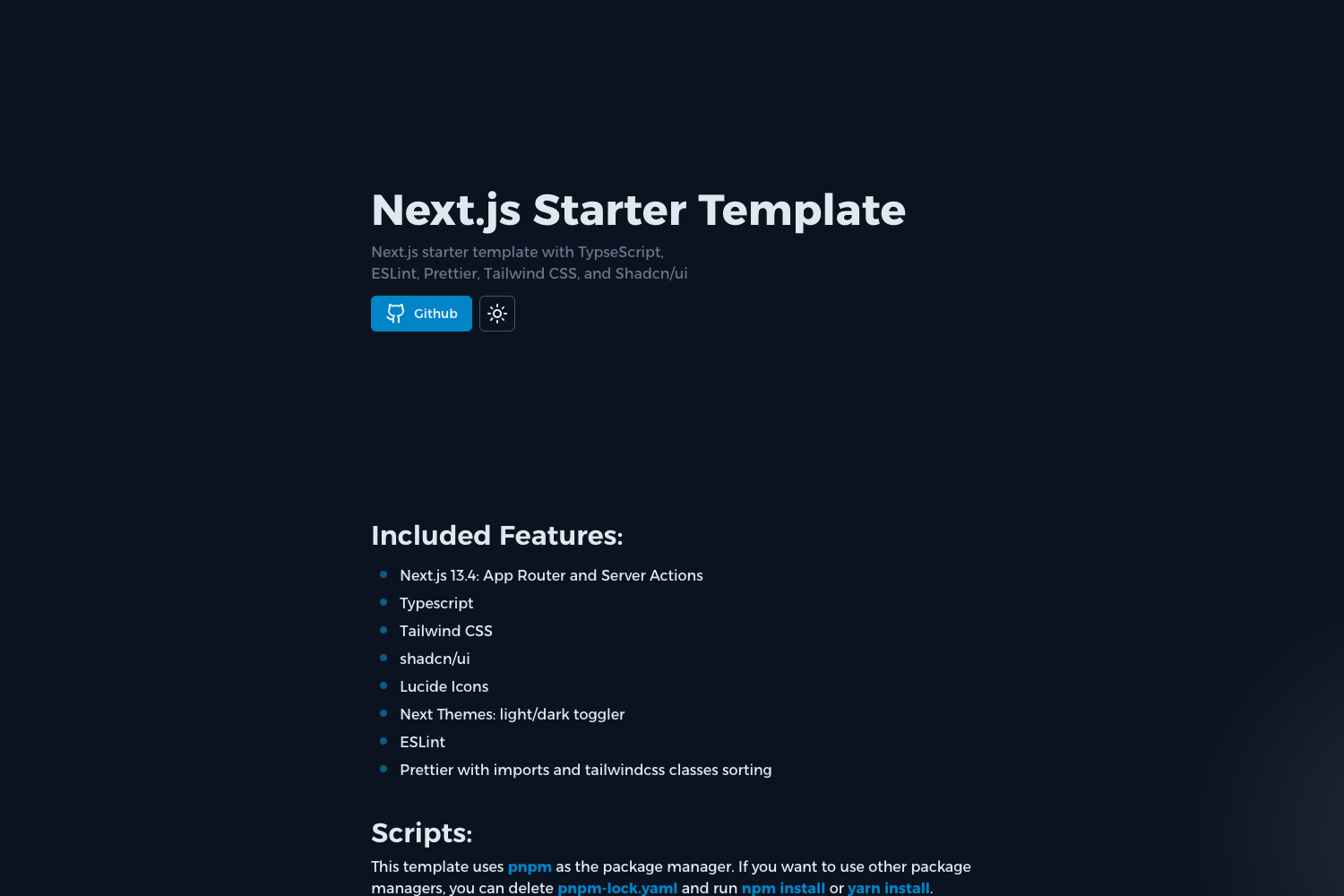
Next.js starter template with TypeScript, ESLint, Prettier, Jest, and styled-components pre-configured.
About this template
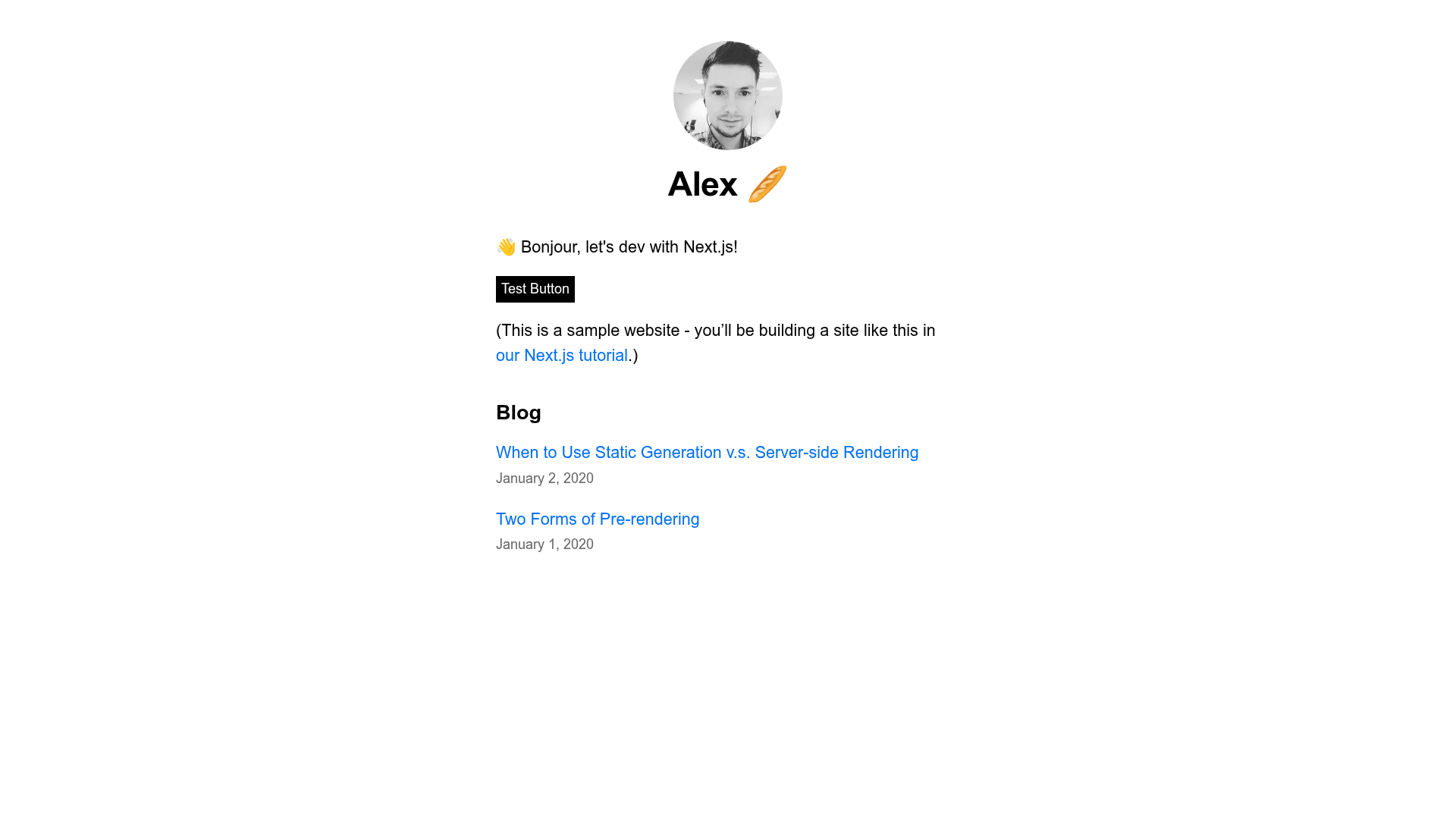
NextJS Alex Template is a GitHub starter template that scaffolds a Next.js application pre-configured with TypeScript, ESLint, Prettier, Jest, styled-components, and an SEO-ready header component.
What is NextJS Alex Template?
NextJS Alex Template is a starter project for the official Learn Next.js tutorial, authored by Alex-DG and published on GitHub. It bundles a development environment ready to use out of the box: TypeScript for type safety, ESLint with a preset for React and TypeScript, Prettier for formatting, Jest for unit testing, and styled-components for CSS-in-JS styling. The template also includes a custom pages/_document.tsx that injects server-side rendered styled-components styles into the HTML head. The repository currently has 2 stars, indicating a small but functional tool.
What makes NextJS Alex Template stand out?
- TypeScript setup — The README walks through creating a
tsconfig.json, addingtypescript,@types/react, and@types/node, and letting Next.js auto-populate the config. - ESLint integration — Includes a ready-to-copy
.eslintrcwith@typescript-eslint, React, and Prettier presets, plus an.eslintignorefornode_modules,out, and.next. - Prettier formatting — Ships with a
.prettierrcspecifying 80-char print width, no semicolons, single quotes, and 2-space tabs. - Jest testing — Configures
jest.config.jswithbabel-jestfor TypeScript,@testing-library/react, watch typeahead plugins, and module mappers for CSS and assets. - styled-components SSR — Provides a custom
_document.tsxusingServerStyleSheetso styled-components work with server-side rendering. - Husky and lint-staged — Offers pre-commit and pre-push hooks that run linting, formatting, and a TypeScript type check.
- SEO header — A
config.jsfile centralizes recommended meta tags, Open Graph tags, mobile meta tags, and Twitter Summary card tags, imported into_app.tsx.
Who should use NextJS Alex Template?
- Next.js beginners — Developers following the Learn Next.js tutorial can clone this repo to skip manual tooling setup and focus on the app code.
- TypeScript adopters — Teams migrating a Next.js project to TypeScript get a documented migration path with
tsconfiggeneration and type dependencies. - Frontend engineers — Engineers who want linting, formatting, and testing pre-configured for a new Next.js app can copy the config files into their own project.
- Open-source contributors — Developers building a styled-components + Next.js starter can use this template as a reference for
_document.tsxand Babel plugin setup.
How does the template work?
The repository is intended to be used as a starting point. You clone it or run create-next-app with the example URL, then yarn dev to start the development server. The README then provides seven steps: create a tsconfig.json and install TypeScript dependencies, add ESLint with Prettier plugin and a matching .eslintrc, create a .prettierrc, install Jest and React Testing Library, add styled-components with a Babel plugin and _document.tsx, and finally configure the SEO header in config.js. All tasks are done through yarn commands, and the final package.json includes scripts for lint, format, type-check, test, and test-all.