Template details
Website from GitHub Issues
Generate a static website from your GitHub issues using Eleventy and GitHub Actions.
About this template
Website from GitHub Issues is a template repository by Nick Colley that turns your GitHub issues into a published static website using Eleventy and GitHub Actions.
What is Website from GitHub Issues?
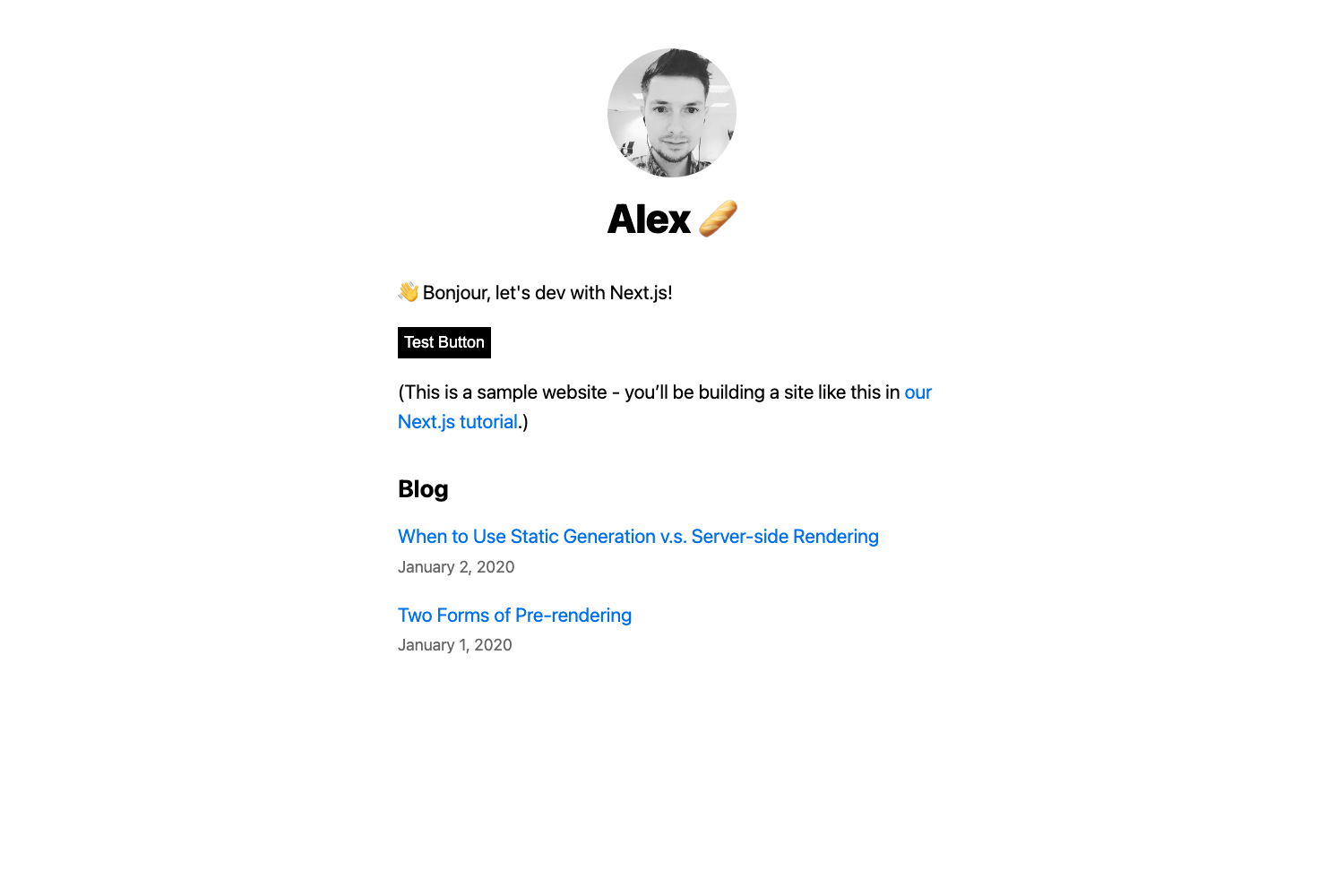
Website from GitHub Issues is a starter template that generates a static website from the issues in a GitHub repository. It takes your repository's issues as input and outputs a collection of HTML pages, which can serve as a simple blog or a report on your issues. The template runs on Node.js, uses the Eleventy static site generator, and is distributed as a GitHub template repository, so anyone can generate their own copy with one click.
Key Features
- Automatic deployment — The repository includes a GitHub Actions workflow (
.github/workflows/deploy.yml) that automatically builds and deploys the site whenever you push changes or update issues. - Issue-driven content — Create or edit issues in your GitHub repository to add or modify content on the site; each issue becomes a page built from its title and body.
- Environment-based configuration — Set
GITHUB_TOKENwith a personal access token grantingreposcope andGITHUB_REPOSITORYto your repository name in a.envfile, so the site can fetch issues from the GitHub API. - Local development loop — With Node.js 16.x installed, run
npm installfollowed bynpm start -- --serveto preview the site locally while you create issues. - Static output — The site is generated as plain HTML via Eleventy, making it fast to host anywhere static files are served, including GitHub Pages or any CDN.
- Built on Eleventy and Markdown — Content is rendered from Markdown (pulled from issue bodies) through Eleventy's templating system, so you can format posts with standard Markdown.
Who is it for?
- Developers who want a GitHub-native blog — Developers can publish a personal blog by opening issues with Markdown content; the site builds itself from those issues.
- Project maintainers — Maintainers can create a public page that reports on bug reports or feature requests currently in their repository's issue tracker.
- Teams already using GitHub Issues — Teams that manage work items in GitHub Issues can generate a lightweight, public-facing website to share or archive those issues without setting up a separate CMS.
What can you do with it?
- Launch a blog from issues: Open an issue with a Markdown-formatted post, and it appears on the generated site after the next build.
- Build an issue report: Use the site to display the issues in a repository, making it easy to share a report of open and closed items with stakeholders.
How does it work?
After generating your project from this template, copy .env.sample to .env and fill in GITHUB_TOKEN with a personal access token that has repo permissions, and GITHUB_REPOSITORY with your repository's owner/name. Then create an issue on that repository. Start the local server with npm start -- --serve to see the issue appear on your website. When you push your changes back to GitHub, the included GitHub Action automatically rebuilds and deploys the site.
FAQ
Do I need a GitHub token to run this locally?
Yes. Local development requires a GitHub personal access token with the repo scope. This token lets the site call the GitHub API to fetch issues from the repository specified in GITHUB_REPOSITORY. The .env.sample file is provided as a starting point.
What version of Node.js is supported?
The template's setup instructions specify Node.js 16.x. You should have Node.js 16.x installed to run npm install and npm start -- --serve without encountering version-related issues.
Can I use this template to make a blog?
Yes. A common use case is publishing a blog where each issue acts as a blog post. Because issues support Markdown and labels, you can organize posts by labels just as you would with tags. The generated site will display the issue content as a page.
How does the site get deployed?
The repository includes a GitHub Actions workflow that builds the Eleventy site and deploys it automatically whenever the repository changes. After you push a commit (or when issues update), the action runs and publishes the latest output to the configured deployment target, such as GitHub Pages.