Template details
Creative Theme for Jekyll
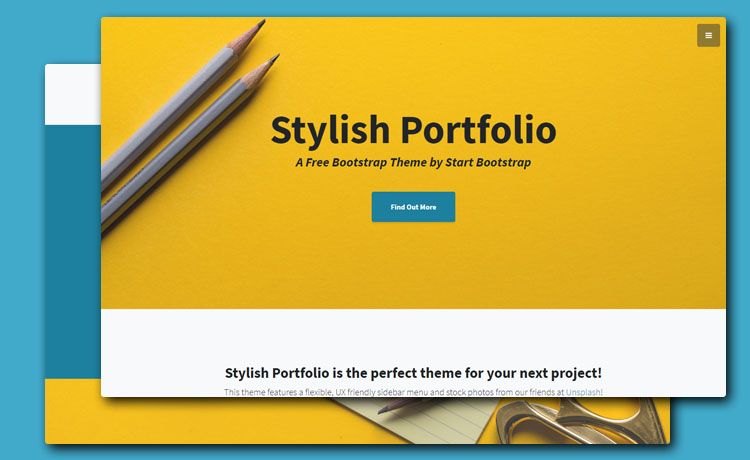
A Jekyll implementation of Start Bootstrap's Creative one-page theme for portfolios and small business sites.
About this template
Creative Theme for Jekyll is an open-source Jekyll port of Start Bootstrap's Creative one-page Bootstrap theme, giving creatives and small businesses a ready-made single-page site boilerplate. It is a static site template that runs on Jekyll and is designed to be customized through configuration files and layout templates.
What is Creative Theme for Jekyll?
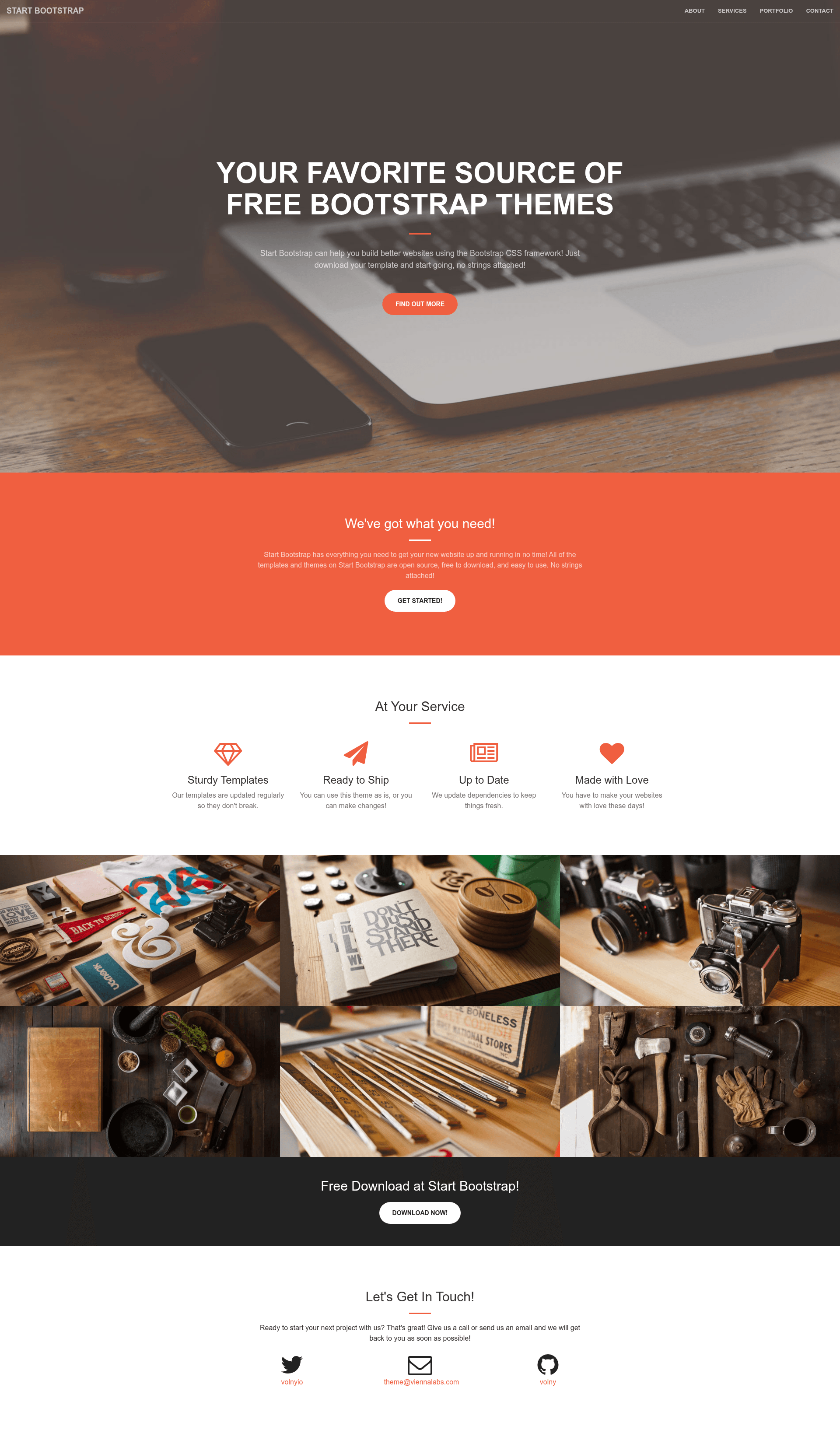
Creative Theme for Jekyll is a Jekyll implementation of the Creative Theme originally created by Start Bootstrap. It takes a Jekyll site's configuration and content files as input and produces a one-page Bootstrap website with sections for portfolios, services, and calls to action. The theme is built specifically for Jekyll, making it compatible with GitHub Pages and other static hosting environments, and it is maintained by the developer known as Volny, as shown in the live demo URL.
Key Features
- One-page Bootstrap layout — The theme uses the Bootstrap framework to create a responsive single-page design, ideal for presenting a business or portfolio without multiple internal pages.
- Jekyll integration — It is a complete Jekyll project, so content can be managed using Markdown and Liquid templates, and the site builds to static HTML that is fast to serve.
- Configurable via _config.yml — Site-wide settings such as site title, description, navigation, and social links are edited in the standard Jekyll configuration file, making setup straightforward.
- Section reordering — The layout file _layouts/front.html allows users to reorder or remove sections according to their needs, giving flexibility over which components appear first.
- Rich plugins and boilerplate — The theme includes a number of pre-integrated features and plugins that serve as a foundation for extending the site with additional Jekyll plugins or custom content.
- Live demo available — The template is demonstrated at https://volny.github.io/creative-theme-jekyll/, letting users preview the default appearance and layout before installing.
Who is it for?
- Creative professionals — Designers, photographers, and artists can use this theme to build a one-page portfolio that highlights their work with minimal setup.
- Small business owners — Entrepreneurs who need a simple, professional web presence can quickly deploy a single-page site that introduces their services and contact information.
- Jekyll developers — Developers looking for a starting point for a Jekyll project can use this theme as a boilerplate, taking advantage of its Bootstrap layout and plugin-ready structure.
What can you do with Creative Theme for Jekyll?
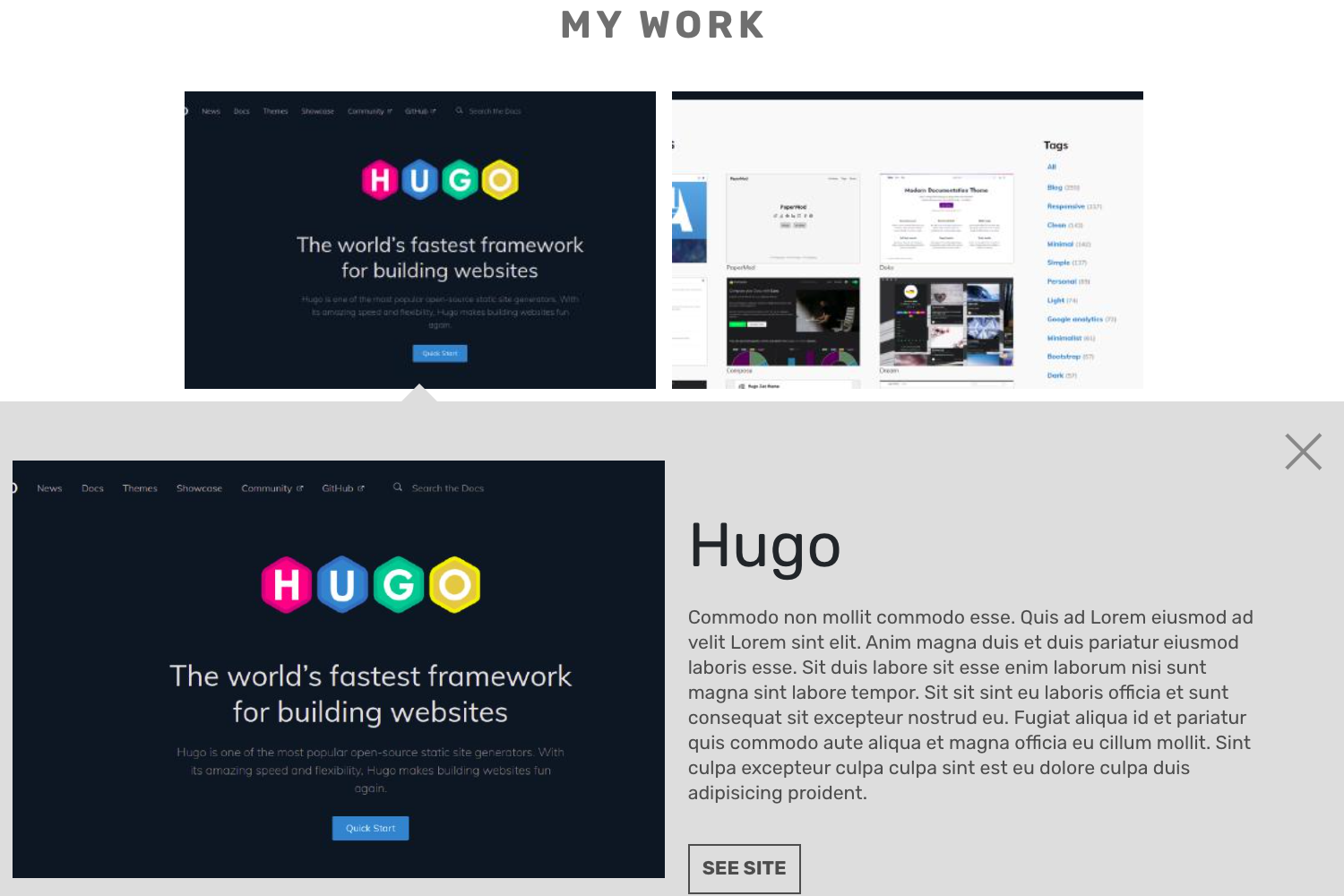
- Freelance designers: Showcase portfolio projects in a one-page layout with built-in Bootstrap components, and customize the section order via the front layout file to emphasize your best work.
- Small business teams: Launch a straightforward marketing site with a hero section, services list, and call-to-action, all editable through _config.yml without writing HTML.
- Jekyll hobbyists: Use the theme as a learning tool or starting point, adding Jekyll plugins or expanding the existing sections to create a more complex static site.
How does Creative Theme for Jekyll work?
To use the template, clone the repository and add your site information to the _config.yml file. Then open _layouts/front.html to reorder or remove prebuilt sections as desired. Finally, build and serve the site with Jekyll, either locally or through GitHub Pages, to see the static site in action.