Template details
Daisy UI Next.js Landing Page
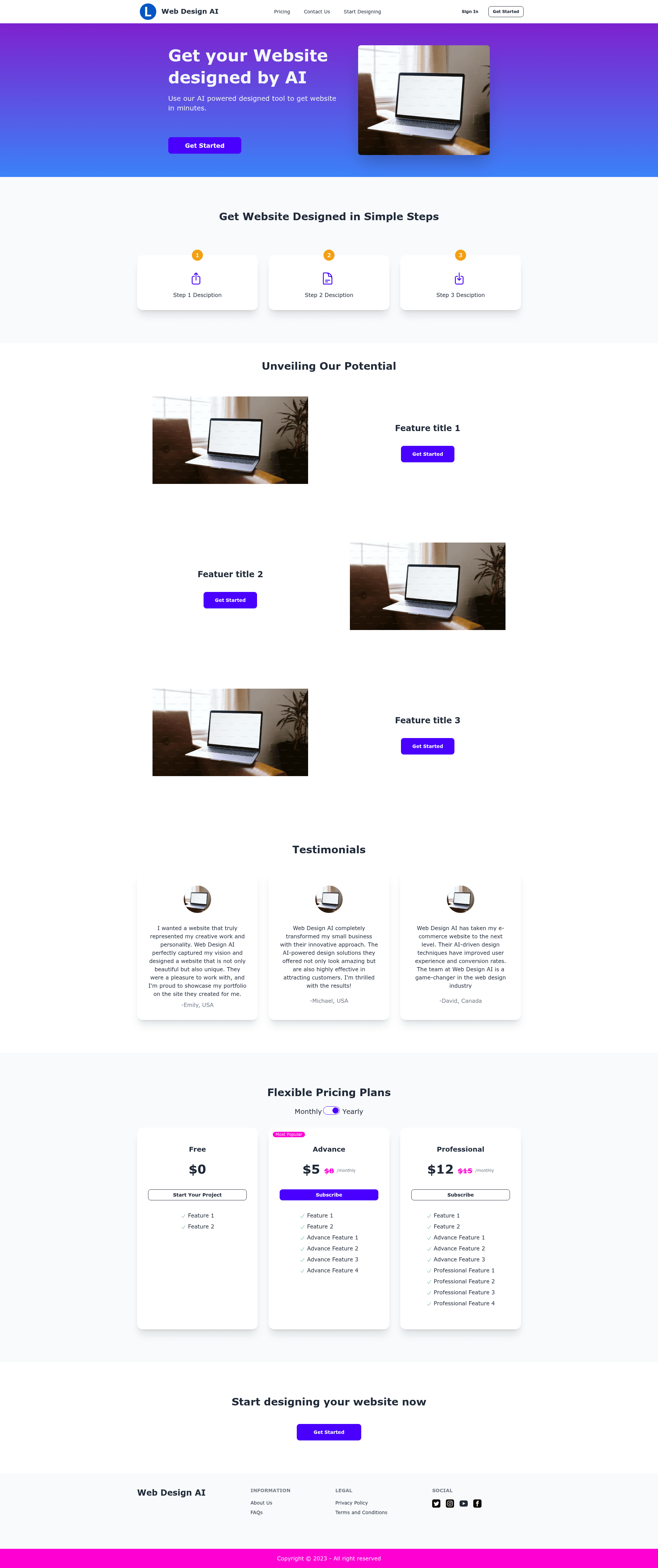
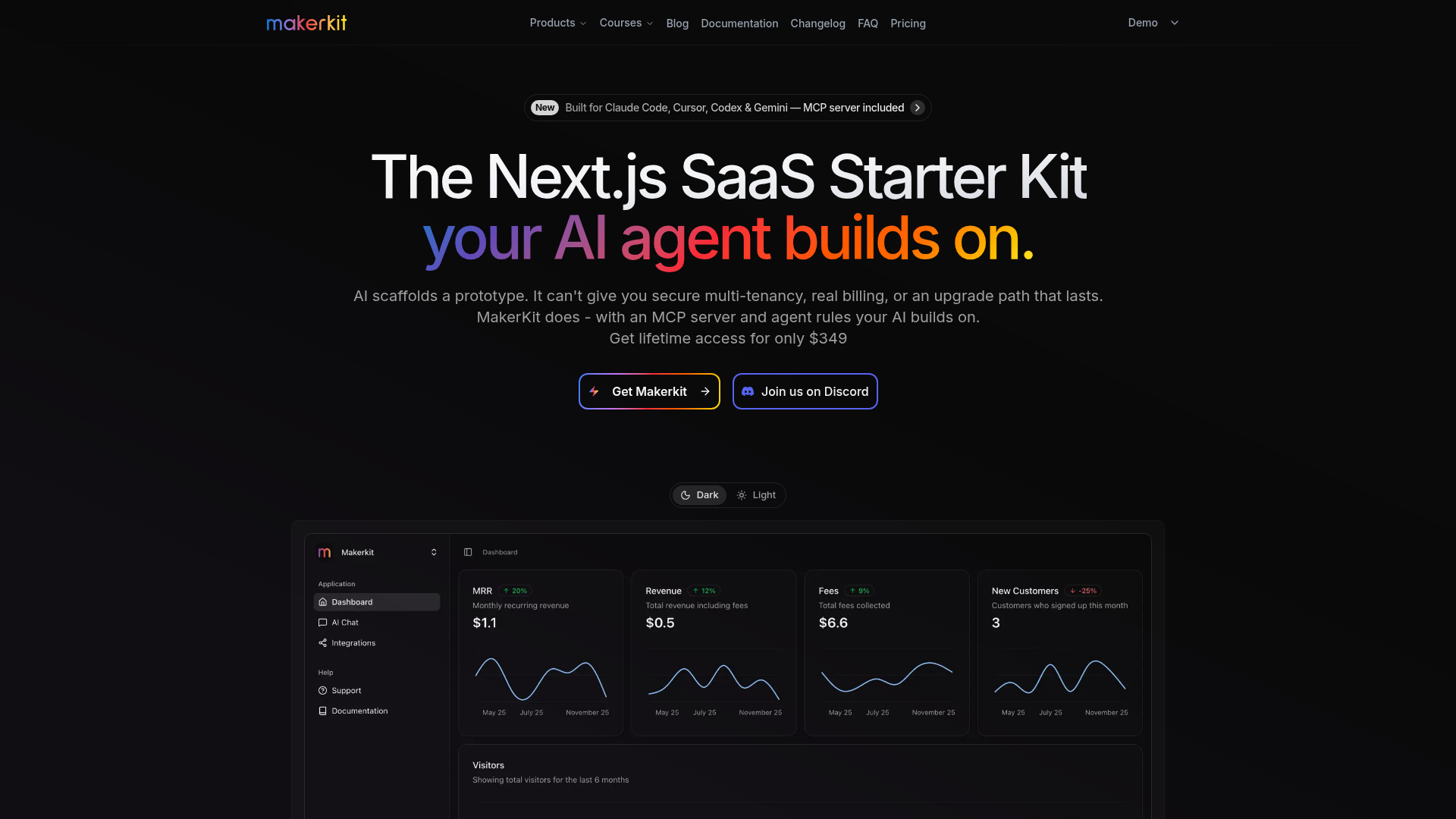
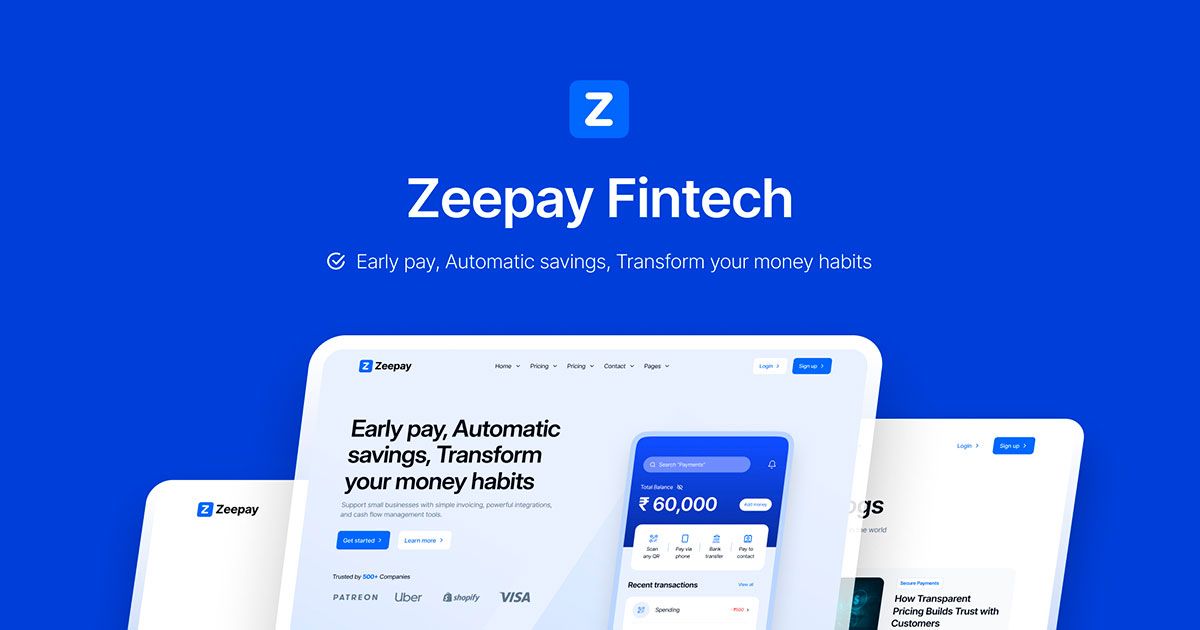
A free landing page template using Daisy UI and Next JS with pre-built pricing, feature, about, login, and profile pages.
About this template
Daisy UI Next JS Landing Page Template is a free, MIT-licensed starter template that pairs the Next.js 13 React framework with the Daisy UI component library and Tailwind CSS utility classes to produce a fully styled, SEO-friendly landing page. It includes pre-built pricing, feature, about, login, and profile pages, and runs locally with two npm commands.
What is it?
Daisy UI Next JS Landing Page Template is a free, open-source landing page starter project hosted on GitHub. It takes a standard Next.js application and adds Daisy UI v2.41.0 components and Tailwind CSS v3.2.4 styling so developers can build a marketing site without writing custom CSS. The output is a deployable Next.js site with server-side rendering for SEO, and the README links to a live Vercel preview.
Key Features
- Next.js v13.1.6 — Uses the React framework's file-based routing and SSR to generate an SEO-friendly landing page with clean page structure.
- Daisy UI v2.41.0 — Brings fully customizable and themable CSS components that work by changing class names in the HTML rather than writing new stylesheets.
- Tailwind CSS v3.2.4 — Provides utility classes for spacing, layout, and typography across all pre-built sections.
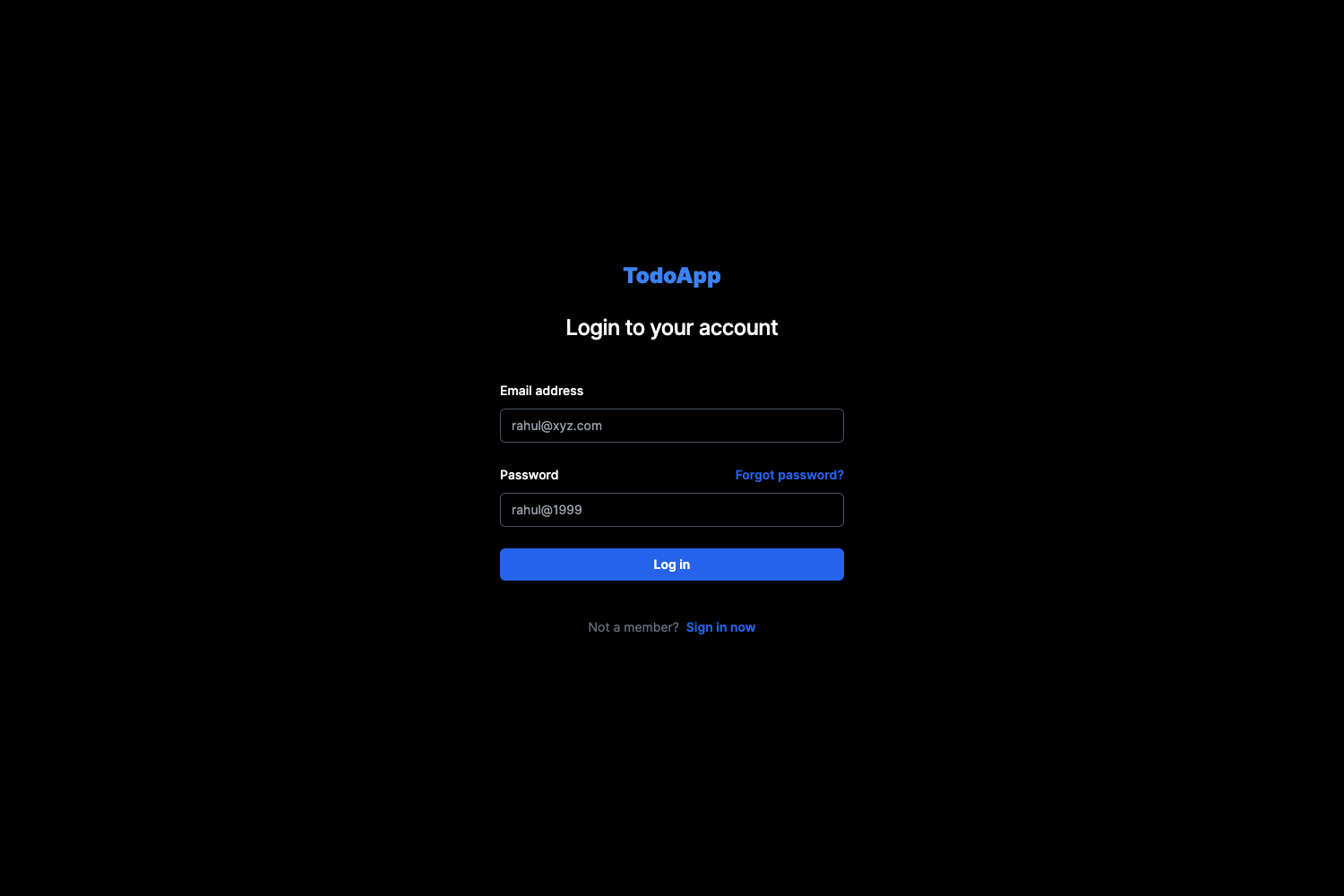
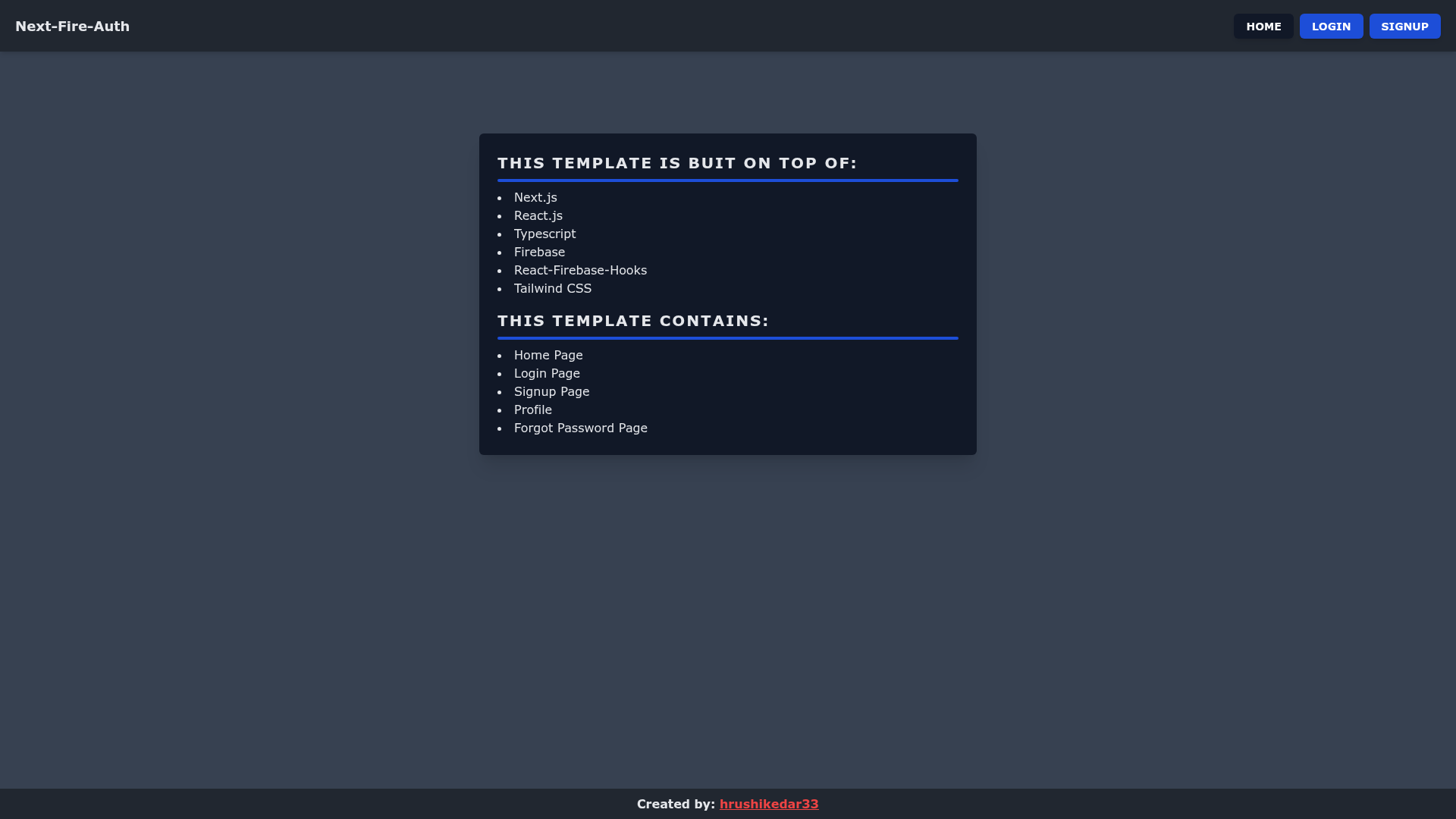
- Pre-built pages — The template includes pricing, feature, about, login, and profile page examples, as shown in the README screenshots.
- Analytics configured — Analytics and other libraries are already wired into the project, saving initial setup time.
- HeroIcons — Ships with Heroicons for UI icons, integrated with the Daisy UI components.
- MIT License — Free to use, modify, and redistribute; the license file is linked in the README.
- Live preview — A deployed demo is available at daisyui-nextjs-landing-page.vercel.app so you can see the output before installing.
Who is it for?
- Startup founders — Set up a credible product landing page with pricing and feature sections in minutes, then deploy to Vercel without front-end design work.
- Front-end developers — Use the template as a Next.js starter for client projects, extending the Daisy UI theme with Tailwind utilities.
- Developers learning Tailwind and Daisy UI — Read the source to see how Daisy UI v2.41.0 is configured inside Tailwind v3.2.4 and how component classes map to the included pages.
What can you do with it?
- Launch a SaaS marketing site — Replace the placeholder copy in the pricing and feature pages with your product's information and publish the result.
- Build user account screens — Start from the included login and profile page examples to add authentication UI to a Next.js application.
- Prototype a themed landing page — Change the color theme through Daisy UI's CSS variables and watch the styling update across all pages, per the "fully customizable and themable CSS" description.
How does it work?
The template installs and runs locally with two commands. From the project directory, run npm install to install dependencies, then npm start to launch the development server. The project uses Node.js, as stated in the installation notes, and the core libraries are pinned to Next.js v13.1.6, Tailwind CSS v3.2.4, and Daisy UI v2.41.0.
FAQ
Is the Daisy UI Next JS Landing Page Template free?
Yes, the template is free and released under the MIT License, which permits free commercial and personal use. The license link is included in the README.
What tech stack does it use?
The template uses Next.js v13.1.6 as the framework, Tailwind CSS v3.2.4 for utility styling, Daisy UI v2.41.0 for component classes, and Heroicons for icons. It also has analytics libraries configured.
How do I install this template?
Clone the repository, navigate to the project directory, and run npm install followed by npm start. Node.js must be installed first, as noted in the installation section.
Does it include a pricing page?
Yes, the template includes a pricing page (visible in the README screenshots) alongside feature, about, login, and profile page examples.