Template details
Next-Fire-Auth
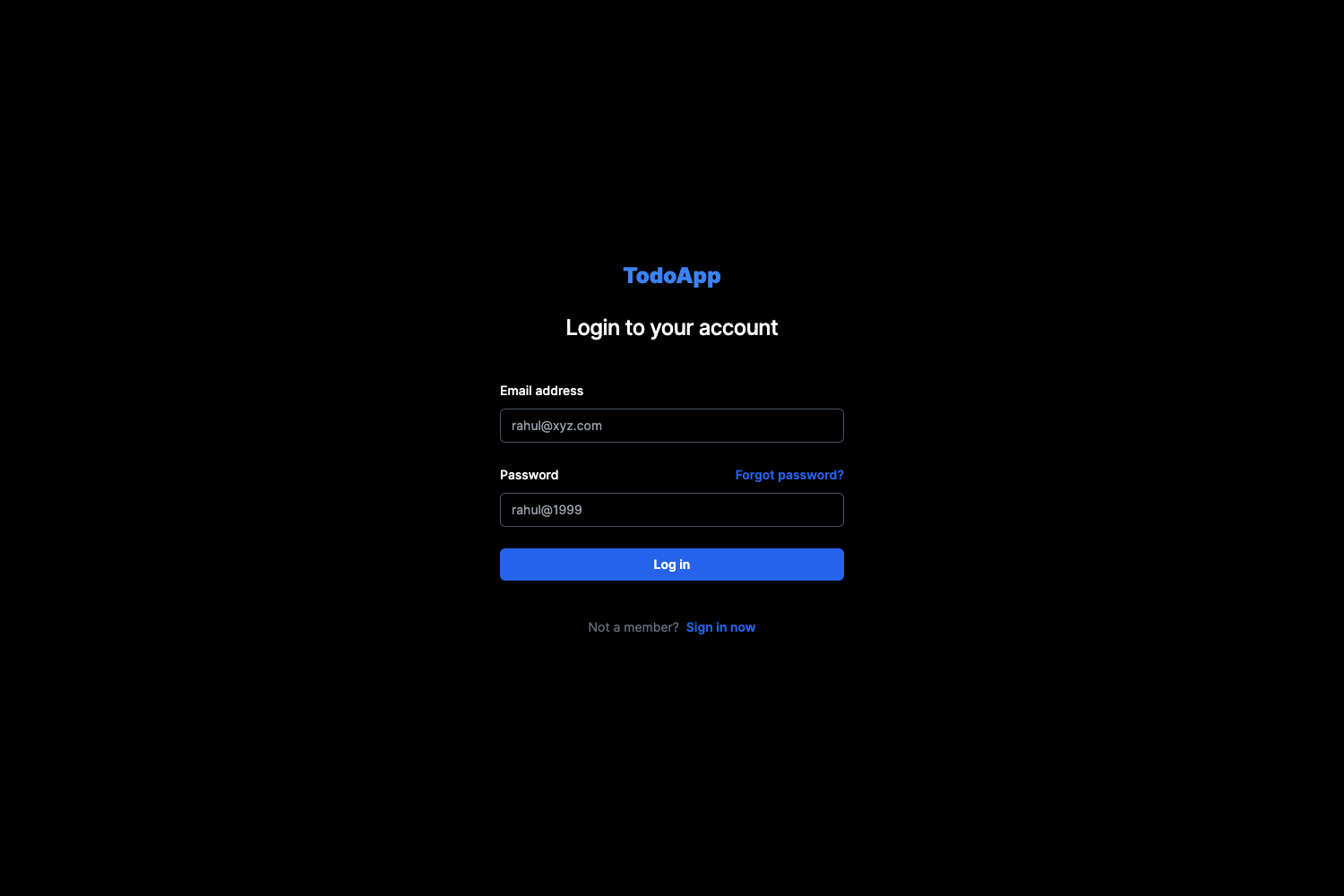
Next.js 13 Firebase auth boilerplate with email/Google login, forgot password, protected routes, and Tailwind CSS.
About this template
Next-Fire-Auth is a Next.js 13 boilerplate that wires up Firebase authentication end-to-end, giving you login, signup, forgot-password, and protected-route pages out of the box. It focuses on Server Components and the new /app/ routing directory, so you can clone it and start building features instead of auth plumbing.
What is Next-Fire-Auth?
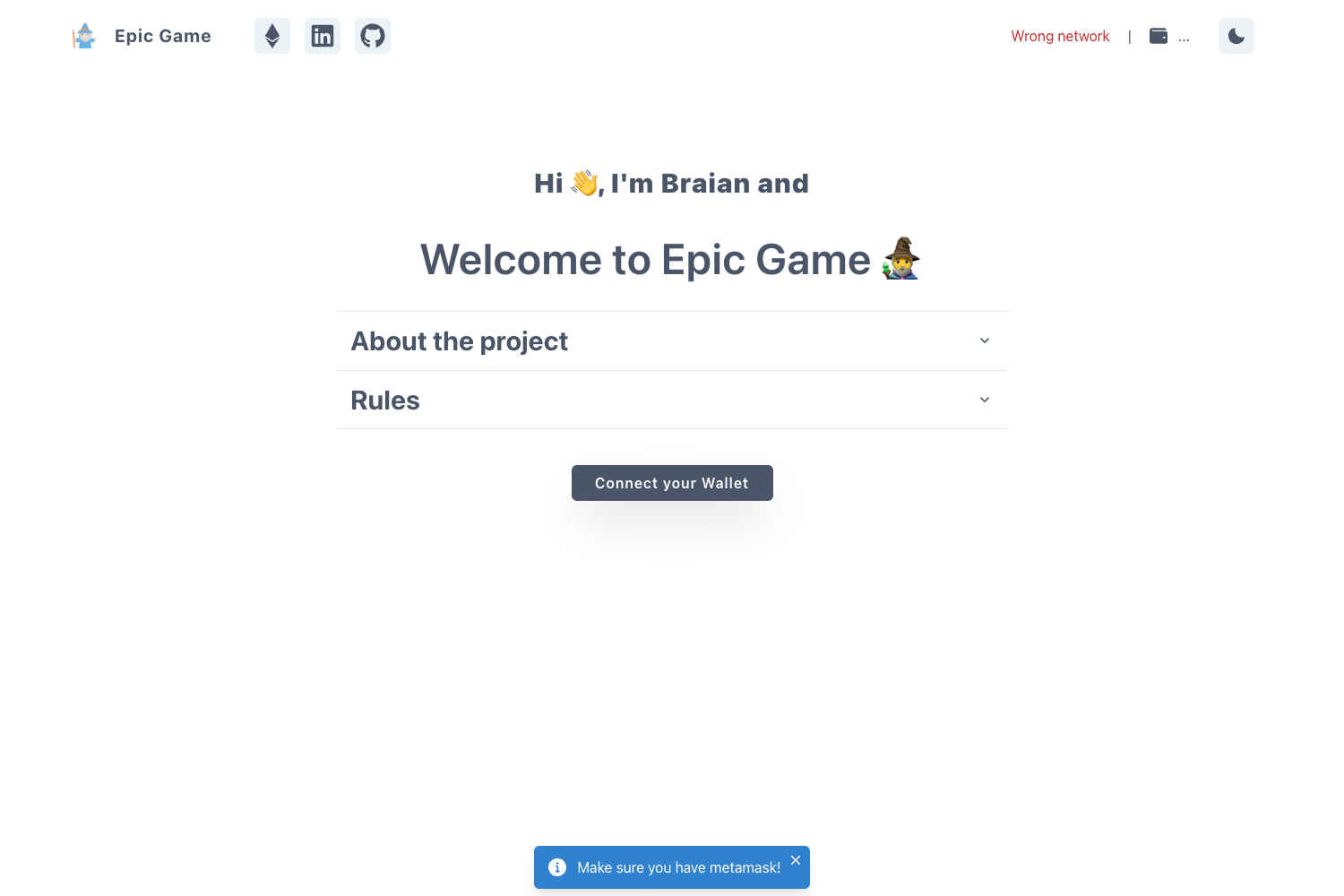
Next-Fire-Auth is an open-source starter template for Next.js 13 applications that need Firebase authentication. It takes your Firebase project credentials (via a .env.local file) and produces a complete auth flow: email/password sign-in, Google sign-in, account creation, forgot-password email, and a profile page that requires authentication. The template is built with React 18, TypeScript, Tailwind CSS v3, and Firebase v9's modular SDK, and uses react-firebase-hooks for reactive auth state. It was published by GitHub user hrushikedar33 and includes a live demo at next-fire-auth.vercel.app.
Key Features
- Email and Google authentication — Both providers are configured through Firebase console; enable them in your project and the template handles the sign-in methods.
- Forgot password flow — A dedicated page that triggers Firebase's password-reset email for users who lose access.
- Form validation — Login and signup forms include client-side validation so bad input is caught before hitting Firebase.
- Next.js 13 App Router — All pages live in the
/app/directory, following the latest Server Components and file-based routing conventions. - Protected route example — The profile page is auth-required, demonstrating how to guard pages with Firebase user state.
- TypeScript throughout — The codebase is written in TypeScript for type-safe Firebase calls.
- Tailwind CSS v3 styling — Utility-first styling is preconfigured, and global styles live in
/style/globals.css. - Modular Firebase config — Firebase initialization is isolated in
/config/firebase.ts, and a reusable loading spinner component is at/components/Loading.tsx.
Who is it for?
- Next.js developers who want a working auth scaffold without re-implementing login, signup, and route guards for every new project.
- Freelancers and agencies building client apps that need Firebase auth fast; clone the repo and add business-specific pages on top.
- Developers learning the Next.js 13 App Router who want a small, real-world reference for Server Components with Firebase.
- Hackathon teams that need email/Google login working in minutes and don't want to write boilerplate from scratch.
What can you do with Next-Fire-Auth?
- Launch a new SaaS or app quickly: git clone the repository, run
yarn, configure Firebase keys, and have login/registration ready while you build the core product. - Prototype authentication patterns: experiment with protected routes, user profiles, and loading states using the included pages and
react-firebase-hooks. - Learn the Firebase v9 modular API: the small codebase shows how to configure auth, call sign-in methods, and observe user state in a type-safe way.
How does the template work?
After cloning https://github.com/hrushikedar33/next-fire-auth into your project folder, install dependencies with yarn (or npm i after removing yarn.lock). Then create a project in the Firebase console, enable Email/password and Google sign-in methods, and copy your firebaseConfig values into a new .env.local file using the NEXT_PUBLIC_ keys shown in the quick-start. Running yarn dev or npm run dev starts the app with all auth pages reachable from /.
FAQ
Is Next-Fire-Auth free to use?
Yes. The template is published publicly on GitHub under the next-fire-auth repository, so you can clone, modify, and deploy it for your own projects at no cost.
Does it support Google login?
Yes. Google authentication is one of the two enabled providers in the template. You need to enable it in the Firebase console under Authentication > Sign-in method for it to appear.
What Next.js version does it use?
The template is built on Next.js 13 with the App Router (/app/ directory) and emphasizes Server Components. It also uses React 18 and TypeScript.
How do I set up the environment variables?
Create a .env.local file in the project root with NEXT_PUBLIC_API_KEY, NEXT_PUBLIC_AUTH_DOMAIN, NEXT_PUBLIC_PROJECT_ID, NEXT_PUBLIC_STORAGE_BUCKET, NEXT_PUBLIC_MESSAGING_SENDER_ID, and NEXT_PUBLIC_APP_ID — each filled with matching values from the Firebase project's web app config.
Are there any limitations?
The template covers authentication only; it doesn't include database, storage, or payment integrations. Also, the demo site uses the credentials shown in the README (user@gmail.com / test@12345) for testing.