Template details
TodoApp
A Next.js 13 + TypeScript todo app boilerplate with user authentication, middleware, and local-storage task persistence.
About this template
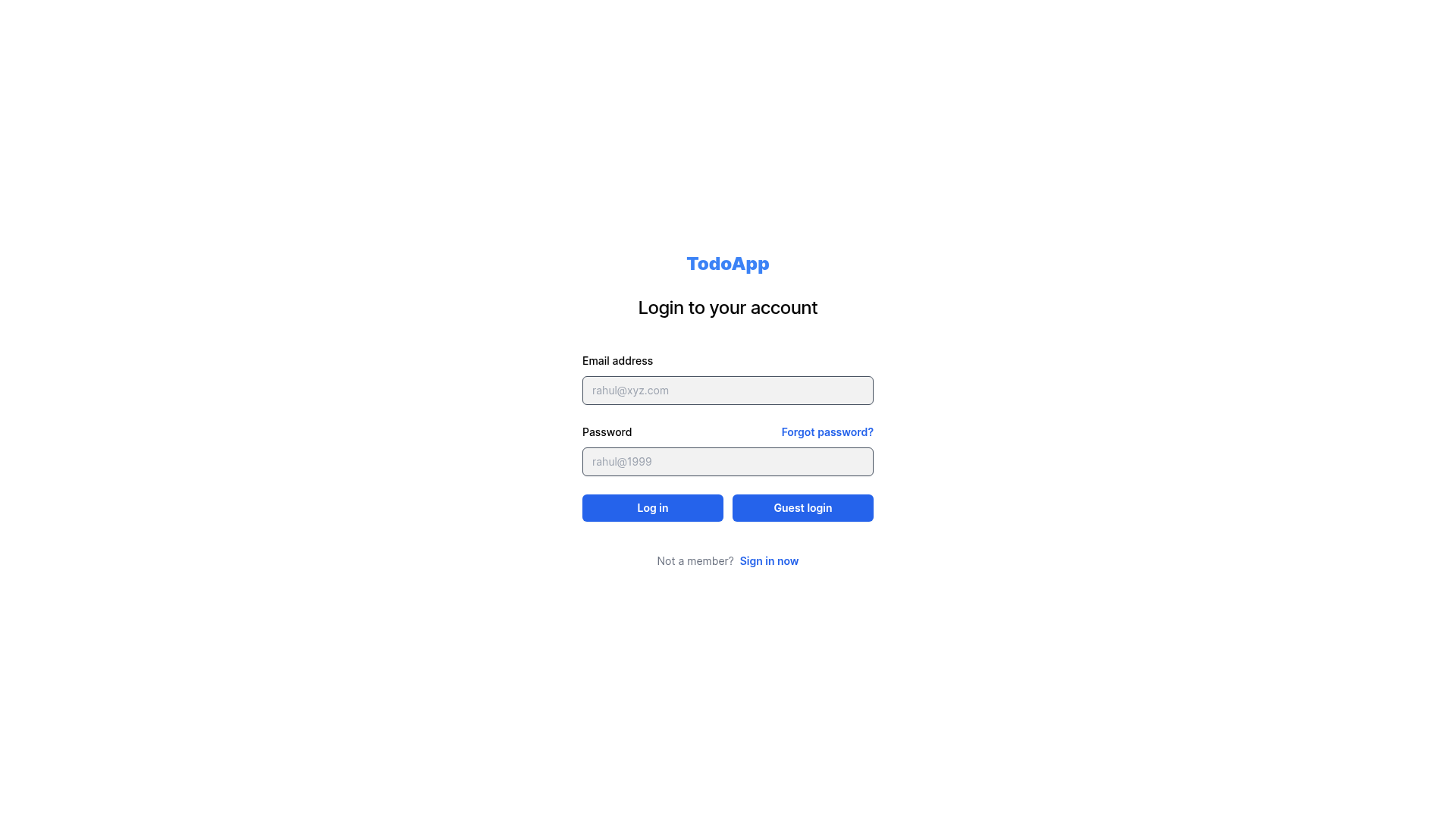
TodoApp is an open-source Next.js 13 and TypeScript boilerplate for creating a task manager with user authentication and local-storage data persistence. The project ships as a GitHub repository by itmejayesh and provides a complete set of screens: a login screen, a signup screen, a main app page that lists tasks, and a separate page for adding new tasks. Authentication is handled through middleware, and all user data is stored in the browser's local storage so tasks survive page refreshes without requiring a backend database.
What is TodoApp?
TodoApp is a starter template built with Next.js 13, TypeScript, and Tailwind CSS that combines a todo list UI with signup/login functionality. It takes user credentials and task input as its inputs and produces a persistent, per-user task list stored entirely in the browser's local storage. The repository includes Formik-based forms and Yup validation rules, plus middleware that guards the main app page behind an authenticated session. The app is deployed on Vercel, as indicated by the provided live link.
Key Features
- User authentication — Users can create an account, log in, and log out; middleware protects the main app page from unauthenticated access.
- Task management — The main app page supports creating, updating, and deleting tasks, with a dedicated task add page for entering new items.
- Local storage persistence — User and task data are stored in the browser's local storage, so the task list persists across sessions without a server-side database.
- Formik and Yup validation — Login and signup forms use Formik for state management and Yup for schema-based validation, with error messages shown inline.
- Tailwind CSS styling — The UI is styled with Tailwind CSS utility classes, keeping the markup uncluttered and easy to customize.
- MIT license — The project is released under the MIT License, allowing free use, modification, and distribution.
- Vercel deployment ready — The repository includes a live demo link on Vercel and references the official Next.js deployment documentation.
Who is it for?
- Next.js developers — Anyone learning how to add authentication middleware and protected routes to a Next.js 13 application can study the login, signup, and middleware setup.
- Starter project seekers — Developers who need a minimal todo application with forms and validation can clone this repo, run npm install, and immediately extend the task logic.
- Frontend learners — People practicing TypeScript, Tailwind CSS, and client-side storage can use this small codebase to see how those tools fit together.
What can you do with TodoApp?
- Prototype a todo product — Use the existing pages and local-storage logic to test a task-management idea without building a backend.
- Learn form validation — The Formik and Yup wiring on the login and signup forms shows how to validate inputs and display errors.
- Customize the UI — Because the styling is Tailwind utility classes, you can restyle the entire interface by editing class names in the JSX components.
How does TodoApp work?
To run the project locally, clone the repository, install dependencies with npm install, then start the development server with npm run dev. The application is then accessible in the browser, and the live version is hosted at the Vercel link provided in the README. Authentication is enforced via Next.js middleware, which redirects unauthenticated visitors to the login screen.
FAQ
Does TodoApp use a backend database?
No. All user credentials and task data are stored in the browser's local storage. This means there is no server-side persistence, and clearing browser storage will reset the data.
Is TodoApp free to use?
Yes. The project is released under the MIT License, so you can freely use, modify, and distribute it, including for commercial purposes.
What technologies are used in TodoApp?
The project uses Next.js 13 with TypeScript, Tailwind CSS for styling, Formik for form handling, and Yup for validation. Authentication is implemented with Next.js middleware.
How do I deploy TodoApp?
The README recommends deploying on Vercel and links to the official Next.js deployment documentation. You can connect the GitHub repository to Vercel for automatic deployments.