Template details
Dark Minima
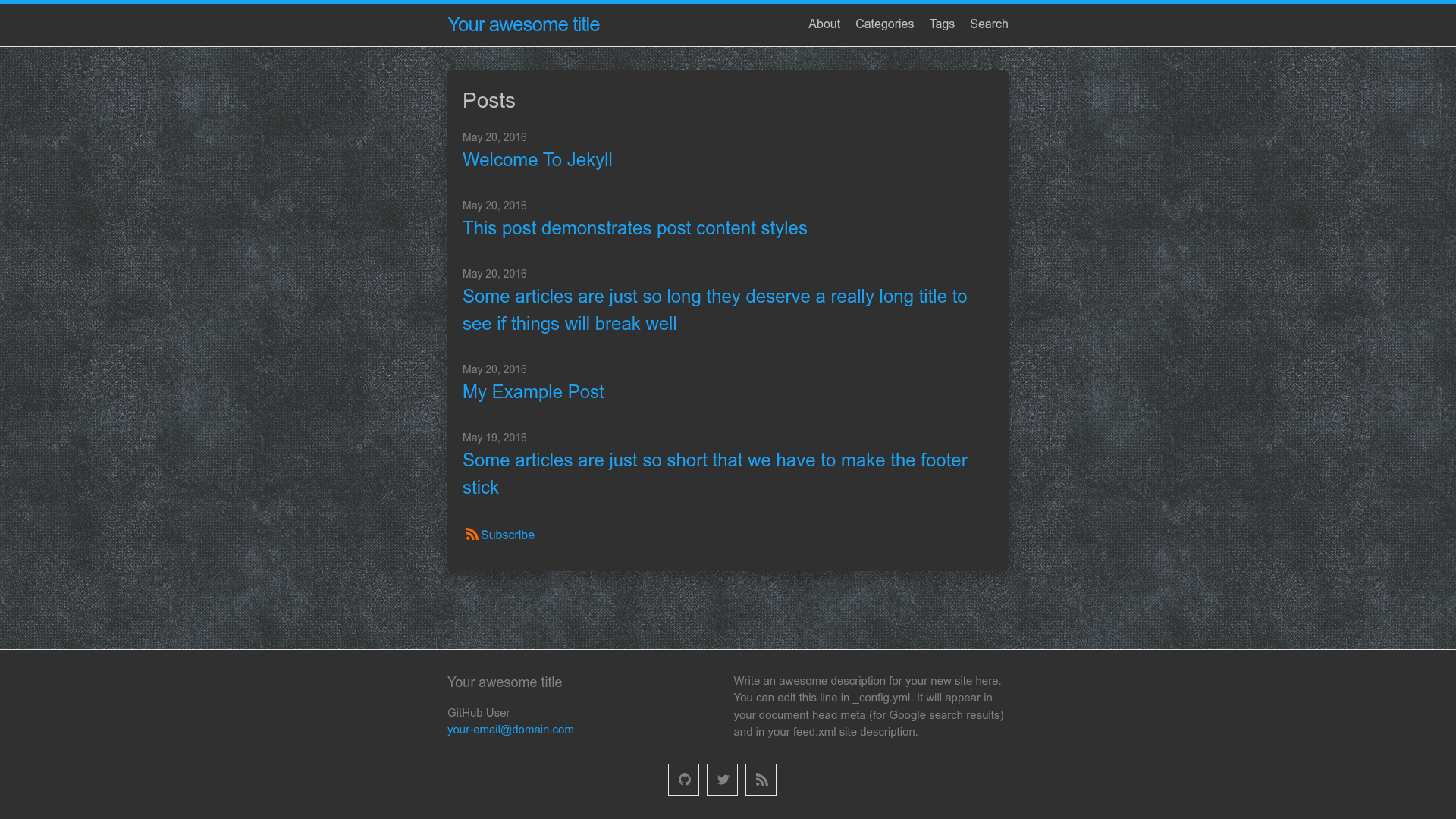
A dark version of the default theme Minima of Jekyll.
About this template
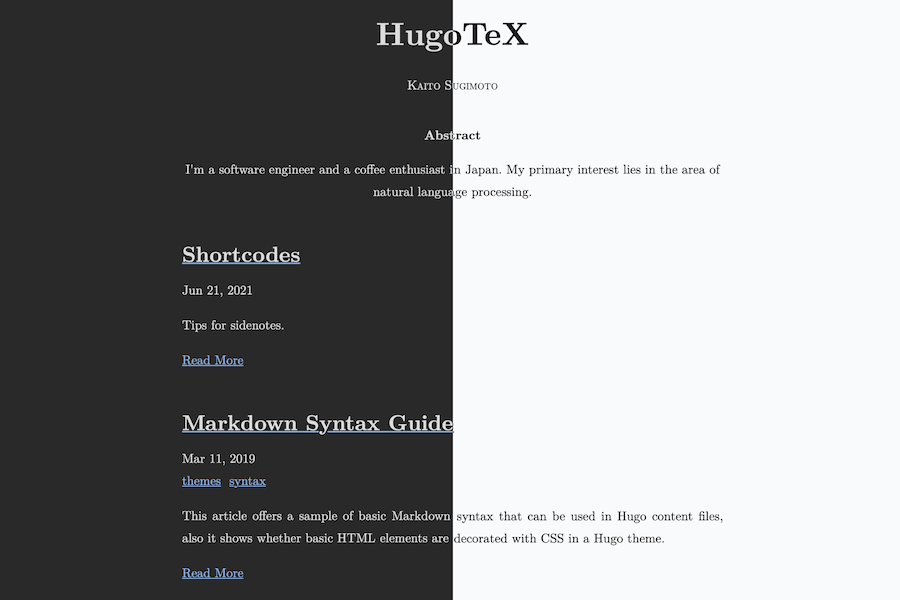
Dark Minima is a Jekyll theme that restyles the default Minima theme with a dark color palette, giving static blogs a light-on-dark reading experience while preserving Minima's layout and structure.
What is Dark Minima?
Dark Minima is a gem-based Jekyll theme that provides a dark version of Minima, the default theme bundled with Jekyll. It takes a Jekyll site that would normally render with Minima's white background and changes the styling to a dark scheme, while aiming to keep the same templates and content structure. The theme is distributed as a Ruby gem named dark-minima and is also published on GitHub under the repository songzivong/dark-minima, so it can be used as a remote theme on GitHub Pages. It is intended for Jekyll sites, requires Ruby and Jekyll to build, and produces static HTML output like any Jekyll theme.
What makes Dark Minima stand out?
- Dark color scheme — replaces the light background of the default Minima theme with dark tones, which reduces glare for night-time reading and gives blogs a distinct visual identity.
- Drop-in replacement — to apply the theme, a site owner changes one line in
_config.ymlfromtheme: minimatotheme: dark-minimaafter adding the gem, so existing content does not need to be restructured. - Remote theme support for GitHub Pages — instead of installing a gem, users can add the
jekyll-remote-themeplugin and declareremote_theme: songzivong/dark-minimato use the theme without a local build step. - Gem installation — the standard installation method is to add
gem 'dark-minima'to the site'sGemfileand runbundle install, after which Jekyll picks up the theme automatically. - Familiar Minima layout — because it is a variant of the default theme, existing Minima posts and pages should render with the same templates, just with darker styling.
Who is Dark Minima for?
- Jekyll bloggers who want a dark aesthetic but prefer to stay within the default Minima template system instead of creating a custom theme from scratch.
- GitHub Pages users who need a dark theme that can be enabled with only configuration lines and the official
jekyll-remote-themeplugin. - Developers starting a new Jekyll project who want a minimal, dark baseline they can fork and extend with their own overrides in Sass or CSS.
What can you do with Dark Minima?
- Personal blogs: publish posts in a dark interface that is easier on the eyes for readers in low-light environments, without writing any HTML templates.
- GitHub-hosted documentation or project sites: quickly switch from the default light Minima to Dark Minima by editing
_config.ymland adding one plugin to the Gemfile. - Theme customization: use Dark Minima as a starting point and override variables to fine-tune the dark palette to match a personal brand.
How does Dark Minima work?
Installation follows Jekyll's standard theme workflow, with an optional route for GitHub Pages. First, add gem "jekyll-remote-theme" to the Gemfile and run bundle install. Second, add - jekyll-remote-theme to the plugins list in _config.yml. Third, set remote_theme: songzivong/dark-minima in the same config file. The local installation path is even shorter: add gem 'dark-minima' to the Gemfile and set theme: dark-minima in _config.yml.