Template details
Foliotemplate
An open-source portfolio template built with Next.js, Tailwind CSS, and GSAP.
About this template
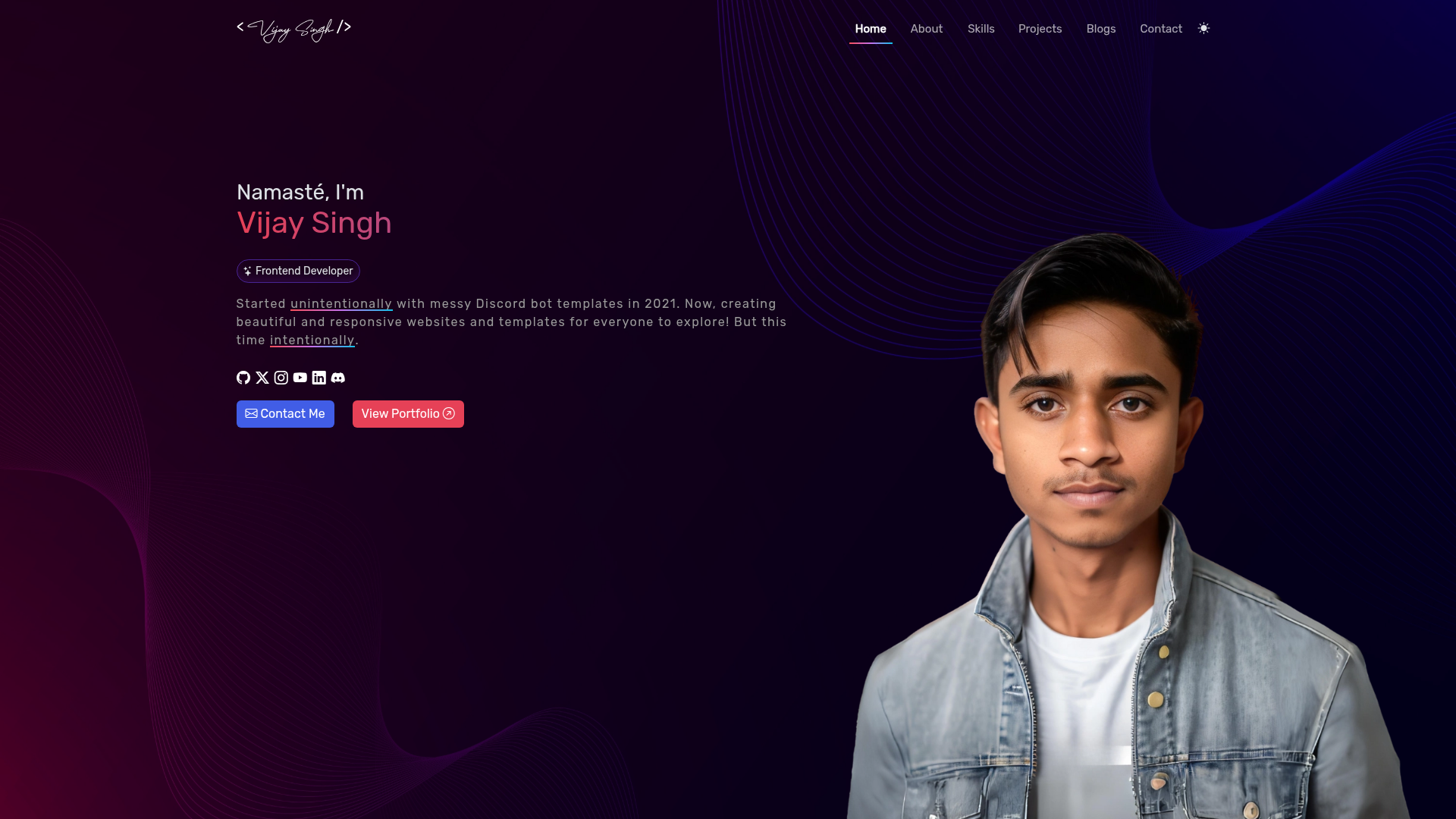
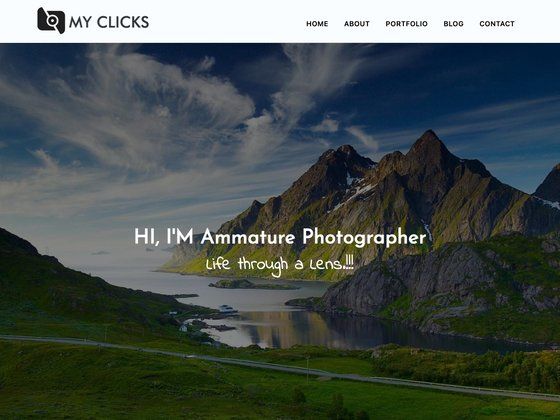
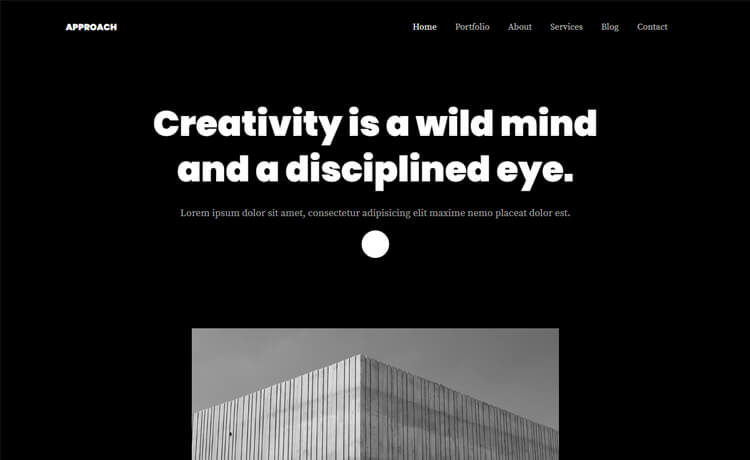
Foliotemplate is an open-source portfolio template built with Next.js, Tailwind CSS, GSAP, and Framer Motion that produces a responsive, animated personal portfolio site. It is available on GitHub with a live demo at https://foliotemplate.vercel.app, where you can see the light and dark mode screenshots shown in the README before deciding to clone and customize it.
What is Foliotemplate?
Foliotemplate is a ready-to-adapt portfolio template for developers and designers, built with the Next.js React framework for server-side rendering and static site generation, styled with Tailwind CSS, and animated with both GSAP and Framer Motion. It takes your content (projects, about text, images) and your styling choices as input, and outputs a deployable portfolio website that runs on any Node.js-compatible hosting platform. The project lives in the foliotemplate GitHub repository and credits Jasmine Maduafokwa's Awwwards-inspired portfolio as the original design source.
Key Features
- Next.js framework — Uses Next.js for server-side rendering and static site generation, giving fast page loads and built-in SEO support.
- Tailwind CSS styling — Utility-first CSS classes let you change layout, colors, and spacing directly in the markup without writing custom CSS.
- GSAP animations — Includes GSAP for complex, performant animations that run smoothly across devices.
- Framer Motion — Adds declarative React animation components alongside GSAP for flexible motion design.
- Responsive design — The layout adapts to mobile, tablet, and desktop viewports.
- Easy-to-edit structure — Content and styles are organized so you can replace text and colors without re-architecting the project.
- Light and dark mode — The README shows separate screenshots of the portfolio in both light and dark themes.
- Live demo — You can preview the exact behavior, including animations and responsiveness, at https://foliotemplate.vercel.app.
Who is it for?
- Front-end developers — who want a modern portfolio without starting from zero; they can clone the repo, run npm install, and customize the Next.js components.
- Freelancers and job seekers — who need a professional online presence quickly; the template includes animations and responsive design that can be tailored to their projects and deployed to Vercel or another host.
- Open-source contributors — who can fork the repository, improve features, fix bugs, and submit pull requests, since the project explicitly welcomes contributions.
What can you do with Foliotemplate?
- Launch a personal portfolio: Populate the template with your projects, experience, and bio, then deploy to a Node.js host like Vercel to go live.
- Restyle for a client: Use Tailwind utility classes to change the entire color scheme and typography, then reuse the animated layout as a base for client work.
- Learn Next.js animations: Study how GSAP and Framer Motion are integrated into a Next.js project to build similar effects in your own apps.
- Prototype a portfolio concept: Rapidly generate a working, animated prototype to show stakeholders before investing in a fully custom build.
How does Foliotemplate work?
The README describes a straightforward setup flow: clone the repository from GitHub, run npm install to install dependencies, customize the content and styles, start the development server with npm run dev to preview changes at http://localhost:3000, and finally build and deploy the project to your preferred hosting platform.
Pricing
Foliotemplate is free and open source. The only condition stated in the README is that you give proper credit to the original creator when you modify and distribute it.
FAQ
Is Foliotemplate free?
Yes, the project is open source. The README says you are free to modify and distribute it as long as you give proper credit to the original creator.
What tech stack does Foliotemplate use?
It is built with Next.js, Tailwind CSS, GSAP, Framer Motion, and JavaScript. It also uses React under the hood since Next.js is a React framework.
How do I customize the template?
After cloning and installing dependencies, you edit the content, colors, and styles directly. The README explains that you can modify the template to fit your needs; the utility-first Tailwind setup means most visual changes are made with CSS classes in the components.
Can I deploy the template anywhere?
The README says to build the project and deploy it to your preferred hosting platform. The live demo is hosted on Vercel, which works naturally with Next.js, but any Node.js-compatible host should work.