Template details
Dashboard Next
A Next.js admin dashboard template for e-commerce administrators to manage users, products, and view business analytics.
About this template
Dashboard Next is an open-source admin dashboard template for e-commerce administrators, built with Next.js, Next-Auth, and MongoDB, that provides a complete interface for managing users, products, and business metrics.
What is Dashboard Next?
Dashboard Next is a Next.js-based admin dashboard template that gives e-commerce administrators a ready-made interface to manage users and products, view site analytics, and read company newsletters. It uses Next-Auth for administrator login and MongoDB for data storage, and it includes demo data on the homepage to visualize total clients, orders, and website visits. The project is published on GitHub under the repository sherimin/Dashboard-Next.
Key Features
Dashboard Next provides a set of admin tools centered on CRUD operations and dashboard widgets, all wrapped in a Next.js application.
- User management — Add, update, delete, and search users from the admin interface.
- Product management — Add, update, delete, and search products in the product database.
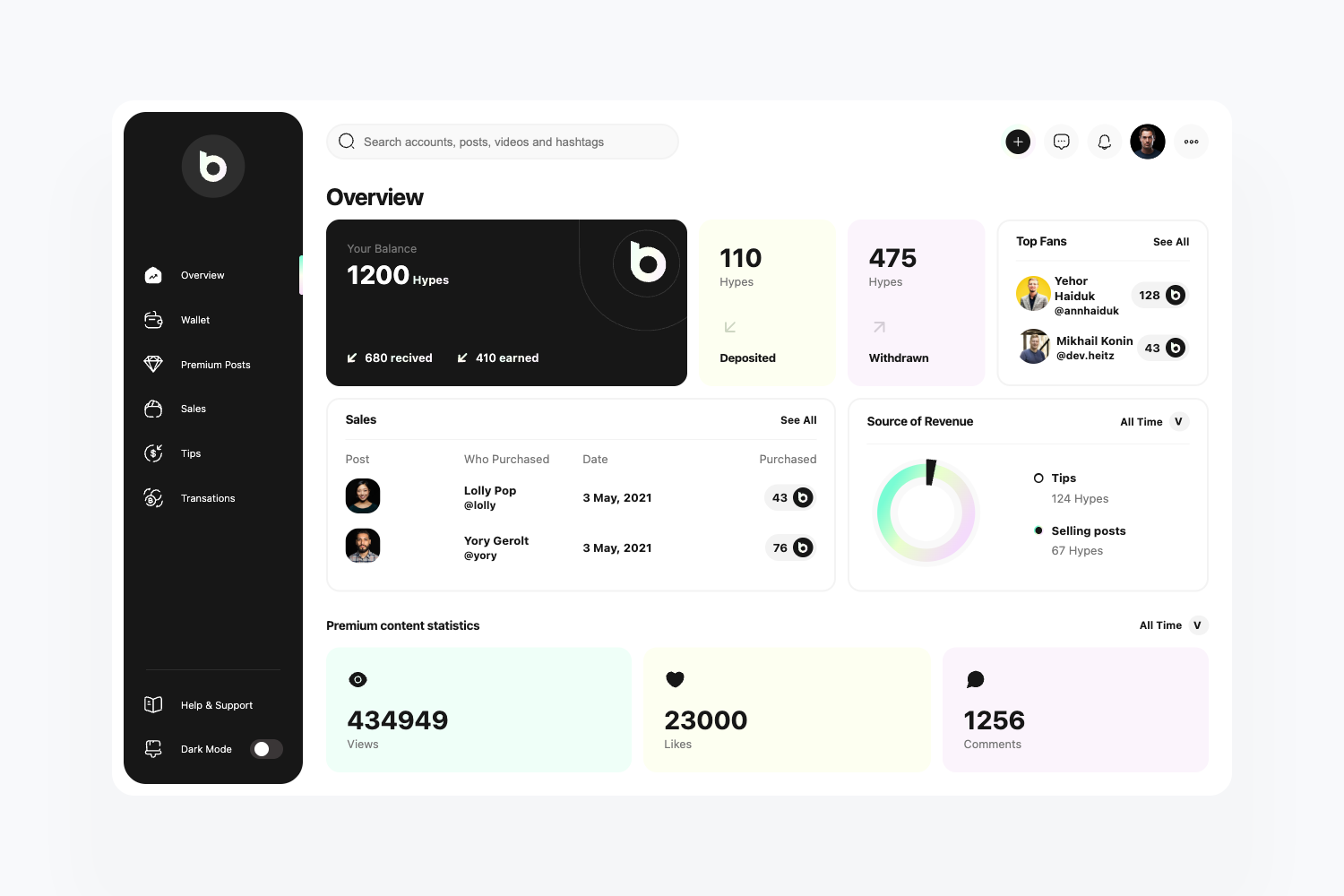
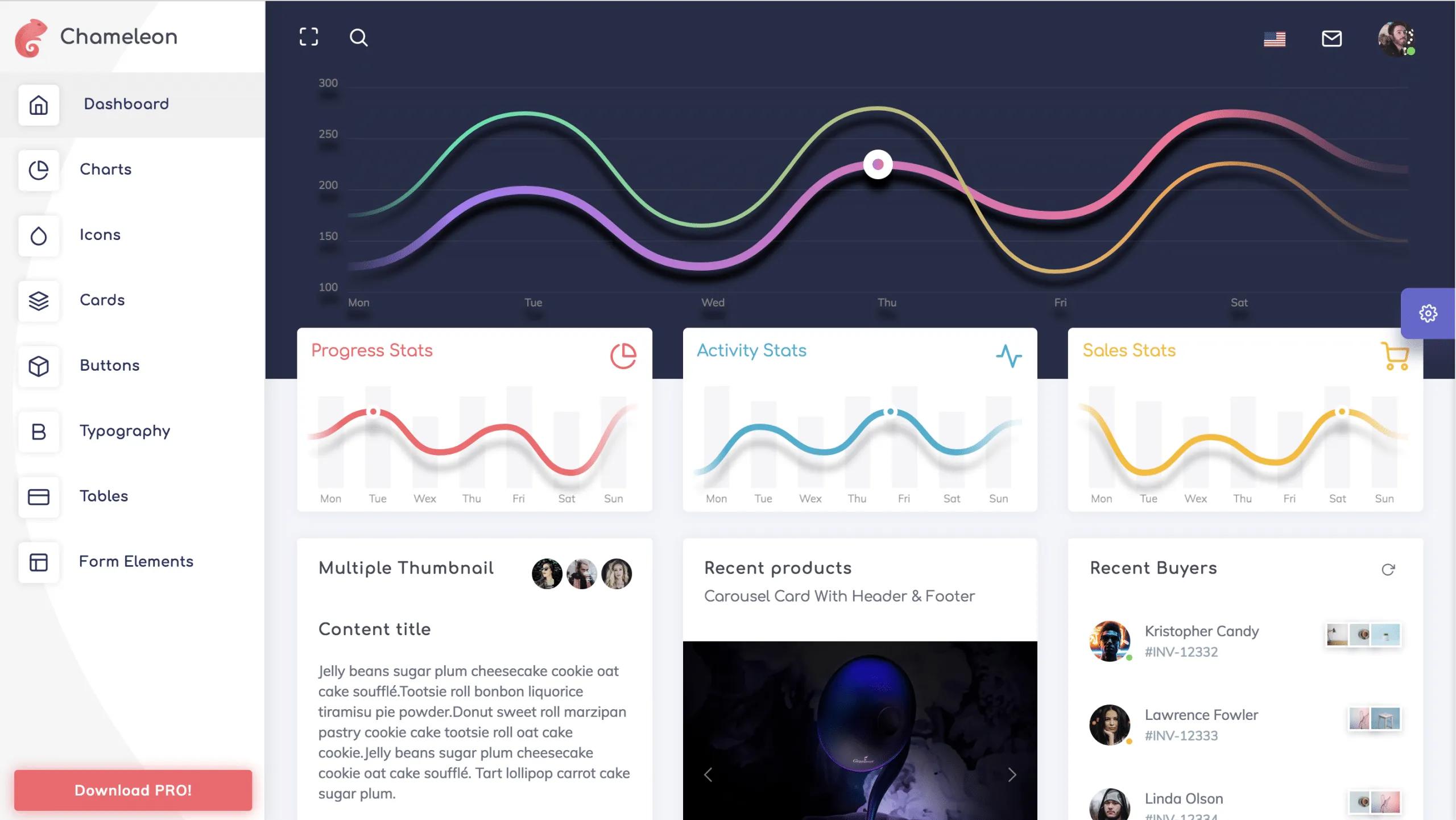
- Dashboard metrics — The homepage displays demo data for the total number of clients, orders, and website visits.
- Order analytics — Shows the status of the latest orders and a weekly business analysis.
- Company news feed — A right sidebar shows company newsletters to logged-in administrators.
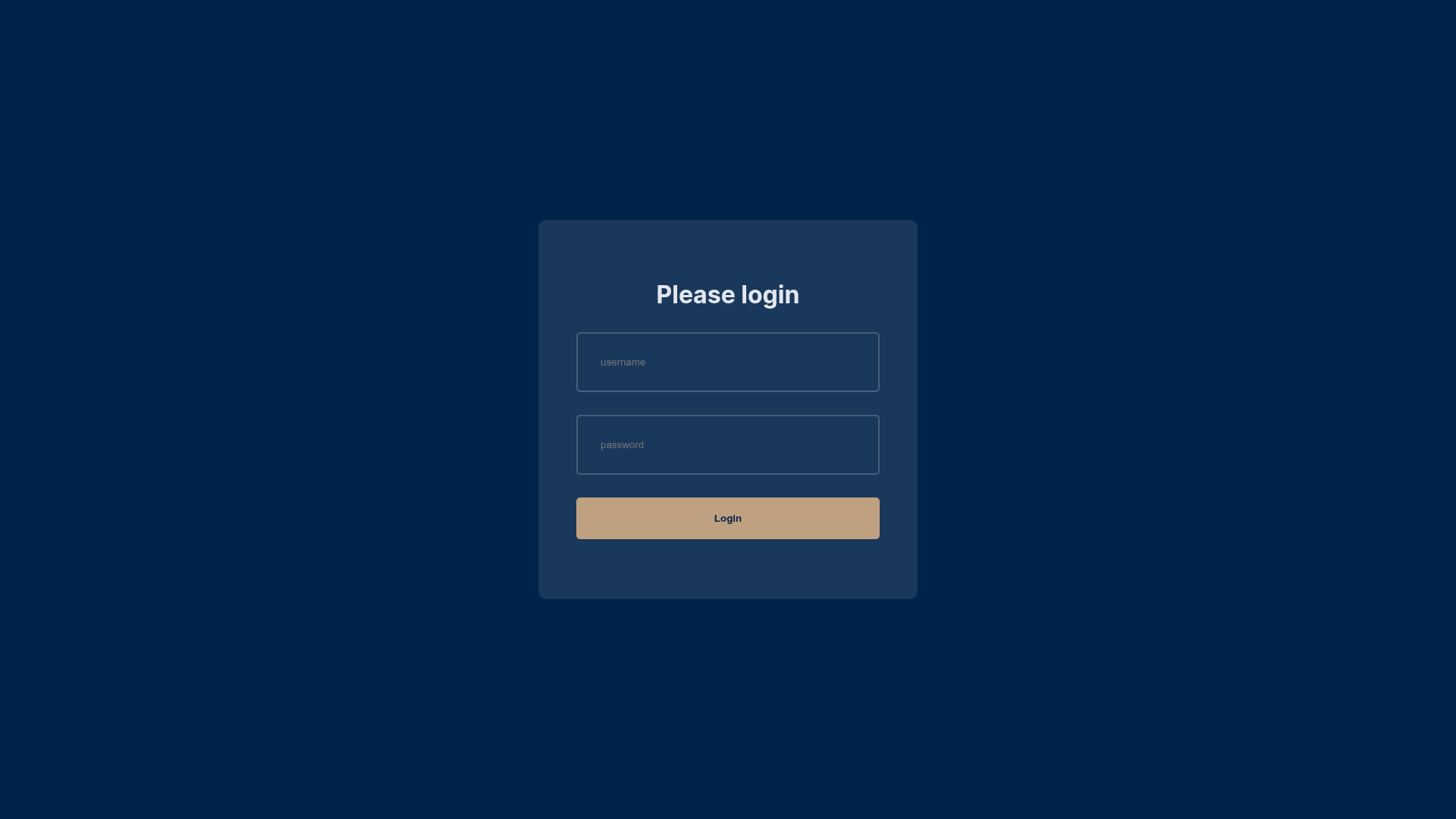
- Authentication flow — Next-Auth handles administrator login; logging out redirects to the login page.
- Demo data included — Sample client, order, and visit numbers are preloaded for visualization.
Who is it for?
Dashboard Next is aimed at e-commerce administrators who need a ready-made panel to manage users, products, and performance metrics. Developers can use it as a starter kit for Next.js and MongoDB admin applications, extending the existing CRUD operations. Small business owners can deploy it with minimal setup to get an authenticated admin area with a company news feed.
What can you do with Dashboard Next?
Administrators can use Dashboard Next to handle day-to-day e-commerce management tasks from a single interface.
- Manage product inventory: Add new products, edit existing entries, delete outdated ones, and search the database for specific items.
- Track customer accounts: Perform the same create, read, update, and delete operations for user accounts, useful for handling customer records.
- Monitor business performance: View totals for clients, orders, and visits, plus the status of recent orders and weekly analysis on the homepage.
- Stay informed with company news: Read newsletters displayed in the right bar without leaving the dashboard.
How does Dashboard Next work?
Getting started is straightforward: fork and clone the repository, install dependencies with npm install, then run npm run dev and open http://localhost:3000 in your browser. The template uses Next-Auth to protect admin routes, and MongoDB to persist user and product data.
FAQ
What stack does Dashboard Next use?
Dashboard Next is built with Next.js as the React framework, Next-Auth for authentication, and MongoDB for the database. The repository topics on GitHub also list dashboard and nextjs.
How do I run Dashboard Next locally?
Clone the repository, run npm install to install all dependencies, then run npm run dev. Open http://localhost:3000 to view the dashboard in development mode.
Can I add or delete users and products?
Yes. The admin dashboard provides full CRUD operations for both users and products, including the ability to add, edit, delete, and search records.
Does the dashboard include sample data?
Yes, demo data is displayed on the homepage to visualize the total number of clients, orders, and website visits, as well as the status of latest orders and weekly business analysis.
Is a license or pricing mentioned?
The repository page does not state a license or any pricing information. It is publicly available on GitHub, so you should review the repository directly for these details.