Template details
Modernize Free React MUI Dashboard
Free open-source React admin dashboard template built with Vite, Material UI, and ApexCharts, with pre-designed pages and responsive layouts.
About this template
Modernize Free React MUI Dashboard is a free, open-source React admin dashboard template from AdminMart, built with Vite, Material UI, and ApexCharts for creating responsive admin panels and analytics dashboards.
What is Modernize Free React MUI Dashboard?
Modernize Free React MUI Dashboard is a production-ready admin template that runs on React with Vite as its build tool. It provides developers with a pre-structured UI containing Material UI components, ApexCharts widgets, and Tabler Icons, which can be customized and deployed for web applications.
The template is published by AdminMart under an MIT license and its source code lives at github.com/adminmart/modernize-react-lite, where it currently has 37 stars. The free version offers a default theme, basic pre-designed pages, basic widgets, and community support; the paid Pro version adds multiple themes, custom color skins, dark modes, advanced widgets, real-time notifications, multi-language support, user roles and permissions, and priority support.
Key Features
- Responsive design — Uses Material UI's responsive grid system to adapt layouts across desktops, tablets, and mobile devices.
- Material UI integration — Built with MUI's React UI framework, providing consistent theming, accessibility, and a clean professional interface.
- ApexCharts integration — Includes interactive and responsive chart components for rich, real-time data visualization.
- Built with Vite — Provides fast development and optimized production builds; run
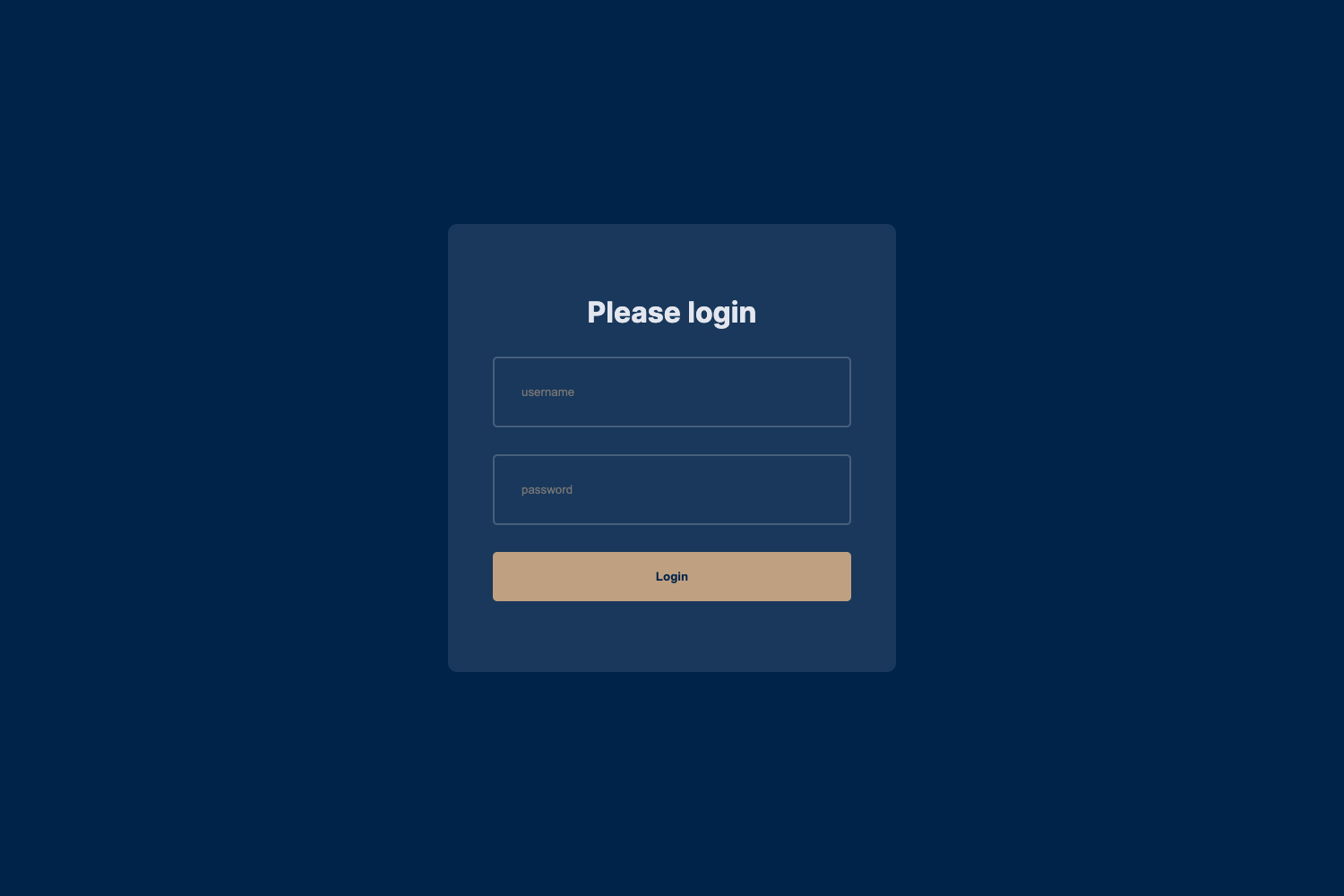
npm run devto start the dev server. - Pre-designed pages — Includes ready-to-use dashboards, login, user profiles, settings, and error pages to speed up development.
- Tabler Icons — Uses lightweight, open-source SVG icons that complement the modern UI.
- Customizable components — React components are reusable and extendable, so styles and layouts can be adapted to fit brand or project needs.
- Optimized for performance — The codebase is lightweight and fast-loading, designed for production web apps.
Who is it for?
- Developers building admin panels — Use the pre-built dashboards, login, profile, settings, and error pages to scaffold internal tools without starting from scratch.
- SaaS startups — Customize the Material UI theme and ApexCharts widgets to create analytics dashboards for their product.
- Freelancers and agencies — Fork the MIT-licensed repo to deliver client projects with no licensing fees.
- Prototype builders — Use the Vite dev server and responsive layout to spin up a proof-of-concept web app in minutes.
What can you do with Modernize Free React MUI Dashboard?
- SaaS platforms: build a subscription analytics dashboard using ApexCharts line, bar, and area charts alongside Material UI data display components.
- Internal tools: assemble employee management screens from the pre-designed user profile and settings pages.
- Ecommerce admin: construct an order management panel with a responsive grid and status widgets.
- Mobile-friendly admin: deliver a dashboard that adapts to tablet and phone screens via Material UI's responsive grid.
How does Modernize Free React MUI Dashboard work?
Installation follows three steps: clone the repository at github.com/adminmart/modernize-react-lite, run npm install to fetch dependencies, and run npm run dev to start the local development server. Full documentation is available at adminmart.github.io/free-documentation/react/modernize/index.html, and the demo can be opened at modernize-react-free.netlify.app/dashboard.
FAQ
Is Modernize Free React MUI Dashboard free?
Yes, the template is free and open-source under the MIT license. AdminMart also sells a paid Pro version that unlocks additional themes, advanced widgets, real-time notifications, and priority support.
What tech stack does Modernize Free React MUI Dashboard use?
It uses React for UI components, Vite as the build tool, Material UI for theming and components, ApexCharts for charts, and Tabler Icons for iconography.
Does it include pre-built pages?
Yes, the free version includes a dashboard, login, user profile, settings, and error pages. The Pro version offers more layouts and advanced page options.
How do I install Modernize Free React MUI Dashboard?
Clone the repository, run npm install, then run npm run dev. The development server will start so you can preview and customize the template.
What is the difference between the free and Pro versions?
The free version has a default theme, basic widgets, basic pages, and community support. The Pro version adds multiple themes, dark modes, advanced data visualizations, multi-language support, user permissions and roles, real-time notifications, and priority support.