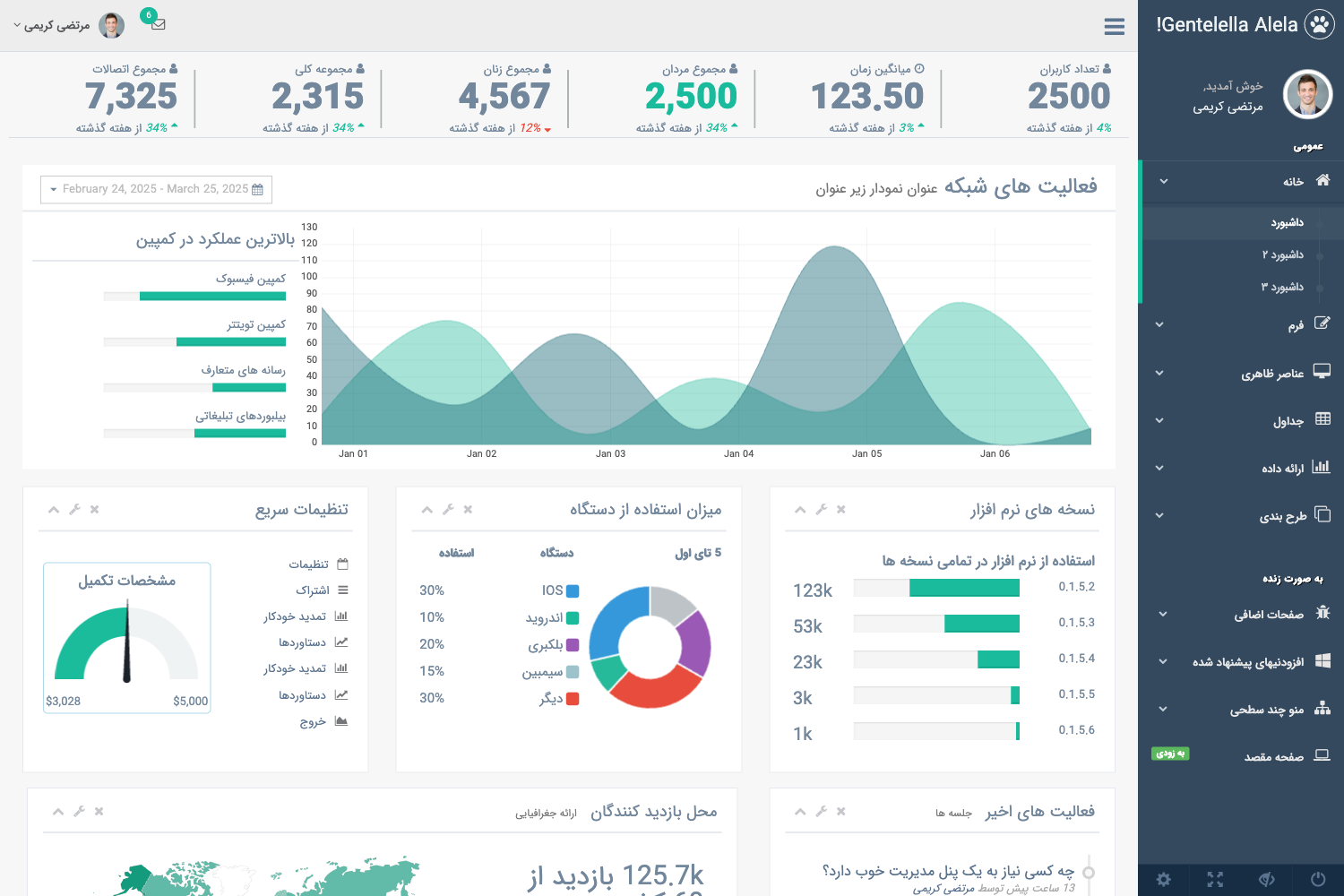
Template details
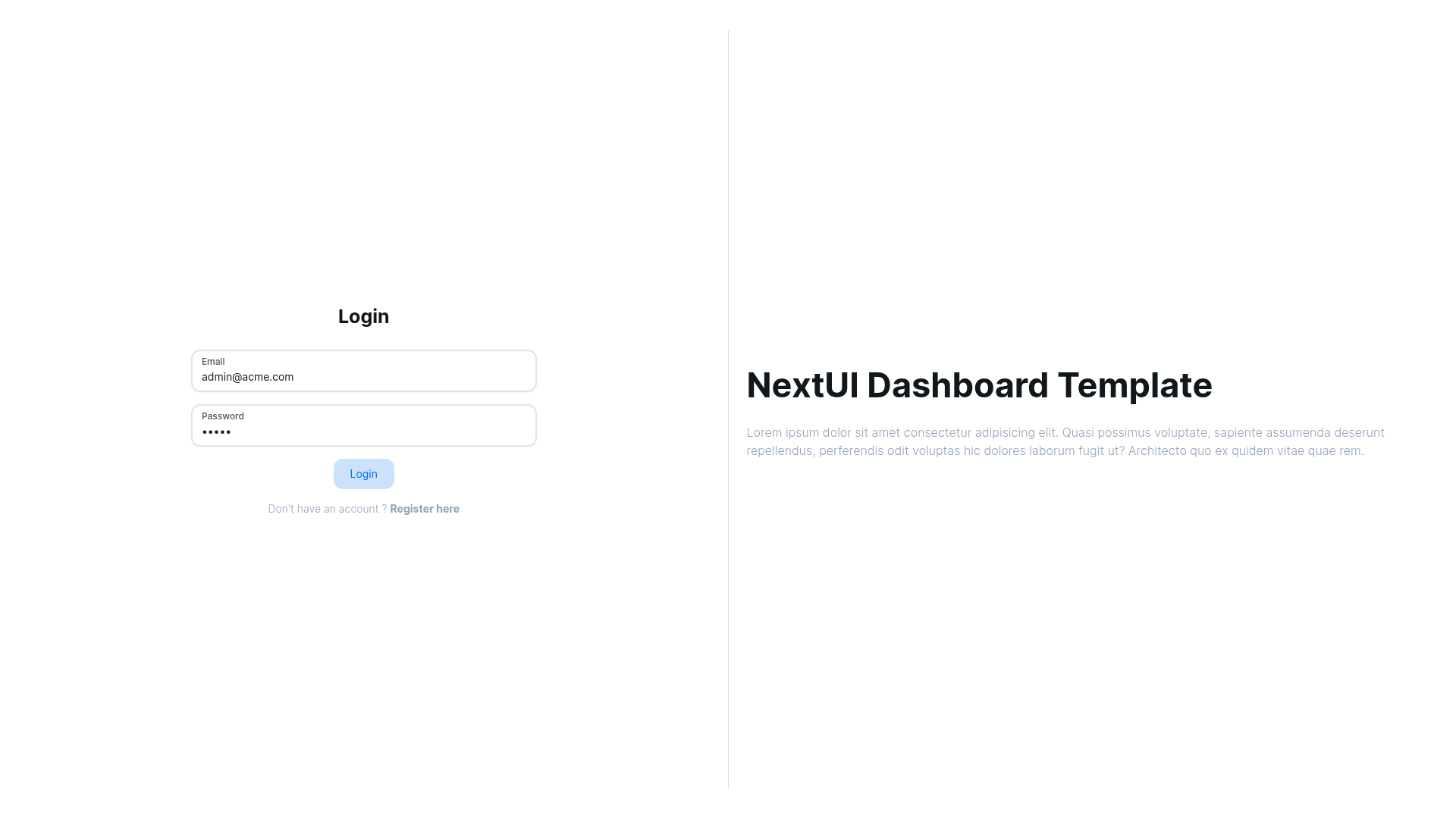
NextUI Dashboard Template
Dashboard starter using NextUI V2 and Nextjs.
About this template
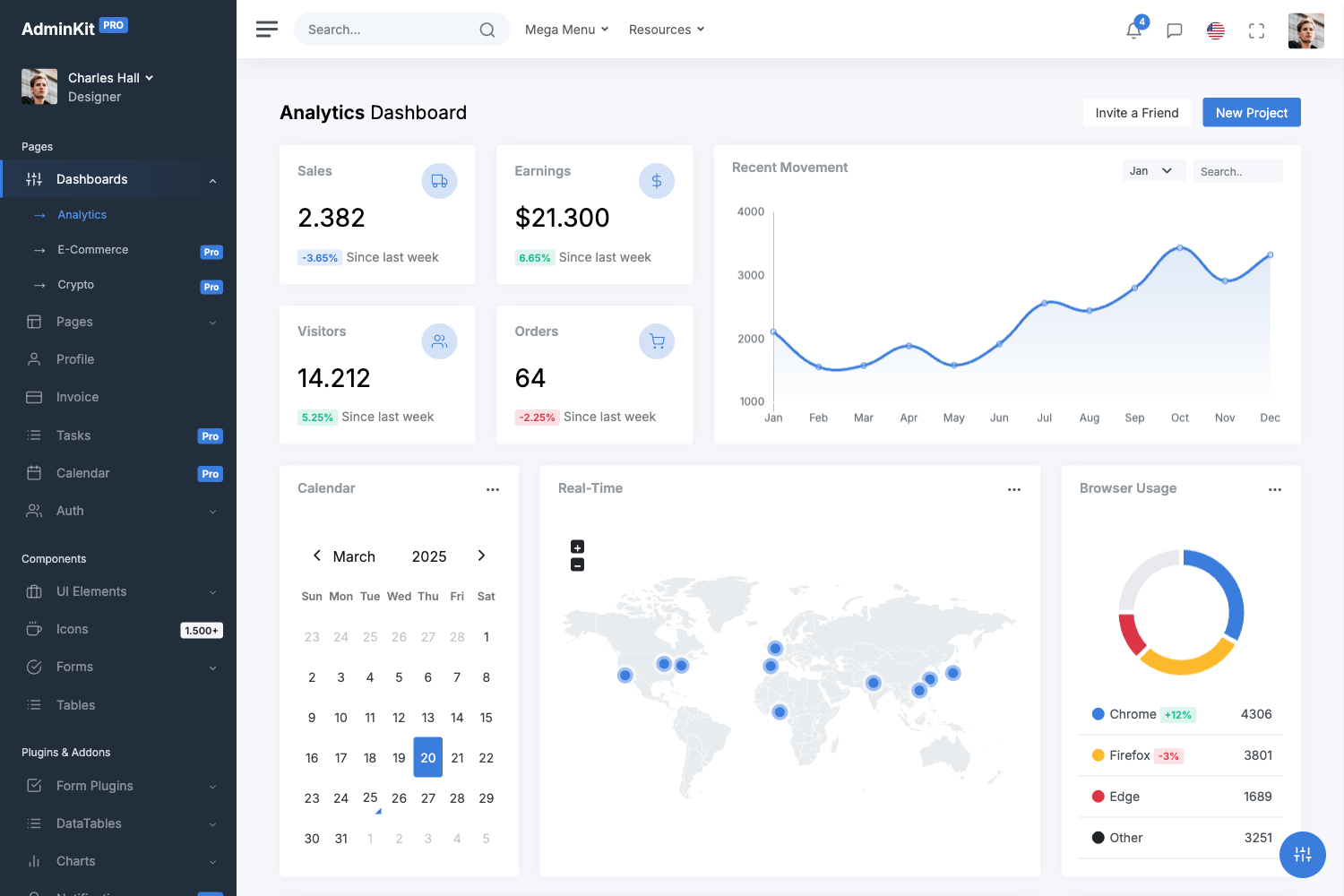
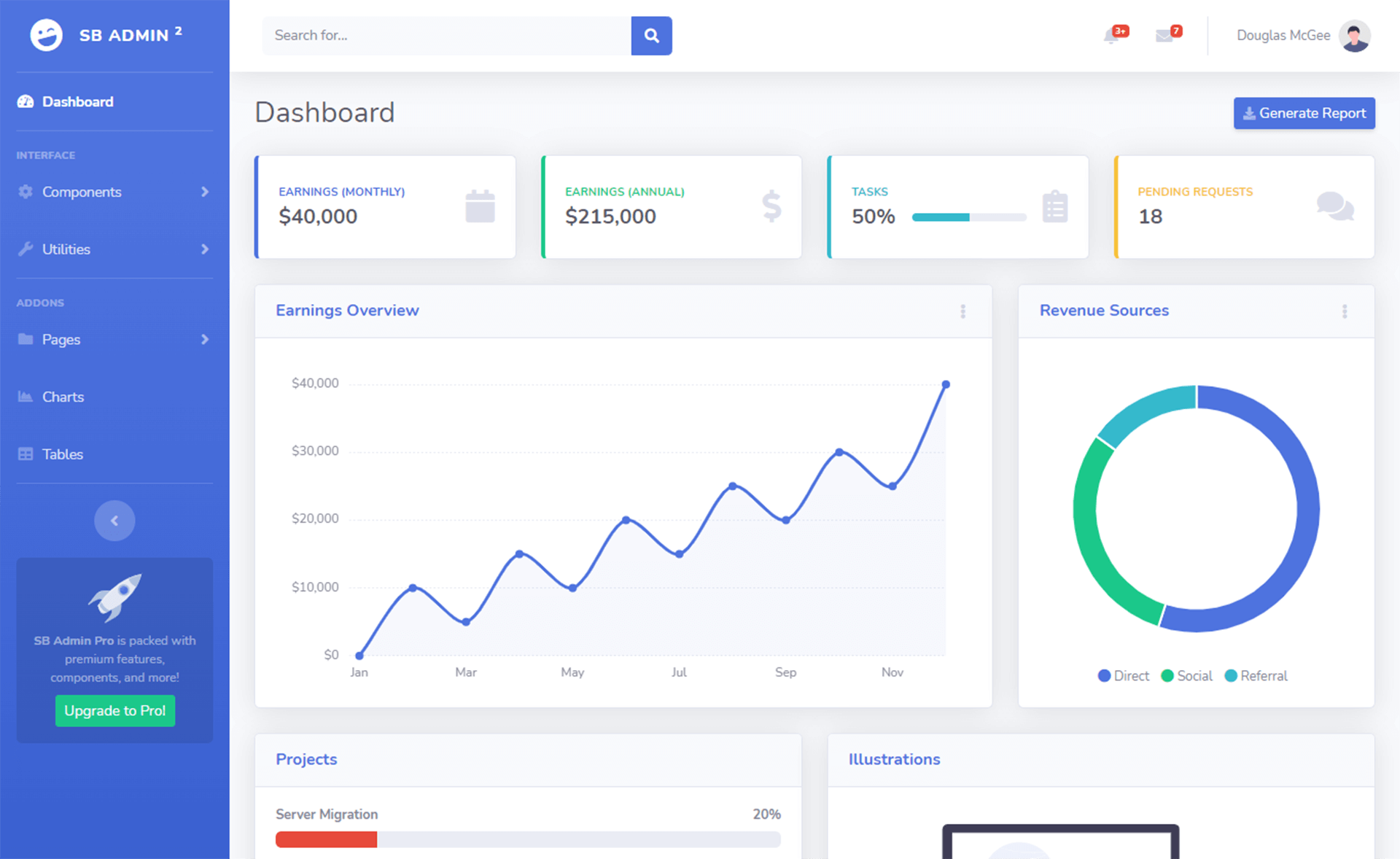
NextUI Dashboard Template is a free, open-source admin dashboard starter built with Next.js and the NextUI component library that ships with a chart-rich home page, an accounts management page, and built-in dark mode support.
What is the NextUI Dashboard Template?
NextUI Dashboard Template is a starter repository for building admin dashboards with Next.js and NextUI V2. It uses the Next.js App Router (the app directory) with page.tsx, layout.tsx, and providers.tsx entry files, and it runs on any platform that supports Node.js. The template was published by GitHub user Siumauricio and has 825 stars as of the repository metadata.
The template takes a clean slate Next.js application and provides pre-built dashboard components — charts, tables, navbar, sidebar, breadcrumb, and account pages — so developers can customize the data and styling instead of building from scratch. It produces a full responsive dashboard interface that supports dark and light modes. A separate V1 branch uses the Stitches styling solution instead of NextUI's built-in styles.
Key Features
- Dark and light mode — The template ships with a theme provider (
providers.tsx) and toggling support covering both dark mode and light mode as shown in the README screenshots. - Full responsive layout — The dashboard shell includes a sidebar and navbar that adapt to screen sizes, suitable for desktop and mobile admin views.
- Home page with charts — The main dashboard page includes chart components under
components/charts, ready to be wired to your data. - Accounts page — A complete accounts route under
app/accountswith page-level components incomponents/accounts, including table components undercomponents/table. - Reusable component architecture — The repository organizes code into
components/subfolders for accounts, charts, breadcrumb, home, layout, navbar, sidebar, table, styles, icons, and hooks, making it easy to locate and replace pieces. - One-click Vercel deployment — A Deploy with Vercel button lets you import the repository directly and have a live demo running without local setup.
- Active maintenance signal — The README directs users to open issues or pull requests on the GitHub repository, and the template has a V1 Stitches version available at
https://v1-nextui-dashboard-template.vercel.app/.
Who is it for?
NextUI Dashboard Template is aimed at frontend developers who want a minimal, free starting point for an admin panel without paying for a commercial theme. Next.js developers can use it to learn how NextUI V2 components fit into the App Router structure. Freelancers and agencies can fork the repo, customize the chart data and account tables, and deliver a dashboard to a client in a few hours. Teams that prefer to control styling can start from the responsive layout and swap in their own design system.
What can you do with the template?
- Startup teams: deploy the starter to Vercel in one click and immediately have a dashboard shell with charts and account management to show investors or beta users.
- Frontend developers: study the
components/chartsandcomponents/tablefolders to see how NextUI components are composed, then reuse those patterns in your own projects. - Agency projects: rebrand the template by replacing the sidebar and navbar links and plugging in real API data behind the existing chart components.
How does the template work?
The repository follows a standard Next.js App Router structure. Clone or import the repo, run npm install to install dependencies, then npm run dev to start the development server, and open https://localhost:3000 in a browser. The app/layout.tsx applies the layout to all pages, and app/providers.tsx wraps the app with the theme provider that powers dark mode.
Pricing
The template is free and open source. No pricing tiers or license fees are mentioned in the repository; you can deploy it directly from the Vercel import link without purchasing anything.
FAQ
Is the NextUI Dashboard Template free?
Yes, the template is free to use and open source. The README shows a Vercel deployment button for direct import and makes no mention of payment or licensing restrictions.
Does the template include dark mode?
Yes, dark mode is one of the first features listed in the README. The repository includes providers.tsx as a theme provider, and the README shows separate screenshot images for dark and light modes.
What is the difference between the current version and V1?
The current version uses NextUI V2 and the Next.js App Router, while the V1 version uses the Stitches styling solution. The V1 version is still available online at https://v1-nextui-dashboard-template.vercel.app/ with its code in the v1 branch.
How do I run the template locally?
After cloning the repository, run npm install to install dependencies, then npm run dev to start the development server, and visit https://localhost:3000 in your browser. The README provides these exact commands.
Which pages are included in the template?
The template currently includes a home page with charts and an accounts page. The README mentions more pages are coming soon, and the project structure shows a components directory with placeholders for many other dashboard elements.