Template details
Nuxt Argon Dashboard Laravel BS4
Nuxt SPA admin dashboard template wired to a Laravel REST API using the JSON:API standard, by Creative Tim.
About this template
Nuxt Argon Dashboard Laravel BS4 is a free, MIT-licensed admin dashboard starter that pairs a Nuxt.js single-page frontend with a Laravel API backend built on the JSON:API specification, created by Creative Tim in partnership with UPDIVISION.
What is Nuxt Argon Dashboard Laravel BS4?
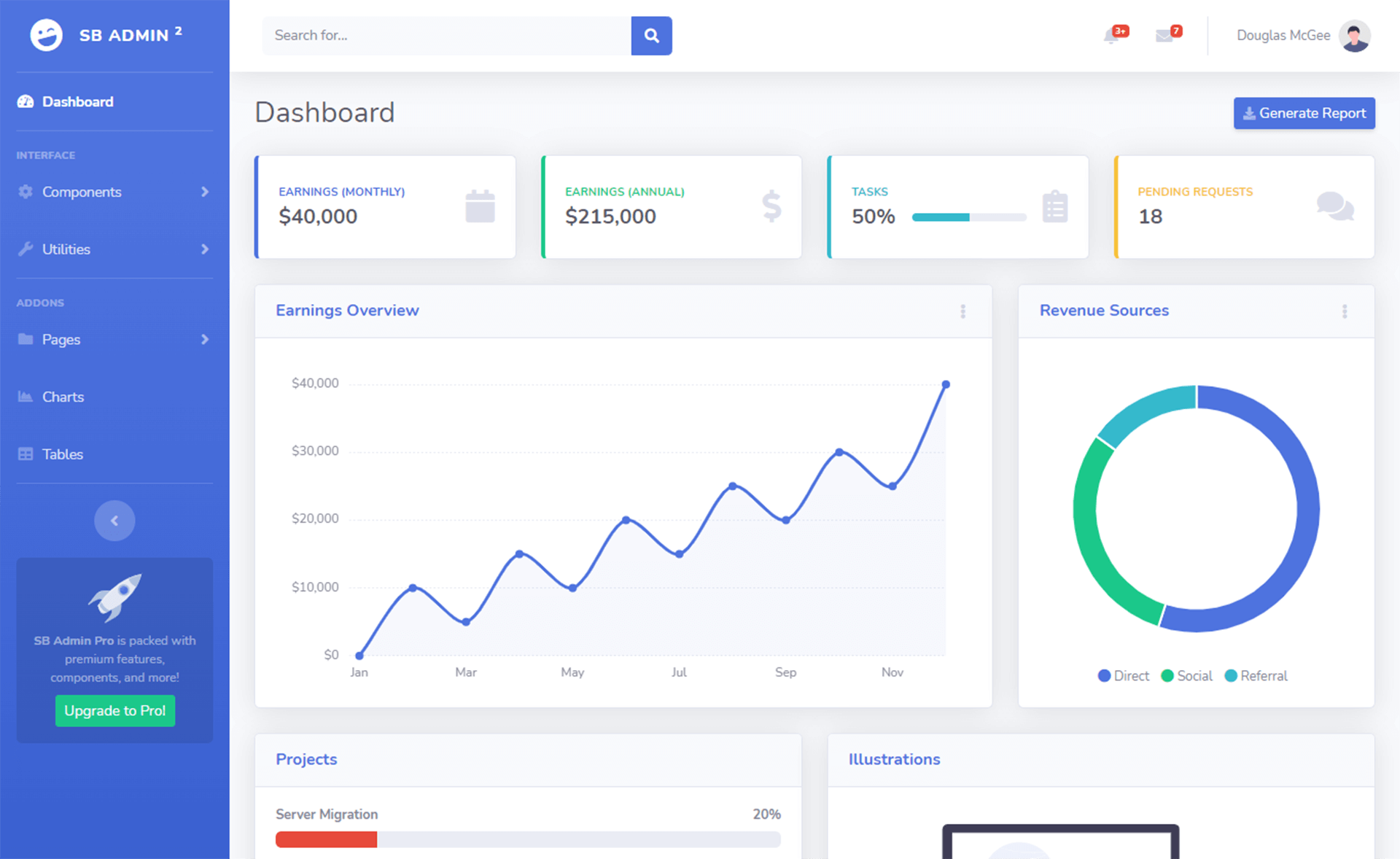
Nuxt Argon Dashboard Laravel BS4 is a full-stack admin template that ships as two project folders: a Nuxt.js SPA frontend and a Laravel API backend. The frontend includes working login, registration, dashboard, user profile, user management, and tables pages, while the backend provides a JSON:API-compliant API with Laravel Passport authentication. The design is based on Argon Dashboard v1.2.0 using Bootstrap 4. The template is free to download from Creative Tim or GitHub and is licensed under MIT.
Key Features
- Full-stack architecture — The repository contains two separate projects (Laravel API and Nuxt frontend) so the frontend consumes a live REST API out of the box.
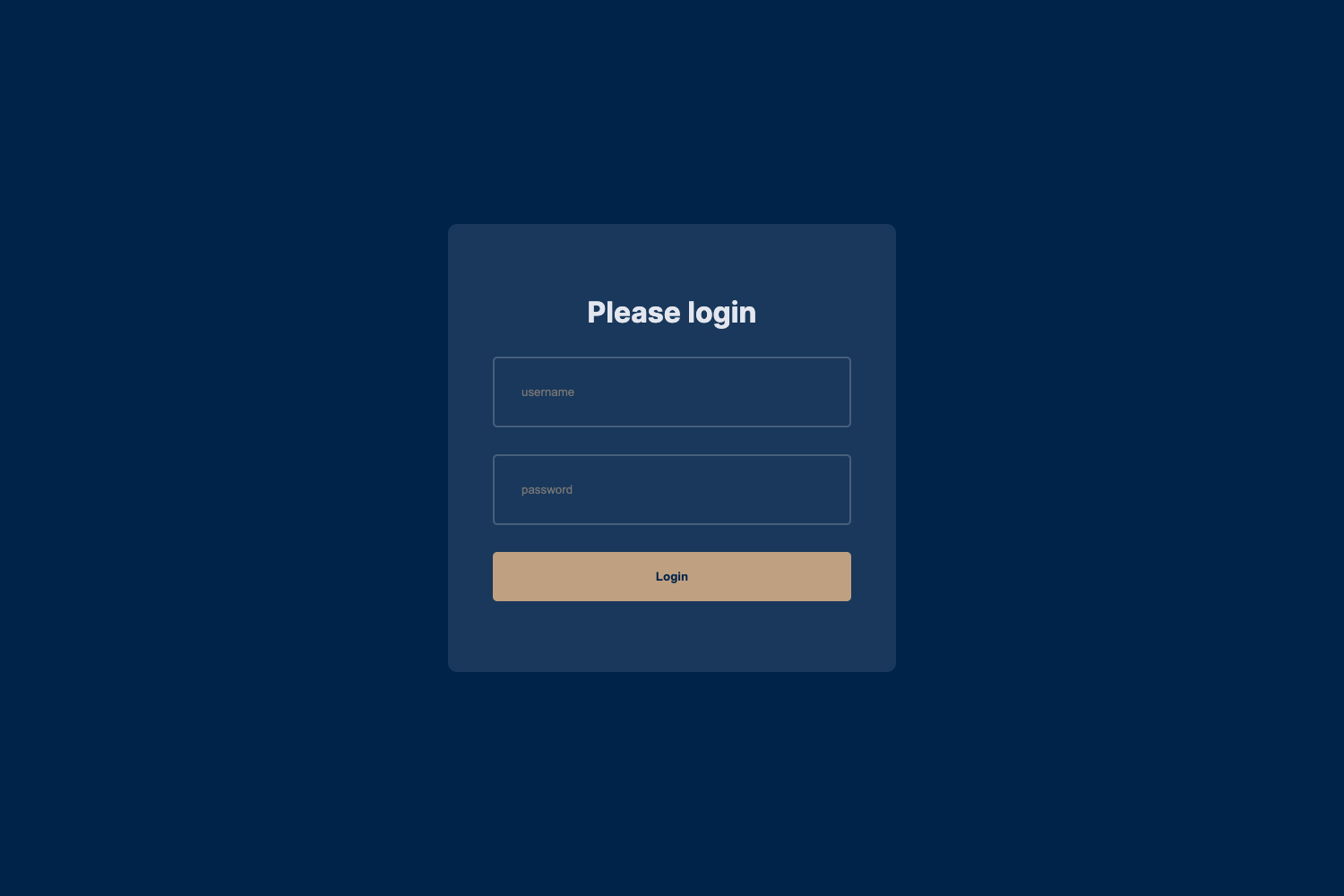
- Working authentication — Login and registration are fully implemented in the Nuxt pages (login.vue, register.vue) and backed by Laravel Passport; demo credentials are admin@jsonapi.com / secret.
- Argon components — A large set of reusable Vue components (cards, inputs, badges, modals, pagination, charts) in the argon-core folder, all styled with Bootstrap 4.
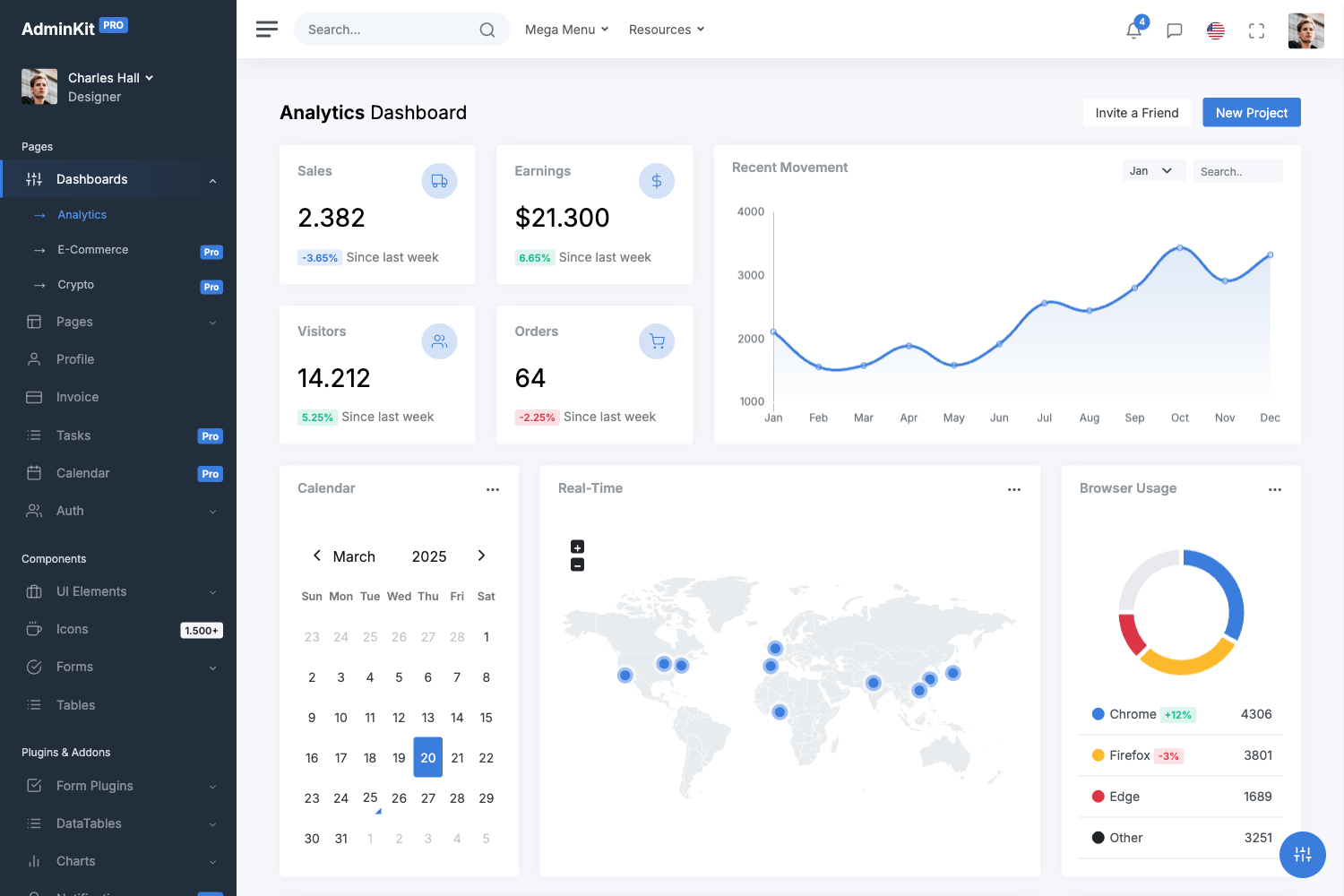
- Dashboard pages — Includes dashboard, login, register, user profile, user management, regular tables, Google maps, password reset/email pages, and more.
- JSON:API backend — The Laravel API follows the JSON:API specification and includes services, mixins, and a JsonApi plugin for handling resource requests.
- Profile editing and password change — The user-profile page contains forms for name/email and password, though both currently display a PRO feature notification on submit.
- Environment-driven setup — Both projects use .env files; the Nuxt app uses BASE_URL and API_BASE_URL to point to its own URL and the Laravel API URL.
- MIT license — The entire template is free and open source under the MIT license, with GitHub issues used for bug tracking.
Who is it for?
- Full-stack developers — who want a pre-built admin dashboard with working authentication and API integration, so they can skip boilerplate setup and start building features.
- Laravel developers — who want a Nuxt SPA frontend example that connects to a Laravel backend via the JSON:API standard and Laravel Passport.
- Vue/Nuxt developers — who need a set of Argon-styled Vue components and page layouts for their own frontend projects.
- Prototyping teams — who need a quick, multi-user admin panel with login, registration, and user management to validate a product idea.
What can you do with it?
- Launch an auth-enabled dashboard: Register a user or log in with the demo account, then explore the dashboard, tables, and user-management pages backed by the Laravel API.
- Customize the frontend: Modify the Vue components, Sass variables in assets/sass/custom/_variables.scss, and the layout files to match your brand.
- Extend the Laravel API: Add new JSON:API resources and endpoints to the backend, then connect them to Nuxt pages using the existing Axios and services setup.
- Learn JSON:API integration: Study how a Nuxt SPA authenticates with Laravel Passport, handles form validation, and communicates via the JSON:API format.
How does it work?
The template requires setting up both projects. For the Laravel API, you install dependencies with composer install, configure MySQL credentials in .env, run php artisan migrate --seed, key:generate, and passport:install. For the Nuxt frontend, you run npm install, set BASE_URL and API_BASE_URL in .env, then run npm run dev or npm run build. The Nuxt app consumes the API at endpoints under /api/v1, and the README stresses using a multi-threaded server such as Apache or Nginx rather than php artisan serve.
Pros and cons
Pros:
- Free, MIT-licensed full-stack starter with both frontend and backend code included.
- Authentication, registration, and password reset flows are implemented and working.
- Uses the JSON:API standard, keeping API requests and responses consistent.
- Includes a wide range of Argon UI components and dashboard pages.
Cons:
- The backend cannot be run with php artisan serve; it requires Apache/Nginx or a similar multi-threaded server.
- Profile edit and change password are stubbed as PRO features and need to be completed by the developer.
- The README recommends Node.js 14.x because many packages are deprecated on Node.js v16 or higher.
Pricing
Nuxt Argon Dashboard Laravel BS4 is free and open source under the MIT license. You can download the .zip from Creative Tim or clone the GitHub repository for personal or commercial use.
FAQ
Is Nuxt Argon Dashboard Laravel BS4 free?
Yes, it is free and licensed under MIT. You can download it from Creative Tim or clone the GitHub repository, and use it without licensing fees.
Do I need to set up both a Nuxt and a Laravel project?
Yes, the repository contains two separate project folders. You must install dependencies, configure database credentials, and run both the Laravel API and the Nuxt frontend for the dashboard to work.
What are the default login credentials?
The demo account is admin@jsonapi.com with the password secret. You can also register a new user through the /register page, which stores the user in the Laravel database.
Can I use php artisan serve for the backend?
The README recommends against it because the built-in PHP server is single-threaded and can cause stalled requests. Use Laradock, Laragon, WAMP, or LAMP instead.
What Node.js version is recommended?
The README recommends Node.js 14.x, noting that many packages are deprecated on Node.js v16 or higher, so older projects may break on newer Node versions.