Template details
Soft UI Dashboard PRO Django
Premium Bootstrap 5 Django admin template with 70+ components, authentication, OAuth, dynamic tables, charts, and Docker.
About this template
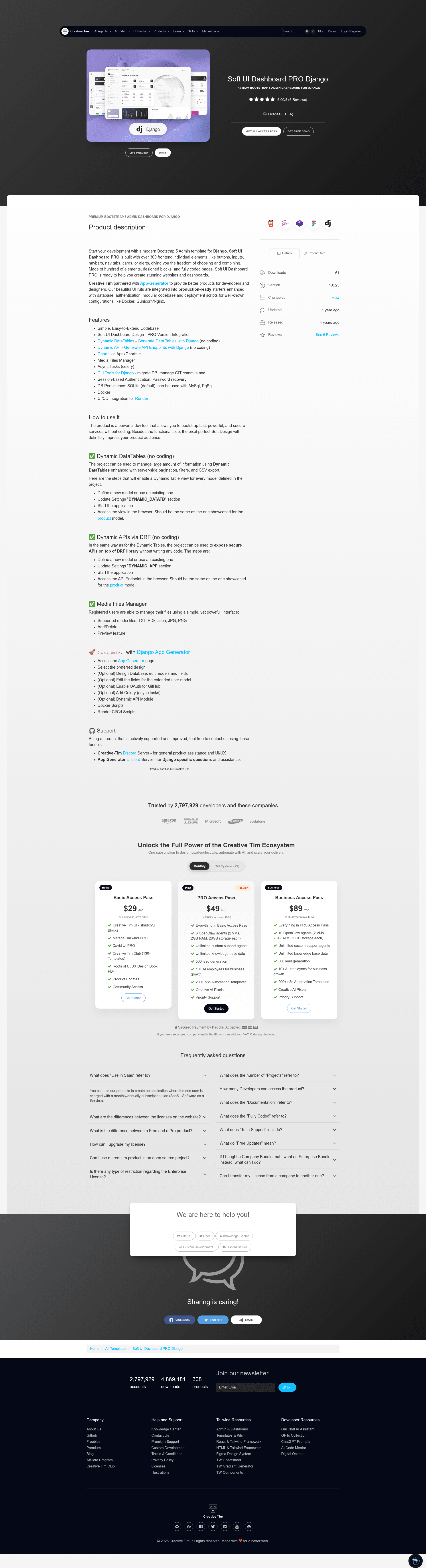
Soft UI Dashboard PRO Django is a premium Bootstrap 5 admin dashboard template built on the Django framework, delivering a production-ready back-office interface with authentication, dynamic tables, charts, and API support out of the box.
What is Soft UI Dashboard PRO Django?
Soft UI Dashboard PRO Django is a commercial Django template that integrates Creative Tim's Soft UI Dashboard PRO design — a modern Bootstrap 5 interface with over 70 individual components — into a Python/Django project structure. It takes the Django source files and yields a running admin application that you can extend with your own models and pages. The template is produced by Creative Tim in partnership with App-Generator, an open-source developer platform.
What makes Soft UI Dashboard PRO Django stand out?
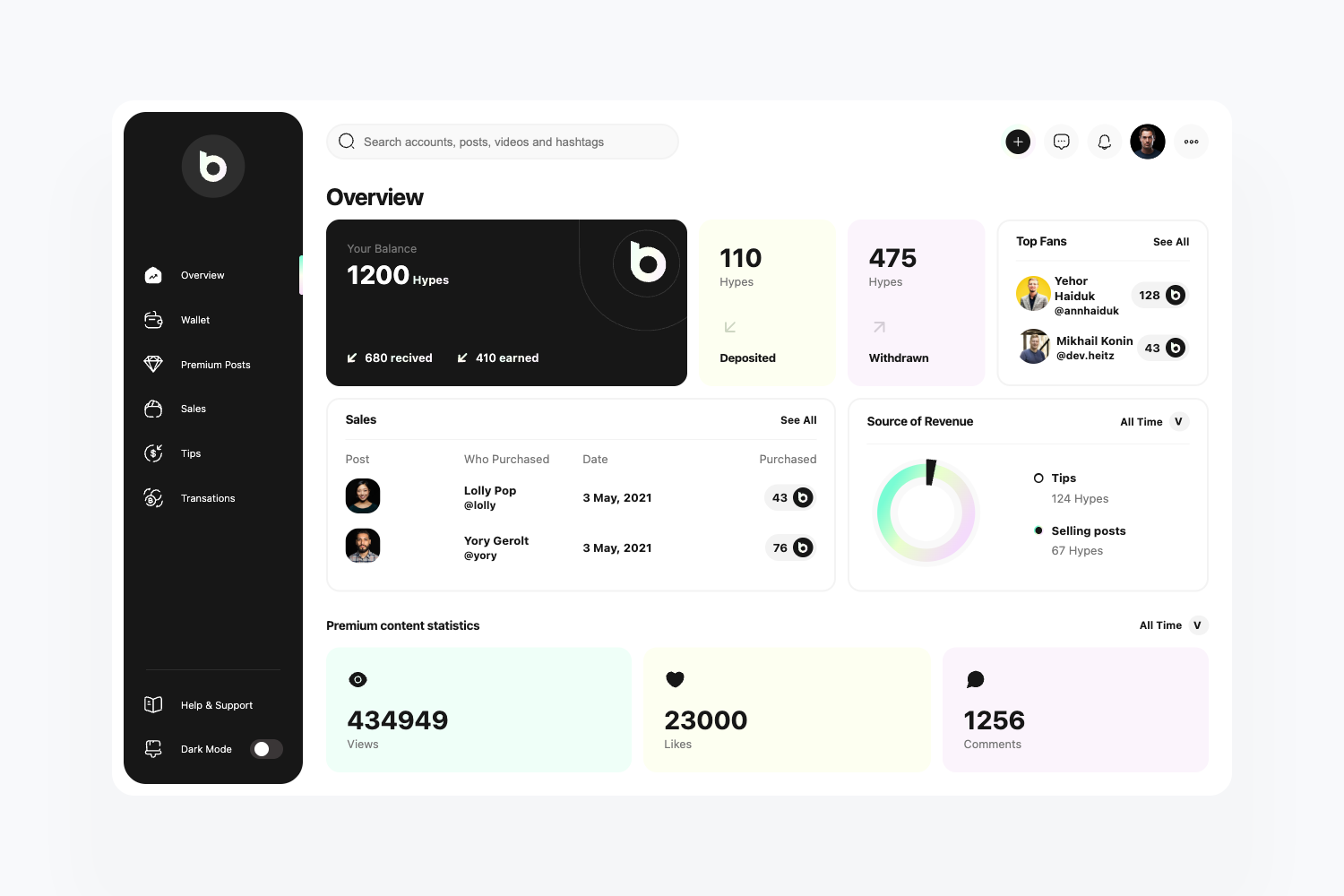
- Bootstrap 5 design system — Soft UI Dashboard PRO is built on the modern Bootstrap 5 framework and includes over 70 individual components, giving you a wide choice of cards, forms, navigation, and data widgets without writing custom CSS.
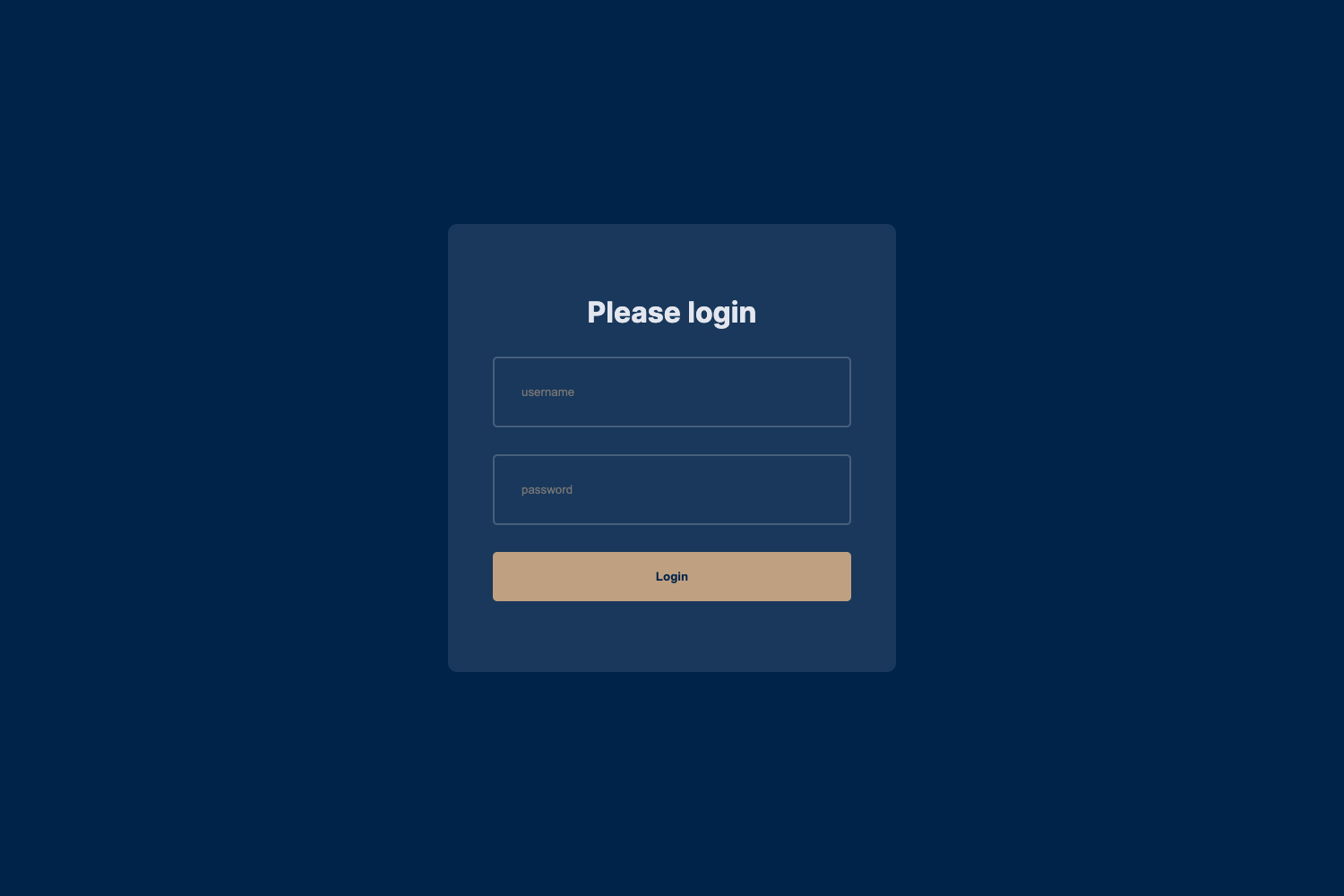
- Session-based authentication — The template includes login, registration, password recovery, and logout flows so you can start with a secure user area immediately.
- OAuth login (GitHub and Google) — Users can sign in with their GitHub or Google accounts in addition to standard email/password authentication.
- Dynamic tables — A pre-built dynamic table component is included, with documentation hosted at App-Generator, so you can display and manipulate database records with sorting and pagination.
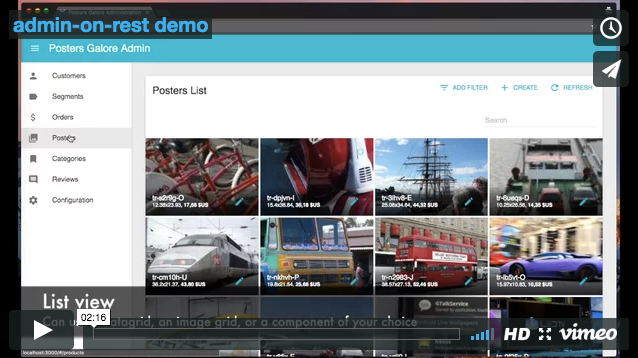
- Dynamic API — The project ships with a dynamic API module that generates REST endpoints from your Django models, documented at App-Generator, making it faster to feed data to the frontend.
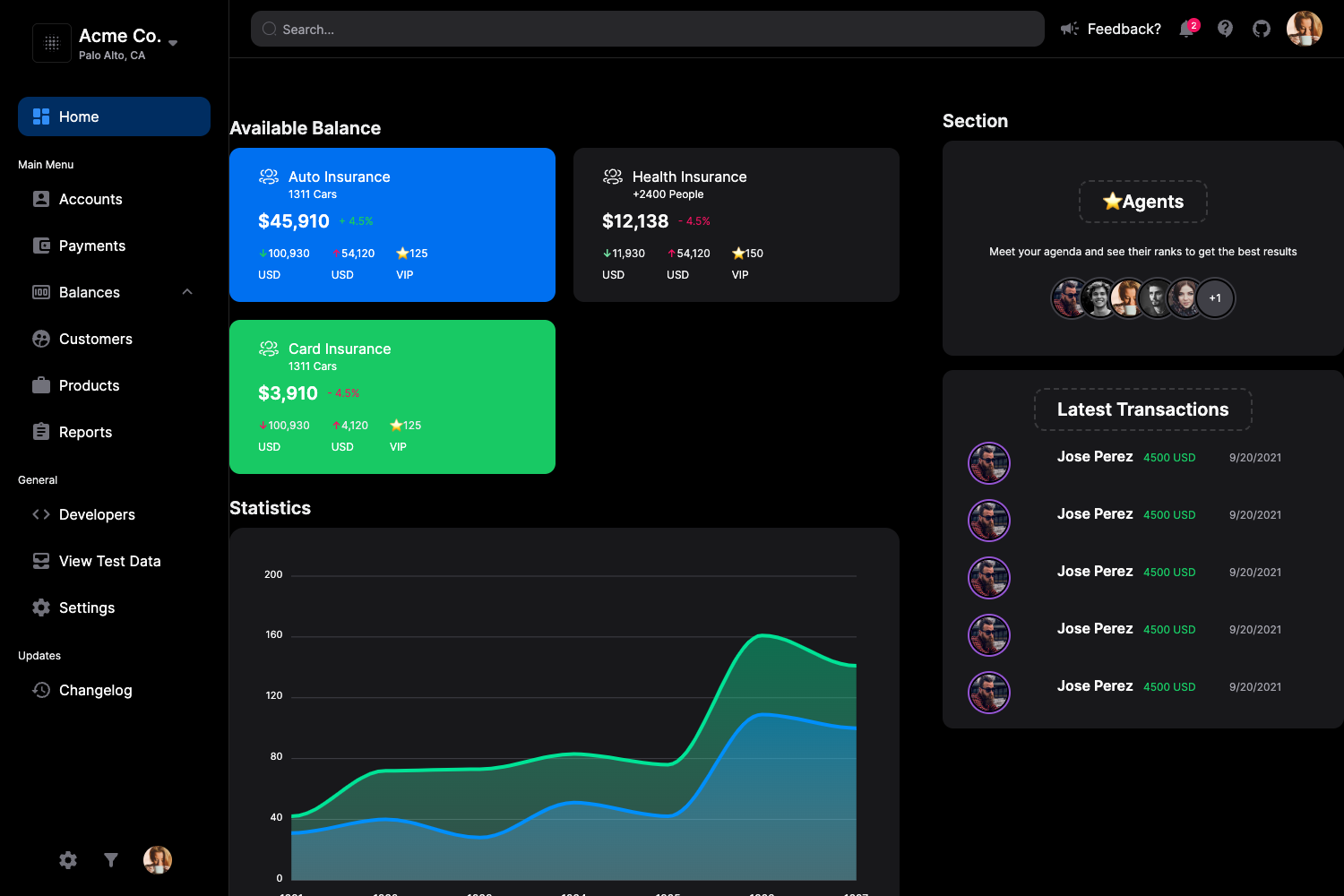
- Charts module — A dedicated charts app is included in the project structure, letting you add visual analytics dashboards right away.
- Multiple database options — SQLite is the default database, but the environment configuration supports switching to MySQL or PostgreSQL without code changes.
- Django CLI tooling and Docker — The included Django CLI package adds Git commit/rollback, database backup/restore, environment management, and dependency management commands; Docker and CI/CD configuration for Render is also provided.
Who should use Soft UI Dashboard PRO Django?
- Django developers who need a ready-made admin interface for their Python web applications can use the template's pages, apps, and auth flows to skip the boilerplate.
- SaaS and startup teams building a back-office for their products can deploy the template, connect their own models, and use the dynamic API to power a React, Vue, or plain JavaScript frontend.
- Agencies and freelancers who deliver internal tools can leverage the file manager and charts apps to provide clients with data-heavy dashboards out of the box.
- Full-stack developers who want Bootstrap 5 styling with Vite asset management can keep a modern frontend build without leaving the Django ecosystem.
What can you do with Soft UI Dashboard PRO Django?
- Build a custom admin dashboard: Swap in your own Django models, attach them to the dynamic API and dynamic tables, and your team gets an interactive back-office with searchable, pageable data lists.
- Add OAuth social login: Configure GitHub and Google OAuth credentials and let your users authenticate with their existing accounts rather than creating new passwords.
- Deploy to Render quickly: Use the included Dockerfile and CI/CD Blueprint instructions to push the project to Render and get a live URL after connecting your repository.
- Manage your Django environment from the CLI: Run the supplied Django CLI commands to back up the database, roll back Git changes, or manage dependencies directly from the terminal.
How does Soft UI Dashboard PRO Django work?
The setup flow is a standard Django workflow with a few extra steps. After unzipping the purchased sources, you create a Python virtual environment, install the dependencies from requirements.txt, and copy .env.sample to .env to set DEBUG and other environment variables. Then you run python manage.py makemigrations and python manage.py migrate to create the database, python manage.py createsuperuser to create an admin account, and finally python manage.py runserver to start the app at http://127.0.0.1:8000/.
Pricing
Soft UI Dashboard PRO Django is a paid, commercial product. The official product page states that unzipping the sources requires a purchase, and the project is licensed under Creative Tim's EULA. No free tier or trial version is mentioned in the documentation.
FAQ
Is Soft UI Dashboard PRO Django free?
No. It is a premium PRO template sold by Creative Tim. The page explicitly says the sources require a purchase from the official product page before you can download and use them.
What authentication methods come with the template?
It comes with session-based authentication — including registration, login, logout, and password recovery — and OAuth login via GitHub and Google. The provided demo credentials are "test" and "PaSS_123", or you can create a new user on the registration page.
Which databases are supported?
The default database is SQLite, which works with no extra setup. The environment configuration also supports MySQL and PostgreSQL, so you can switch production databases by changing a few environment variables and installing the appropriate driver.
Does the template include deployment configuration?
Yes. The project includes Docker containerization and CI/CD configuration for Render. The deployment section explains how to create a Blueprint instance on Render and connect your repository to start a live deployment.