Template details
Dashboard ROMDIG
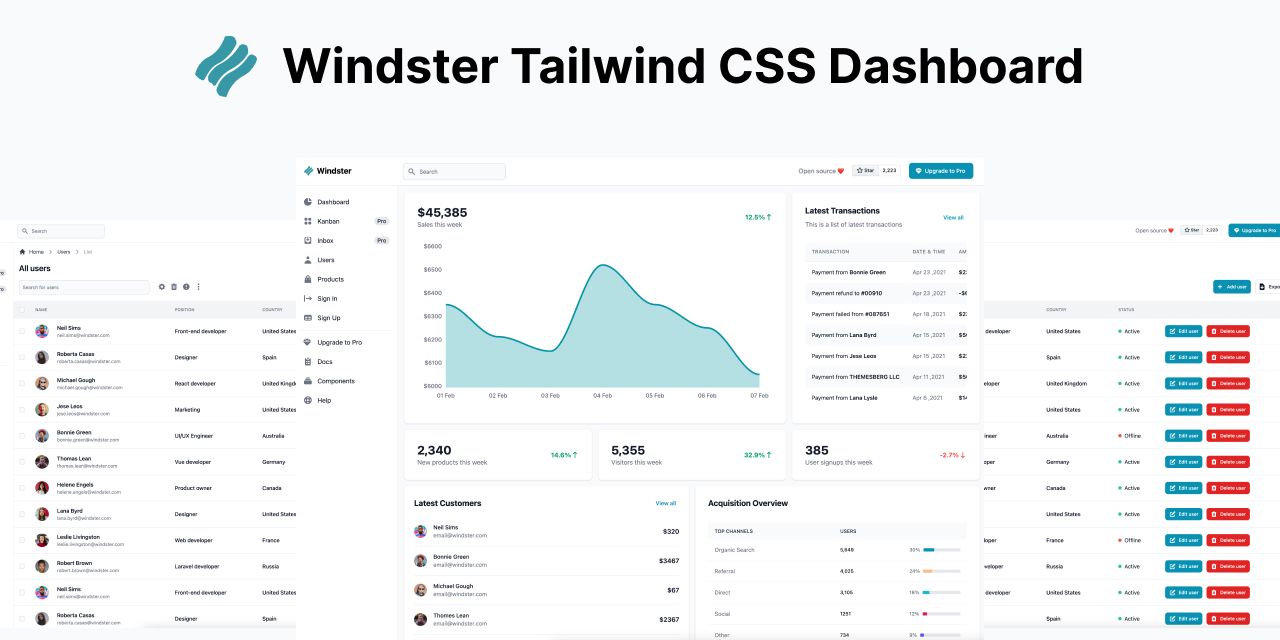
Role-based admin dashboard for the ROMDIG platform to manage moderators, posts, comments, and registration requests.
About this template
Dashboard ROMDIG is a Next.js admin dashboard for the ROMDIG platform that lets hierarchically ranked moderators manage posts, comments, user registrations, and other moderators through a single web interface.
What is Dashboard ROMDIG?
Dashboard ROMDIG is a frontend-only admin interface built with TypeScript, ReactJS, NextJS, SASS, Gulp, and MUI, deployed on Vercel and created by Ipatov Ioan Alexandru. It takes moderator credentials — an email, a 20-character random alphanumeric ID, and a password — and outputs a role-based management console for the ROMDIG platform. The dashboard is the companion to a backend whose README documents the moderator hierarchy, and the page notes it was built without any paid service.
Key features
- Role-based access control — Five moderator ranks (general, county, commune, village, city) each see only the sections their rank allows; for example, only general and county moderators can manage users.
- Statistics with pie charts — Shows post and user statistics, including how many users are from different counties, communes, villages, and cities, and all moderators can view this section.
- Moderator management — Edit moderator names, emails, and other data, delete moderator accounts, and see where moderators are assigned; restricted to general, county, and commune ranks.
- Google Places API integration — Recurring PlacesAPI inputs let eligible moderators search counties, communes, villages, and cities, with results scoped to the moderator's own area.
- Moderator creation — General, county, and commune moderators can create lower-rank moderators; each new moderator also gets a normal user account generated at the same time for commenting.
- Content moderation — Set post statuses, view all posts, and handle reported posts and comments, with report reasons shown; deleting a comment also deletes its replies.
- Registration request review — Inspect user registration requests, verify identity and domicile, and accept or refuse them.
- Responsive layout — The page states 100% responsiveness across devices.
Who is it for?
- ROMDIG moderators — County, commune, village, and city moderators use it to moderate content and handle registration requests within their geographic area.
- The general administrator — The top-level admin uses every section, including creating any moderator type and deleting any user account.
- Developers building Next.js dashboards — The project is a functional reference for role-based admin UIs with Google Places API search and MUI components.
What can you do with Dashboard ROMDIG?
- County moderators: filter posts and registration requests across their whole county, create commune/city/village moderators, and see county-level content.
- Commune moderators: manage content from their commune and villages, create village moderators, and stay scoped to their own commune.
- General administrator: create all moderator types, see all statistics and users, and search any county via PlacesAPI.
- Village and city moderators: view and moderate only their own locality's posts and reported items, with no access to moderator management sections.
How does Dashboard ROMDIG work?
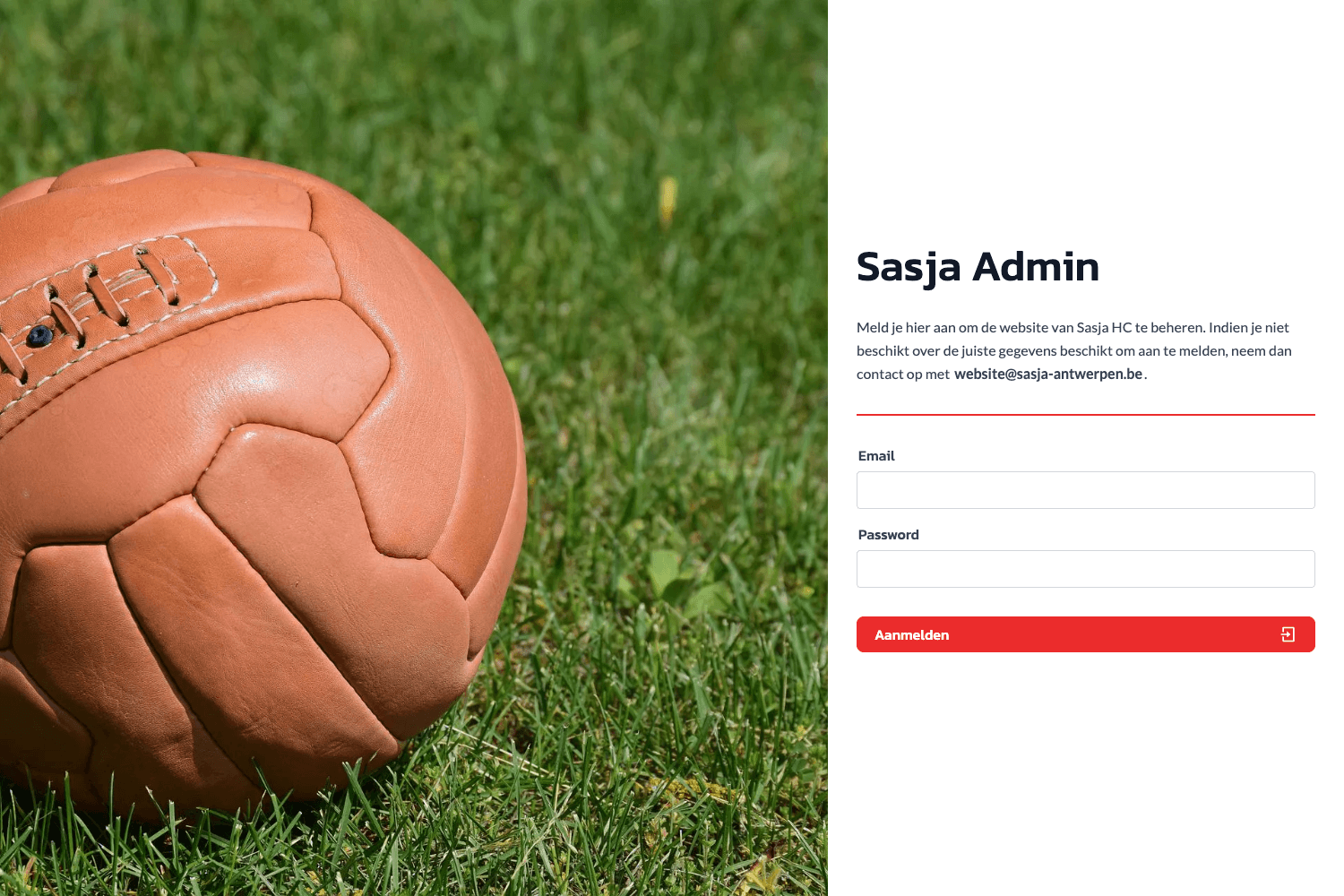
A moderator signs in with email, 20-character ID, and password. The dashboard then displays sections according to rank, and PlacesAPI inputs restrict data to the moderator's geographic scope. Creating a new moderator also generates a normal user account in the same step, which receives a badge when commenting.
FAQ
Is Dashboard ROMDIG free?
According to the page, no payment was used in building the site, and it is deployed on Vercel. Demo admin credentials are publicly listed on the dashboard page.
Which moderator ranks can access moderator management?
Only general, county, and commune moderators can access the moderator management section, with county and commune ranks having restrictions described in the backend README. Village and city moderators do not see this section.
What does the PlacesAPI input do?
It allows general, county, and commune moderators to search locations such as counties, communes, villages, and cities. The results are filtered by rank: county moderators can search only within their county, and commune moderators only within their commune.
What happens when a reported comment is deleted?
Deleting a comment from the reported comments section also removes all replies attached to that comment, as stated on the dashboard page.
Can the demo accounts be used to explore the dashboard?
Yes, the page lists five demo accounts — general, county, commune, village, and city — each with an email, ID, and password. The general account is fiicode.testadmi@gmail.com with password cerepere1234.