Template details
Black Dashboard Flask
Free Flask admin dashboard template with Black Dashboard Bootstrap 4 design, auth, SQLAlchemy ORM, and Docker deployment.
About this template
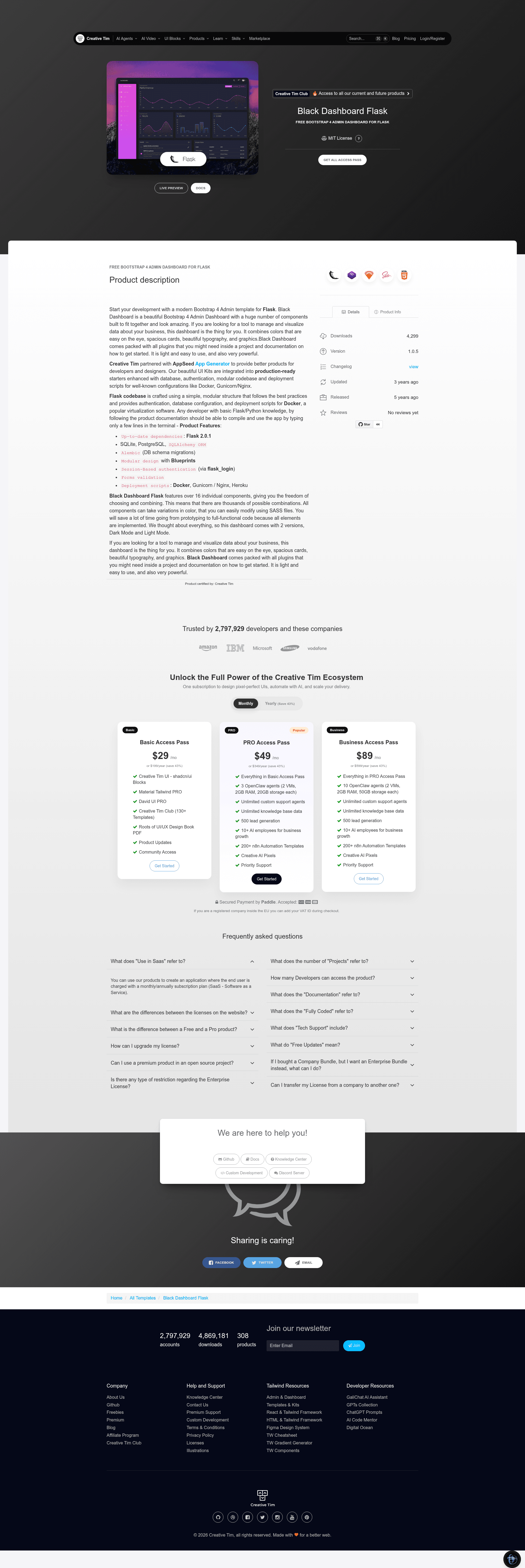
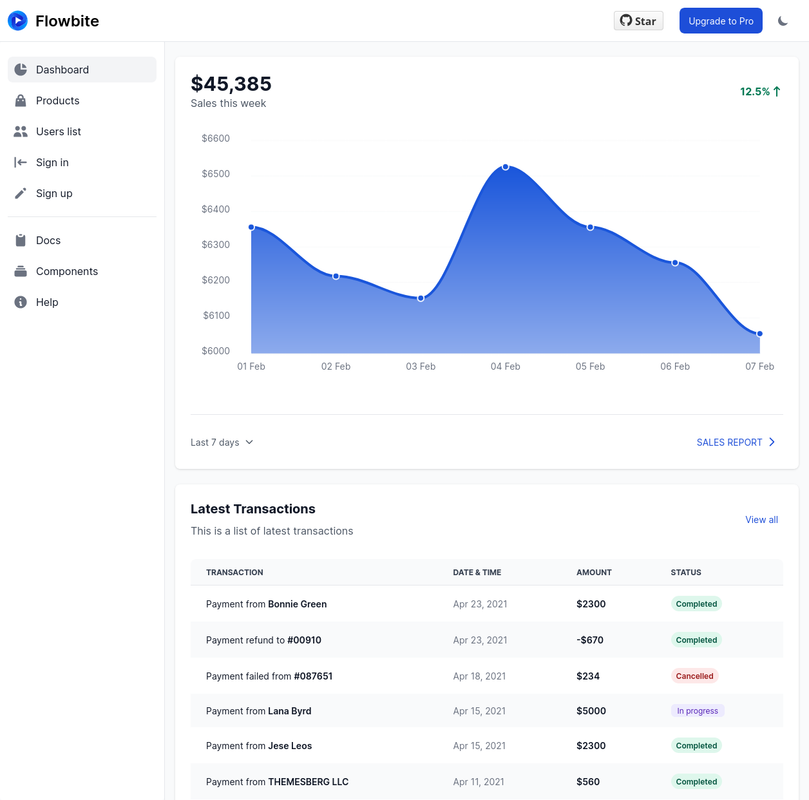
Black Dashboard Flask is a free open-source admin dashboard template that combines the Black Dashboard Bootstrap 4 design with a Flask backend, giving developers a production-ready starting point for data-driven web applications.
What is Black Dashboard Flask?
Black Dashboard Flask is a free, open-source admin dashboard template that pairs the Black Dashboard Bootstrap 4 design system with a Flask application backend, produced by Creative Tim and AppSeed. It takes a Flask project skeleton and provides login, registration, a UI kit with index and 404 pages, and database persistence. The output is a deployable web application that runs locally on Flask's development server at http://127.0.0.1:5000 or inside Docker on port 5085. The template is versioned at 1.0.1 and supports both SQLite for development and MySQL for production.
Key Features
- Up-to-date dependencies — The project dependency list is maintained so new installs get current Flask and supporting library versions via requirements.txt.
- Bootstrap 4 dashboard design — Uses the Black Dashboard UI kit with a dark sidebar and customizable SCSS variables for primary and secondary colors.
- SQLAlchemy ORM with Flask-Migrate — Provides database models and schema migrations, using SQLite in development and MySQL in production.
- Session-based authentication with optional GitHub OAuth — Login and registration routes are included; GitHub OAuth can be enabled by adding GITHUB_ID and GITHUB_SECRET to the .env file.
- Docker deployment — A docker-compose configuration is included so the app can be started with a single command and accessed at http://localhost:5085.
- Page compression — Uses Flask-Minify to compress HTML, CSS, and JavaScript responses.
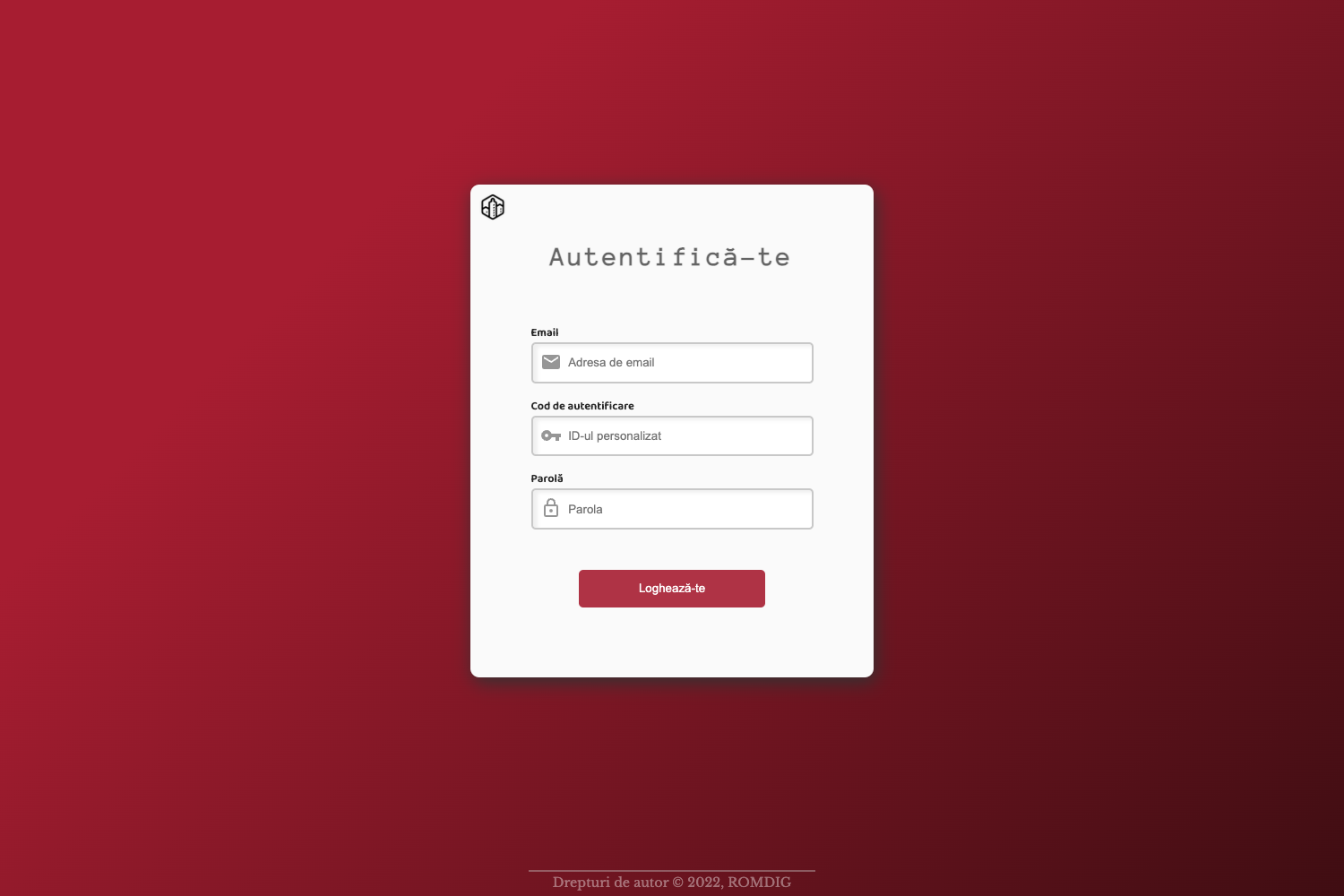
- Reusable page structure — Includes layout templates, navigation, sidebar, footer, authentication pages (login, register), a 404 page, and an index page, all under an apps directory.
Who is it for?
- Flask developers who need a pre-built admin interface and authentication flow to start a new SaaS or internal tool without writing boilerplate from scratch.
- UI designers / frontend developers who want a dark Bootstrap 4 dashboard to customize — SCSS variables can be edited and recompiled with gulp and yarn.
- Startup founders building an MVP that needs user registration, login, and a clean admin panel quickly, with database migration support already wired up.
- DevOps-minded developers who want Docker-based deployment out of the box and environment-based configuration through a .env file.
What can you do with it?
- Launch an internal analytics dashboard: Add your own routes and charts to the index page while keeping the included authentication and sidebar navigation.
- Prototype a customer-facing app with login: Use the registration page and OAuth to let users sign in, then store their data via SQLAlchemy models and Flask-Migrate.
- Deploy a demo to a VPS or container host: Set DEBUG to False, switch to MySQL for production, and run the app in Docker using the provided compose file.
How does it work?
The setup involves cloning the repository, creating a virtual environment, installing requirements.txt, setting FLASK_APP and FLASK_ENV, and running flask run. For Docker, run docker-compose up --build and visit http://localhost:5085. The .env file stores DEBUG, ASSETS_ROOT, GITHUB_ID, and GITHUB_SECRET to control app behavior.
Pros and cons
- Pros: Free and open-source; includes both SQLite and MySQL persistence options; session and OAuth authentication already implemented; Docker support for quick deployment; SCSS customization workflow documented.
- Cons: The default demo credentials are test / pass, so production deployments must create new users; browser support is limited to the last two versions of Chrome, Firefox, Edge, Safari, and Opera.
Pricing
Free — the template is available for free download under the Creative Tim End User License Agreement.
Alternatives
AdminLTE, a popular Bootstrap-based admin dashboard template, is an alternative with a different visual style.
FAQ
Is Black Dashboard Flask free?
Yes, the template is free to download and use under the Creative Tim End User License Agreement. It is open-source, and the source code is available on GitHub.
What databases does it support?
SQLite is used as the default development database, and MySQL is supported for production. Database schema migrations are handled through Flask-Migrate.
How do I customize the dashboard colors?
You can edit the SCSS variables in apps/static/assets/scss/black-dashboard/custom/_variables.scss, then run yarn and gulp to recompile the CSS. The variables for primary and secondary colors are defined at the top of that file.
How does authentication work?
Authentication is session-based, with login and registration pages included. You can also enable GitHub OAuth by adding GITHUB_ID and GITHUB_SECRET to your .env file. The default demo credentials are test / pass.
How do I deploy with Docker?
Clone the repository and run docker-compose up --build, then open http://localhost:5085 in your browser. The Docker configuration is already included in the project.