Template details
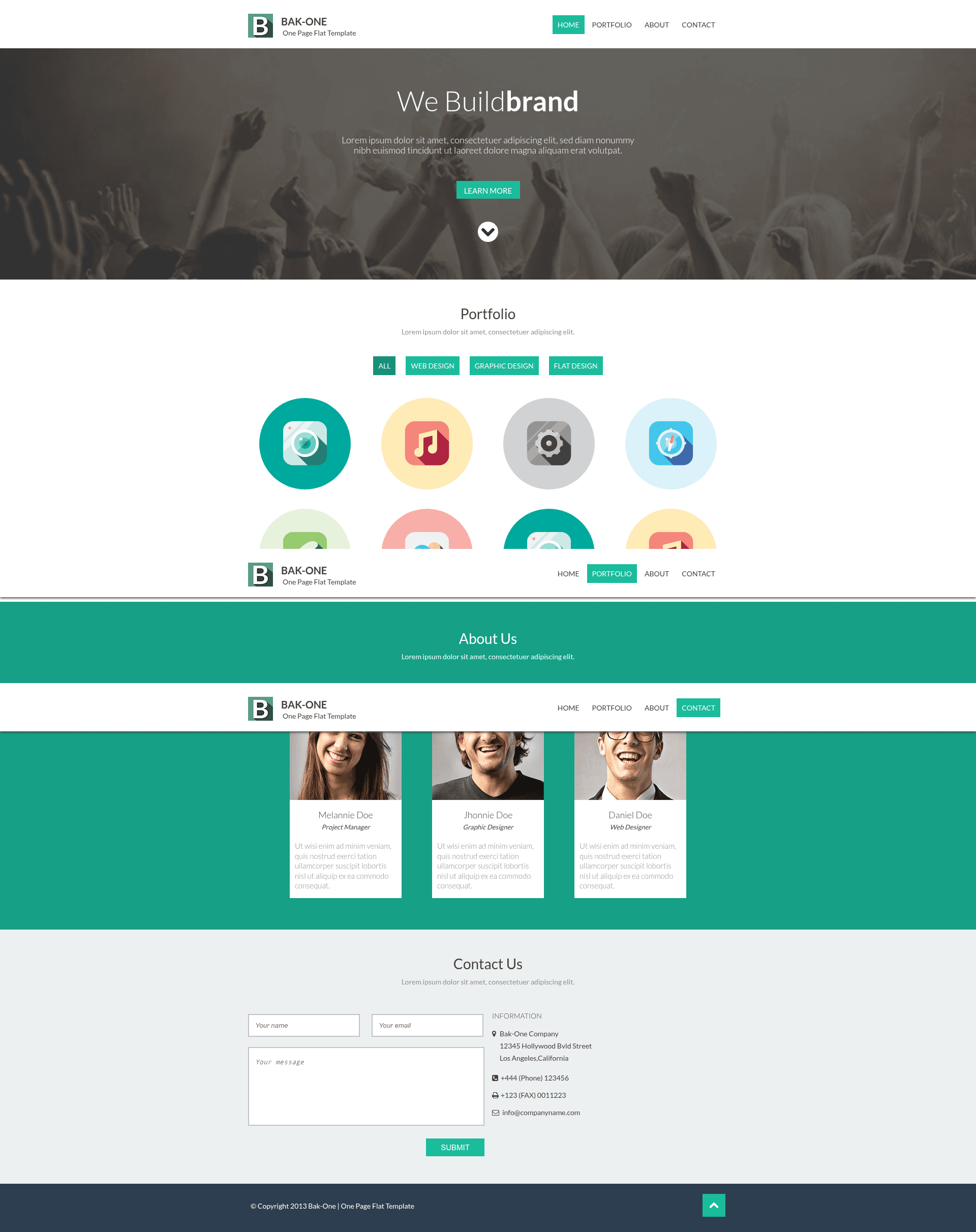
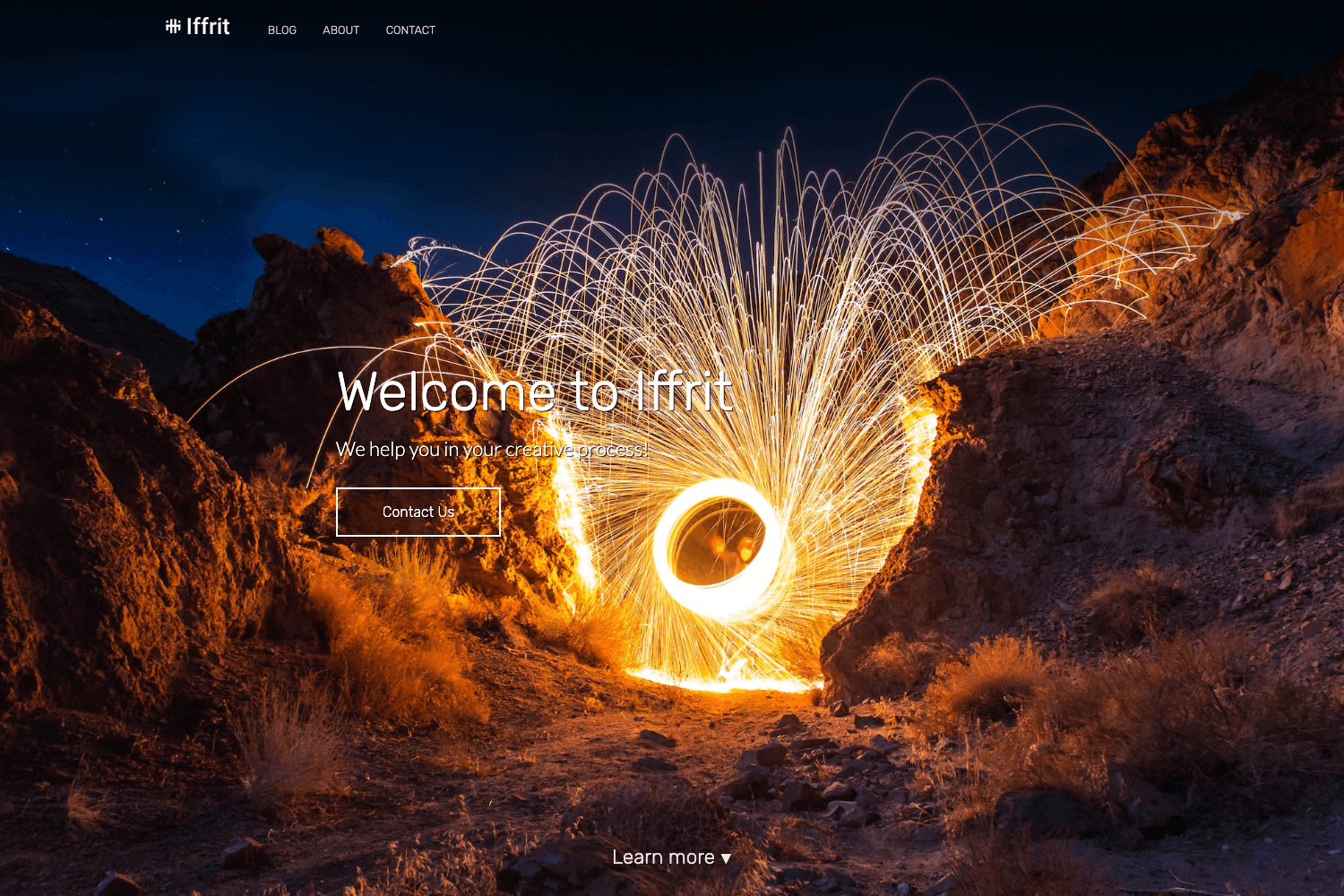
Design Studio One Page Template
Free responsive flat one-page website template built with Pug, Sass, and Gulp, featuring live reload and automated build tasks.
About this template
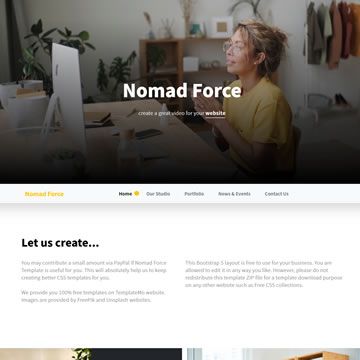
Design Studio One Page Template is a free, responsive flat-design one-page website template built with Pug, Sass, and Gulp, created for design studios and agencies. The design was made by cssauthor and the code by Maxim Orlov; the project is published on GitHub under the MIT license and is archived, meaning it is no longer actively maintained.
What is the Design Studio One Page Template?
The template takes source files written in Pug, Sass, and JavaScript from the dev/ directory and outputs a static build/ folder containing minified HTML, CSS, JS, images, and fonts. It uses Node.js and Gulp as the build system, with BrowserSync serving the site during development. The demo is hosted at http://website-templates.github.io/design-studio_one-page-template/ and includes a one-page layout suitable for a studio portfolio.
Key Features
- Flat, responsive design — The template delivers a clean, flat one-page layout that adapts to different screen sizes, as shown in the hosted demo.
- Pug templating engine — Pages are composed from Pug layouts, blocks, and helper mixins under
dev/pug/, with site-wide data stored indev/data/config.jsonand exposed to templates asconfig.key-name. - Sass preprocessing — Styles are written in Sass with partials under
dev/sass/, supporting mixins, variables, vendor prefixing, and combined media queries. - Gulp task runner — Gulp tasks include
gulp devfor development with live reload,gulp buildfor production minification,gulp rebuildto regenerate everything,gulp serverfor a static server without watching, andgulp cleanupto remove placeholder files. - BrowserSync live reload — The development server watches source files and refreshes the browser automatically on change.
- Optimized production output — The build task minifies images, JavaScript, stylesheets, and HTML, and copies fonts into
build/static/fonts/. - Well-organized project structure — The repository separates
dev/source frombuild/output, with folders for Pug templates, Sass styles, JS scripts, images, helper files, fonts, and data configs. - MIT licensed — You can freely use, modify, and distribute the template for personal or commercial projects.
Who is it for?
- Design studios and agencies — They can use this template as a quick starting point for a one-page website that presents their services and past work, simply editing the Pug templates and
config.jsondata. - Front-end developers — Developers who want an example of a Gulp-based workflow with Pug and Sass can study the
gulp_tasks/configuration and the source structure, then adapt the setup for other projects. - Freelance designers — They can replace the placeholder content, images, and project examples with their own portfolio pieces and deploy the generated
build/folder to any web host.
What can you do with it?
- Launch a studio portfolio: Customize the layout, colors, and project items in the Pug and Sass files, then run
gulp rebuildto generate a production-ready static site with minified assets. - Rapidly prototype a one-page site: Use the included blocks and helper mixins to assemble a landing page, and take advantage of BrowserSync to preview changes in real time.
- Learn a complete front-end toolchain: The repository demonstrates how to bundle JavaScript, compile Sass with autoprefixing, combine media queries, compile Pug templates, sync images, and minify the output, all through individual Gulp tasks.
How does the template work?
To use the template, ensure Node.js and Gulp are installed globally, then run npm install in the project root. Edit the site settings in dev/data/config.json and the page content in dev/pug/pages/, then run gulp dev to start a live-reloading development server or gulp build to output optimized files to the build/ directory.
FAQ
Is the Design Studio One Page Template free?
Yes, the template is free to use and is released under the MIT license, so you can use it for personal and commercial projects without paying a license fee.
How do I run the template locally?
You need Node.js and Gulp installed. Run npm install to install dependencies from package.json, then execute gulp dev to compile sources and start a BrowserSync server with live reload.
What does the gulp build task do?
The gulp build task minifies images, JavaScript, stylesheets, and HTML, and outputs the final static site into the build/ folder, ready for deployment on a web server.
Is the template still maintained?
The repository is marked as archived, which means it is no longer actively updated. However, the existing source code remains available and can still be used as a foundation for new projects.